AuctionOverlay
作者:SirRocksS
Client-side auction and bidding screen overlay with automatic payment detection and countdown timers.
截图
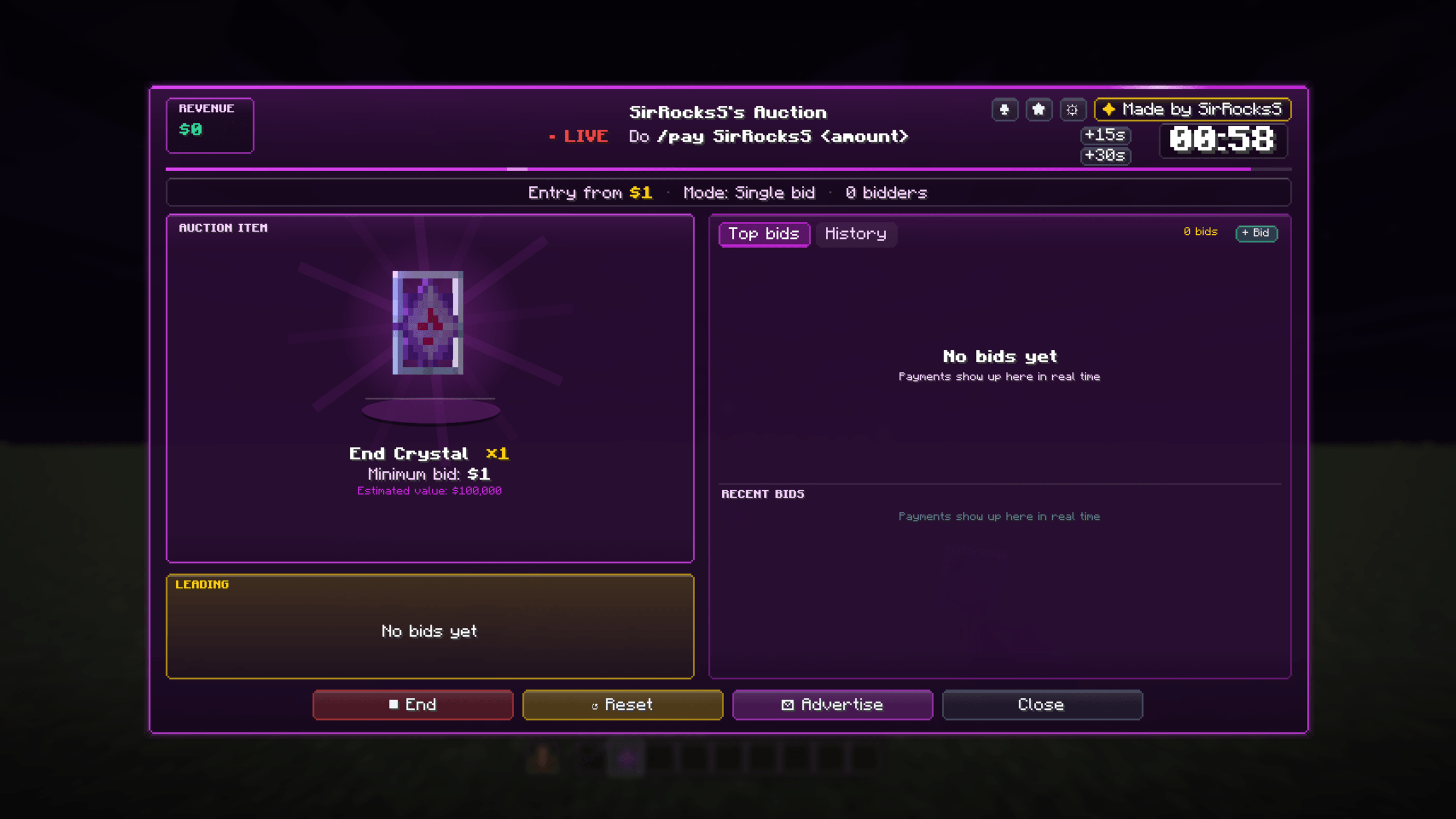
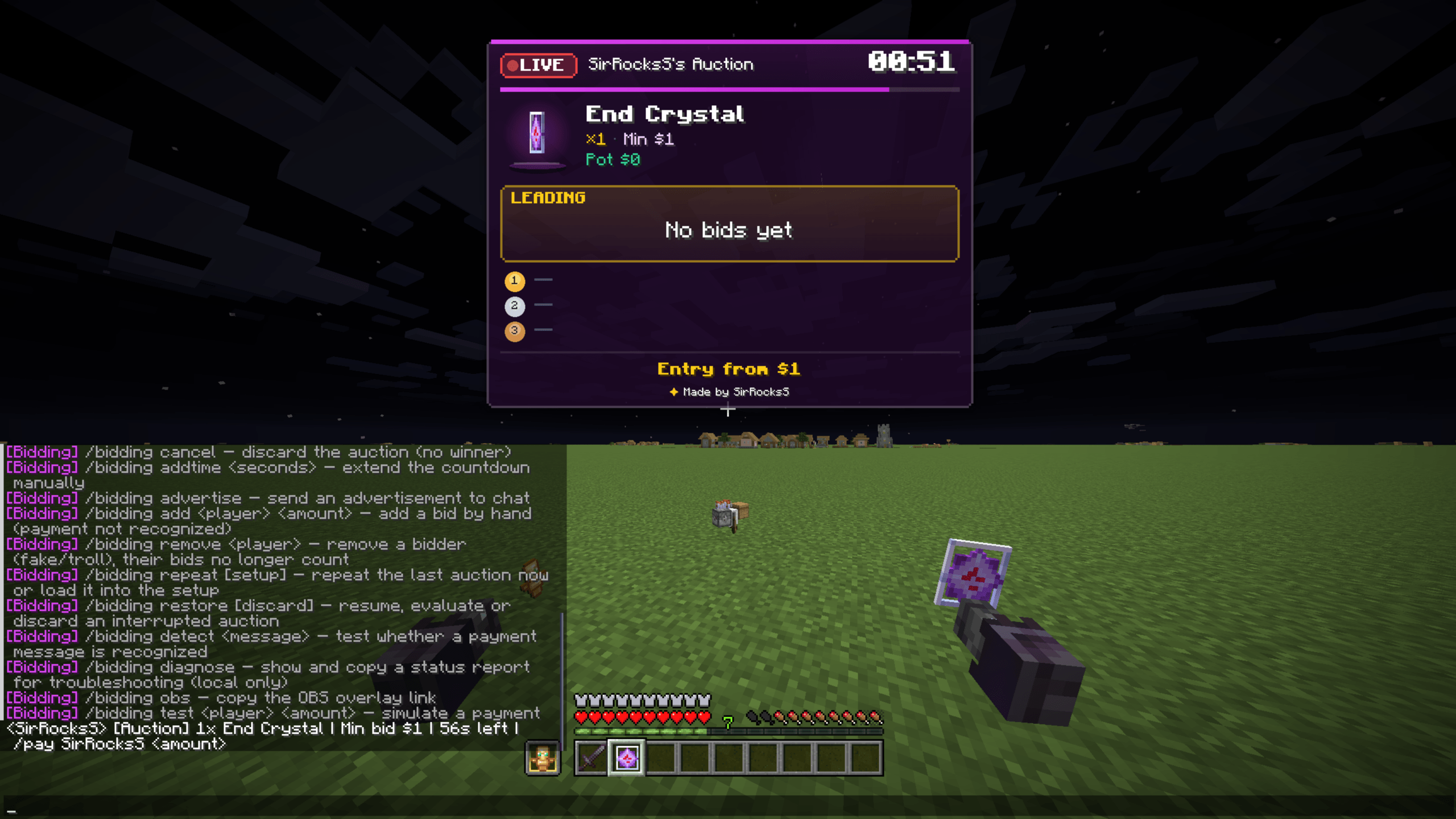
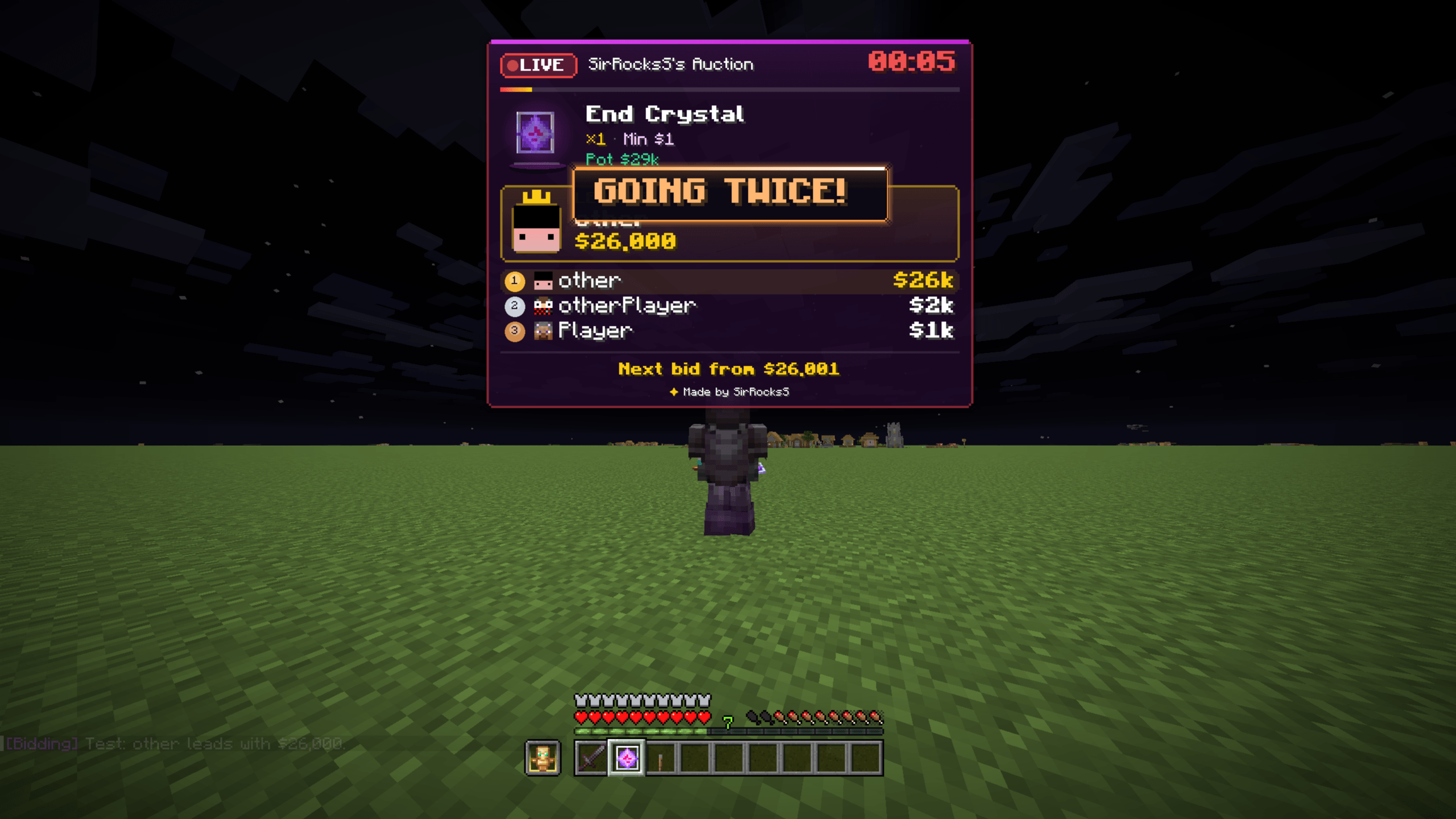
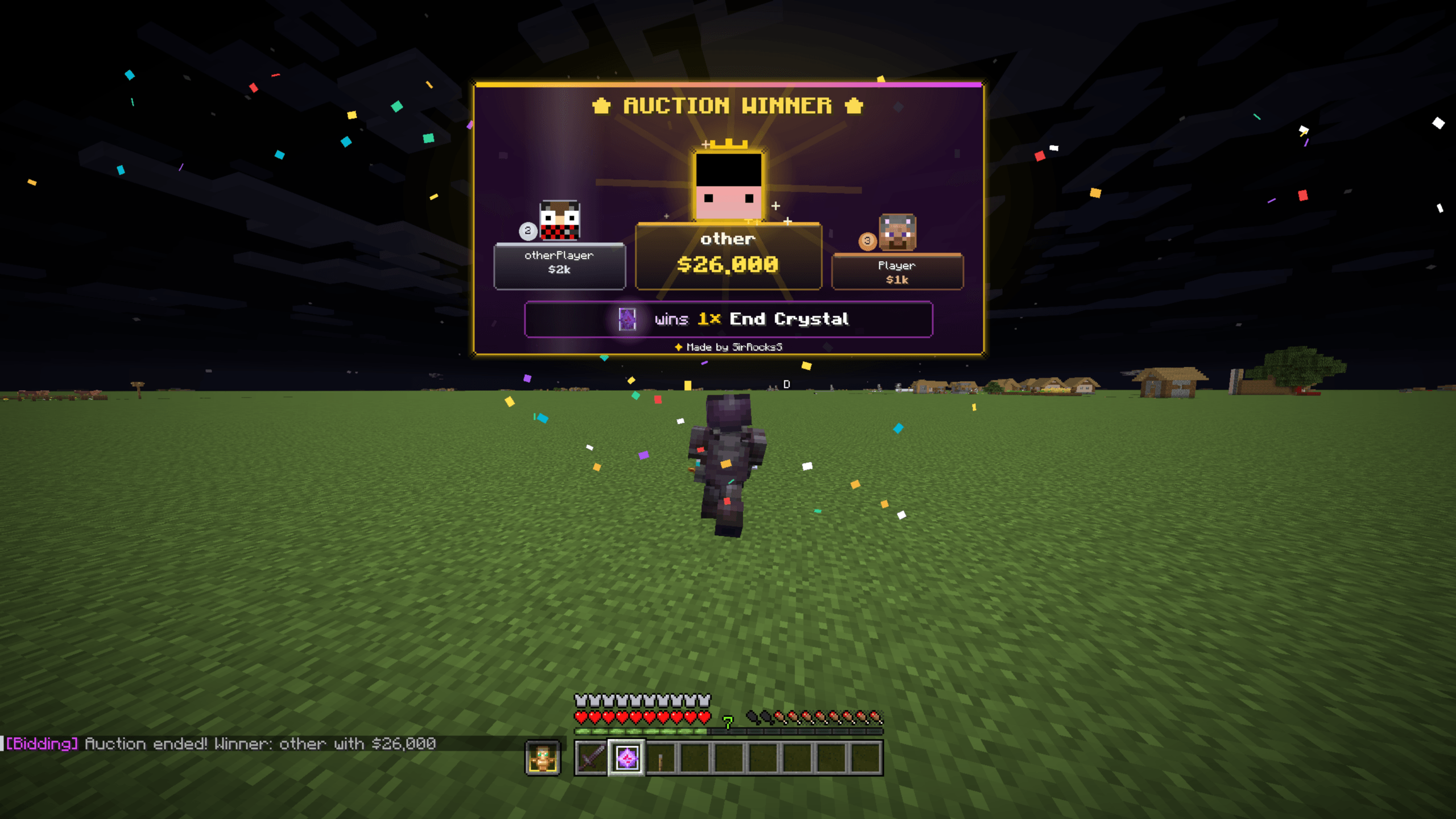
介绍
中文介绍正在准备中,下面暂时显示原文。
💎 AuctionOverlay
The ultimate client-side live bidding & auction HUD for streamers and SMP players.
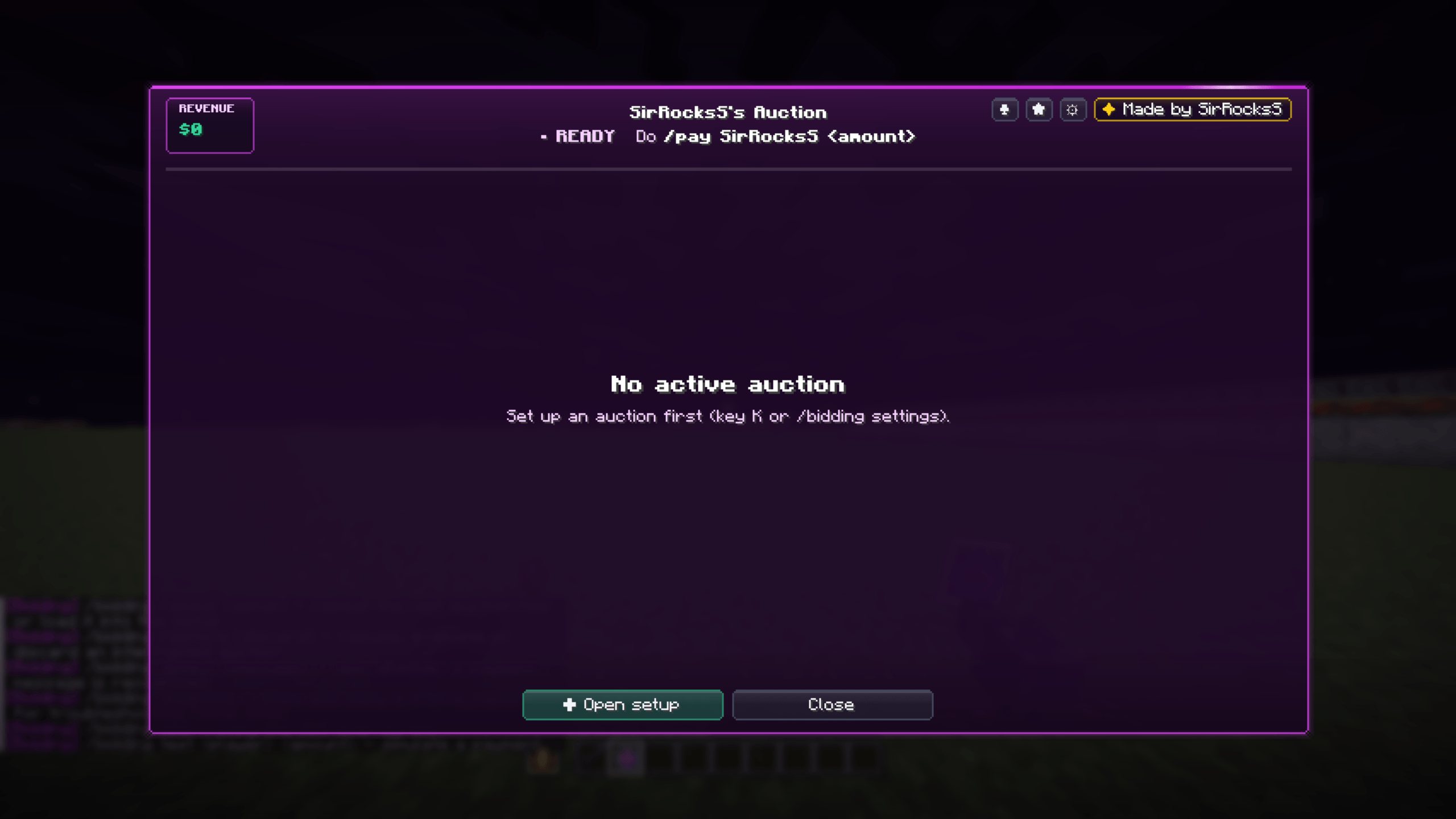
Tired of squinting at rapidly flying chat lines during stream auctions? AuctionOverlay automates your entire bidding process. It silently parses incoming /pay messages, calculates real-time standings, drives an on-screen countdown, and announces the winner with style.
✨ Key Features
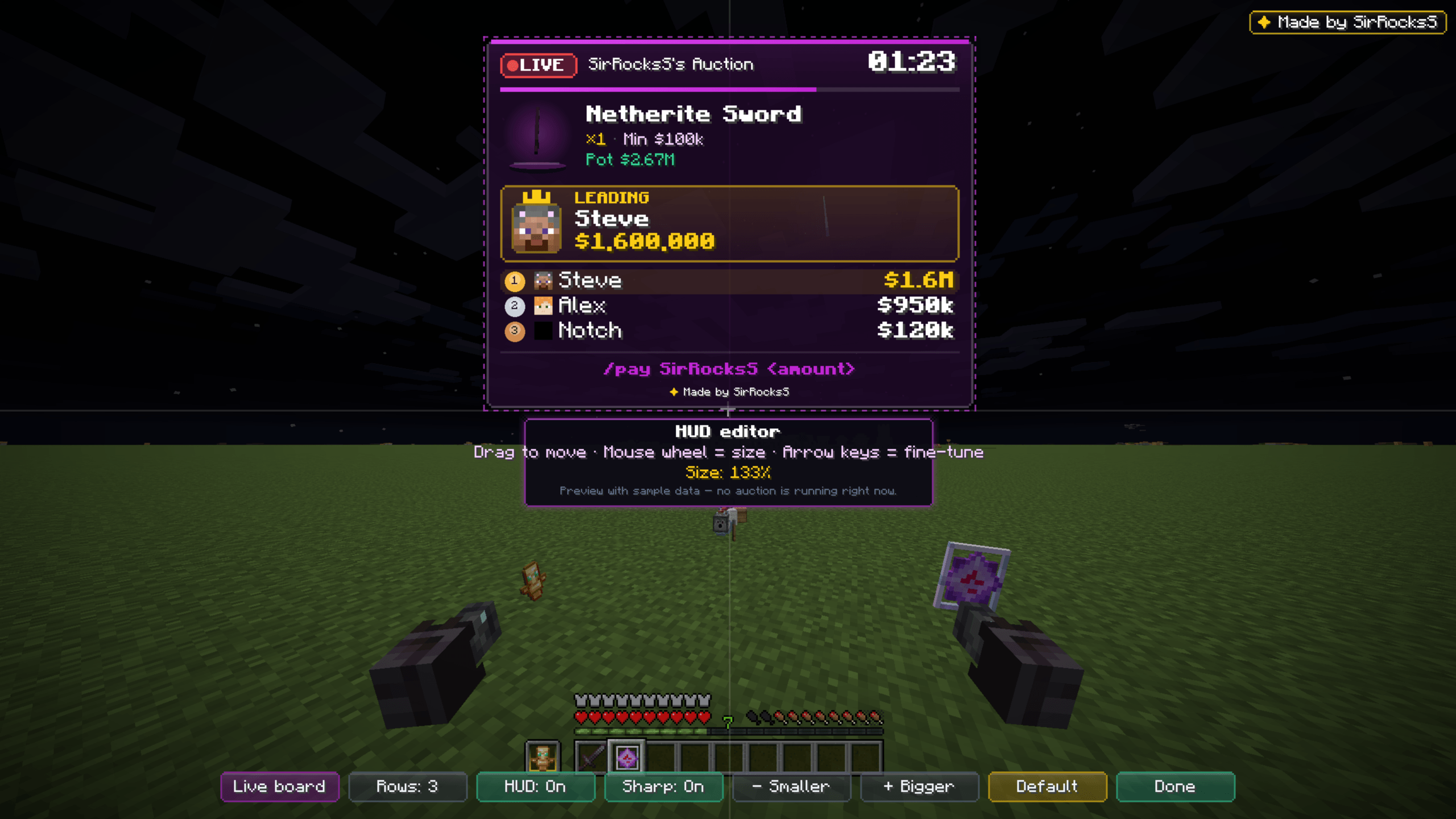
- ⏱ Sleek HUD Overlay — Displays the auctioned item, current top bidder, highest bid, and a live countdown directly on your screen without blocking gameplay.
- 💸 Automated Payment Tracking — Detects and parses incoming payment messages instantly with zero manual math.
- 🎯 Dual Bidding Modes
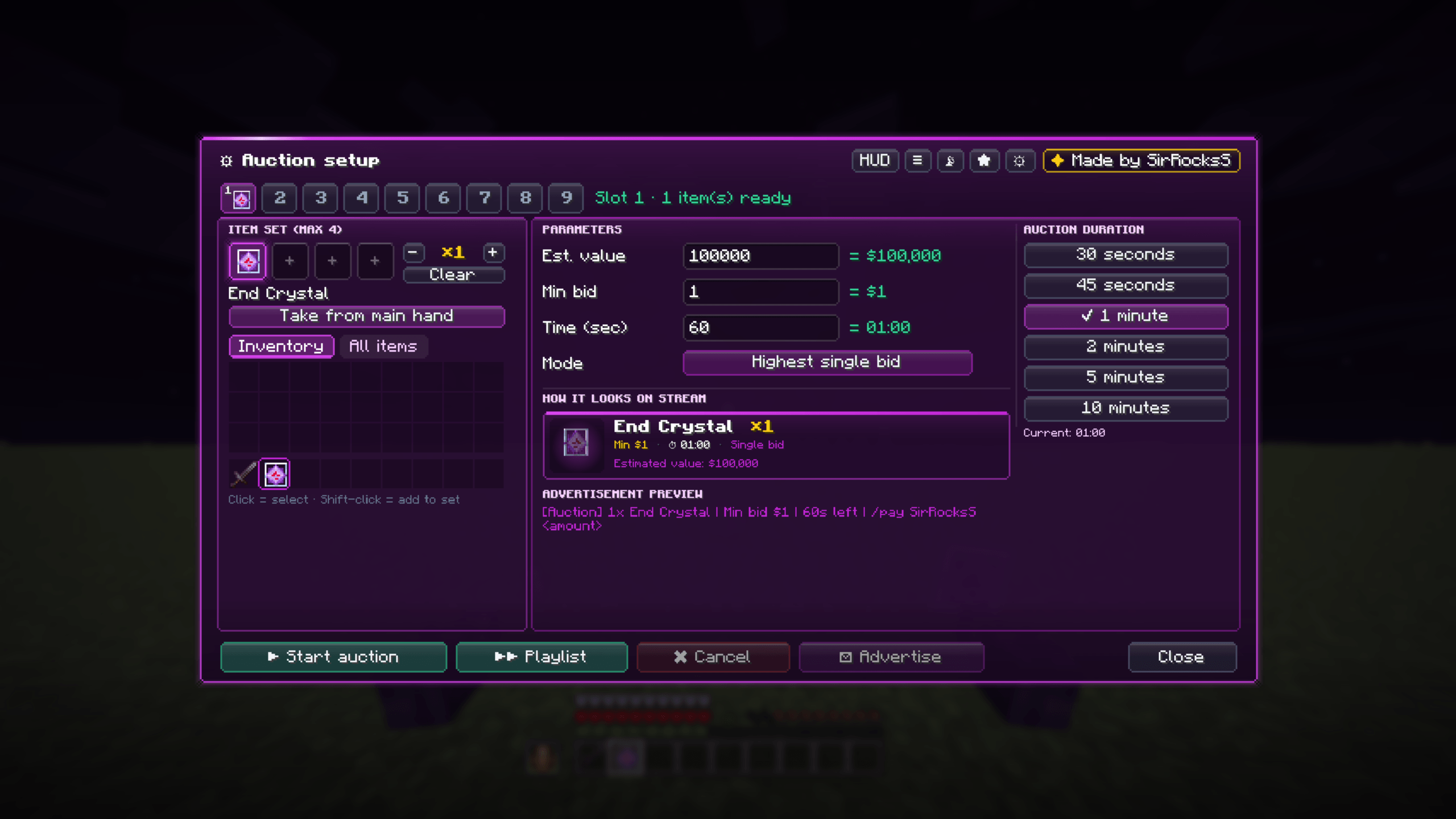
- Cumulative Pot: Accumulates multiple payments sent by the same player over time.
- Highest Single Bid: Considers only the largest single transaction per bidder.
- ⚡ True Hard Sniping — A strict countdown running straight to
00:00without artificial extensions. The fastest last-second bid takes the prize. - 🎨 Deep Customization — Tailor accent themes (Neon Purple, Cyan, Gold, Chroma), opacity, screen positioning, and sound cues to match your stream aesthetic.
- 🌐 Universal Server Compatibility — Adaptable to virtually any multiplayer economy via customizable chat patterns.
- 🏆 Victory Screen & Quick Actions — Celebratory banner at timer expiry with one-click shortcuts to copy the winner’s name or initiate a trade.
🎮 Quick Start Guide
- Hold the item you wish to auction in your main hand.
- Run the command in chat:
“`text
/bidding start <worth> <min_bid> <time> [mode]
常见问题
AuctionOverlay 支持哪些 Minecraft 版本?
AuctionOverlay 支持 Minecraft Java 版 26.2,可用的加载器:Fabric。下载时注意选择和你游戏版本一致的文件。
AuctionOverlay 怎么安装?
先用 PCL2 或 HMCL 启动器安装对应版本的 Fabric,再把下载的 .jar 文件放进游戏目录的 mods 文件夹,重新启动游戏即可。开启了版本隔离的,mods 文件夹在 versions/版本名 下面。

评论
登录后评论和评分