
Attributification [Attribute Unification]
Unifies similar attributes from different mods with configurable conversion coefficients to prevent duplication and improve compatibility.
截图
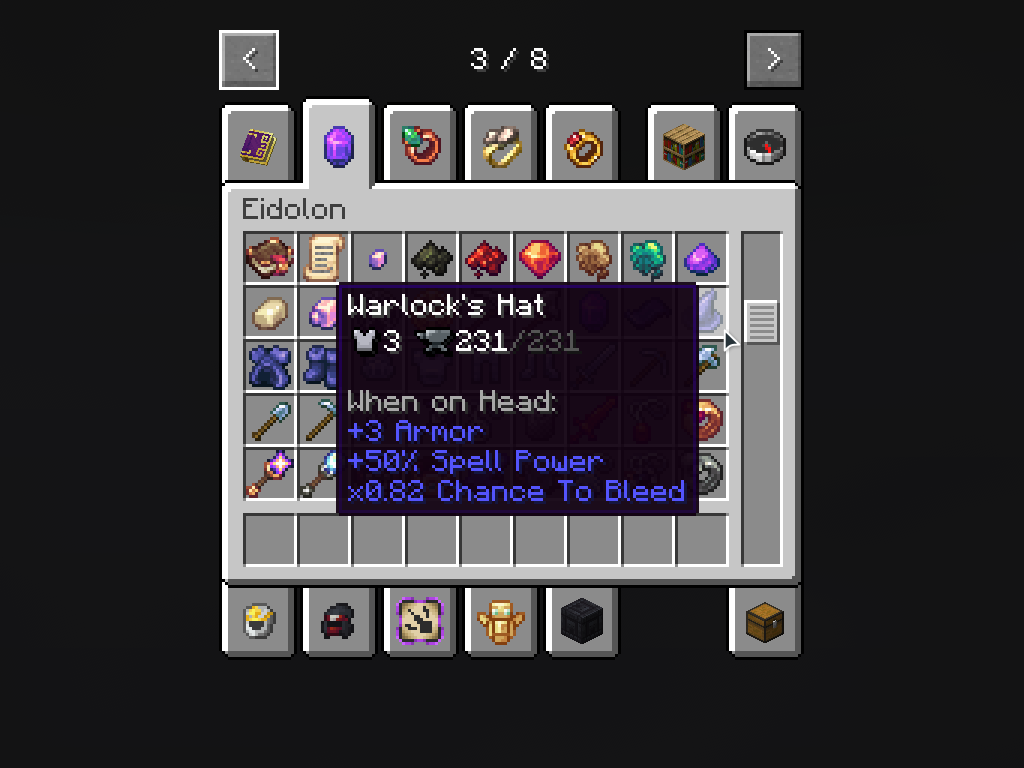
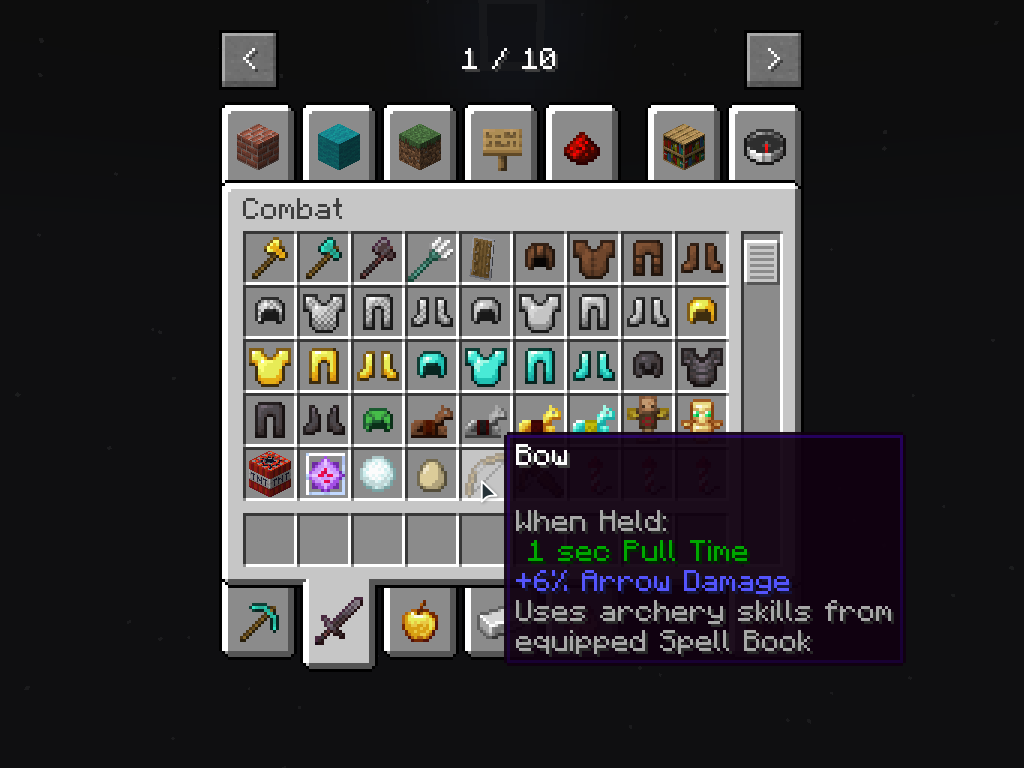
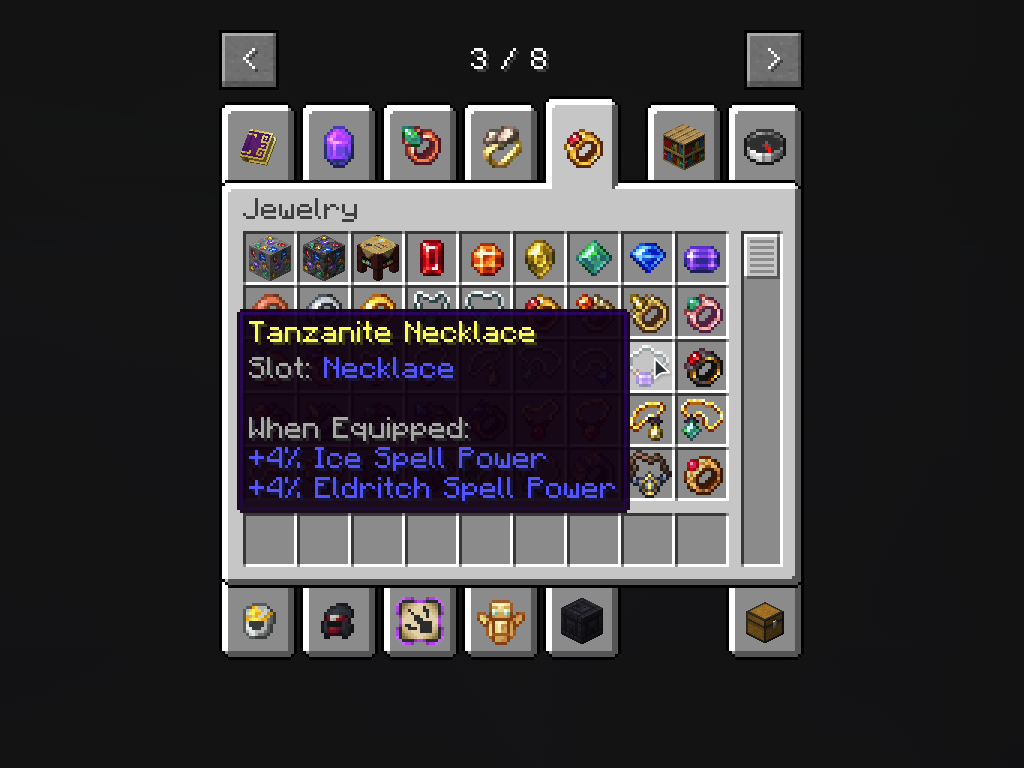
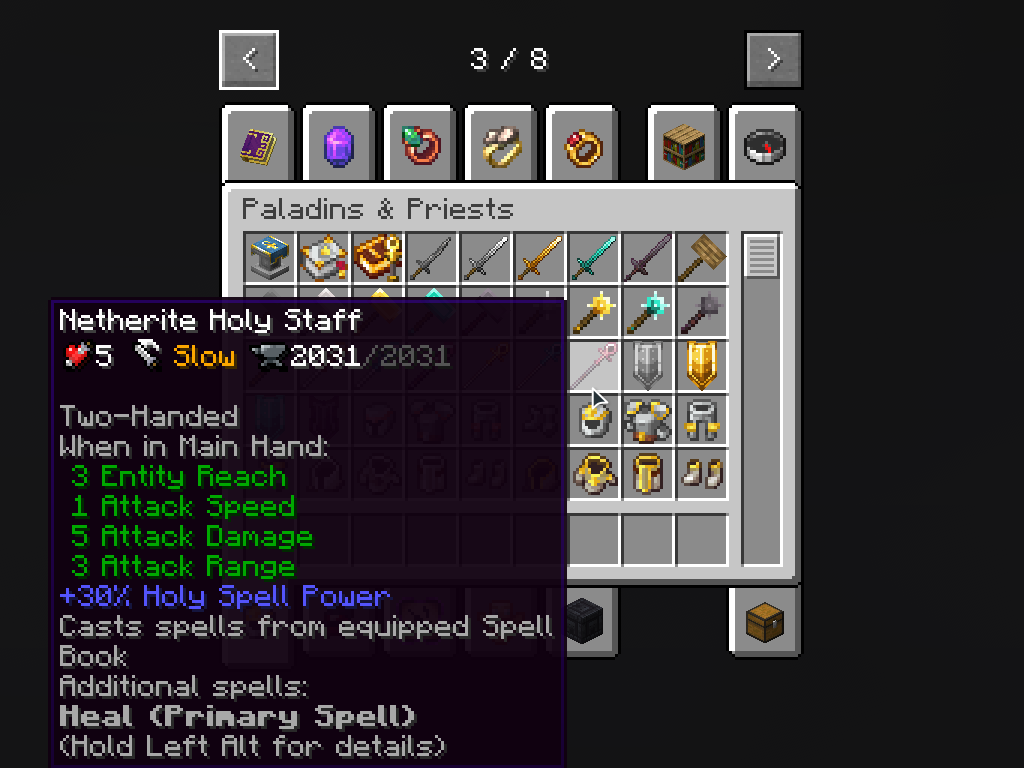
介绍
Key Features
- In-Game Configuration GUI – Edit mappings directly in-game with automatic GUI generation
- Static & Dynamic Mappings – Static mappings use registry aliasing for simple 1:1 conversions (requires restart), dynamic mappings use runtime conversion with full scaling support (reloadable)
- Attribute Conversion – Converts source attribute modifiers to target attributes using configurable ratios
- Unidirectional Mode – Control whether source shows virtual values or redirects directly to target
- Operation Conversion – Transform ADDITION modifiers to MULTIPLY_BASE/MULTIPLY_TOTAL for proper scaling
- Fallback Support – Maps to secondary attributes if a primary target mod is missing
- Full Replacement Mode – Completely replaces specific attributes to prevent “double-dipping” balance issues
- Real-Time Reload – Dynamic mapping changes apply immediately with relog (no full restart needed)
- Client-Server Sync – Server config automatically syncs to all connected clients
How It Works
Unlike effects which use boolean checks, attributes store numeric values. Attributification handles this by:
- Modifier Conversion: Item modifiers are converted from source to target at application time
- Virtual Display:
/attribute getcommands show virtual values calculated from the target (when unidirectional=false) - Attribute Redirection: Source attribute lookups redirect to target attribute
- Operation Transformation: ADDITION modifiers can be converted to MULTIPLY_BASE for percentage-based scaling
Unidirectional Mode
Unidirectional = false (default):
- Source shows virtual value:
source = target × equivalence /attribute get sourcereturns calculated value from target- Use for most cases where you want visual consistency
Unidirectional = true:
- Source does NOT show virtual value
- Direct redirection without multiplication
- Use when you want source to show target value directly
Supported Mods (Out-of-the-box)
Note: Pre-configured mappings are included only in the Forge version. Fabric users start with an empty config because most target mods in the default mappings are not available on Fabric. You can add your own mappings for Fabric-compatible mods via the in-game GUI or config file.
- Magic & Spells: Iron’s Spells ‘n Spellbooks ↔ Spell Power Attributes, Ars Nouveau, Eidolon, Goety, Wizard’s Reborn
- Core Libraries: Apothic Attributes ↔ Obscure API, Turtleboi’s Core Library, GTBC’s SpellLib/API, Lodestone
- All modids involved:
spell_power, irons_spellbooks, traveloptics, gtbcs_geomancy_plus, attributeslib, ranged_weapon, eidolon, more_rpg_classes, obscure_api, turtlecore, gtbcs_spell_lib, goety, ars_nouveau, lodestone, wizards_reborn, iter_rpg
Configuration
In-Game GUI
Access the configuration GUI through:
- Fabric: Mod Menu → Attributification → Config button
- Forge: Mods list → Attributification → Config button
The GUI provides:
- Visual Editor – Edit all mappings with a user-friendly interface
- Attribute Suggestions – Dropdown lists of all registered attributes
- Real-Time Preview – See changes immediately without restarting
- Field Tooltips – Hover over fields for detailed explanations
- List Summaries – Quick overview of each mapping in the list
Configuration File
Config location: config/attributification/attributification.toml
The configuration system supports:
- Static Mappings – Registry aliasing at startup (requires restart, simple 1:1 only)
- Dynamic Mappings – Runtime attribute conversion (reloadable with relog, supports scaling)
- Equivalence Ratios – Define exact scaling between different attribute values
- Operation Conversion – Switch logic between ADDITION and MULTIPLY_BASE/MULTIPLY_TOTAL
- Unidirectional Mode – Control whether source shows virtual values or redirects directly
- Full Replacement – Freeze source attribute to prevent double-dipping
- Fallback Chains – Define multiple target attributes:
"primary, fallback1, fallback2" - Custom Mappings – Add support for any mod utilizing the standard Minecraft attribute system
- Automatic Migration – Old configs are automatically converted to the latest format
Migration from Older Versions
When upgrading:
- Your old config is automatically converted to the latest format
- All your custom mappings are preserved
- Old config is backed up with
.oldextension - No manual action required!
Example 1: Static Mapping (Registry Aliasing)
[[staticMappings]]
sourceAttribute = "spell_power:haste"
targetAttribute = "irons_spellbooks:cast_time_reduction"
What happens:
- Registry-level aliasing:
spell_power:hastebecomes an alias forirons_spellbooks:cast_time_reduction - Simple 1:1 mapping without conversion options
- Requires game restart to apply changes
- Use only when attributes have identical scales (1:1 ratio)
- For attributes with different scales (e.g., 100:1), use dynamic mappings instead
Example 2: Dynamic Mapping with Operation Conversion
[[dynamicMappings]]
sourceAttribute = "spell_power:earth"
targetAttribute = "gtbcs_geomancy_plus:geo_spell_power, irons_spellbooks:nature_spell_power"
equivalence = 3.0
conversionEquivalence = 20.0
unidirectional = false
onlyVisualChange = false
fullReplacement = false
subtractValue = 0.0
operationConversion = "ADDITION_TO_MULTIPLY_BASE"
What happens:
- Item with
+6 spell_power:earthADDITION → converted to+0.3 geo_spell_powerMULTIPLY_BASE (30% increase) /attribute get spell_power:earthshows virtual value:geo_spell_power × 3.0- If GTBC’s Geomancy Plus is not installed, falls back to
irons_spellbooks:nature_spell_power - Unidirectional=false: source shows virtual value calculated from target
- Changes apply with relog (no restart needed)
Example 3: Full Replacement to Prevent Double-Dipping
[[dynamicMappings]]
sourceAttribute = "obscure_api:critical_hit"
targetAttribute = "attributeslib:crit_chance"
equivalence = 1.0
conversionEquivalence = 0.0
unidirectional = false
onlyVisualChange = false
fullReplacement = true
subtractValue = 0.0
operationConversion = "DEFAULT"
What happens:
- Source attribute is “frozen” at base value (modifiers are blocked)
- Only target attribute works, preventing both from stacking
/attribute get obscure_api:critical_hitshows base value only- Solves balance issues where both attributes would stack for double effect
Example 4: Visual Change Only
[[dynamicMappings]]
sourceAttribute = "some_mod:visual_attribute"
targetAttribute = "minecraft:generic.attack_damage"
equivalence = 1.0
conversionEquivalence = 0.0
unidirectional = false
onlyVisualChange = true
fullReplacement = false
subtractValue = 0.0
operationConversion = "DEFAULT"
What happens:
- Source attribute is renamed to target without value conversion
- Item with
+10 some_mod:visual_attributeshows as+10 minecraft:generic.attack_damage - No modifier conversion, only display name changes
- Useful for cosmetic unification
常见问题
Attributification [Attribute Unification] 支持哪些 Minecraft 版本?
Attributification [Attribute Unification] 支持 Minecraft Java 版 1.20.1–1.21.1,共 2 个版本,可用的加载器:Fabric / Forge / NeoForge。下载时注意选择和你游戏版本一致的文件。
Attributification [Attribute Unification] 怎么安装?
先用 PCL2 或 HMCL 启动器安装对应版本的 Fabric / Forge / NeoForge,再把下载的 .jar 文件放进游戏目录的 mods 文件夹,重新启动游戏即可。开启了版本隔离的,mods 文件夹在 versions/版本名 下面。运行环境:客户端和服务端都要装。
UtherHel 的其他作品
查看全部 →
Better Mob Combat Fix [BMCFIX]
Fixes Better Mob Combat compatibility with Better Combat 1.9.0

Mobbility [Core]
Give mobs player abilities - spell casting with animations and cooldowns, dodging, and more. Core mod with shared functionality for Mobbility addons.

Effectification [Effect Unification]
A compatibility mod that unifies similar status effects from different mods to prevent duplication and improve cross-mod compatibility.

Mobbility [Addon: Iron’s Spells ‘n Spellbooks]
Gives mobs player spell-casting abilities for Iron's Spells 'n Spellbooks - cast spells with animations, cooldowns, and mana management just like players.
评论
登录后评论和评分