
截图
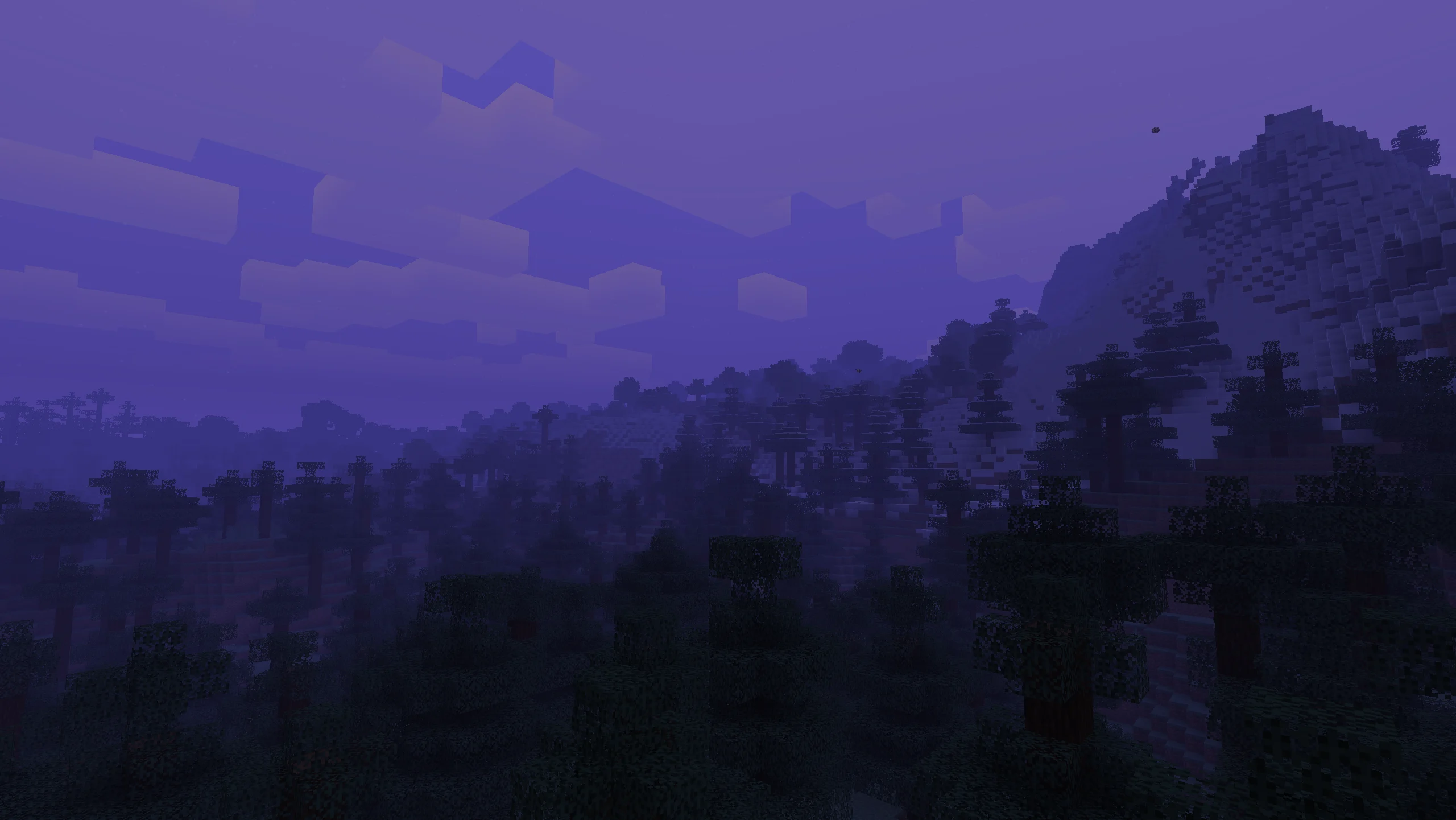
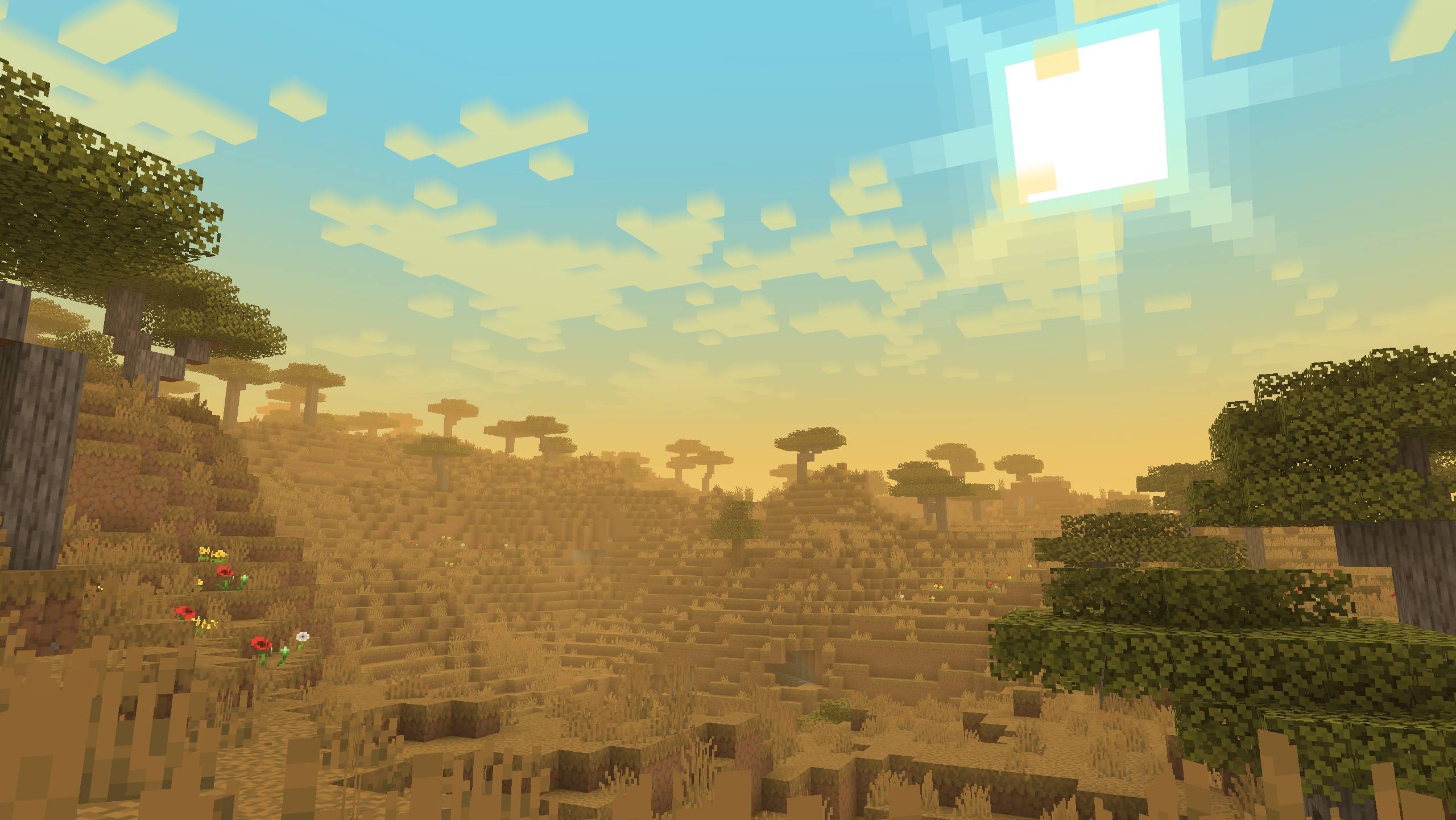
介绍


📋Features
Disable Improved Transparency in the Sodium settings
📁All presets are saved in a folder –minecraft/config/ambientfog
compatible with “ModMenu” (but not recommended for use, as there is a hotkey "B" for convenience)
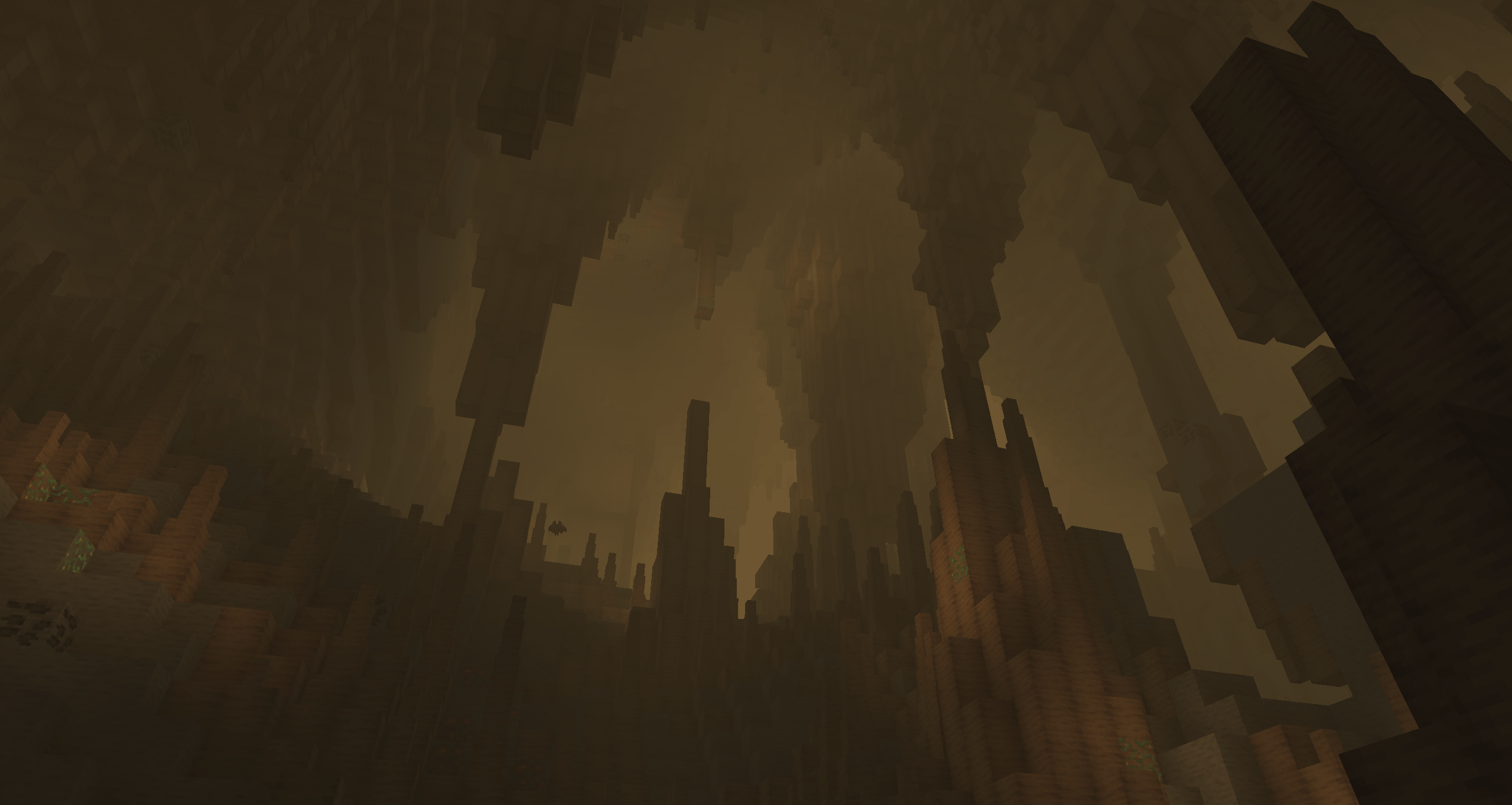
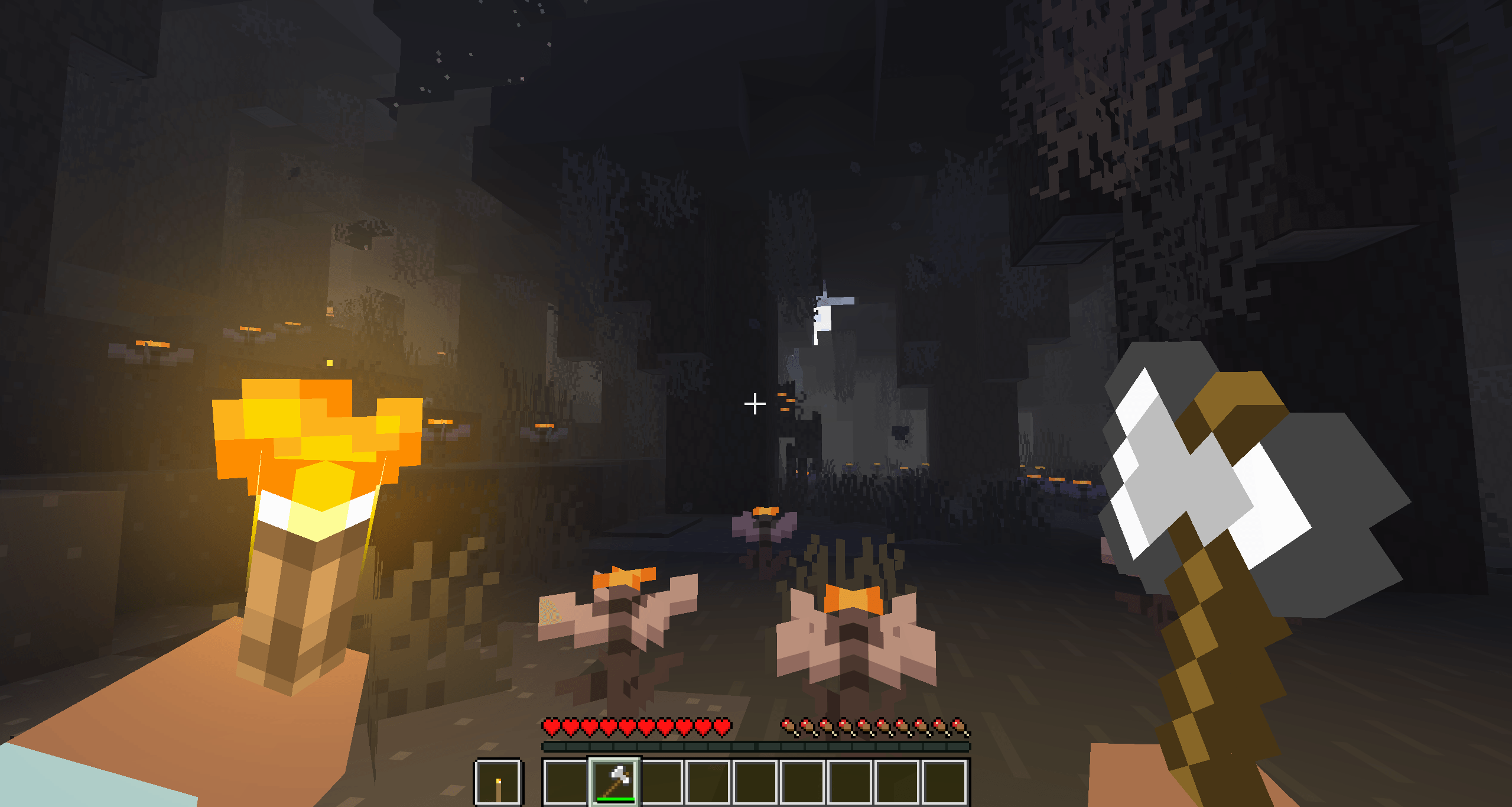
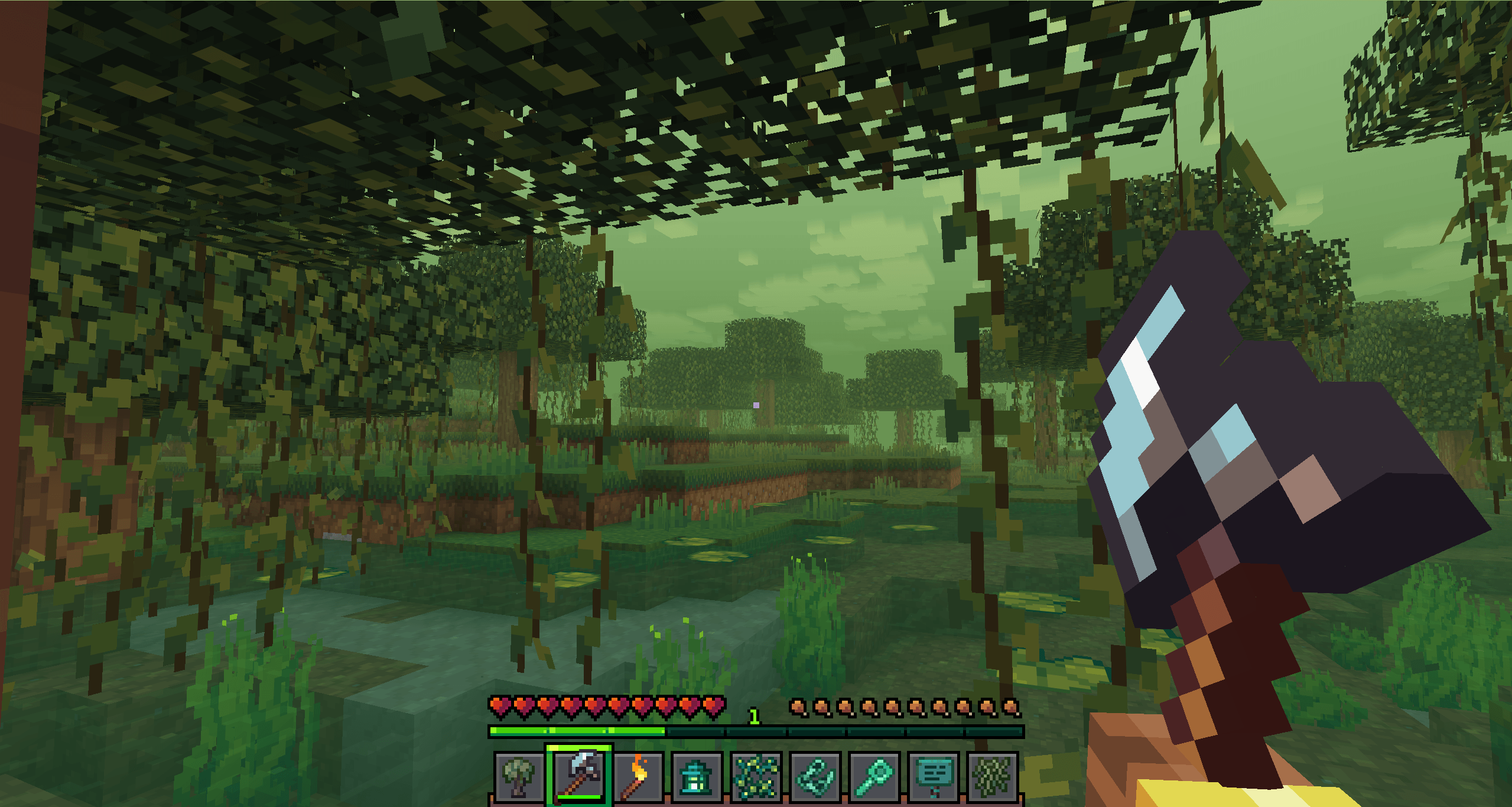
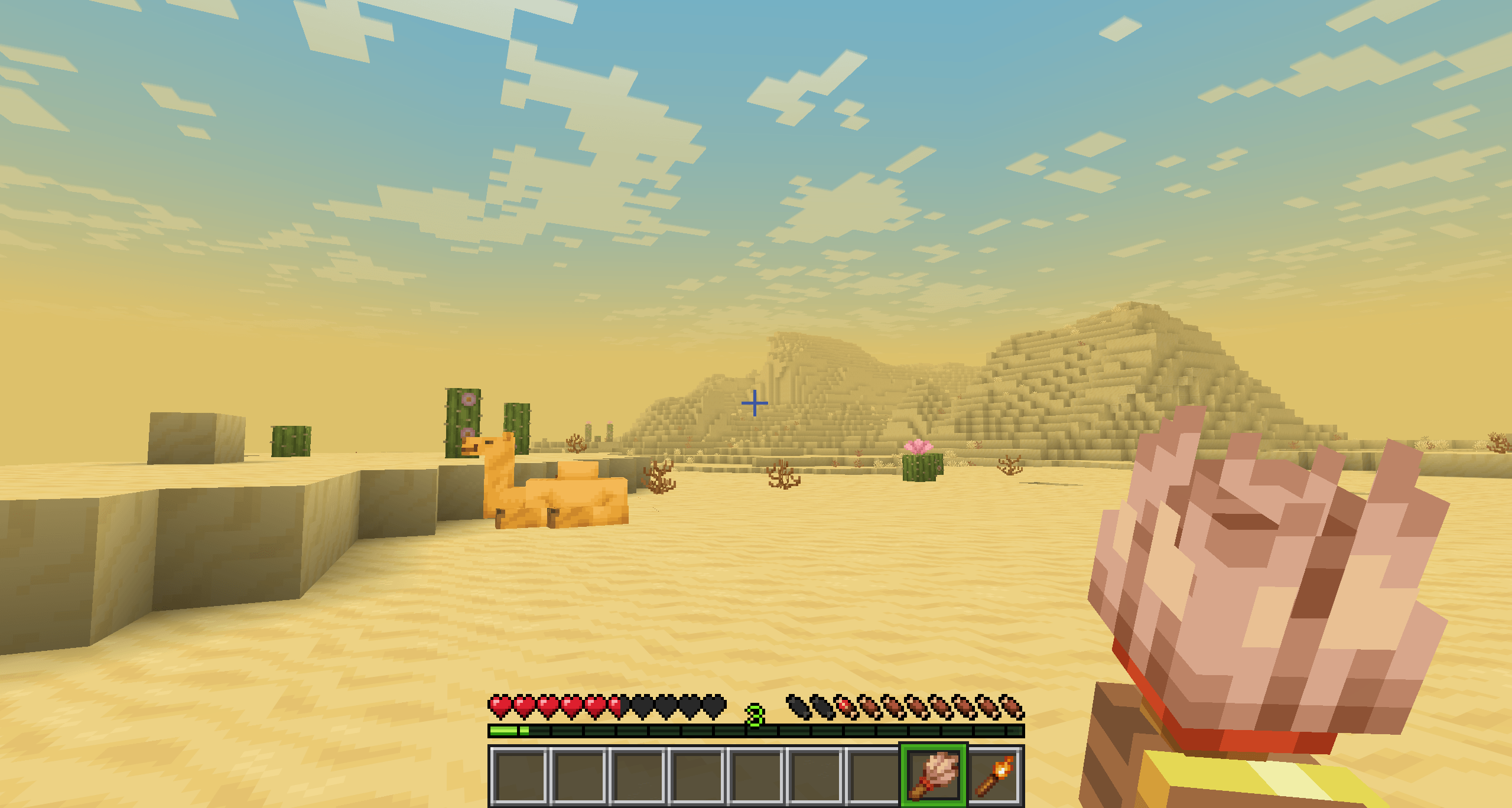
- ✨Real-time per-biome customization for fog, sky, clouds, and haze
- 🔄Smooth transitions between biomes
- ☄️Falling comets customization
- 🌙Separate day and night atmosphere settings
- ⭐Star customization
- ☁️Story Mode Clouds
- ⚙️Dedicated settings menu for Story Mode Clouds
- ☁️Solid clouds without shading
- 🧭User-friendly menu with real-time viewing
- 📊Live info panel
- 📚Preset library
- ✏️Settings copy editor
- 🌌Biome teleport menu for easier setup
- 🎨Create your own resource pack with a preset
- 📁Preset import and export


**⚙️(The current hotkey is **”B”, but you can change it in the game settings)
✨OWN CUSTOM ATMOSPHERICS PRESET
Also, you can create your own resource pack with a custom Atmospherics preset!
📁 How to create a preset:
assets\atmospherics\preset\your_preset.json🖼️ How to add a preview:
assets\atmospherics\preset\your_preset.png(.jpg and .jpeg formats are also supported)
⚠️ Important: the preview file name must exactly match the preset name!
⚠️ The name of preset should be without a space! (🚫
Vibrant fog.json– ✅Vibrantfog.json)📚 Your preset will automatically show up in the Preset Library within the menu.
📢 You can also publish your RP-preset on Modrinth or CurseForge!
(Don’t forget to add this mod as a required dependency when uploading your RP-preset)







常见问题
ATMOSPHERICS 支持哪些 Minecraft 版本?
ATMOSPHERICS 支持 Minecraft Java 版 1.20.1–26.3,共 8 个版本,可用的加载器:Fabric / Forge / NeoForge。下载时注意选择和你游戏版本一致的文件。
ATMOSPHERICS 怎么安装?
先用 PCL2 或 HMCL 启动器安装对应版本的 Fabric / Forge / NeoForge,再把下载的 .jar 文件放进游戏目录的 mods 文件夹,重新启动游戏即可。开启了版本隔离的,mods 文件夹在 versions/版本名 下面。

评论
登录后评论和评分