
截图
介绍
中文介绍正在准备中,下面暂时显示原文。
Atlas
One map. Always growing. Always in your hands.
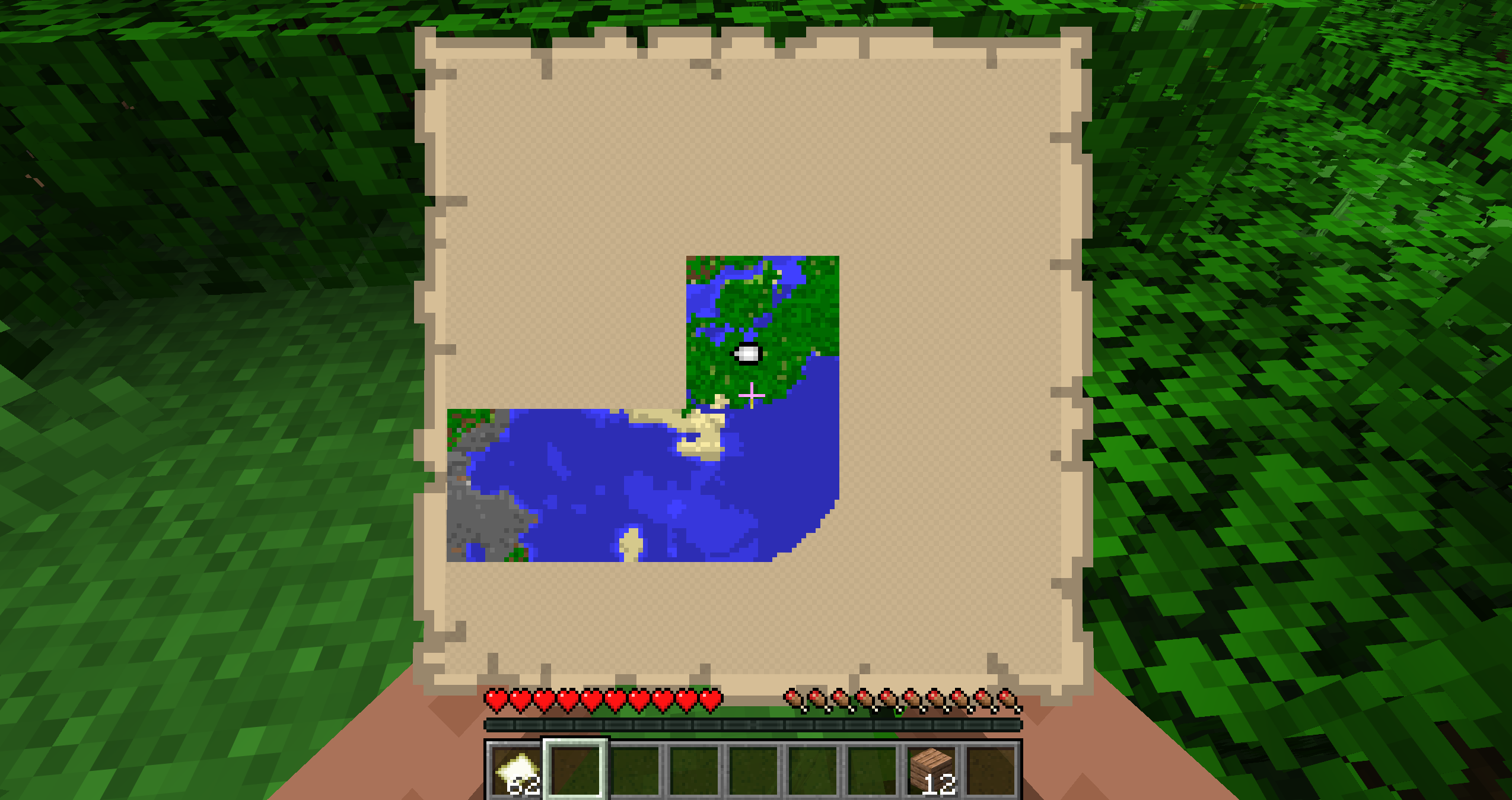
Atlas replaces Minecraft’s chunk-by-chunk map clutter with a single, expanding map you
craft, equip, and explore with. As you travel, it charts the world for you — for exactly
the empty maps vanilla would cost, so it never feels like cheating.
The map is drawn by Minecraft’s own map engine, so it looks pixel-for-pixel identical
to a vanilla map — just bigger, and in your hands while you walk.
How it works
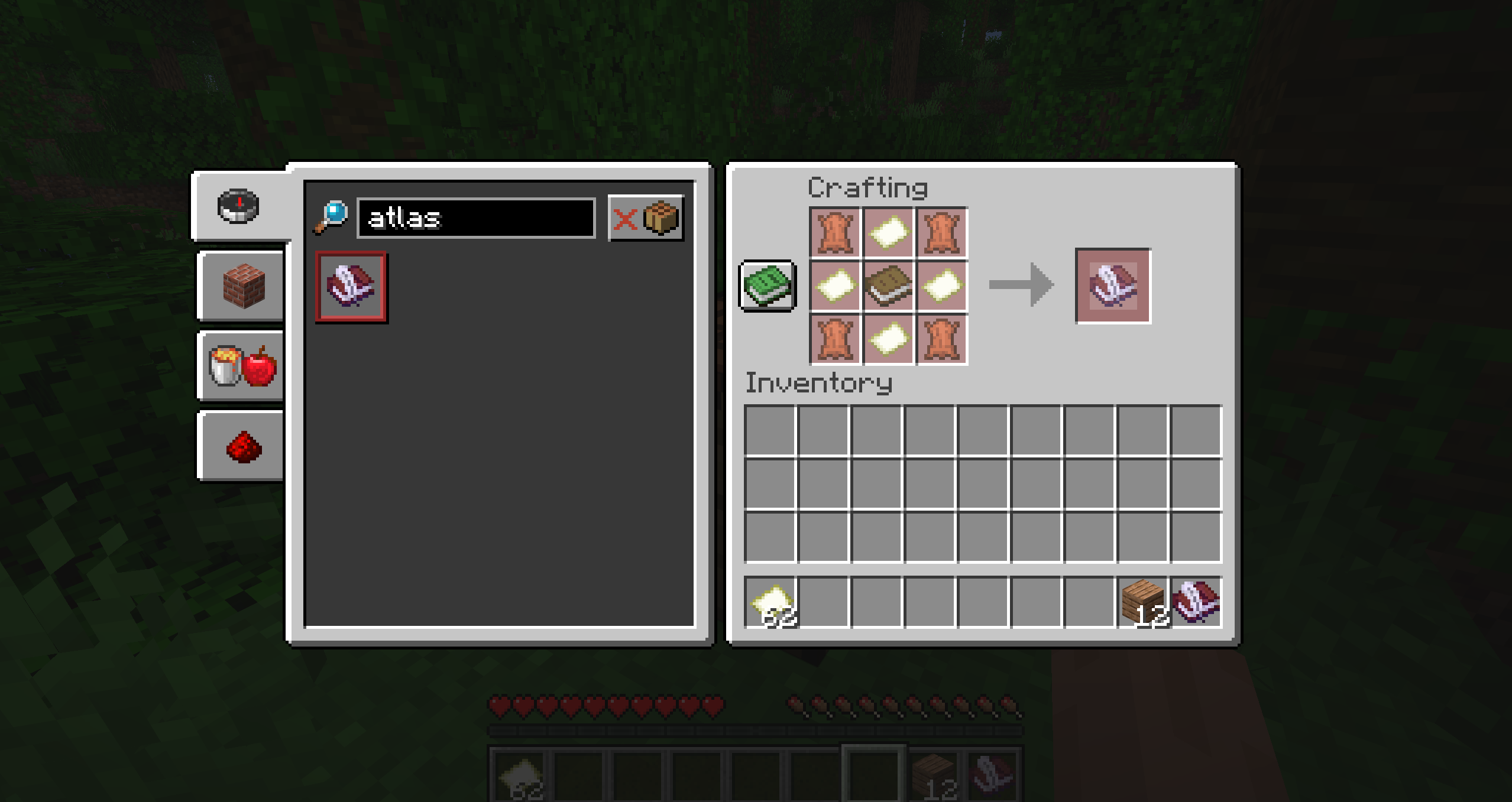
- Craft one Atlas from leather, empty maps, and a book.
- Equip it in the dedicated Atlas slot (in your inventory, above the offhand).
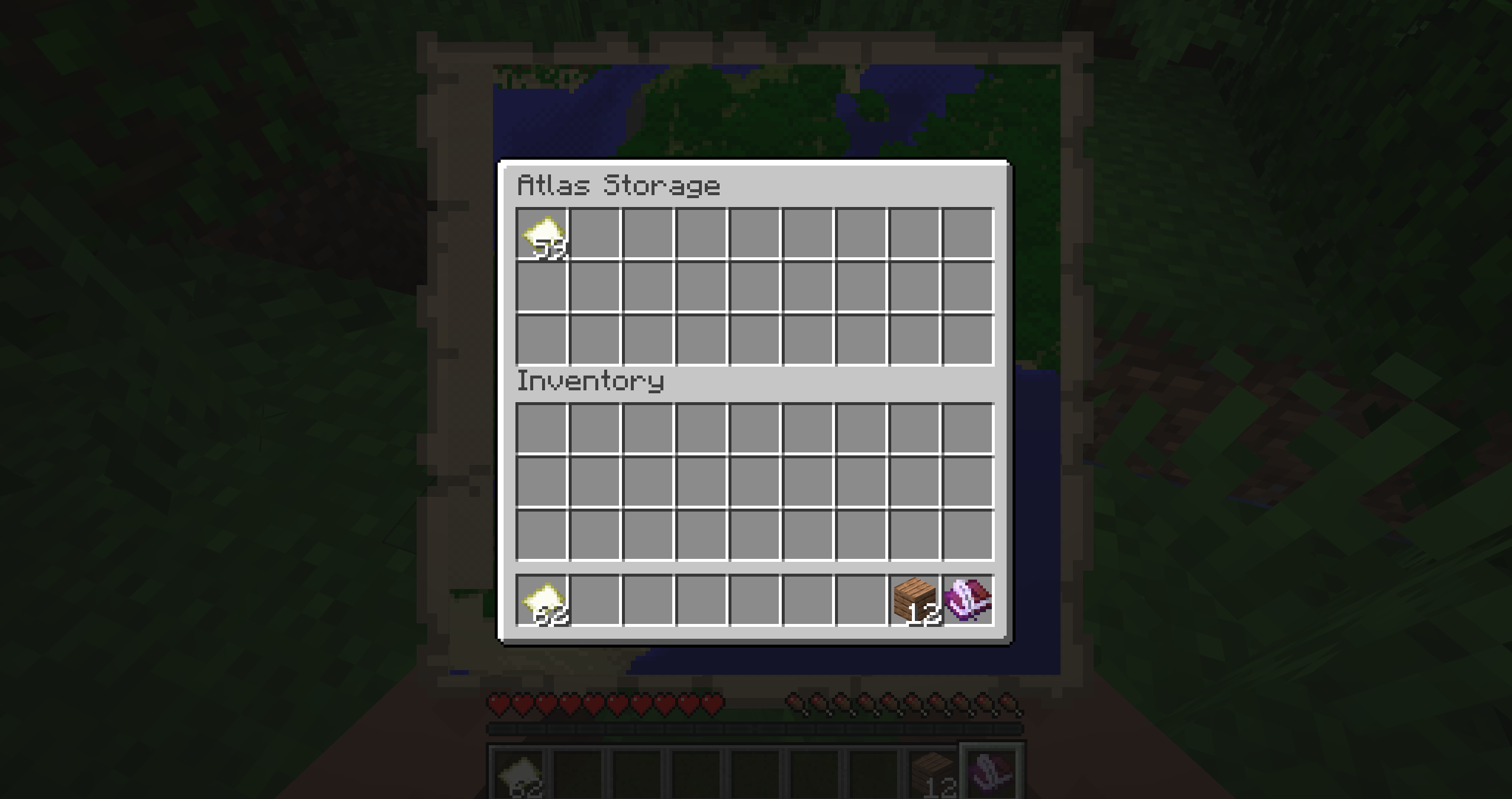
- Load it with empty maps — right-click the held Atlas to open its storage.
- Explore. While equipped, the Atlas spends one empty map per new 128×128 area it charts — true vanilla parity.
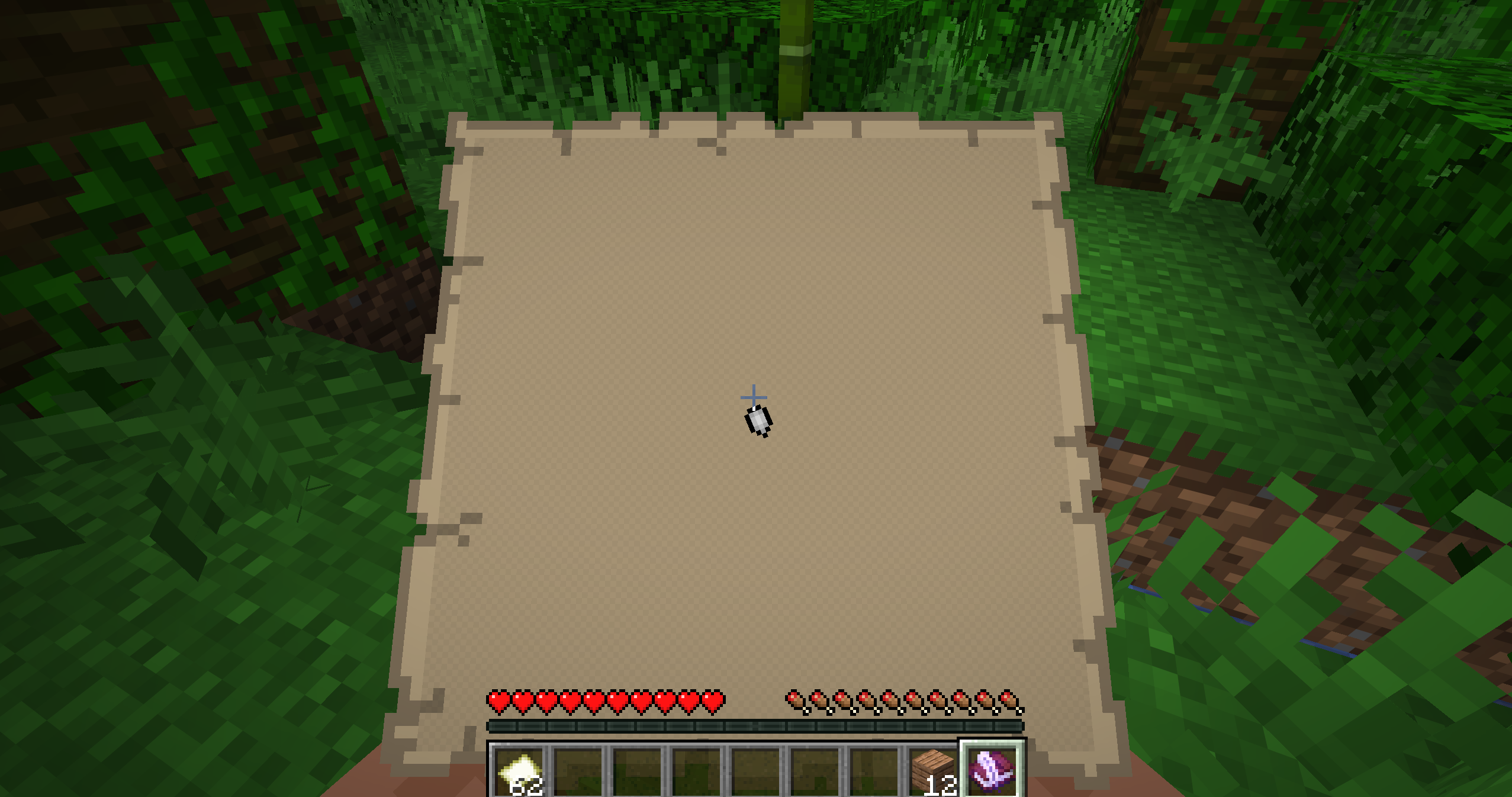
- Press M to raise it in your hands like a vanilla map and keep walking.
Features
- 🗺️ A single growing map — no chests full of paper, no item frames.
- ✋ Held in your hands — press M and explore with the map up, just like holding a vanilla map. No full-screen menu breaking your immersion.
- 🔍 Scroll to zoom, stand still to grab a cursor and drag to pan.
- 📍 Your own marker shows exactly where you are and which way you face.
- ⚖️ Vanilla economy — 1 empty map = one 128×128 tile. Never cheaper than vanilla.
- 🟢 Doesn’t touch vanilla maps — never crafted an Atlas? You’ll notice zero changes.
常见问题
Atlas-Map 支持哪些 Minecraft 版本?
Atlas-Map 支持 Minecraft Java 版 26.1.2,可用的加载器:Fabric。下载时注意选择和你游戏版本一致的文件。
Atlas-Map 怎么安装?
先用 PCL2 或 HMCL 启动器安装对应版本的 Fabric,再把下载的 .jar 文件放进游戏目录的 mods 文件夹,重新启动游戏即可。开启了版本隔离的,mods 文件夹在 versions/版本名 下面。运行环境:客户端和服务端都要装。
评论
登录后评论和评分