
截图
介绍
CobbleShop — Player Guide
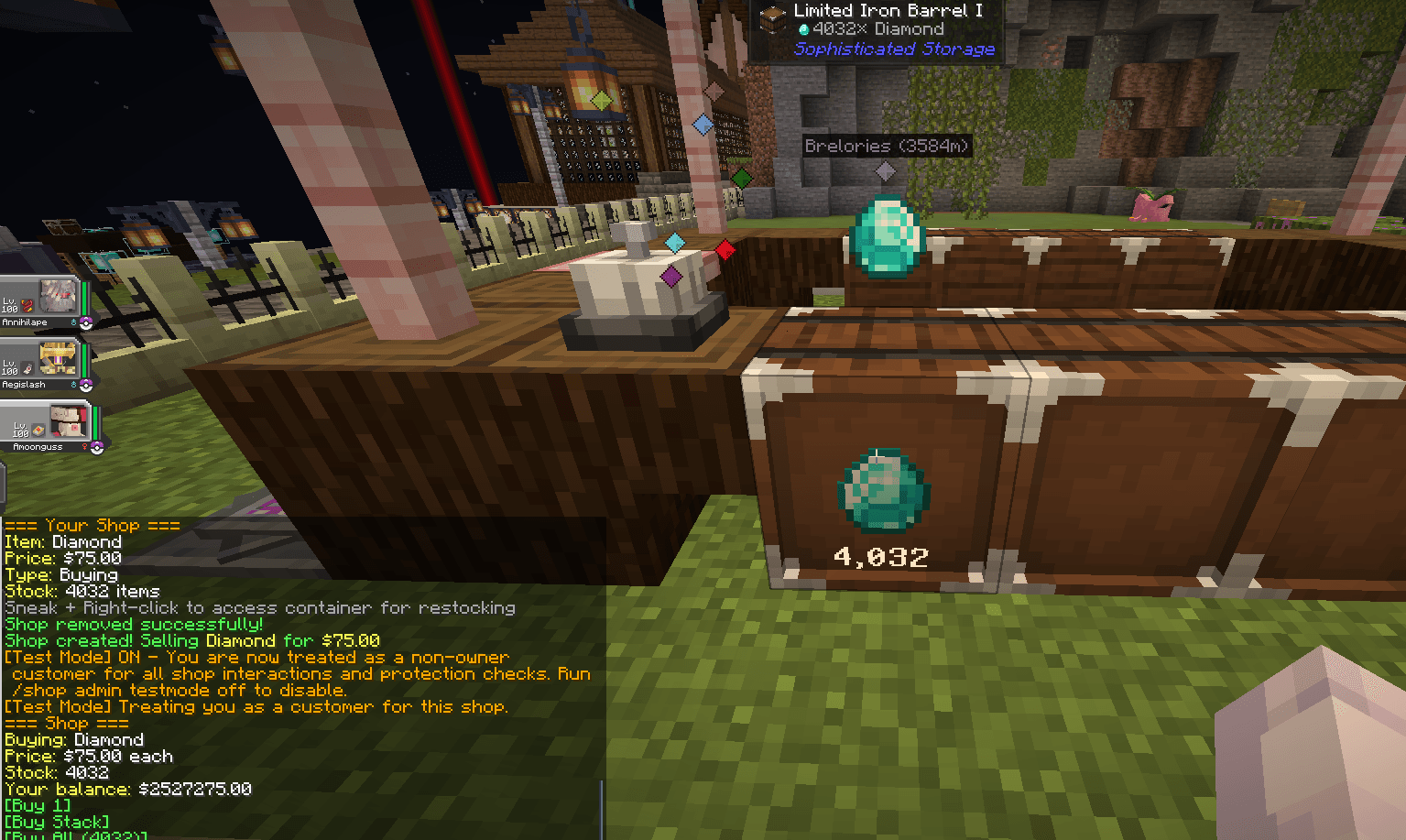
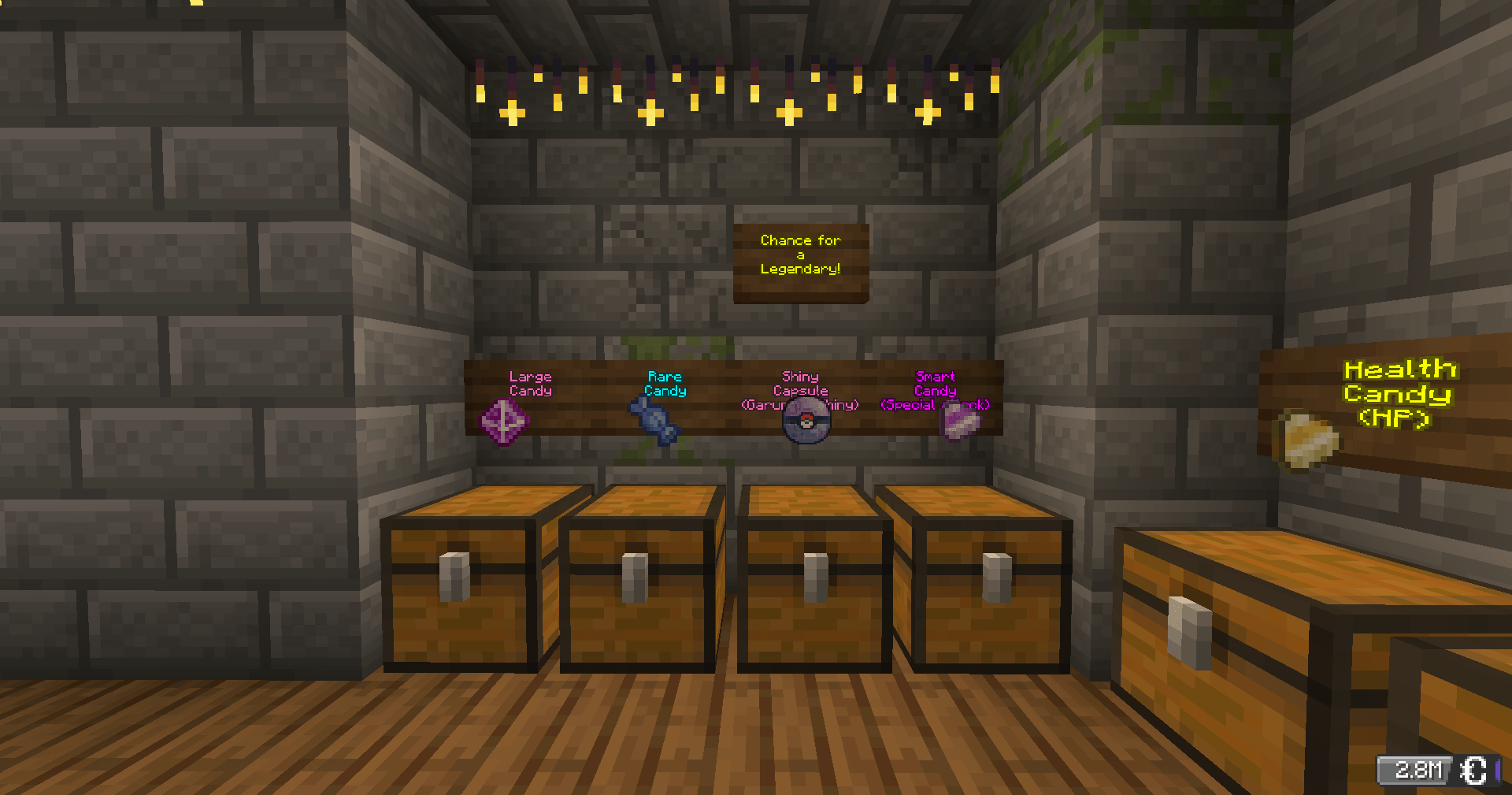
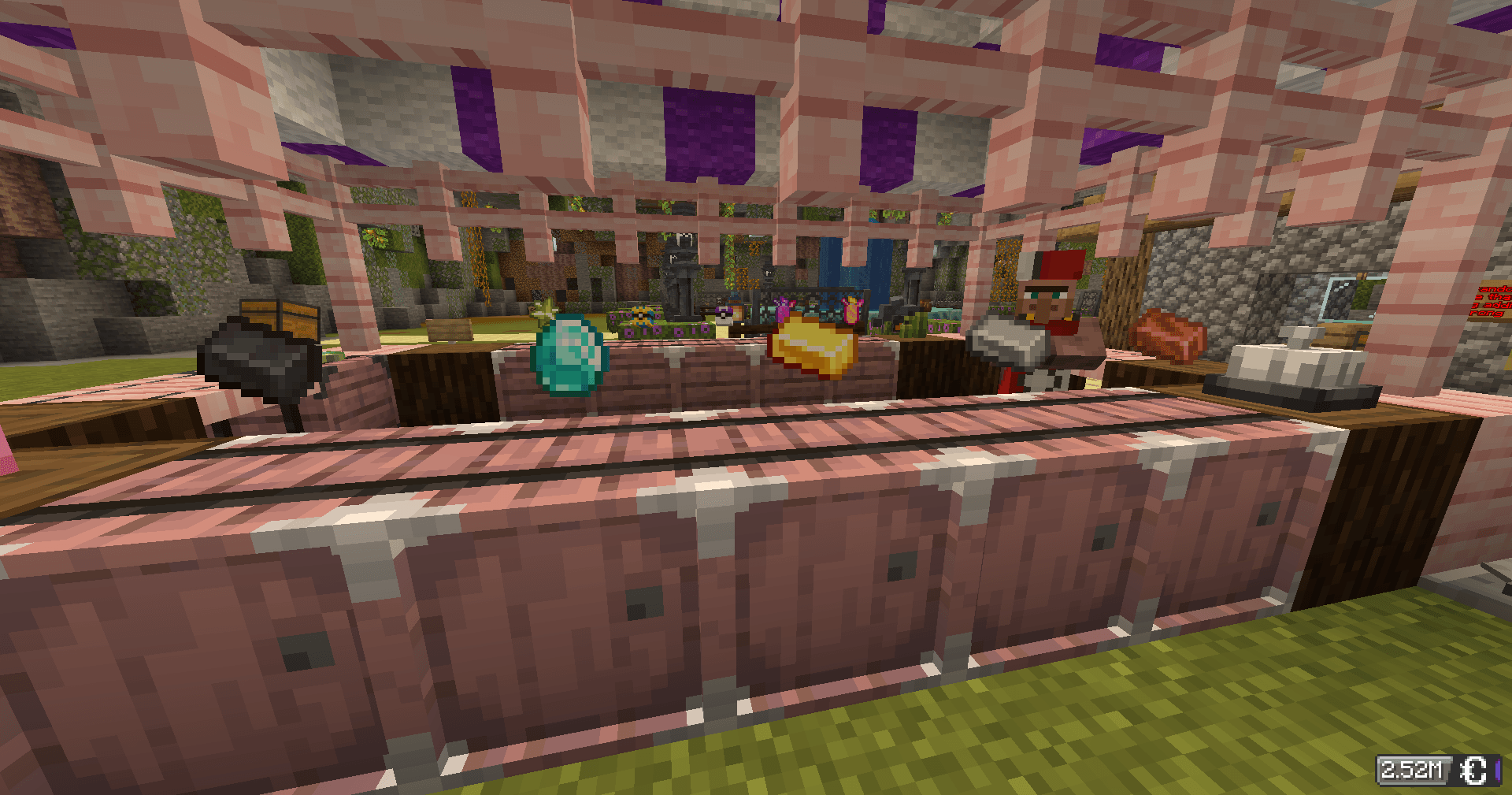
Turn any chest into a shop. Other players can buy from you automatically, even while you’re offline. All payments use CobbleDollars.
Creating a Shop
Point at a chest and run a command:
| Type | Hand | Command |
|---|---|---|
| 🛒 Selling — players buy from you | Hold the item to sell | /shop create selling <price> |
| 💰 Buying — you buy from players | Hold the item you want | /shop create buying <price> |
| 🎲 Mystery — random item each time | Empty hand | /shop create random <price> |
Buying & Selling at Shops
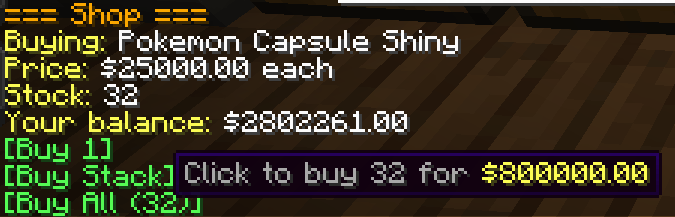
Right-click any shop chest — the shop panel appears in chat with clickable buttons.
- Selling shop → click [Buy 1], [Buy Stack], or [Buy All]
- Buying shop → click [Sell 1] or [Sell Stack]
- Mystery shop → click [Buy Random Item] — no peeking!
If your inventory is full or the owner can’t afford to pay you, the transaction cancels automatically. Nothing is lost.
Managing Your Shop
All commands require you to be looking at your shop chest.
| Command | What it does |
|---|---|
/shop price <amount> |
Update the price |
/shop remove |
Delete the shop (items stay in chest) |
/shop display on|off |
Toggle the floating item display |
/shop info |
View shop details |
/shop search <item> |
Find shops selling something |
/shop balance |
Check your CobbleDollars |
/shop help |
Full command list |
Restock: Hold Shift + right-click your chest to open it.
Expand: Place a second chest next to yours for a 54-slot double chest.
Tips
- Sales happen while you’re offline — money is waiting when you log back in
/qsis a shortcut for/shop- You cannot buy from your own shop
- For mystery shops, more item variety = more fun. Duplicate items increase their drop chance
Right-click a chest. That’s all it takes.
常见问题
Athy’s CobbleShops 支持哪些 Minecraft 版本?
Athy’s CobbleShops 支持 Minecraft Java 版 1.21.1,可用的加载器:NeoForge。下载时注意选择和你游戏版本一致的文件。
Athy’s CobbleShops 怎么安装?
先用 PCL2 或 HMCL 启动器安装对应版本的 NeoForge,再把下载的 .jar 文件放进游戏目录的 mods 文件夹,重新启动游戏即可。开启了版本隔离的,mods 文件夹在 versions/版本名 下面。


评论
登录后评论和评分