Astrocompass
A CC: Tweaked API bridge that lets computers read Sable/Aeronautics physics data — ship pose, mass, entities and more, in world coordinates.
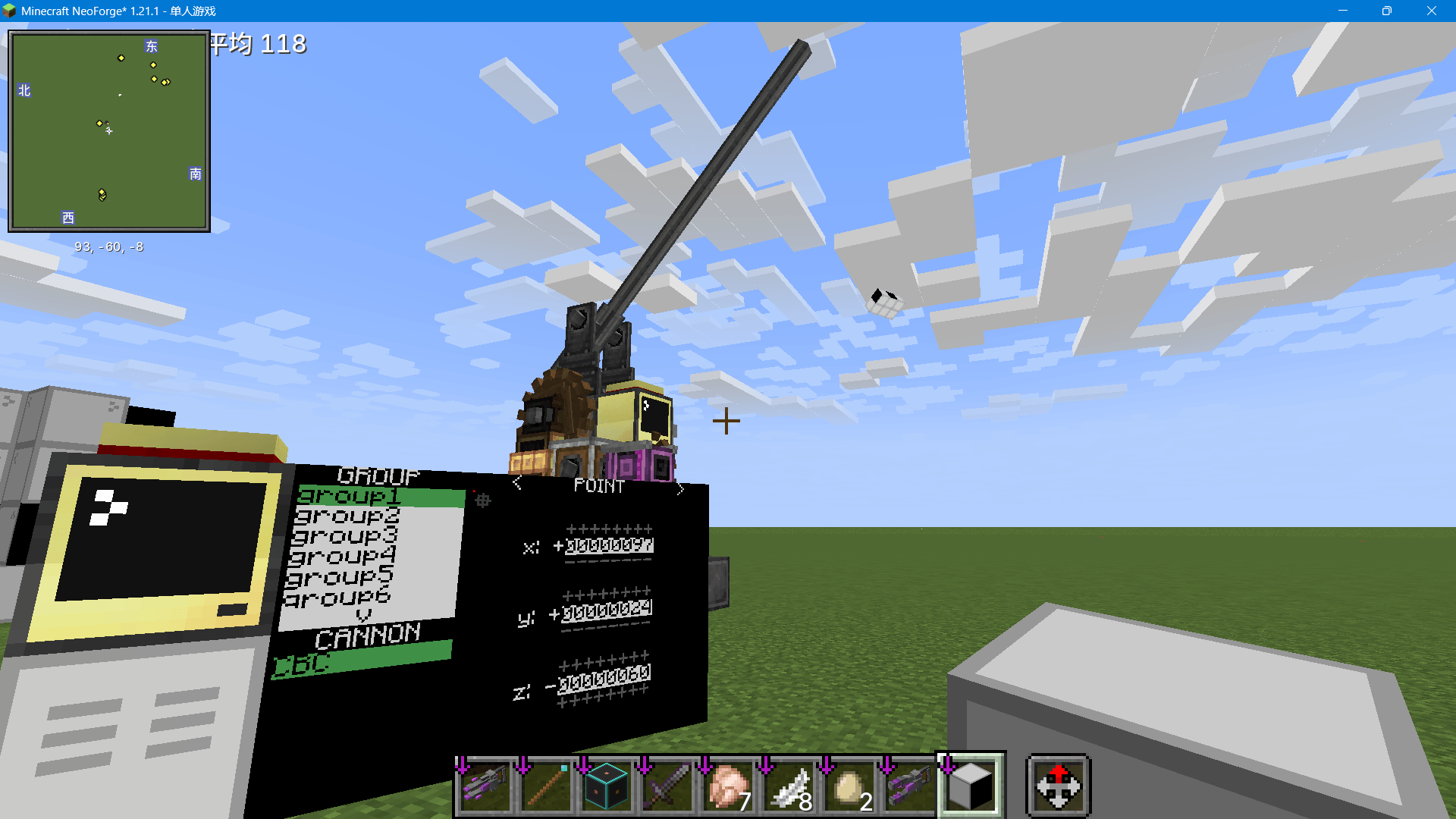
截图
介绍
Astrocompass is a data bridge mod for CC: Tweaked that gives computers direct access
to the Create Aeronautics / Sable physics engine — the data source you need for fire-control
radars, auto-turrets, head-tracking aim systems and ship monitoring scripts.
What it does
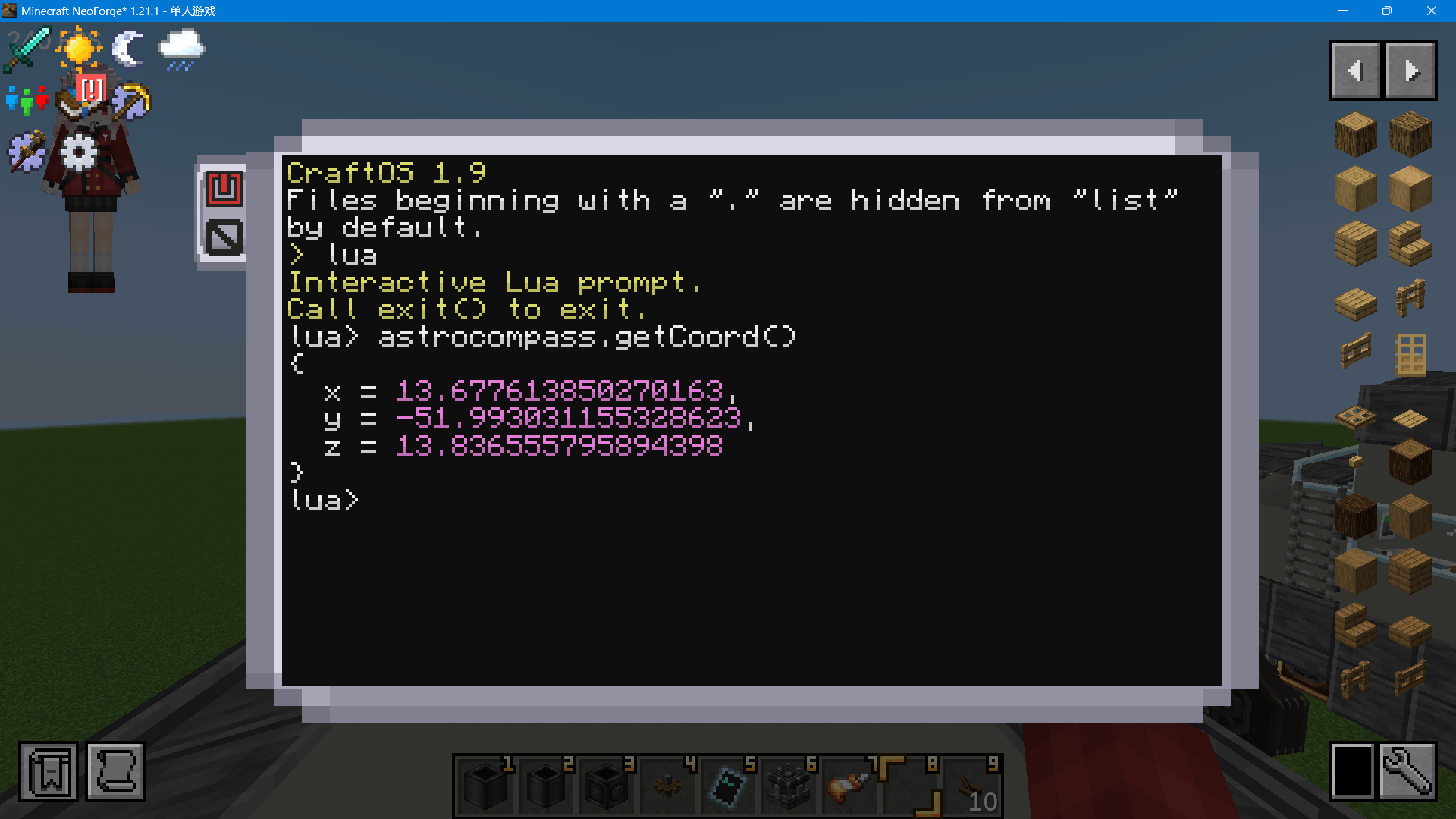
- Ship-aware coordinates: on a physics structure, your computer reports real world
coordinates instead of the far-away projected plot coordinates. - Full physics state: position, orientation quaternion, linear/angular velocity, mass,
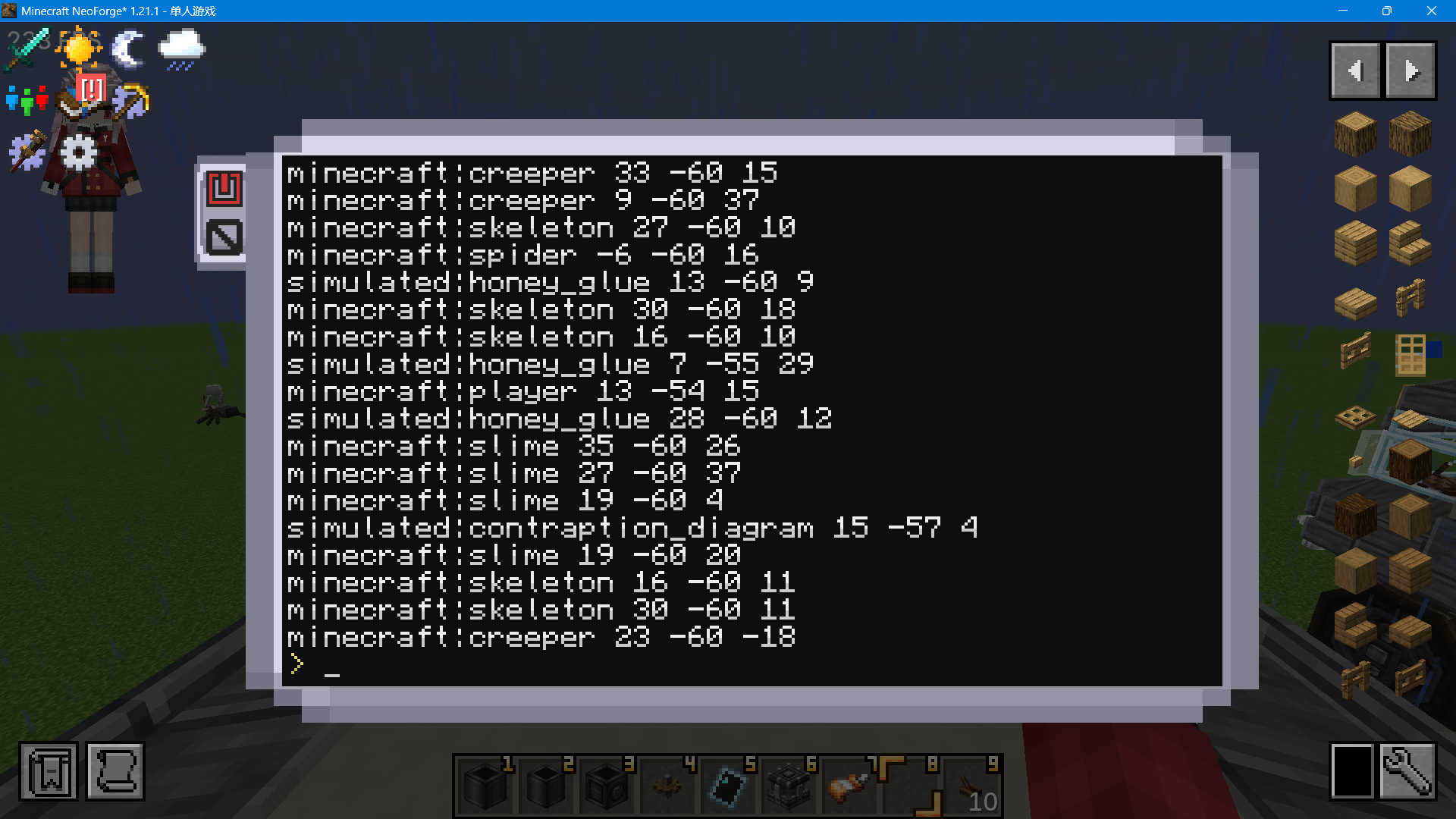
center of mass, inertia tensor and last-tick pose of your ship — all in one call. - Entity scanning: players, animals, monsters or everything in range, returned in world
coordinates. Perfect radar feed. - Environment physics: gravity, air pressure, magnetic north and drag of the current
dimension (aero module). - Pocket computer support: read the holder’s position and view vector for head-aim builds.
- Plot ↔ world coordinate transforms both ways.
All values are read directly from the physics engine on the Java side, which keeps the call
path short — a good fit for control loops that poll ship data every tick.
Requirements
- CC: Tweaked (required)
- Create Aeronautics / Sable (optional — ship and physics-structure data)
Usage
The API is injected as a Lua global (not a peripheral):
local ac = astrocompass
print(ac.getCoord())            -- world coordinates, ship-aware
local ship = ac.getSelfSableShip()  -- full physics state table
for uuid, e in pairs(ac.getEntitiesAll(64)) do print(e.type, e.x, e.y, e.z) end
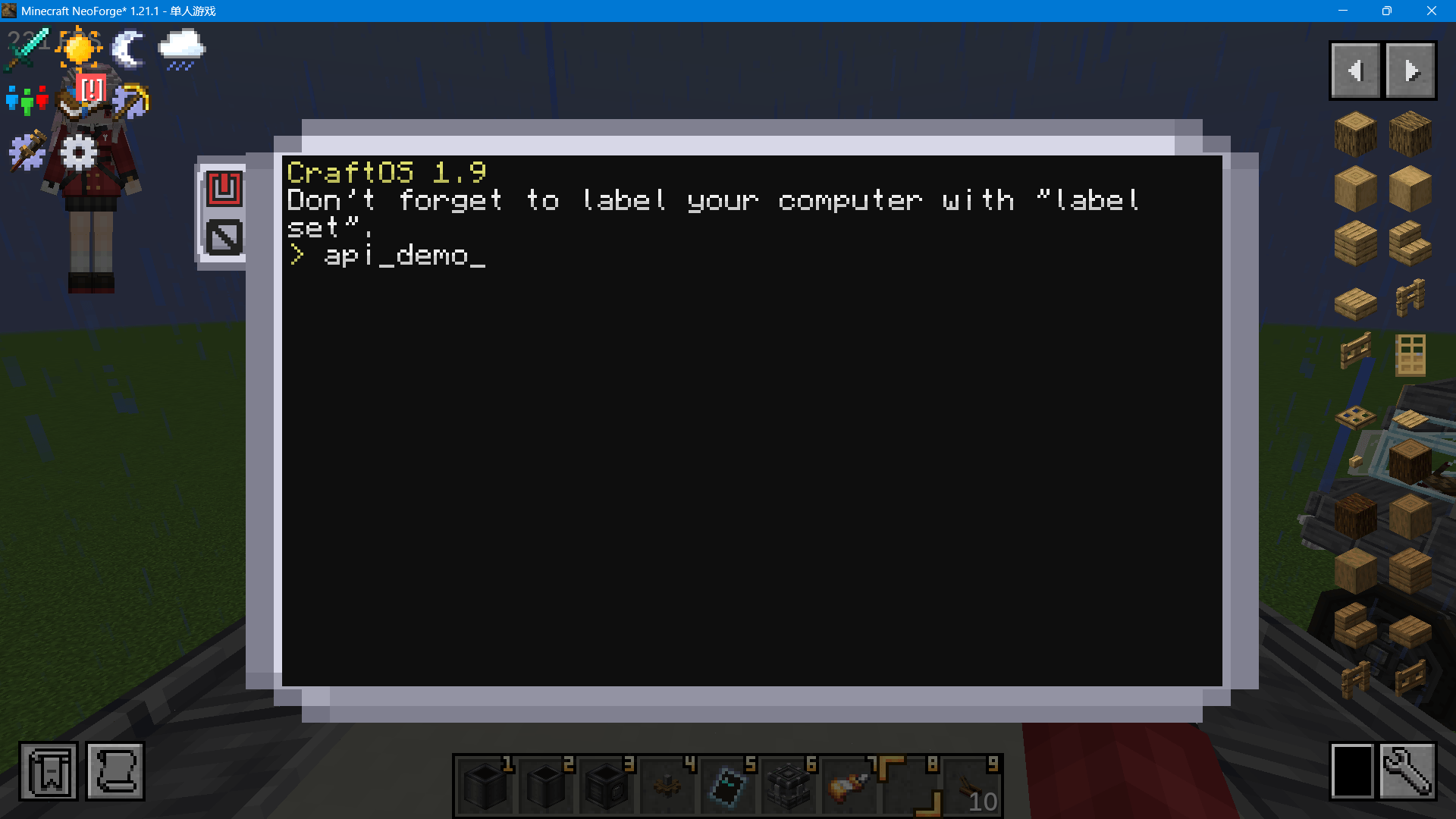
Full API reference and example scripts (radar test, pocket test, full smoke test) are on
GitHub — see the Source link.
Origin
Astrocompass is a ground-up rewrite of the discontinued Metaphysics by KallenKas024
(AGPL-3.0), re-implemented for the Sable physics engine and released under the same license.
常见问题
Astrocompass 支持哪些 Minecraft 版本?
Astrocompass 支持 Minecraft Java 版 1.21.1,可用的加载器:NeoForge。下载时注意选择和你游戏版本一致的文件。
Astrocompass 怎么安装?
先用 PCL2 或 HMCL 启动器安装对应版本的 NeoForge,再把下载的 .jar 文件放进游戏目录的 mods 文件夹,重新启动游戏即可。开启了版本隔离的,mods 文件夹在 versions/版本名 下面。
评论
登录后评论和评分