astraglossa
Adds a tablet for very rudimentary transliteration intended for conlangs - supplementary learning material only!
截图


介绍
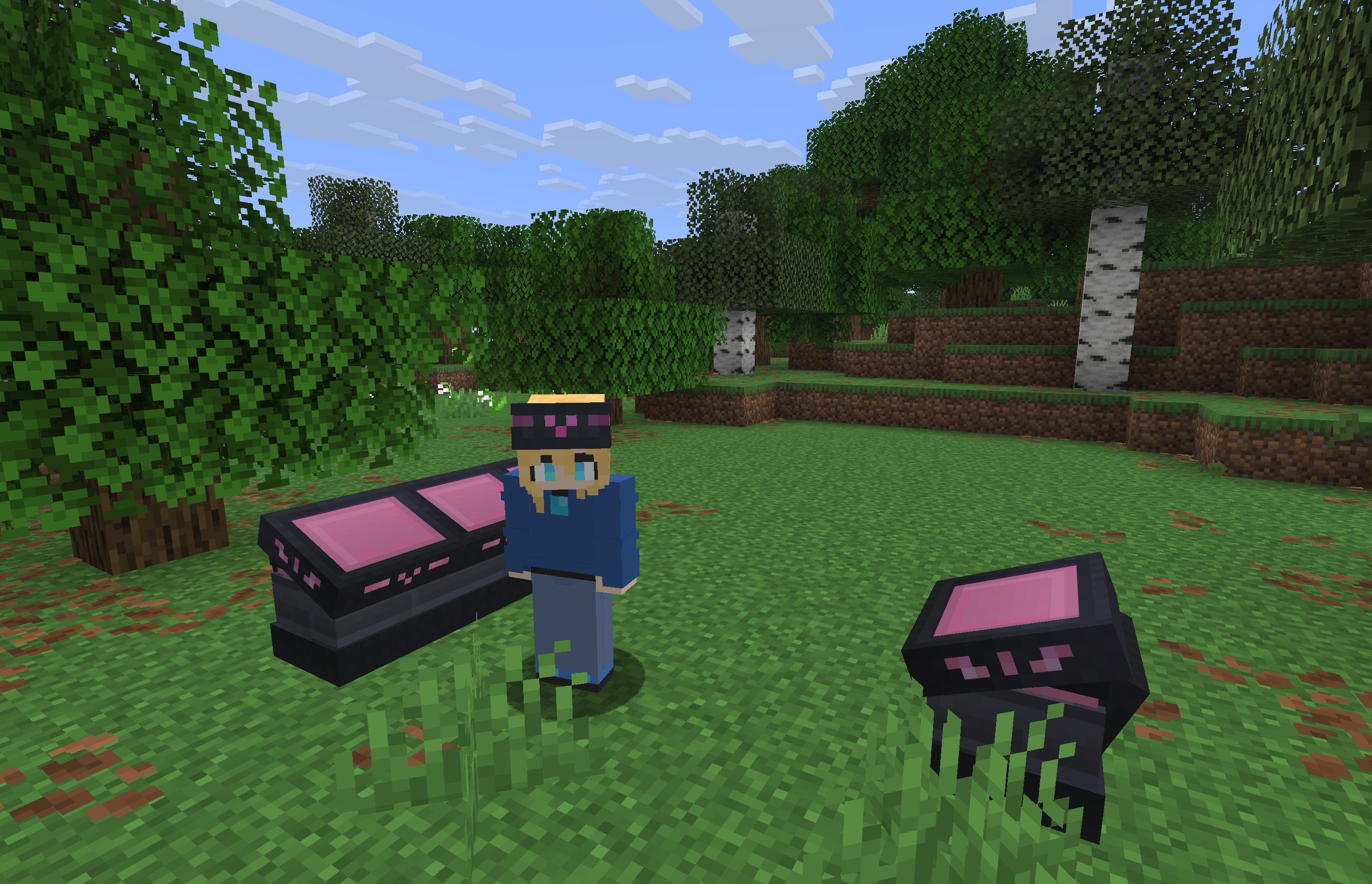
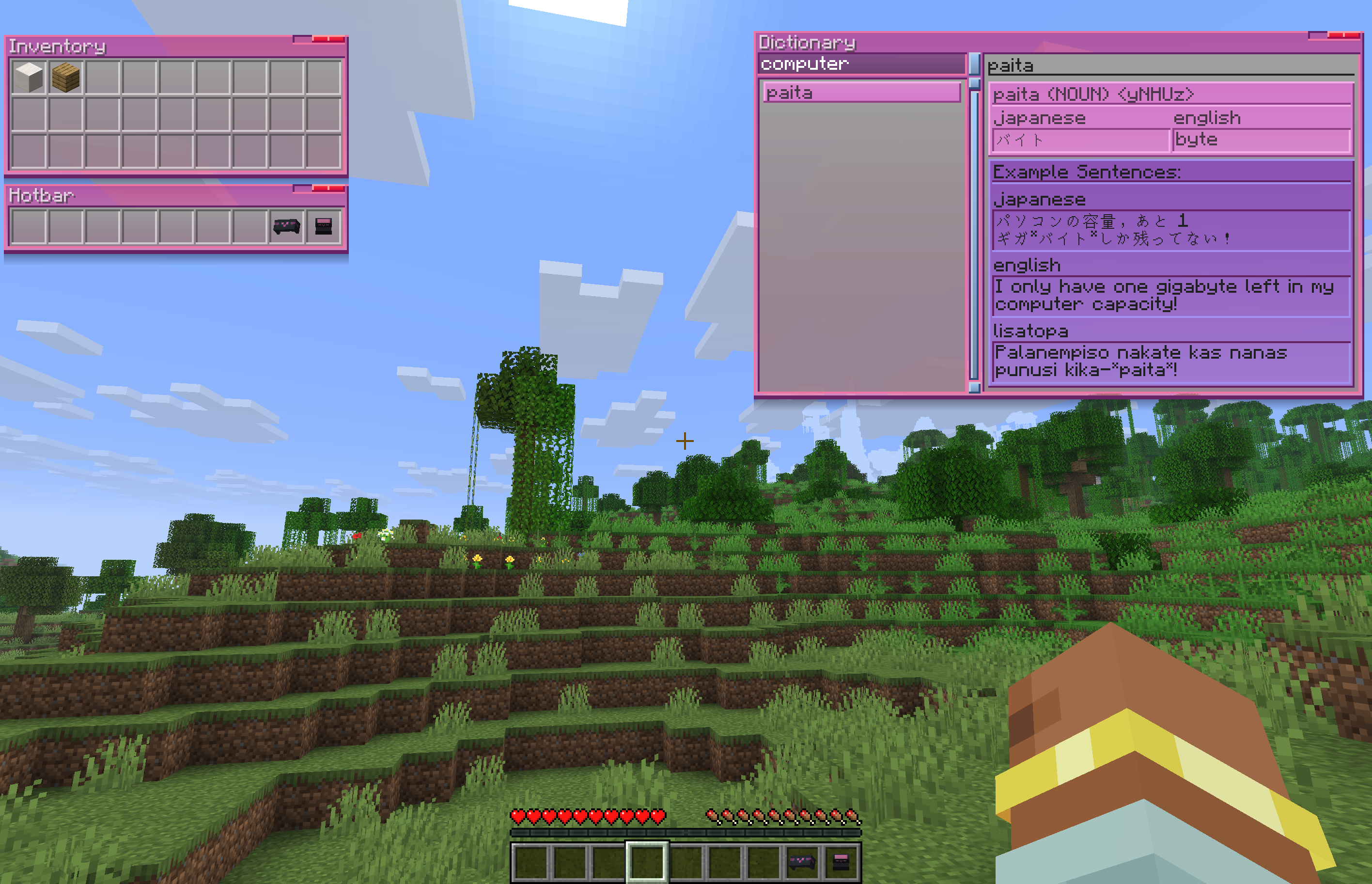
Adds a somewhat-diegetic window-based user interface, accessed via a new block called a ‘TabSlate’ – providing supplementary learning material for constructed languages!
The TabSlate also has the ability to interface with your inventory, and has some extra capabilities that could be useful utility-wise – and a wearable form of said tablet for accessing windows when out and about.
Whilst still somewhat rudimentary, the aim is for the mod to be able to display useful information to the player on the go, as well as to add more supplemental language learning features, such as grammatical diagrams, and in-place transliteration of text. The key word is supplemental, however. This most certainly won’t be able to replace dedicated resources for learning the relevant conlangs, but it aims to be somewhat of a reference, or to provide transliterations that may be hard to otherwise search for. Future features aim to lean into the UI being diegetic, as well, with the ability to save window contents as items, or pass a viewed dictionary entry to a friend.
Some windows can also have their contents saved to ‘file’ items to be kept safe, or shared with friends, or organised and colour coded!
Whilst intended for LΛMPLIGHT‘s Lisatopa Tatema – the dictionaries are server-side and datapackable.
Configuration
Datapacks can add new languages, or add to existing ones, through data/astraglossa/transliterations/languageNameHere.json – an example of the word format is provided in source.
Mixins
Mixes into ServerPlayer#tick, if a player has an equipped HeadStele providing persistent access to their windows, then it will broadcast changes to clients if the containers the windows have access to change.

常见问题
astraglossa 支持哪些 Minecraft 版本?
astraglossa 支持 Minecraft Java 版 1.21.1–26.1.2,共 4 个版本,可用的加载器:Fabric / NeoForge。下载时注意选择和你游戏版本一致的文件。
astraglossa 怎么安装?
先用 PCL2 或 HMCL 启动器安装对应版本的 Fabric / NeoForge,再把下载的 .jar 文件放进游戏目录的 mods 文件夹,重新启动游戏即可。开启了版本隔离的,mods 文件夹在 versions/版本名 下面。运行环境:客户端和服务端都要装。

评论
登录后评论和评分