Assembler Table
BuildCraft-inspired Assembly Table with FE lasers, queued crafting, and KubeJS/CraftTweaker support.
截图
介绍
Assembly Table
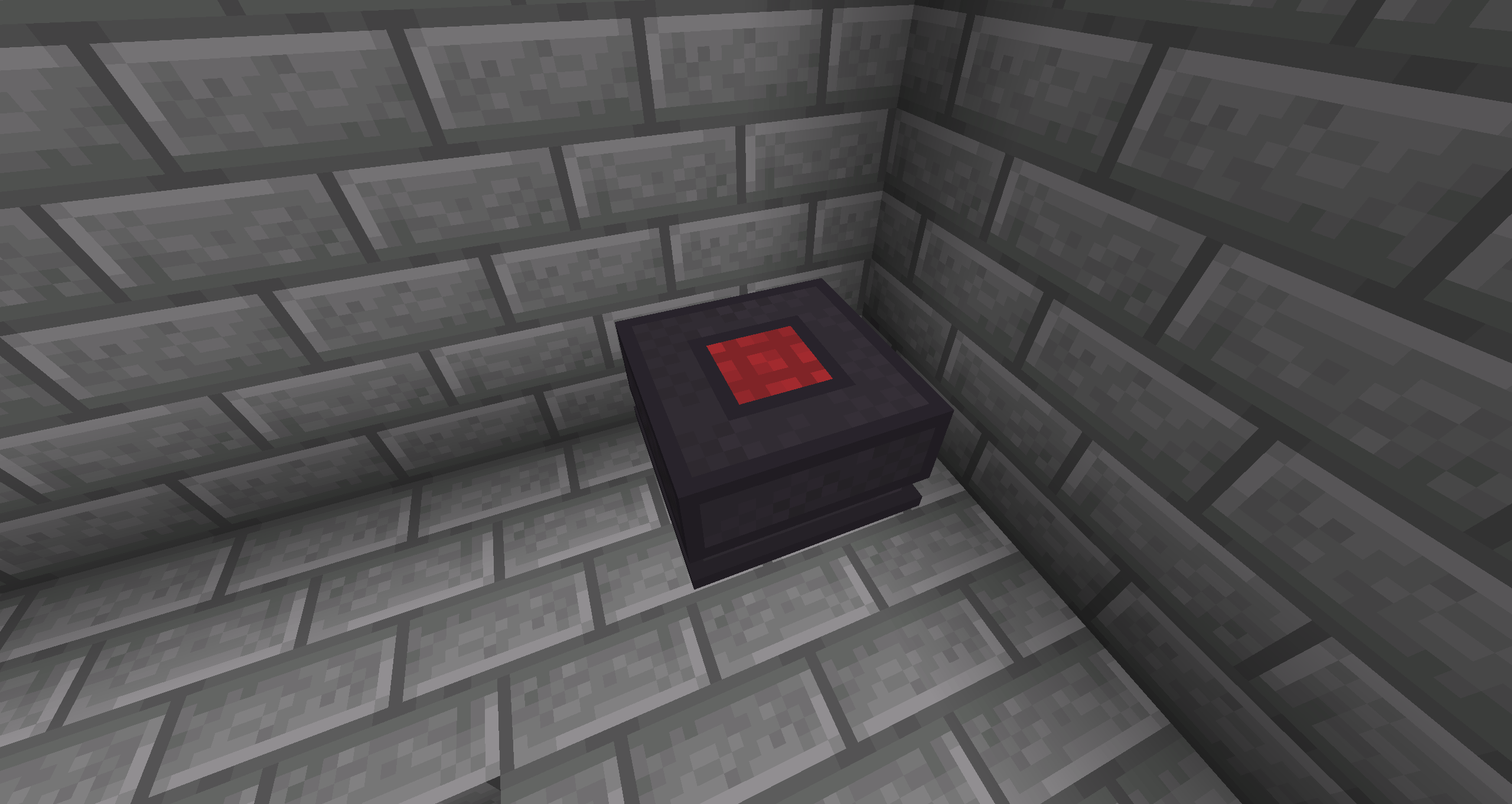
Assembly Table is a NeoForge mod for Minecraft 1.21.1 that brings back a BuildCraft-inspired assembly workflow with modern FE-based automation.
The mod adds Assembly Table machines, configurable lasers, chipset items, and scripting support for custom recipes through both KubeJS and CraftTweaker.
Machines
Assembly Table
- Crafts recipes using stored FE
- Supports a recipe queue instead of a single fixed recipe
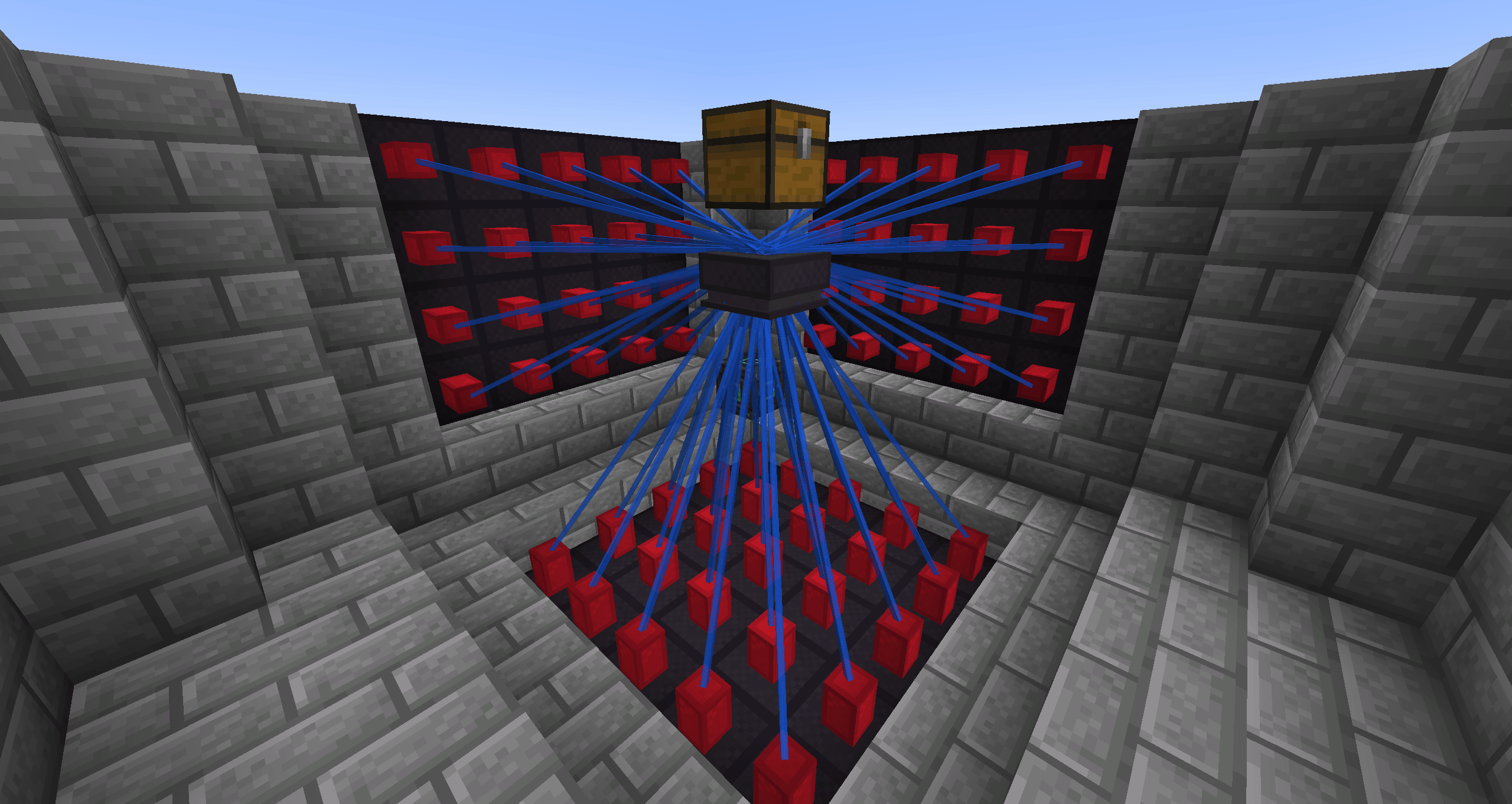
- Accepts energy from lasers
- Pushes crafted items into the inventory above the block when possible
Powered Assembly Table
- Works like the normal Assembly Table
- Can receive FE directly from cables or other energy providers
- Does not require lasers to operate
Lasers
- Search for valid targets in front of the block
- Require line of sight to transfer energy
- Support optional warmup behavior
- Can expose laser stats in the tooltip by holding
Shift
Mining and Drops
- Assembly Table and Laser blocks are mineable with a pickaxe
- They require an iron-tier tool to drop themselves
How to Use
The mod supports both KubeJS and CraftTweaker for recipe creation.
KubeJS
The custom recipe type is:
assemblytable:assembly_table
Recipe format:
{
  "type": "assemblytable:assembly_table",
  "result": { "item": "minecraft:diamond" },
  "ingredients": [
    { "ingredient": { "item": "minecraft:iron_ingot" }, "count": 2 },
    { "ingredient": { "item": "minecraft:redstone" }, "count": 1 }
  ],
  "energy": 1000
}
Example:
ServerEvents.recipes(event => {
  event.custom({
    type: 'assemblytable:assembly_table',
    result: Item.of('minecraft:diamond'),
    ingredients: [
      { ingredient: { item: 'minecraft:iron_ingot' }, count: 2 },
      { ingredient: { item: 'minecraft:redstone' }, count: 1 }
    ],
    energy: 1000
  })
})
CraftTweaker
Assembly Table recipes can be added through the global bc_assemblyTable recipe manager.
Example:
bc_assemblyTable.addRecipe(
    "my_recipe_new_ct",
    <item:mekanism:ultimate_universal_cable>,
    [
        <item:minecraft:iron_ingot> * 4,
        <item:minecraft:diamond>,
        <item:minecraft:netherite_scrap> * 6
    ],
    5000000
);
Method signature:
bc_assemblyTable.addRecipe(
    recipeId as String,
    outItem as IItemStack,
    ingredient as IIngredientWithAmount[],
    energyRequired as int
);
Developer API
Laser Configuration
Laser variants can be created through LaserConfig.builder().
Supported builder options:
targetRange(int)– search range in front of the laserenergyBuffer(int)– internal FE buffermaxTransferPerTick(int)– maximum FE sent per tickmaxSpeedTransferPerTick(int)– alias for max transfer, useful for warmup-based lasersmaxReceivePerTick(int)– maximum FE the laser can receive per tickbeamColor(...)– default beam color when warmup is disabledwarmupDisabled()– keeps classic instant transfer behaviorwarmup(int)– enables warmup for the specified number of ticksrampUpTicks(int)– alias forwarmup(int)warmupColors(Vec4i low, Vec4i mid, Vec4i max)– colors for low, medium, and max speed stages
Example:
LaserConfig config = LaserConfig.builder()
        .targetRange(6)
        .energyBuffer(1000)
        .maxSpeedTransferPerTick(1000)
        .maxReceivePerTick(5000)
        .rampUpTicks(60)
        .warmupColors(
                new Vec4i(255, 40, 20, 200),
                new Vec4i(255, 220, 30, 200),
                new Vec4i(30, 100, 255, 200)
        )
        .build();
Laser Targets
Block entities that want to receive power from lasers should implement LaserTarget.
Contract:
getRequiredLaserPower()– returns how much FE the target currently wantsreceiveLaserPower(int)– accepts FE and returns leftover energyisInvalidTarget()– tells lasers whether the target should be ignored
Compatibility
- JEI
- CraftTweaker
- KubeJS
License
GNU LGPL 3.0
常见问题
Assembler Table 支持哪些 Minecraft 版本?
Assembler Table 支持 Minecraft Java 版 1.21.1,可用的加载器:NeoForge。下载时注意选择和你游戏版本一致的文件。
Assembler Table 怎么安装?
先用 PCL2 或 HMCL 启动器安装对应版本的 NeoForge,再把下载的 .jar 文件放进游戏目录的 mods 文件夹,重新启动游戏即可。开启了版本隔离的,mods 文件夹在 versions/版本名 下面。
Sixik 的其他作品
查看全部 →
SDM UI Lib [Forge/Fabric]
一个能简化 GUI 创建流程的简易前置库

SDM UI Lib
一个能简化界面创建过程的简单前置库

SDM Shop (Legacy)
用于在整合包或服务器中创建经济系统的多功能商店

SDM Shop [Forge/Fabric] (Legacy)
一个多功能商店,用于在整合包或服务器中构建经济系统
评论
登录后评论和评分