
AskGemini
A Minecraft Fabric mod that integrates Google Gemini AI directly into the in-game chat.
截图
介绍
AskGemini



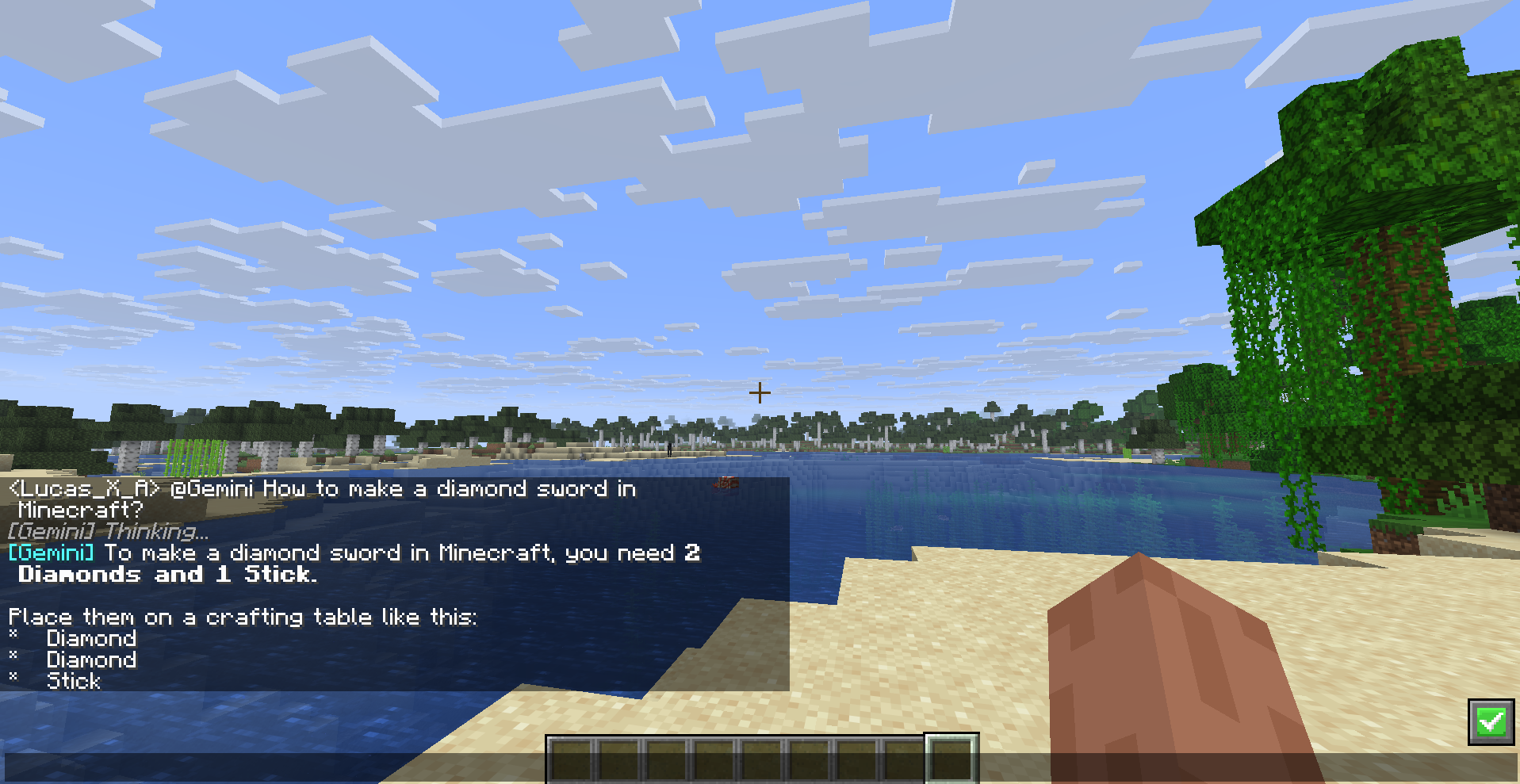
AskGemini is a client-side Minecraft Fabric mod that integrates Google’s Gemini AI directly into the in-game chat.
It allows players to ask questions, get crafting recipes, building tips, or just chat with the AI without ever leaving the game world. The mod is designed to be lightweight, fast, and unobtrusive.
🔑 Configuration
Prerequisites:
- Make sure you have Minecraft Java Edition installed.
- Install the Fabric Loader for Minecraft 1.21.11.
- Download the Fabric API mod (required).
To use AskGemini mod, you need to create a Google Gemini API Key.
- Go to Google AI Studio and create a new API Key.
- Launch Minecraft with the mod installed.
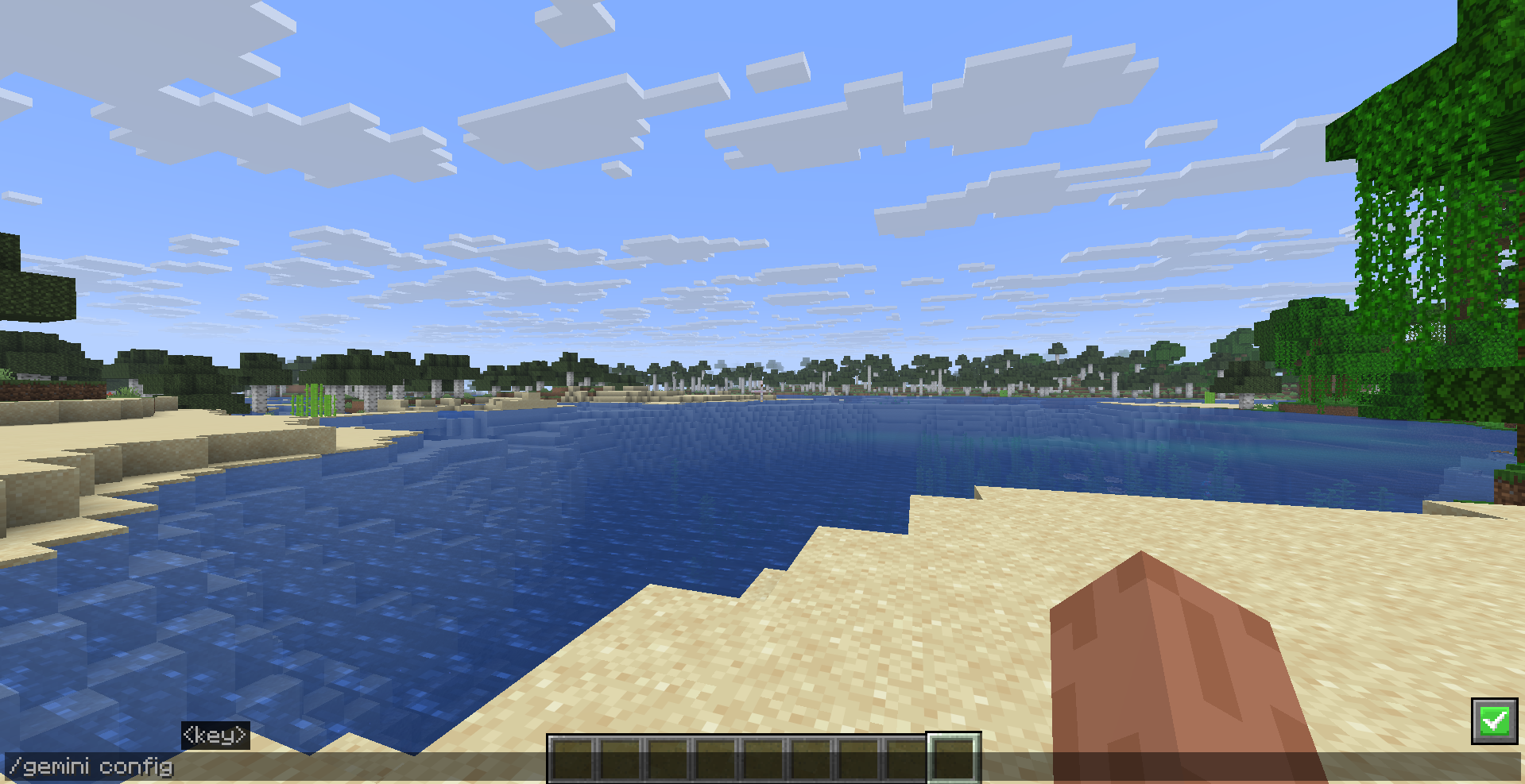
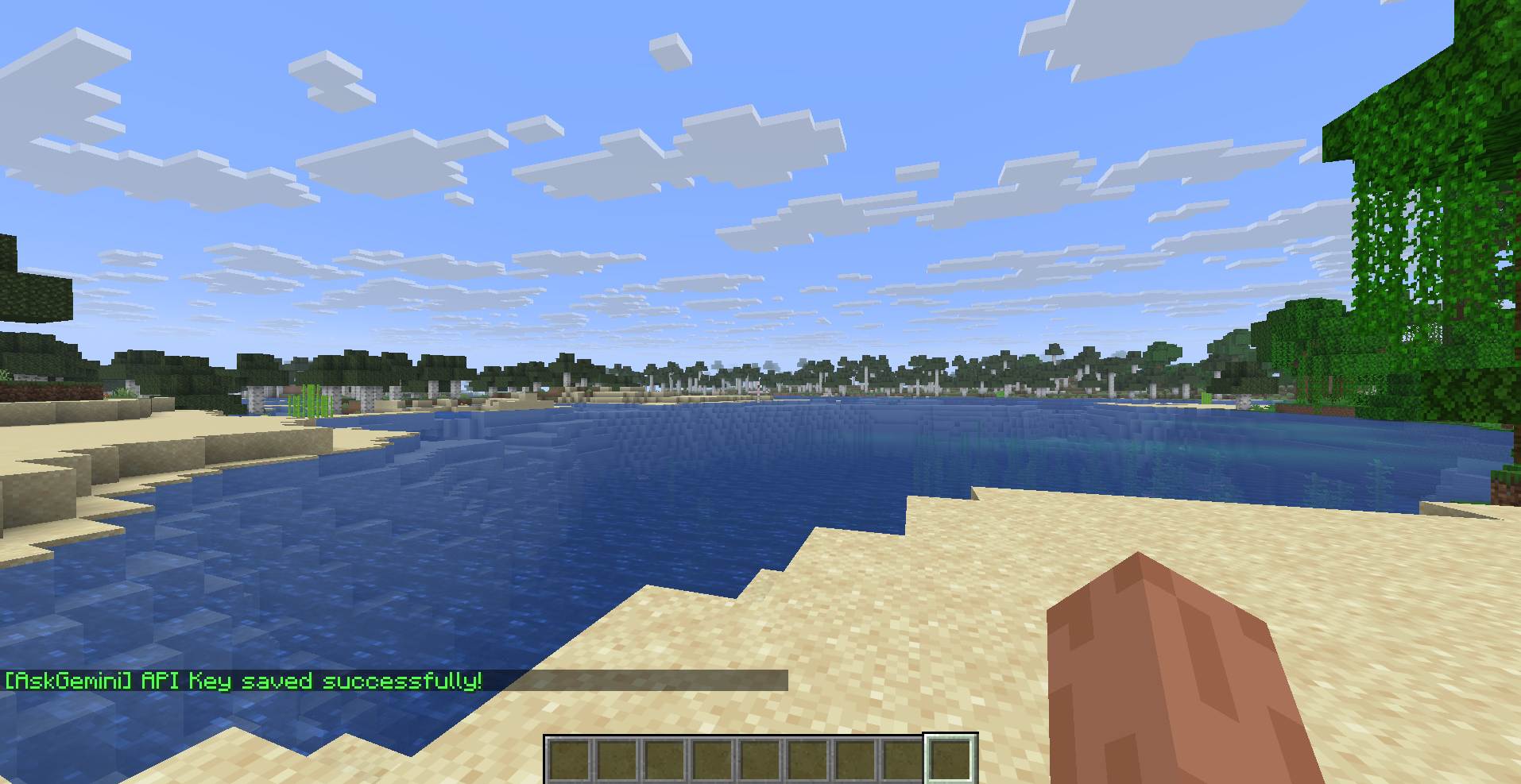
- In the game, run the following command (only needed once):
/gemini config <YOUR_API_KEY_HERE>Example: /gemini config AIzaSyD...
- The key will be saved locally in
config/askgemini.json.
🎮 Usage
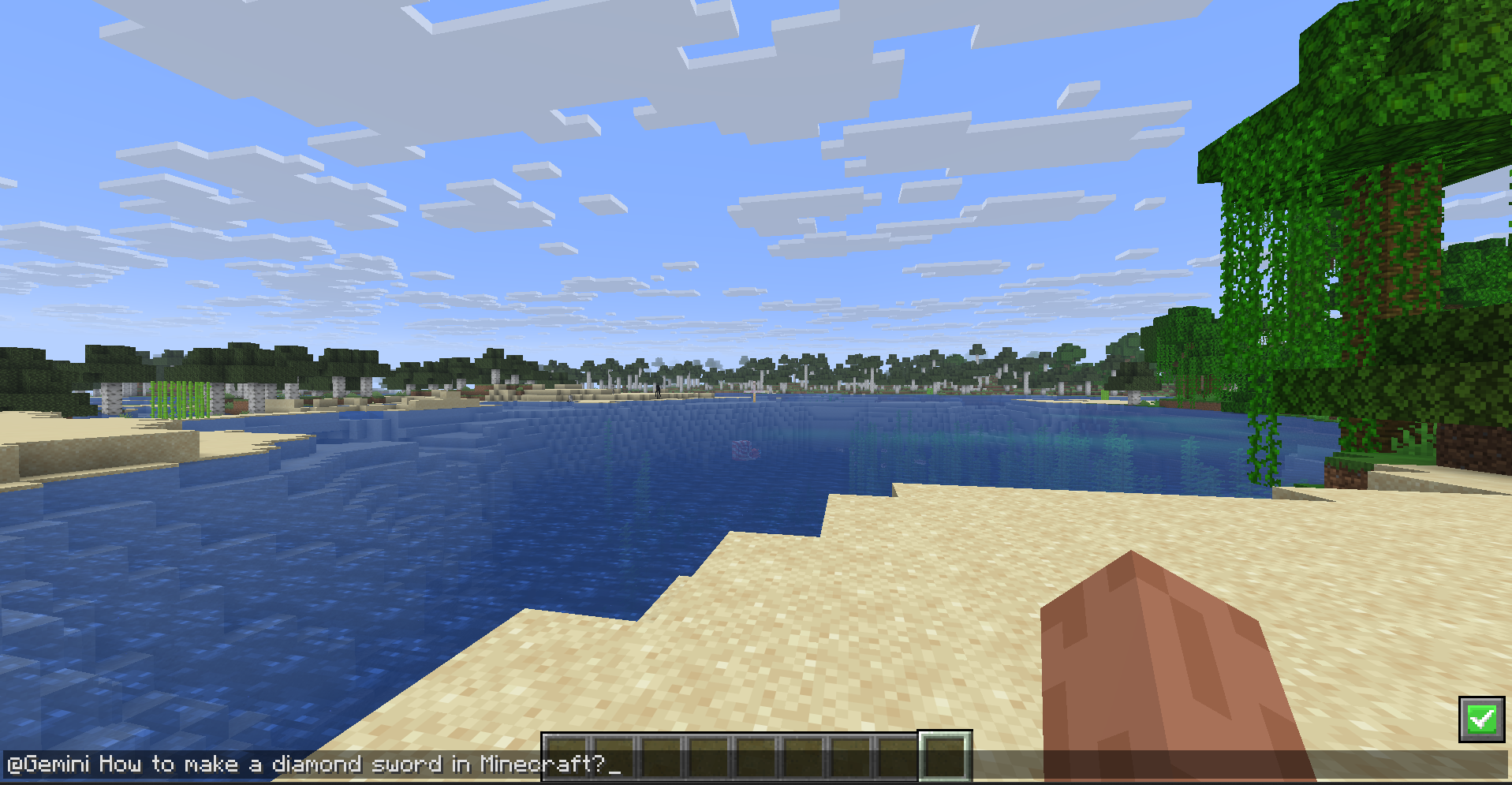
Simply open the chat and type @Gemini or @gemini followed by your prompt:
General Questions:
@Gemini How do I build a redstone clock?Creative Writing:
@gemini Tell me a story about a creeper who is afraid of exploding.Coding Helper:
@gemini How does the /fill command work?The AI response will appear in your local chat (visible only to you).
常见问题
AskGemini 支持哪些 Minecraft 版本?
AskGemini 支持 Minecraft Java 版 1.21.11,可用的加载器:Fabric。下载时注意选择和你游戏版本一致的文件。
AskGemini 怎么安装?
先用 PCL2 或 HMCL 启动器安装对应版本的 Fabric,再把下载的 .jar 文件放进游戏目录的 mods 文件夹,重新启动游戏即可。开启了版本隔离的,mods 文件夹在 versions/版本名 下面。运行环境:仅客户端。
评论
登录后评论和评分