
Armor trim studio
It is an armor trim mod that sets trims on your armor, as well as a general utility mod. Written with the help of AI for converting python to Java.
截图
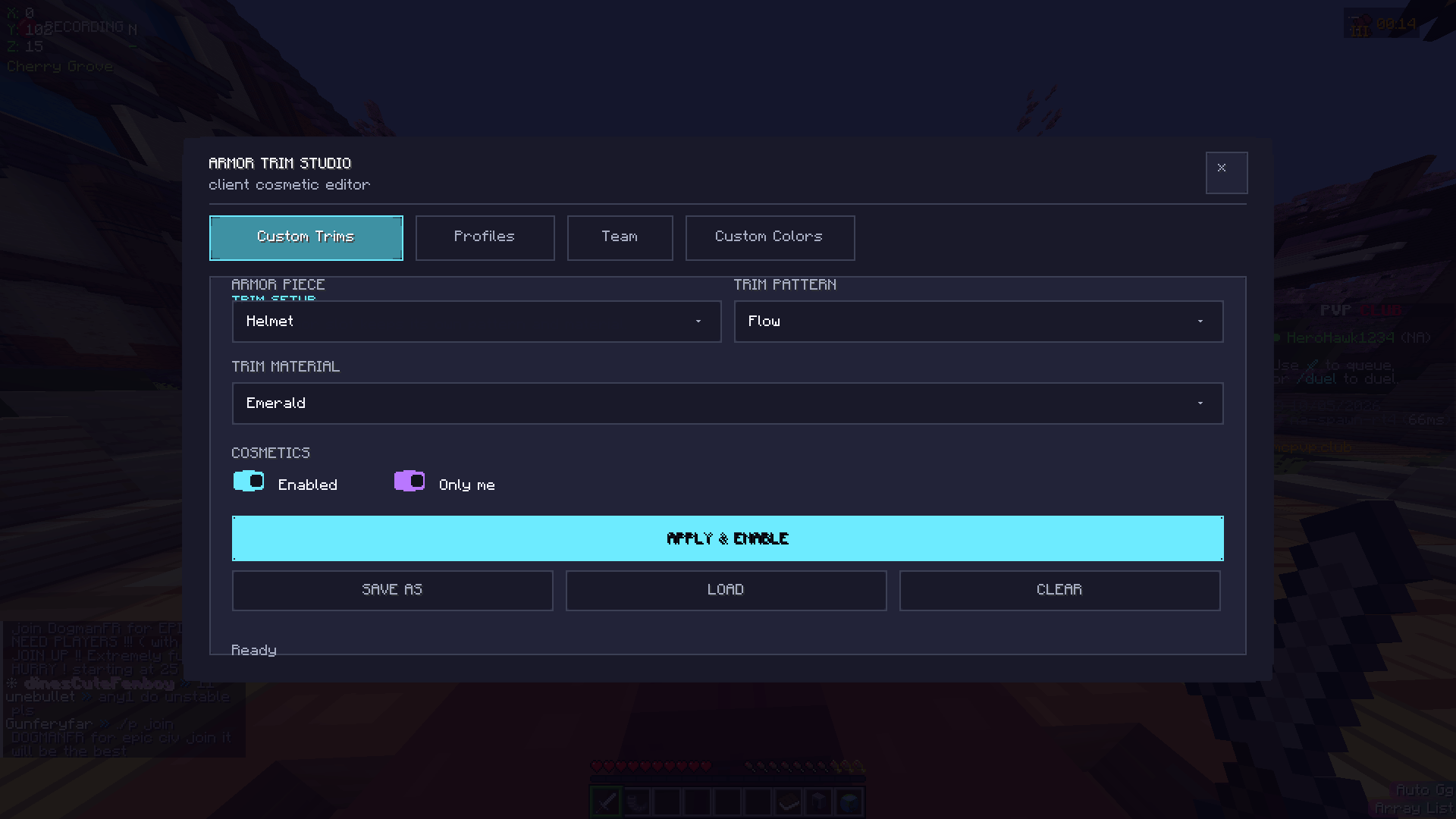
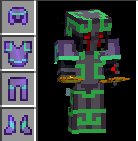
介绍
Armor Trim Studio is a client-side Fabric mod that lets you customize the appearance of armor with custom trims, profiles, colors, and other visual settings — without changing the actual armor data on the server.
The mod is designed to provide a clean, compact, and easy-to-use GUI for managing your cosmetic armor setups. Create multiple profiles for different setups, customize trim appearances, and use client-side visual features such as configurable team colors and colored player hitboxes.
Because the mod is client-side, it does not require server installation and is designed to work on servers without changing your actual items or gameplay data.
Armor Trim Studio was developed as a personal project with substantial AI assistance. I designed the features, directed the development, tested builds, made design decisions, and iterated on the project while using AI to assist with development. The project is also an experiment in seeing how far AI-assisted development can go when building a real, functional Minecraft mod from start to finish.
Features include:
- Custom client-side armor trims
- Multiple profiles
- Custom trim and color settings
- Configurable player/team hitbox colors
- Clean, compact GUI
- Client-side visual customization
- No server-side installation required
- Fabric 1.21.10 support
- Fabric 1.21.11 support *mostly*
- 26.x support (beta)
If you hate it, don’t sue me for this. It was a side hobby.
⚠️ Note: For the best experience, please set your in-game GUI Scale to “Normal” (Auto scale might make the menu look off-center!).
常见问题
Armor trim studio 支持哪些 Minecraft 版本?
Armor trim studio 支持 Minecraft Java 版 1.21.10–26.3,共 7 个版本,可用的加载器:Fabric。下载时注意选择和你游戏版本一致的文件。
Armor trim studio 怎么安装?
先用 PCL2 或 HMCL 启动器安装对应版本的 Fabric,再把下载的 .jar 文件放进游戏目录的 mods 文件夹,重新启动游戏即可。开启了版本隔离的,mods 文件夹在 versions/版本名 下面。
评论
登录后评论和评分