
Aries
A modern Fabric Quality of Life mod for Hypixel SkyBlock, featuring configurable tools, a clean UI, and helpful features to improve your gameplay experience.
截图


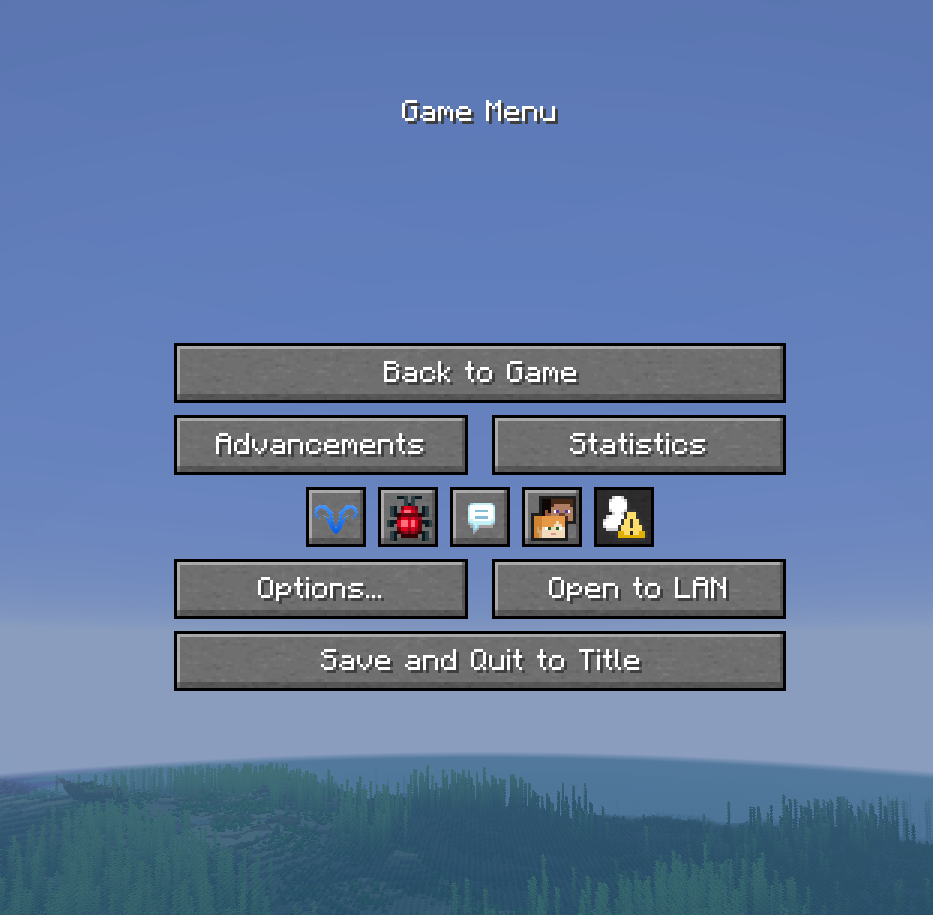


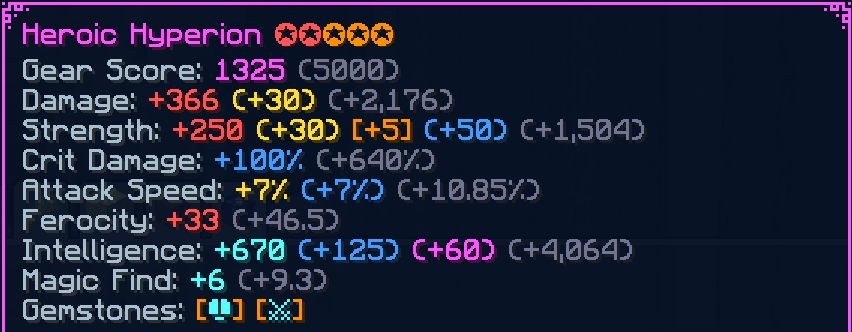
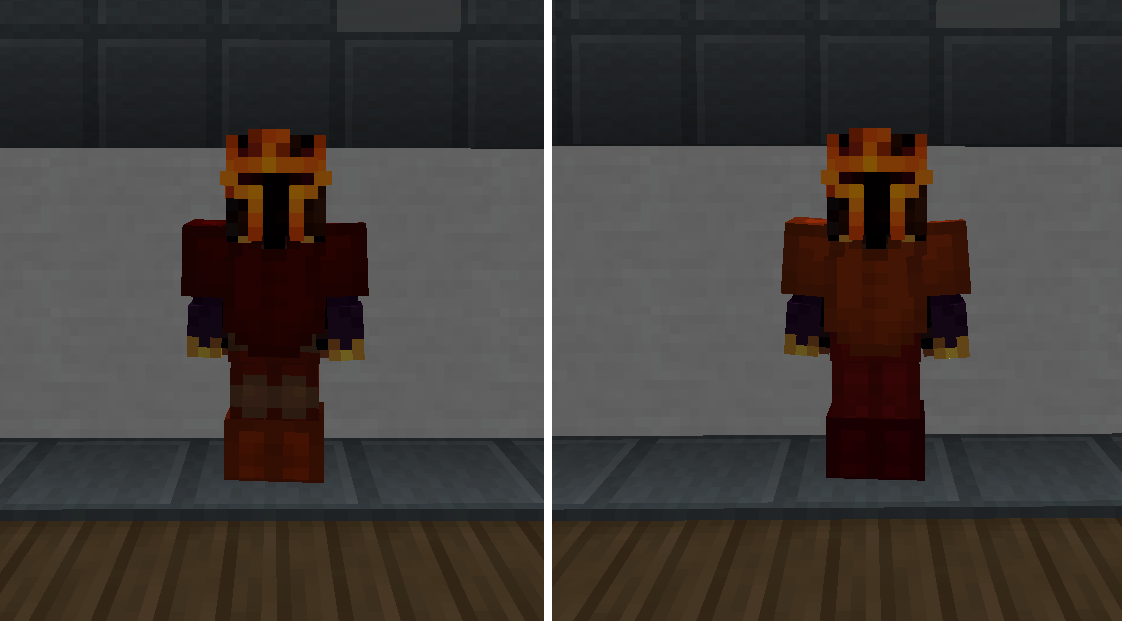

介绍

What is Aries?
Aries is a modern client-side Quality of Life mod for Hypixel SkyBlock, built for modern versions of Minecraft. It adds configurable visual customisation, chat improvements, SkyBlock utilities, and a polished in-game configuration menu. Designed to make everyday SkyBlock gameplay smoother. It adds configurable visual customisation, chat improvements, SkyBlock utilities, and a polished in-game configuration menu designed to make everyday SkyBlock gameplay smoother.
Whether you’re grinding skills, managing chat, or just trying to make SkyBlock less painful, Aries is designed to stay
fast, simple, and helpful.
Why Aries?
SkyBlock involves many repetitive actions and visual clutter. Aries focuses on improving these small frustrations through quality-of-life features that give players more control over their visuals, interface, and everyday gameplay.
Instead of adding unnecessary complexity, Aries provides simple tools that can be enabled, disabled, and customised to fit each player’s playstyle.
Compatibility
Aries is a Fabric mod designed for Hypixel SkyBlock. It does not require any server installation and only provides client-side improvements, visual customisation, and quality-of-life features.
Support
Found a bug, have a feature suggestion, or need help?
You can report bugs, request features, and provide feedback through GitHub Issues or the Aries Discord:
GitHub Issues are recommended for detailed bug reports, crash logs, and feature requests.
Discord is better for general support, discussion, and quick feedback.
Features
Aries currently includes the following features:
🎨 Visual Customisation
- Customise held item position, scale, and swing behaviour
- Adjust player model scale and proportions
- Customise Etherwarp visuals, including valid/invalid colours and outline width
- Scale dropped items based on rarity for improved visibility
💬 Chat Improvements
- Compact chat for a cleaner chat window
- Peek chat without opening the full chat screen
- Scroll while peeking through chat history
🛠️ SkyBlock Improvements
- Skip command confirmation prompts for faster interactions
- Restore old Dungeon Master Star formatting
- Additional SkyBlock-focused improvements in active development
⚙️ Configuration
- Modern in-game configuration menu
- Fully configurable features
- Automatic configuration detection and live updates without restarting the game
- Share configuration files with others and have them apply immediately
- Manual saving and resetting available through
/aries config
Installation
Requirements
- Minecraft 26.2 or newer
- Fabric Loader
- Fabric API
Steps
- Install Fabric Loader for your Minecraft version
- Install Fabric API
- Download the latest Aries release
- Place the
.jarfile into yourmodsfolder - Launch Minecraft
Usage
Open the Aries menu using:
/aries
Use the in-game configuration menu to customise features and settings.
Config Location
.minecraft/config/aries/aries_config.json
Credits
Author & Developer VoidedAries
Big thanks to Ricciow for their help, feedback, and inspiration throughout development.
Also, a huge thank you to Earthcomputer for their patience, technical guidance, and support while overcoming
development challenges.
Thanks to everyone who has provided feedback, reported bugs, and helped improve Aries throughout development.
常见问题
Aries 支持哪些 Minecraft 版本?
Aries 支持 Minecraft Java 版 26.1.2–26.2,共 2 个版本,可用的加载器:Fabric。下载时注意选择和你游戏版本一致的文件。
Aries 怎么安装?
先用 PCL2 或 HMCL 启动器安装对应版本的 Fabric,再把下载的 .jar 文件放进游戏目录的 mods 文件夹,重新启动游戏即可。开启了版本隔离的,mods 文件夹在 versions/版本名 下面。运行环境:仅客户端。
评论
登录后评论和评分