
Argonyte
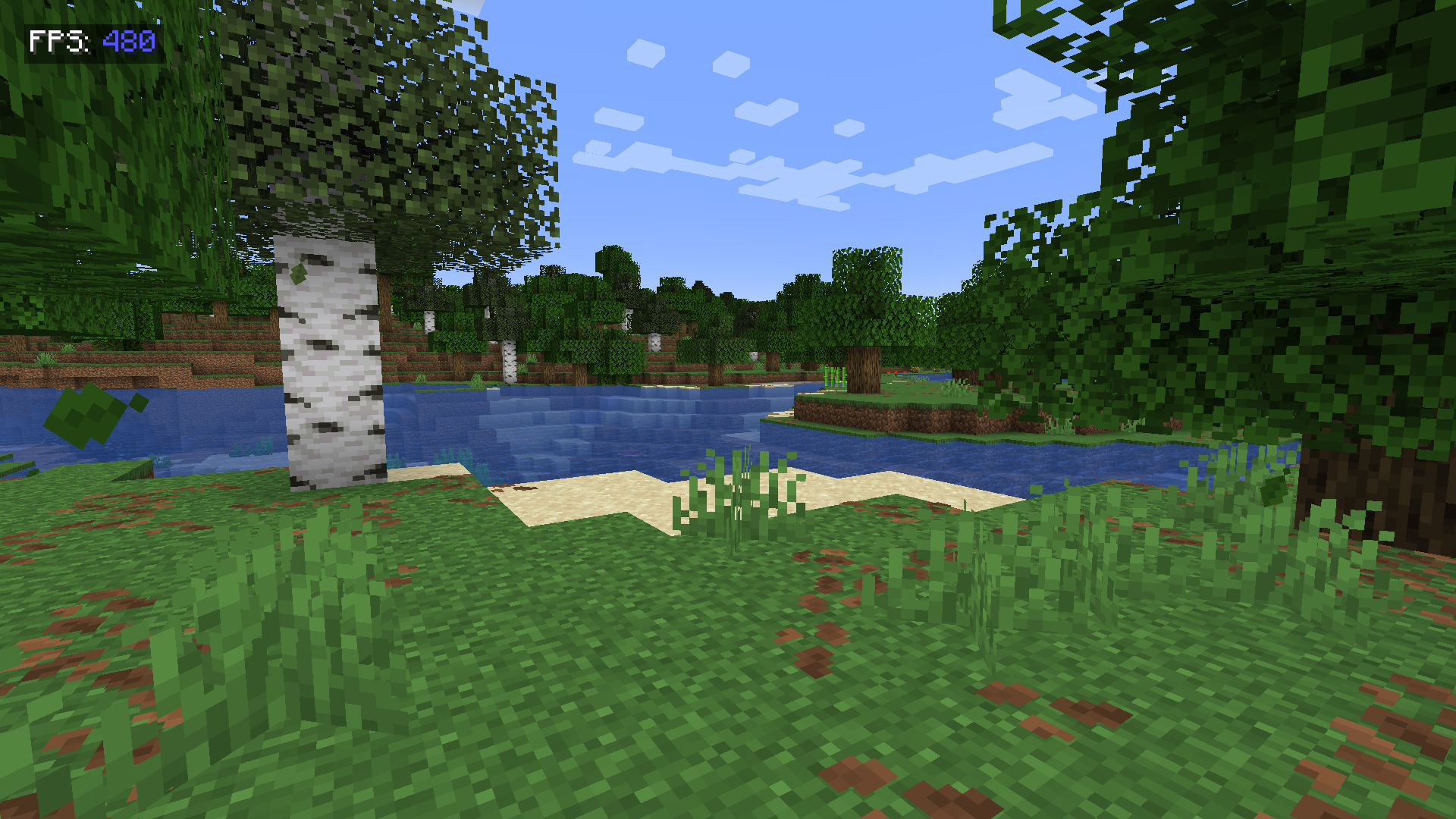
A clean, customizable FPS display that helps you monitor performance in style.
截图
介绍
A clean, customizable FPS display that helps you monitor performance in style
Features
Color-coded FPS values:
🔵 Blue (90+ FPS) = Excellent
🟢 Green (60-89 FPS) = Smooth
🟡 Yellow (30-59 FPS) = Playable
🔴 Red (<30 FPS) = Needs optimization
Clean design:
"FPS:"label in crisp white- Semi-transparent background for readability
- Perfectly positioned at 10×10 pixels (top-left)
Lightweight:
- Only uses essential Fabric API modules
- Near-zero performance impact
Accurate measurement:
- Real frame-per-second calculation (not MC’s smoothed F3 counter)
Perfect For
✔️ Benchmarking modpacks
✔️ Streamers who show performance
✔️ Troubleshooting lag spikes
✔️ Competitive players optimizing setups
Technical Info
🔹 Requires Fabric API + Mod Menu
🔹 Client-side only
🔹 Configurable position (edit in code)
_”Because sometimes you need to see the numbers behind the magic”_
常见问题
Argonyte 支持哪些 Minecraft 版本?
Argonyte 支持 Minecraft Java 版 1.21–26.2,共 8 个版本,可用的加载器:Fabric / NeoForge。下载时注意选择和你游戏版本一致的文件。
Argonyte 怎么安装?
先用 PCL2 或 HMCL 启动器安装对应版本的 Fabric / NeoForge,再把下载的 .jar 文件放进游戏目录的 mods 文件夹,重新启动游戏即可。开启了版本隔离的,mods 文件夹在 versions/版本名 下面。运行环境:仅客户端。
评论
登录后评论和评分