
截图
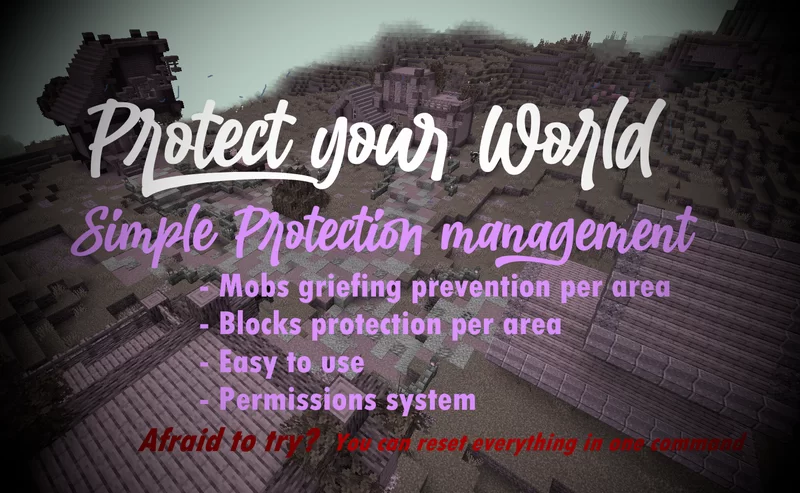
介绍
If you don’t want to read all this, you can just go in game and do /function, the commands will automatically be highlighted
FAQ:
Q: How to protect an area?
A: With one command that you can find below. It will claim a 30 blocks radius area, and you can use the command as much as you want for each 30 blocks radius you want to claim! It can also easily be unclaimed.
Q: How does the protection work, what does it protect?
A: Once entering a protected area, mobs with griefable abilities will be killed (creeper, ravager, enderman, ender dragon, wither, phantom, warden) along with their loots.
TNT & minecart tnt are disabled in a protected area.
Armor stands, item frames & glowing item frames, painting, are automatically set to invincible in a protected area. They are switching back to destroyable once the area get unclaimed.
Q: Will the datapack change something in my world if I install it?
A: It will only change the gamerule sendCommandFeedback to false to prevent the spam of the gamemode change message in the chat. Nothing else is changed
Q: If I uninstall the datapack, will the protections be gone?
A: Yes, but they will be saved in case you reinstall the datapack later, unless you run /function area_protection:reset_all.
Q: If I use this as a mod in singleplayer and then upload the world on my server, will the areas I protected still be protected?
A: No, unless you install the datapack or the mod on the server!
The datapack only uses tags, not teams, so if your world has teams enabled, the datapack is compatible with it.
How to use:
Simply run the first command to protect an area! If you don’t want to read all this, you can just go in game and do /function, the commands will automatically be highlighted
/function area_protection:protect_this —-> Set a 30 blocks spherical protection around you.
/function area_protection:reset_this —–> Remove the protection(s) applied at your position up to 40 blocks around you.
/function area_protection:reset_all ——> Remove all the protections of your world (No undo).
/function area_protection:view_protection_borders —–> Allows you to briefly see with particles the spherical protection of the area you are in.
/function area_protection:get_admin_permission_level —-> Allows you to bypass protection. A message will notify you when you are in a protected area, and you will be set in creative mode when running the command.
/function area_protection:get_player_permission_level ——> Reset your permission to default: You can’t bypass protection
Wish to give a player permission to build in every protected area, but not wanting to op him? Just do /execute as “name of the player” run function area_protection:get_admin_permission_level. He will be set in creative mode and will be able to build in every protected area.
常见问题
Area Protection 支持哪些 Minecraft 版本?
Area Protection 支持 Minecraft Java 版 1.21–26.3,共 17 个版本,可用的加载器:Fabric / Forge / NeoForge / Quilt。下载时注意选择和你游戏版本一致的文件。
Area Protection 怎么安装?
先用 PCL2 或 HMCL 启动器安装对应版本的 Fabric / Forge / NeoForge / Quilt,再把下载的 .jar 文件放进游戏目录的 mods 文件夹,重新启动游戏即可。开启了版本隔离的,mods 文件夹在 versions/版本名 下面。运行环境:客户端 / 服务端。
ThirtyFangs 的其他作品
查看全部 →
Waterfall Particles
This datapack adds particles to waterfalls

Better Nature
This mostly client side mod adds mushrooms to trees, insects, 3D leaves, new plants, and new animals compatible with vanilla clients

Wild Animals
This datapack adds elephants, jellyfishes, sharks and more, without causing lag to the server! No resource pack required

Improved/More Biomes
This datapack improves and adds 20+ new biomes such as the enchanted forest or the canyons! Custom lighting color support from 26.1
评论
登录后评论和评分