
Archipelago Mod
A Mod that allows Minecraft to work in Multi-Game Randomizers
截图

介绍
Archipelago Mod
_This project is continued in the memory of the original creator, Deadlydiamond98._
This is the “Archipelago Mod,” a mod that allows users to connect their Minecraft Game to the Archipelago multiworld multi-game randomizer in order to play Randomizers with multiple games, and/or multiple people!
Note: The mod sends information from your game to Archipelago to work!
- Advancements the Player Unlocks
- Players who have died
- Player Inventory Contents
- Player Messages in chat (this is used for talking to other players while playing or running commands on the Archipelago Server, but can be toggled on/off in the configs if desired)
What does this mod do?
This mod Interacts with Archipelago to allow for multiple games to communicate with eachother in a Randomizer.
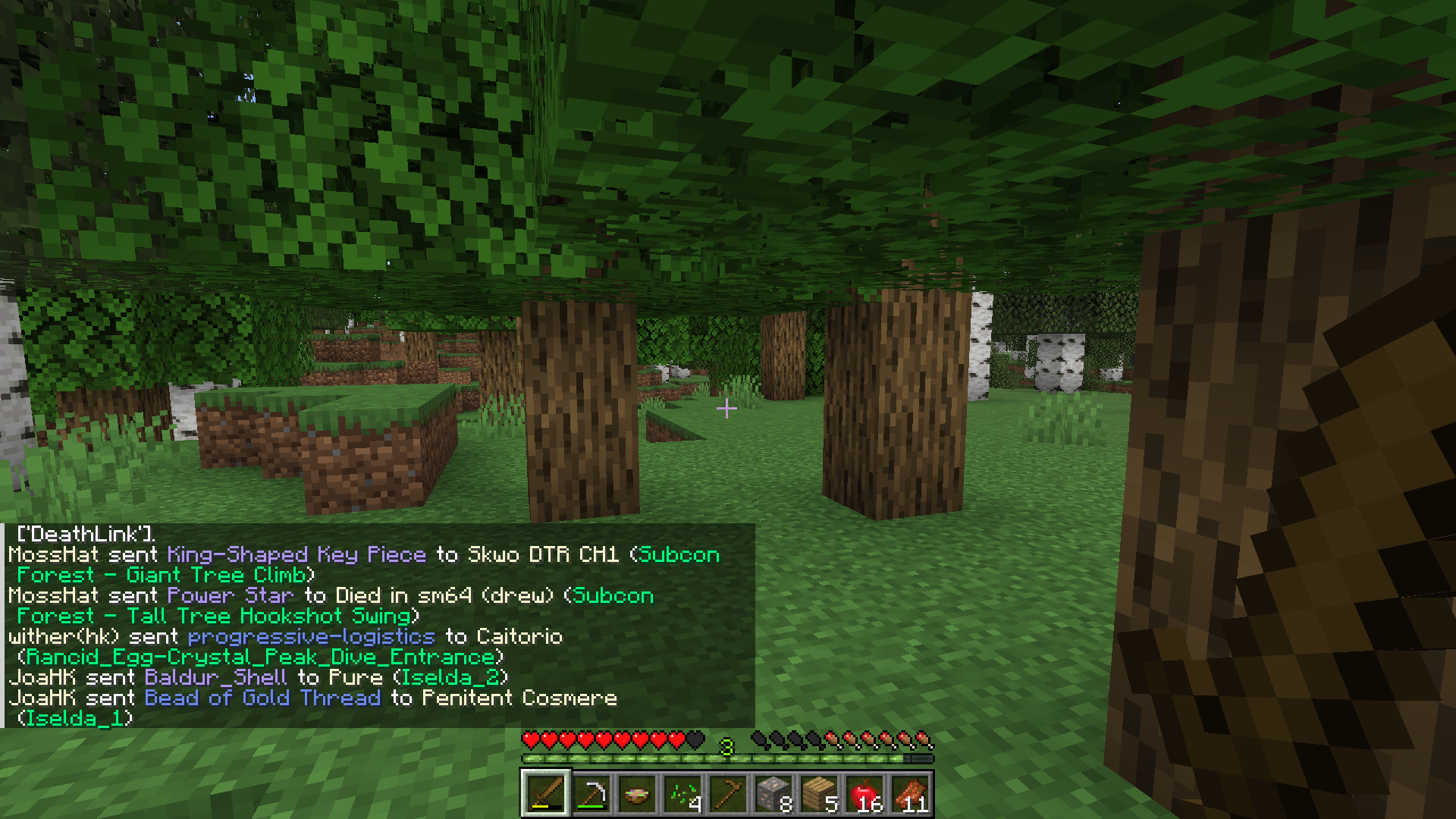
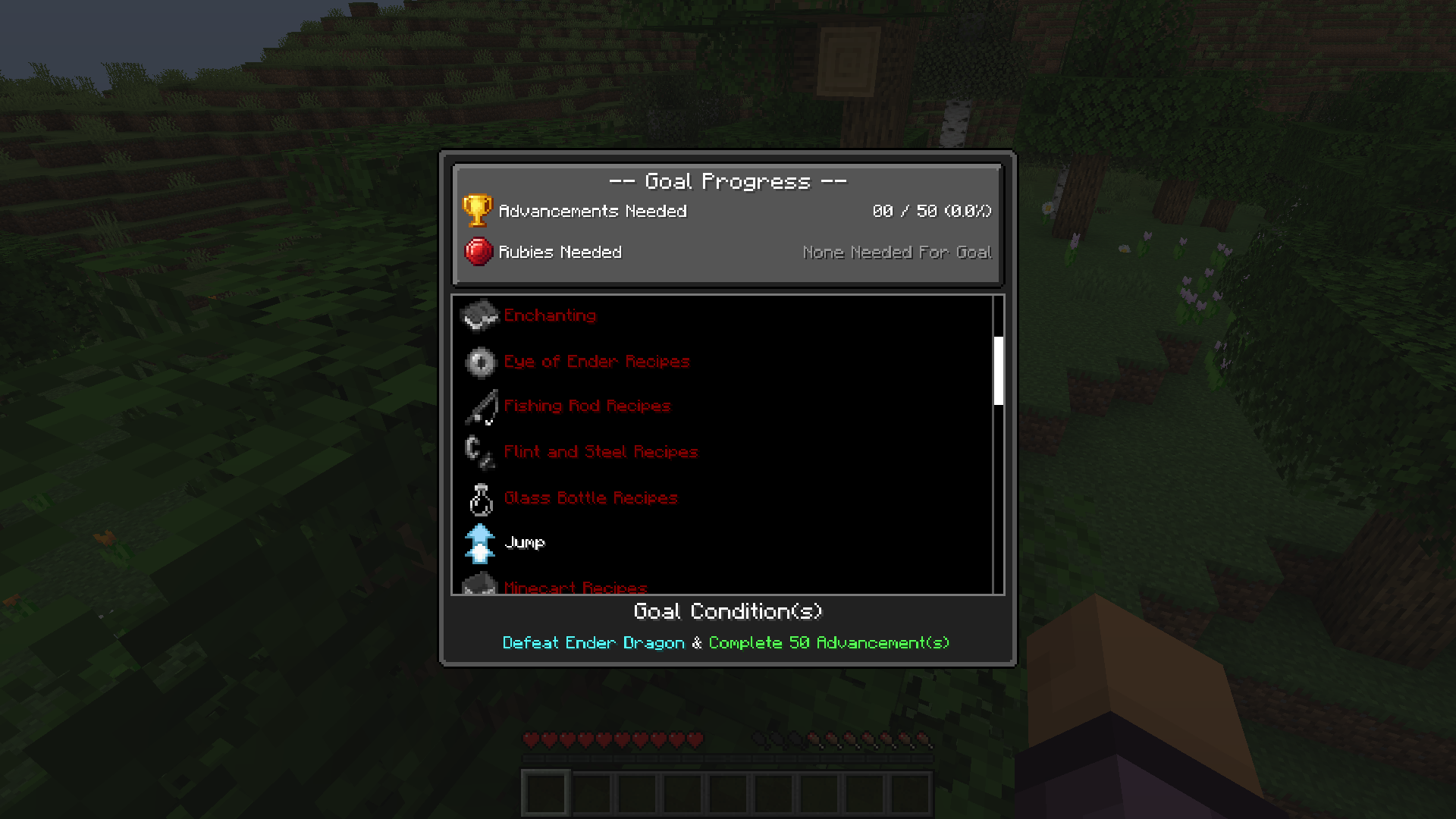
Everytime an Advancement is unlocked, an Item is sent to either you, or another persons game.
The Items can be unlocked for Minecraft are Recipes (such as tools, armor, and weapons) and Abilities (such as sleeping, smelting, and trading); These items can be locked behind locations in other peoples games, or behind advancements in Minecraft.
For more information on what Archipelago is or how it works, you can read HERE!
How do I set this mod up?
In order to play with this mod, you will need to generate an Archipelago Game, which you can read about doing by clicking HERE! (Note: you will need the latest version of the AP World for this!)
Once you have an Archipelago Game setup, you can open up your game (with this mod installed of course).
The next instructions will differ slightly depending on if you want to play Single Player or Multiplayer.
Setting up for Single Player
In order to setup for Single Player, all you need to do is Create a New World, and fill in the required prompts for the AP Server, Slot Name, and Password.

In the event that an incorrect AP Server, Slot Name, or Password is entered, or the Displays a popup that it failed to connect to an Archipelago Server, you can either generate a new world, or you can follow the instructions for Multiplayer.
Setting up for Multiplayer
The instructions for playing on a Multiplayer World are the same up until you join the world. Once you’re in the world, you can run the command “/connect` or `/archipelago connect“, and fill in the necessary information.

If a World was already generated in Single Player before being put on the server, the Server should connect automatically when the world starts.
Does this currently support other Mods?
Yes, a list of supported mods can be found Here
Will this mod be ported to Forge?
No, there are no plans to port this to Forge. However, Sinytra Connector can allow Fabric Mods to be run on Forge.
- Note Currently there is a crash when trying to run this with Sinytra Connector, but this will be fixed in the very near future.
Will this be ported to Newer Versions?
There are no plans to do that at the current moment. I wouldn’t be against doing so, but it isn’t likely to happen for a long time.
常见问题
Archipelago Mod 支持哪些 Minecraft 版本?
Archipelago Mod 支持 Minecraft Java 版 1.20.1,可用的加载器:Fabric。下载时注意选择和你游戏版本一致的文件。
Archipelago Mod 怎么安装?
先用 PCL2 或 HMCL 启动器安装对应版本的 Fabric,再把下载的 .jar 文件放进游戏目录的 mods 文件夹,重新启动游戏即可。开启了版本隔离的,mods 文件夹在 versions/版本名 下面。运行环境:客户端和服务端都要装。
centdemeern1 的其他作品
查看全部 → Archipelago Mod
A Mod that allows Minecraft to work in Multi-Game Randomizers

CenTdemeern1’s Family & Friends pack
CenTdemeern1's modpack used in the SMP we play with family & friends.
评论
登录后评论和评分