截图
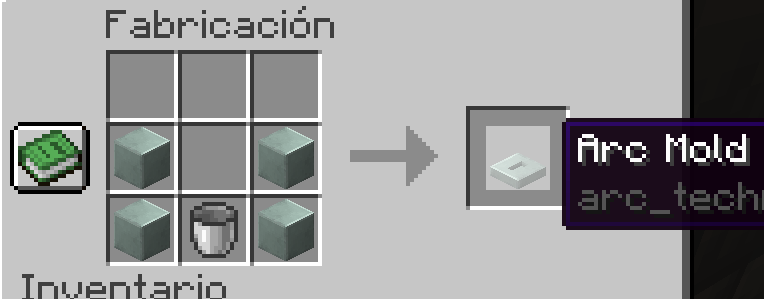
介绍

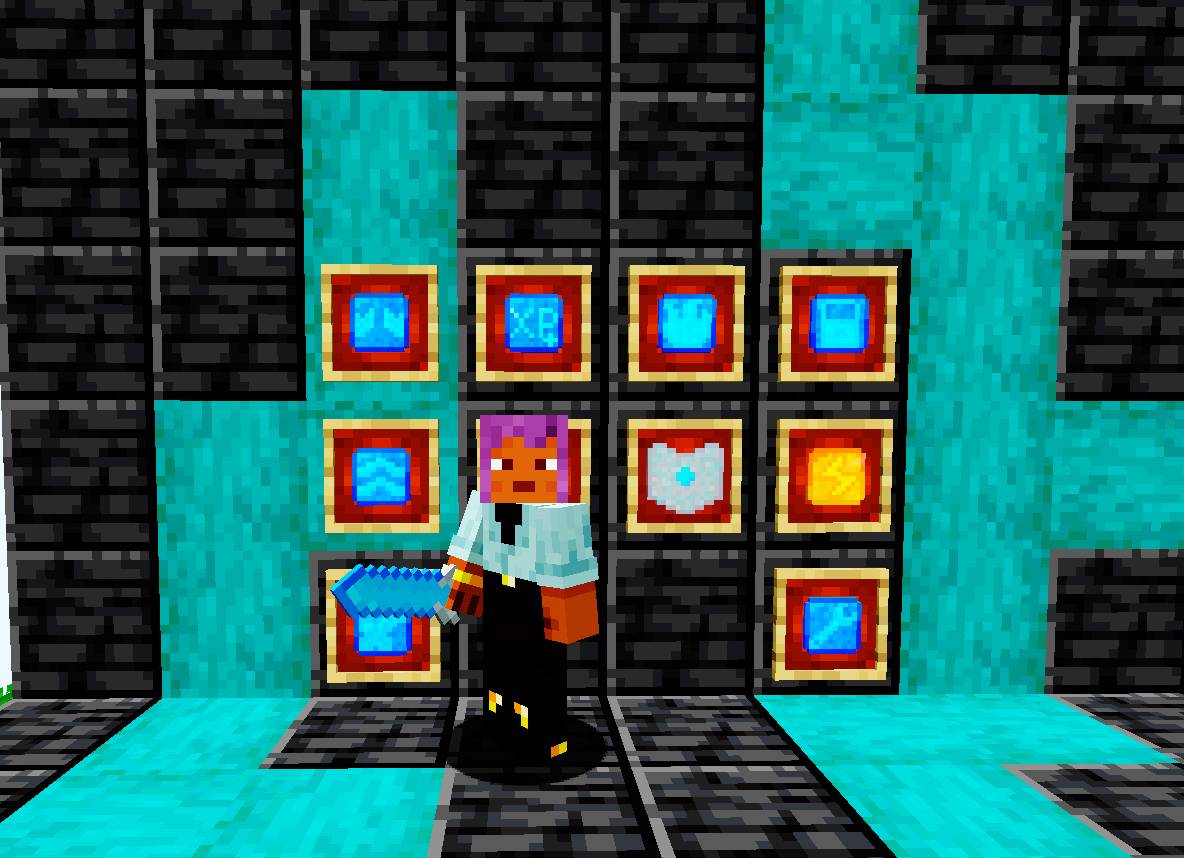
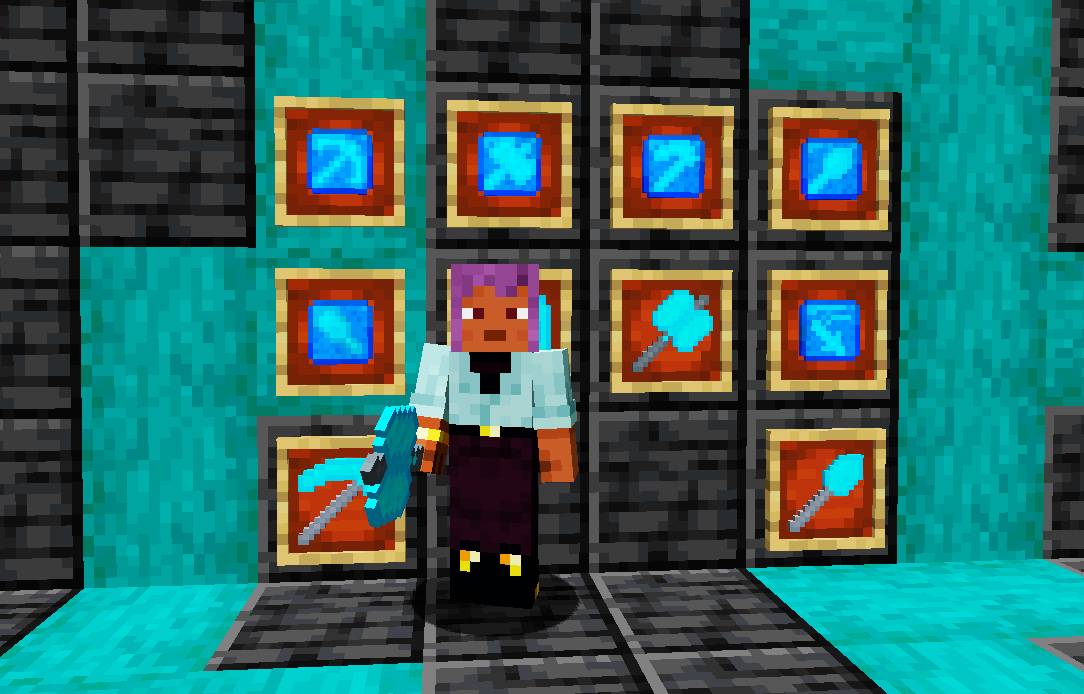
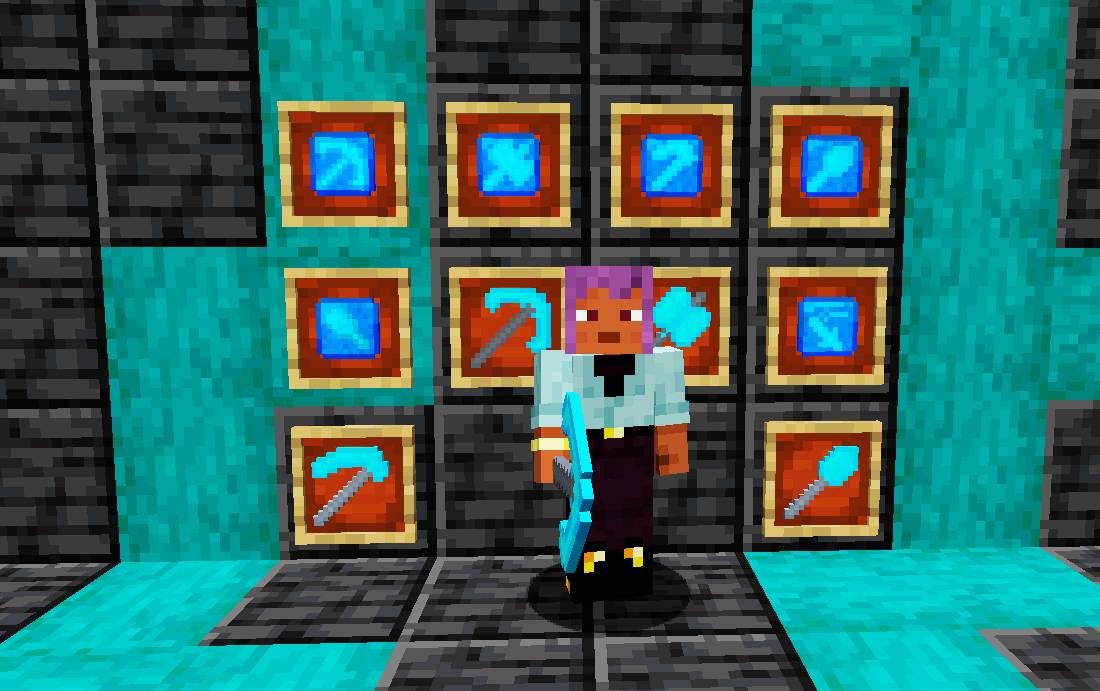
Arc Technology adds a new type of tool that can be self-upgraded and customized, a very powerful weapon
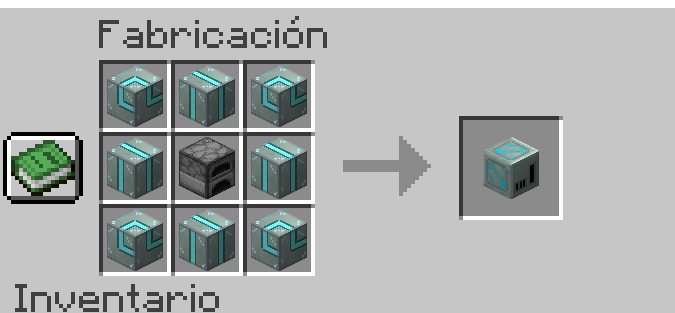
To create it, use the upgrade, diamond sword or armor and arcerite
The sword has 10 levels to improve, to level up, you need to attack with the sword:
The sword also has Boost to improve it, they are unlocked at level 7, to equip the boosts place them in the secondary hand with the sword in hand and press click, use shift and click to remove
Boosting: Enchant exclusive to the Arc Sword and Arc Armor, for each level, it improves the boosts and components a little
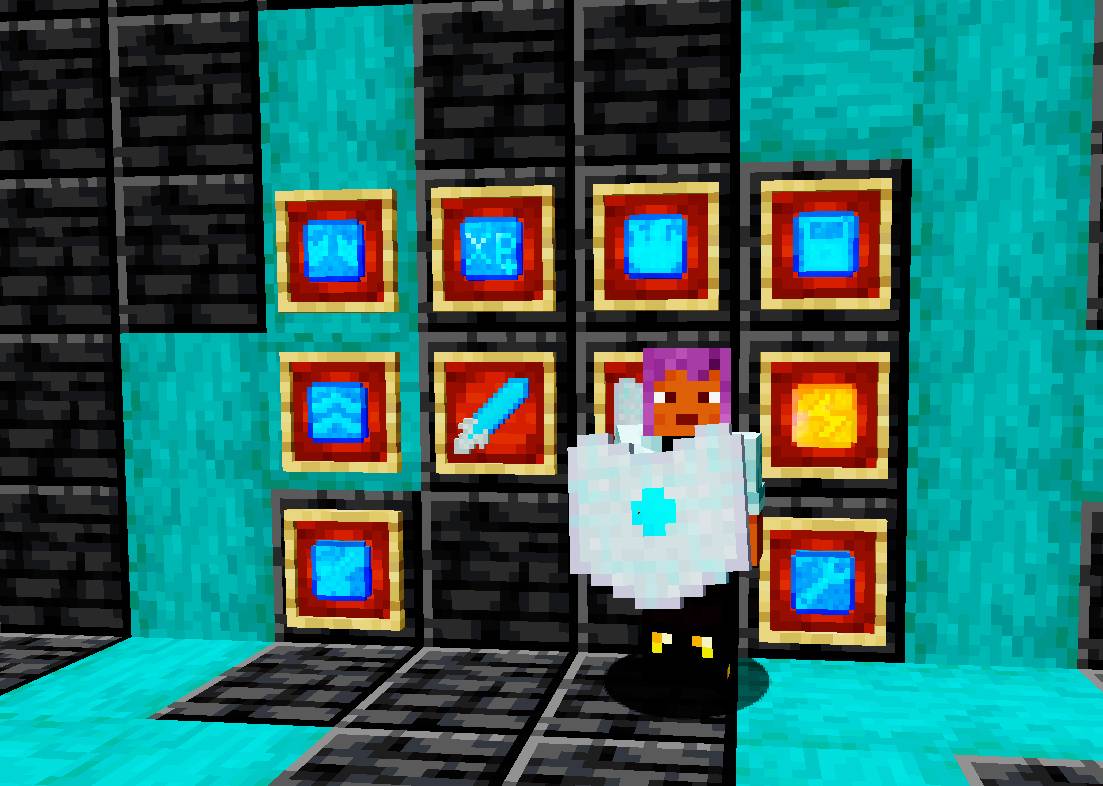
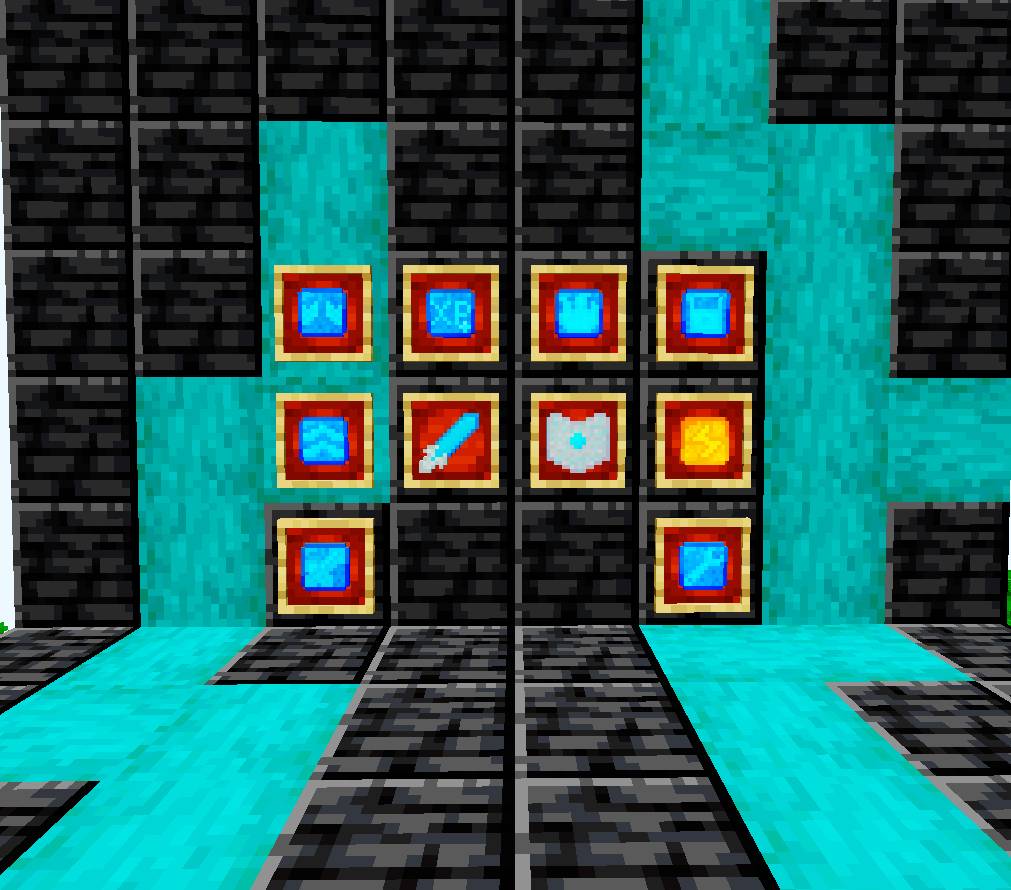
The armor has a slot for the Arc Circuit, which allows you to add 3 components (find them in the Hyper Arc Box) with improvements for the armor, equip them on the Arc Circuit and put it in your main hand, in your secondary hand, place the armor piece and press “Shift” + “Z”
To unequip, place the armor piece in your main hand with your secondary hand empty, press “Shift” + “Z” again
Structures:
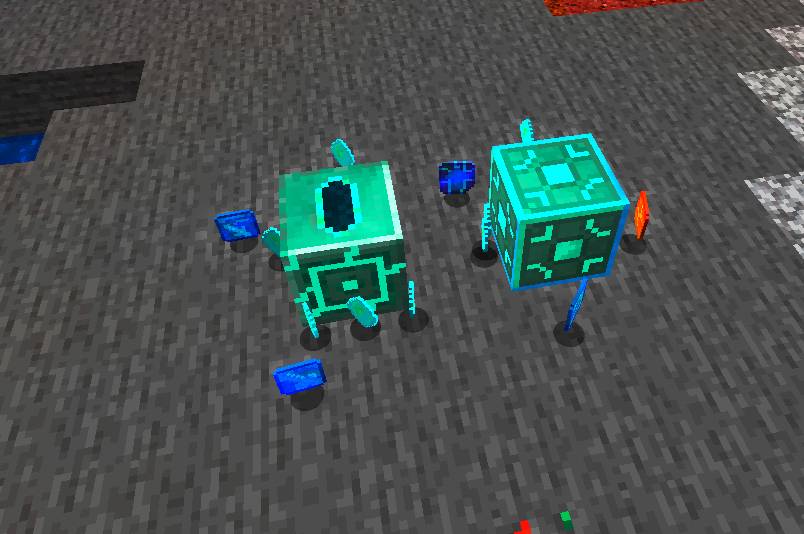
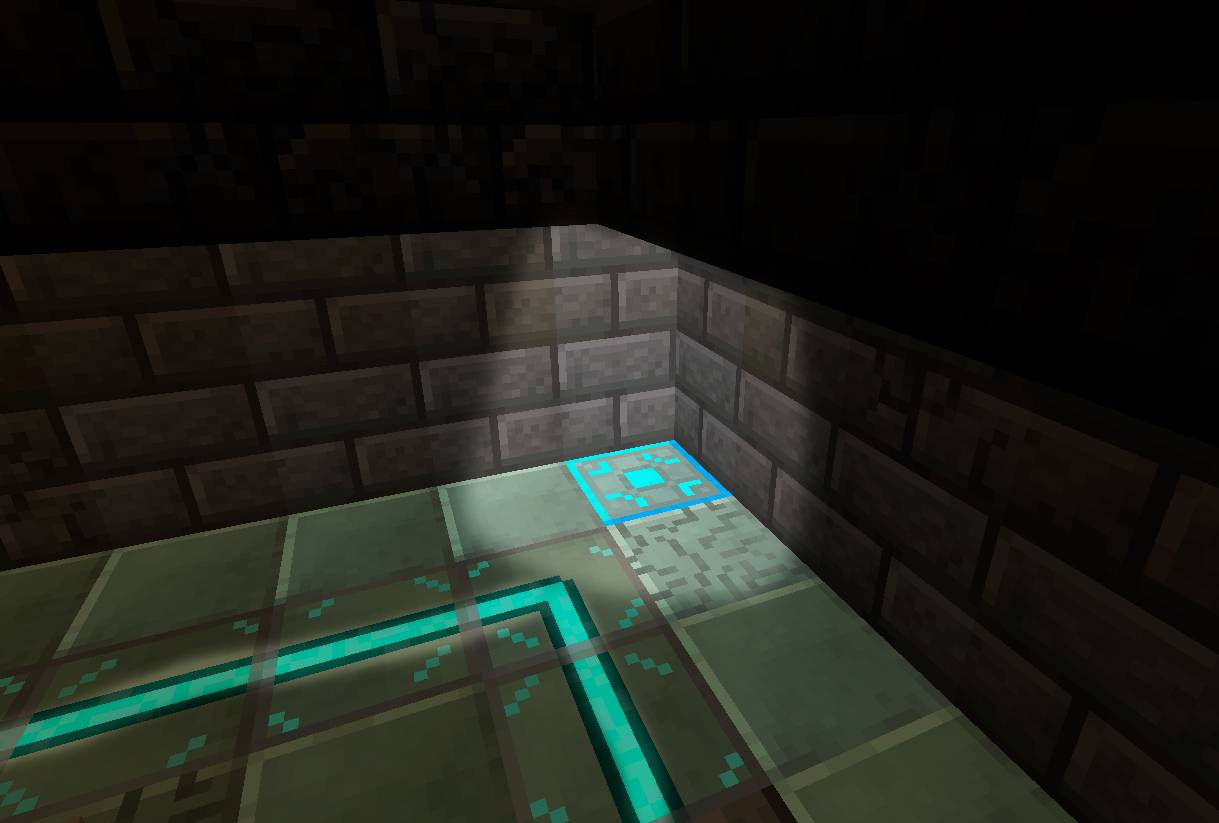
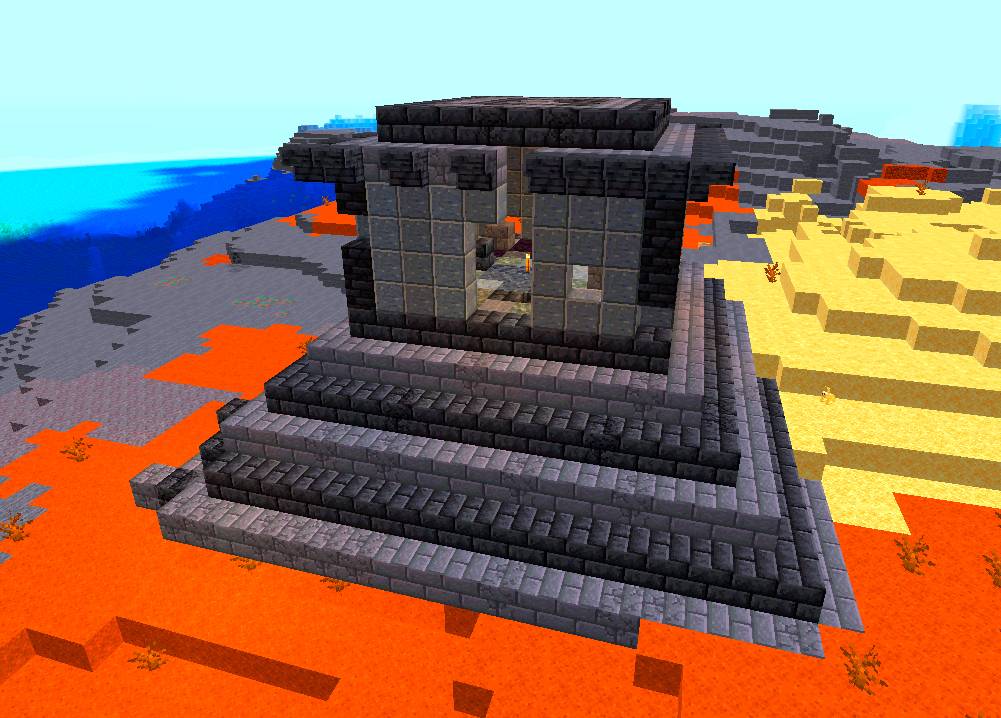
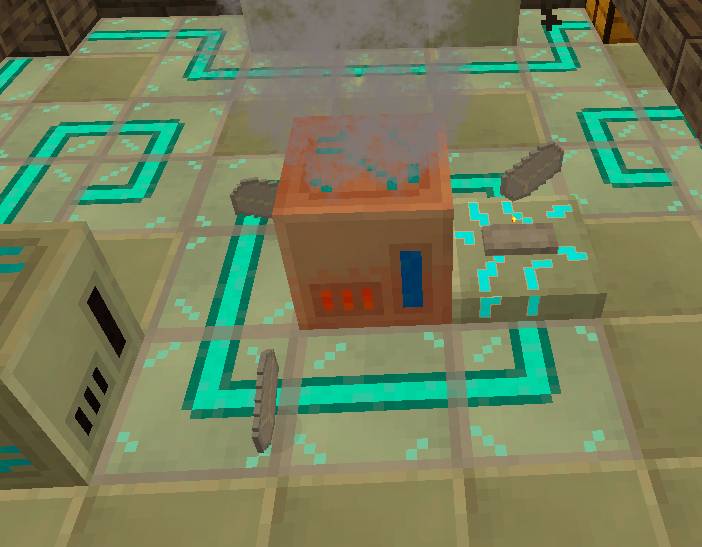
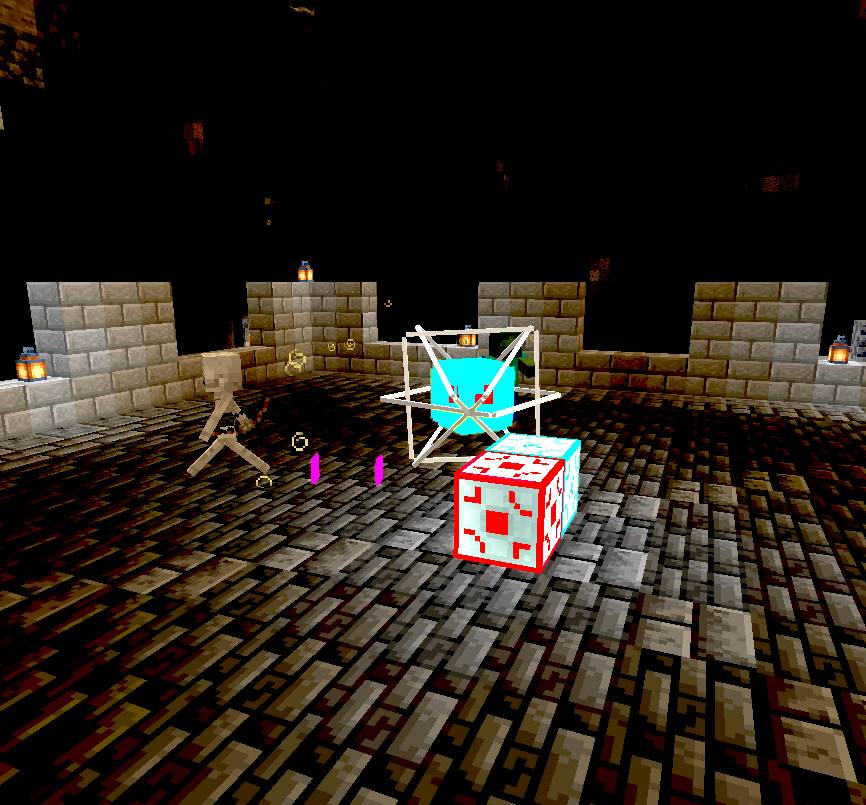
They are found in warm biomes, the Arc Temple only in deserts, the Arc Fort is found underground in caves, in both you can find the Arc Spawners, when you click on them, the challenge rounds begin, when you finish, they will give you the Arc Key, use it in the Arc Box, turn Arc Spawners into Hyper Arc Spawners, which will give you the rarest rewards in the mod, using Hyper Floppy Disks.
常见问题
Arc Technology 支持哪些 Minecraft 版本?
Arc Technology 支持 Minecraft Java 版 1.20.1,可用的加载器:Forge。下载时注意选择和你游戏版本一致的文件。
Arc Technology 怎么安装?
先用 PCL2 或 HMCL 启动器安装对应版本的 Forge,再把下载的 .jar 文件放进游戏目录的 mods 文件夹,重新启动游戏即可。开启了版本隔离的,mods 文件夹在 versions/版本名 下面。


评论
登录后评论和评分