
Appleskin+LungeFix
Always on saturation and exhaustion HUD visualization, with no language changes and a minimal layout. Not compatible with AppleSkin, remove AppleSkin first.
截图
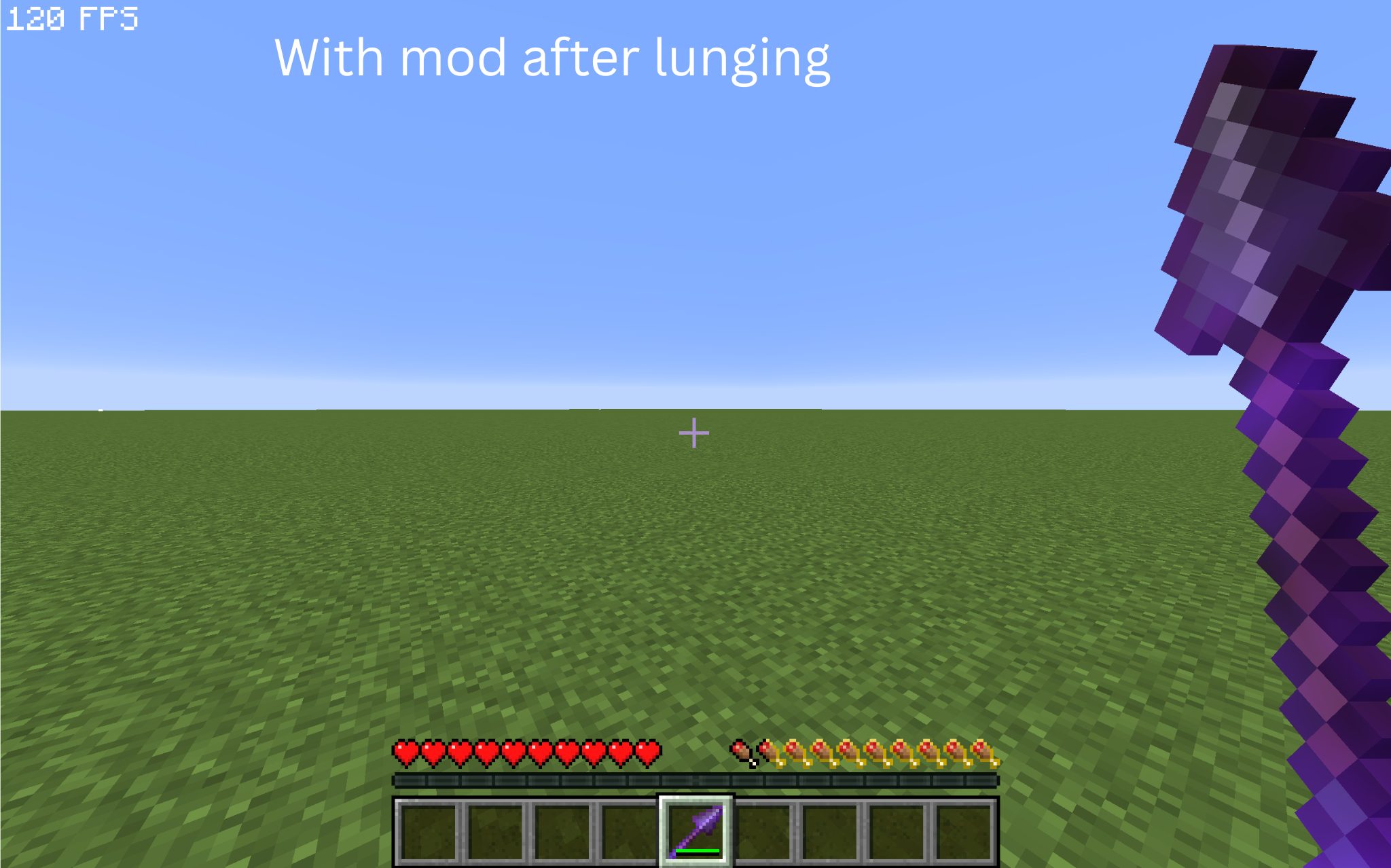
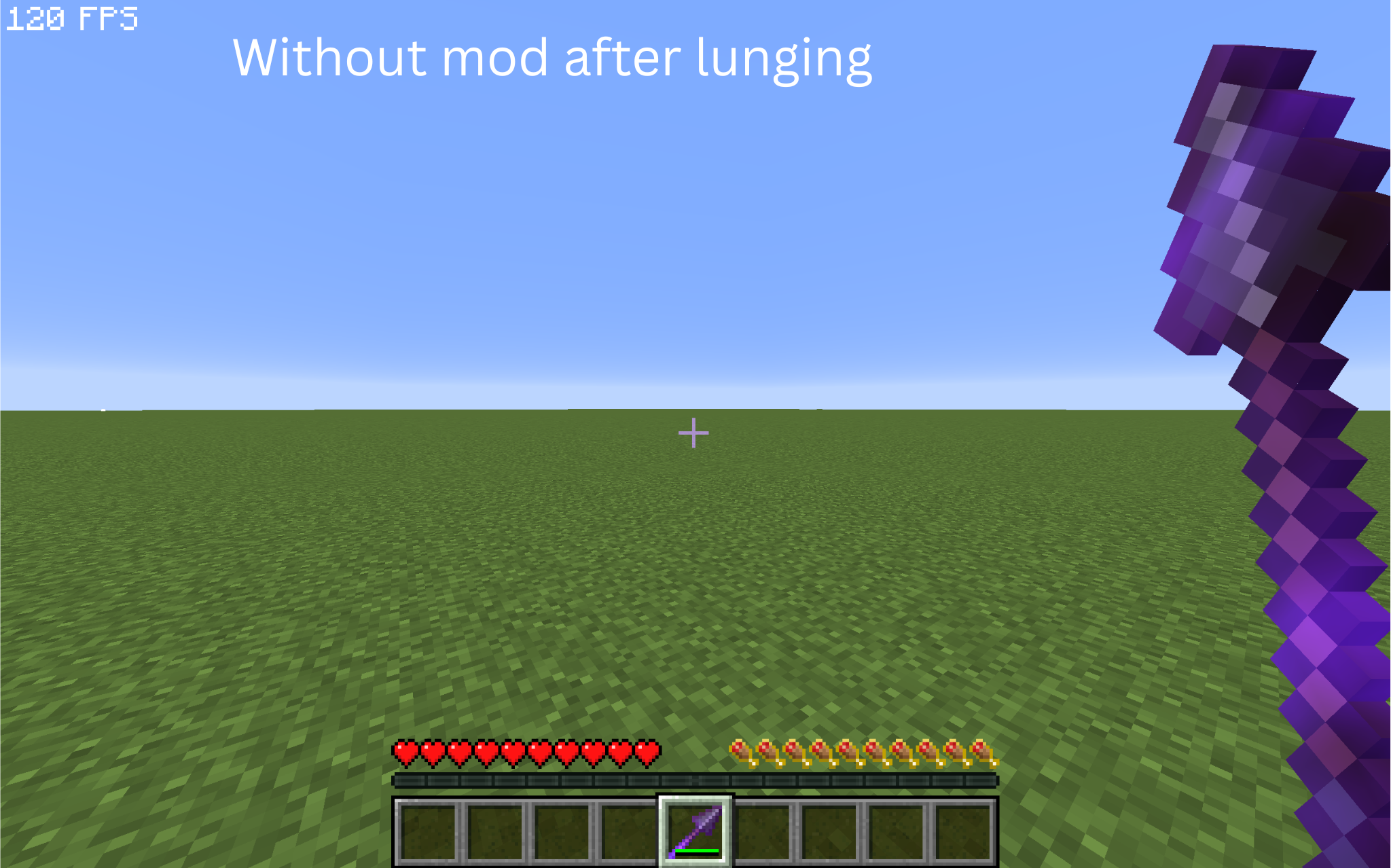
介绍
src=”https://tr7zw.github.io/uikit/social_buttons_icon/Modrinth-Button-64.png” alt=”Get it on Modrinth”><a
href=”https://github.com/plinthlol/appleskinplusminus” target=”_blank”><img
src=”https://tr7zw.github.io/uikit/social_buttons_icon/Github-Button-64.png” alt=”View source on GitHub”>
Appleskin +-
I made this because i wanted appleskin without all the extra stuff AND LUNGE FIX NOW SATURATION ACTUALLY DECREASES AFTER LUNGE ACCURATELY(hope)
I removed the tooltips, health visualization, and other things i didn’t really need, so this mod is pretty small — around 60 kb.
I also added the appleskin lunge fix, so the saturation display updates properly after a spear lunge.
Unlike the original fix, this version doesn’t require appleskin to be installed on the server.
IMPORTANT: REMOVE the original appleskin mod before using this!
This mod is not compatible with the original appleskin mod. having both installed will cause conflicts.
Credits
This mod takes things from:
- https://modrinth.com/mod/appleskin
- https://modrinth.com/mod/apple-skin-lunge-fix
常见问题
Appleskin+LungeFix 支持哪些 Minecraft 版本?
Appleskin+LungeFix 支持 Minecraft Java 版 1.21.11–26.3,共 3 个版本,可用的加载器:Fabric。下载时注意选择和你游戏版本一致的文件。
Appleskin+LungeFix 怎么安装?
先用 PCL2 或 HMCL 启动器安装对应版本的 Fabric,再把下载的 .jar 文件放进游戏目录的 mods 文件夹,重新启动游戏即可。开启了版本隔离的,mods 文件夹在 versions/版本名 下面。运行环境:客户端和服务端都要装。
jetcuh 的其他作品
查看全部 → Appleskin+LungeFix
Always on saturation and exhaustion HUD visualization, with no language changes and a minimal layout. Not compatible with AppleSkin, remove AppleSkin first.

Camerao
Most feature packed camera utility while still being minimal.
评论
登录后评论和评分