
ApertureMapsLib
ApertureMapsLib — a Forge 1.12.2 library that lets you use large, non-square textures safely in the vanilla atlas.
截图


介绍
ApertureMapsLib is a library for Minecraft Forge 1.12.2 that allows large rectangular textures to be used safely in the vanilla atlas.
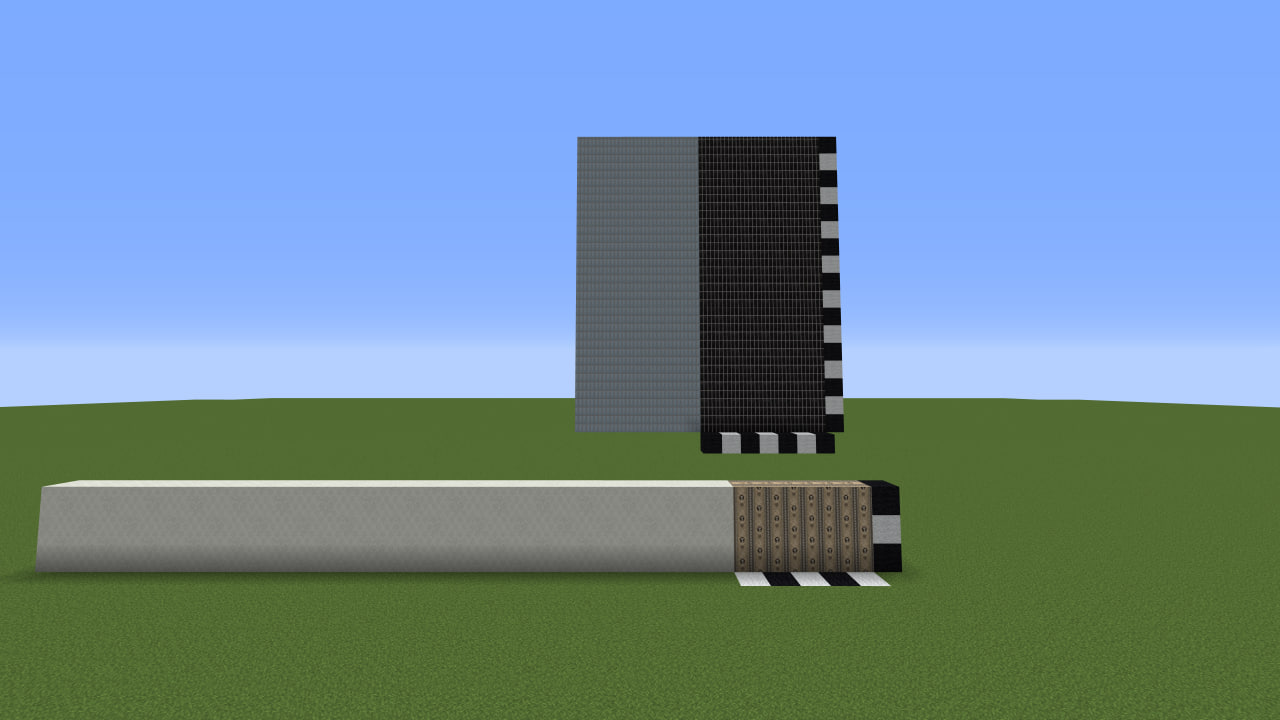
If you create wallpapers, panels, tiles, or other patterns that span multiple blocks at once (for example 7×4 or 20×12), you may have run into issues like these:
- _texture loading crashes_
- _cropped or corrupted textures in the atlas_
- _visual seams and artifacts_
- _incorrect behavior with CTM_
This library is designed specifically to solve those cases.
How does it work?
The library does not require any code integration.
You only need to place a .png.mcmeta file next to the texture:
{
  "aperturemapslib": true
}
Example with ConnectedTexturesMod (CTM) Pattern size: 10×5 blocks
{
  "ctm": {
    "ctm_version": 1,
    "type": "pattern",
    "extra": {
      "width": 10,
      "height": 5
    }
  },
  "aperturemapslib": {
    "enabled": true
  }
}
After that, the fixes are applied automatically only to the textures that need them.
What does the library do?
- Allows rectangular textures to be used without errors
- Protects them from cropping and atlas conflicts
- Disables problematic transformations such as rotation and scaling
- Fixes pattern-rendering issues when CTM is present
Requirements
- Minecraft 1.12.2
- Forge 14.23.x
- CTM (ConnectedTexturesMod)
Who is this for?
Modders working with non-standard textures and creating their own block mods with CTM support.
Important
- Use the library only where it is actually needed
- Texture dimensions must be divisible by 16
- The atlas may become larger in size — this is the normal tradeoff for correct rendering
Credits
Special thanks to the Chisel Team for ConnectedTexturesMod (CTM), which inspired part of the solution and made pattern textures possible in the first place.
Project Telegram channel: KharkivTiles 1:1
GitHub: Github/ApertureMapsLib
常见问题
ApertureMapsLib 支持哪些 Minecraft 版本?
ApertureMapsLib 支持 Minecraft Java 版 1.12.2,可用的加载器:Forge。下载时注意选择和你游戏版本一致的文件。
ApertureMapsLib 怎么安装?
先用 PCL2 或 HMCL 启动器安装对应版本的 Forge,再把下载的 .jar 文件放进游戏目录的 mods 文件夹,重新启动游戏即可。开启了版本隔离的,mods 文件夹在 versions/版本名 下面。运行环境:客户端 / 服务端。
ArchangelD 的其他作品
查看全部 →
QuadHotbar (MultiHotbar)
QuadHotbar adds up to four switchable hotbars for NeoForge 1.21.1 and Forge 1.20.1. It is a convenient MultiHotbar port designed for comfortable building and managing large item sets.
QuadHotbar (MultiHotbar)
QuadHotbar adds up to four switchable hotbars for NeoForge 1.21.1 and Forge 1.20.1. It is a convenient MultiHotbar port designed for comfortable building and managing large item sets.

LittleVecX 1.12.2
An addon that gives LittleTiles the precision, animations, and elevators 1.12.2 always lacked. Built by a builder, for builders.
评论
登录后评论和评分