
anyskin
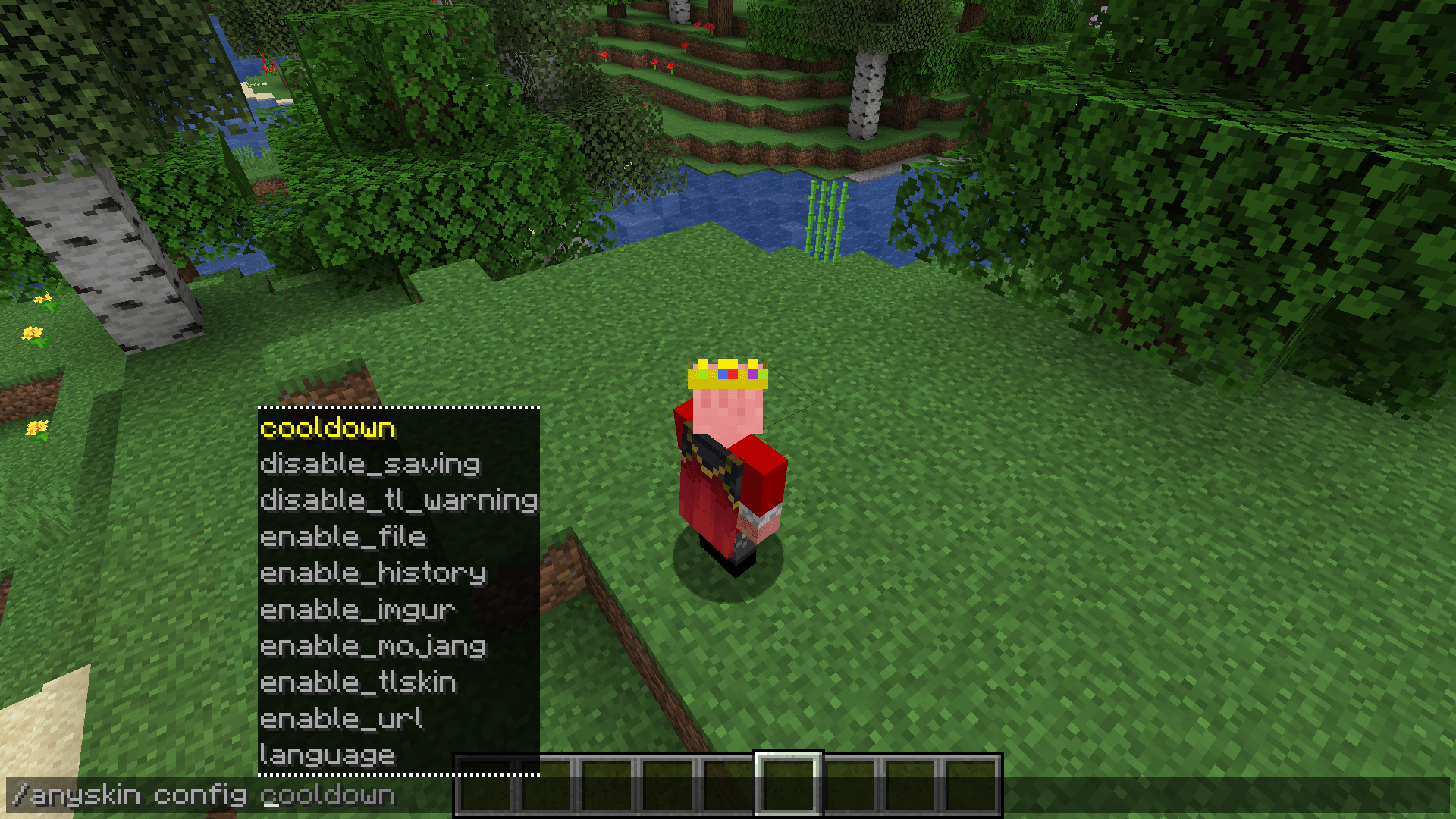
anyskin can instantly load skins from Mojang, TLauncher, URLs or direct png files!
截图
介绍
anyskin
A powerful and easy-to-use skin mod for Minecraft
anyskin allows players and admins to change skins instantly while allowing skins from Mojang, TLauncher, URL or direct png file.
Features
- Multiple Sources: Fetch skins from official Mojang accounts, TLauncher’s database, Imgur links, or direct image URLs.
- Local File Uploads: Upload
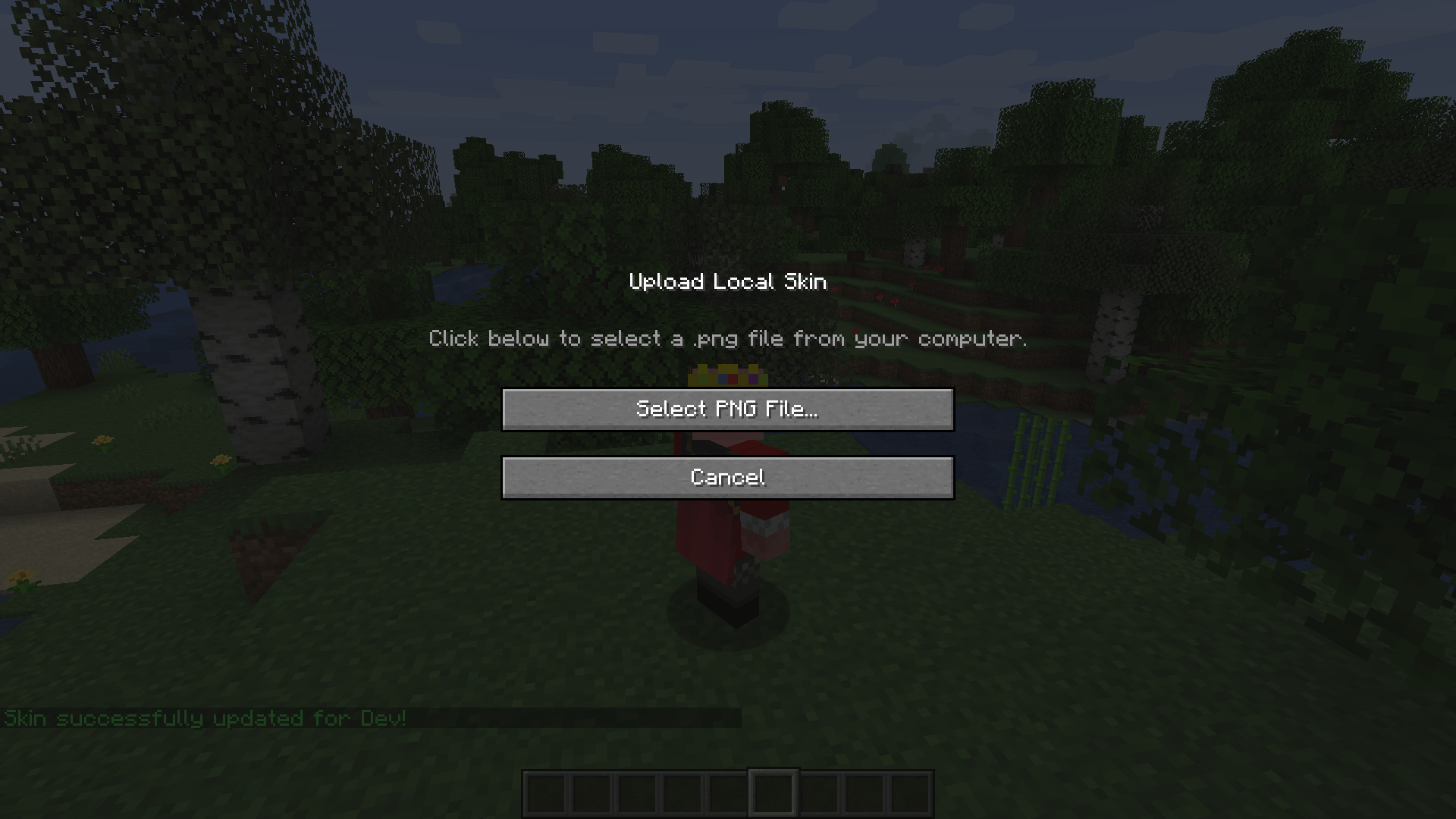
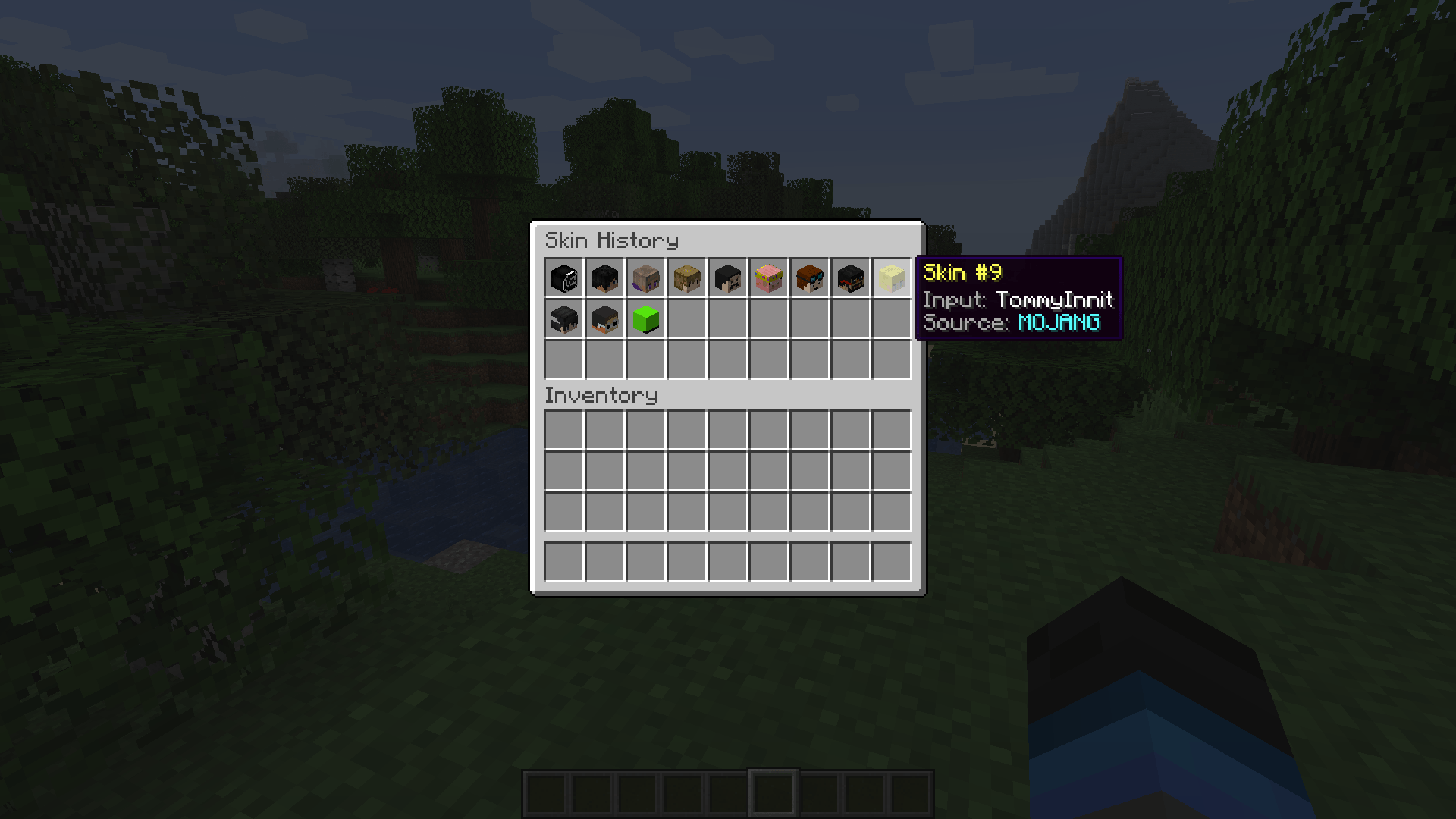
.pngfiles directly from your computer (requires the mod to be installed on the client-side). - Skin History GUI: Keep track of your previously used skins and easily switch back to them.
- Auto-Skin on Join: Perfect for offline servers; automatically applies a skin based on the player’s username when they join.
- Server-Side Capable: The mod can run entirely on the server. (However, players must have it installed on their client if they want to use the
/uploadskincommand).
Basic Commands
/skin <username / url / $code>– Change your skin instantly./clearskin– Reset your skin to the default./uploadskin– Opens a UI to select and upload a local.pngfile./skinhistory– Shows your previous skins./setskin <player> <input>– (Admin) Change another player’s skin./anyskin help– (Admin) View admin commands and configure the mod in-game.
You can provide feedback or report bugs in my website, all messages are anonymous.
常见问题
anyskin 支持哪些 Minecraft 版本?
anyskin 支持 Minecraft Java 版 1.16.5–26.1.2,共 17 个版本,可用的加载器:Fabric / Forge / NeoForge / Quilt。下载时注意选择和你游戏版本一致的文件。
anyskin 怎么安装?
先用 PCL2 或 HMCL 启动器安装对应版本的 Fabric / Forge / NeoForge / Quilt,再把下载的 .jar 文件放进游戏目录的 mods 文件夹,重新启动游戏即可。开启了版本隔离的,mods 文件夹在 versions/版本名 下面。
GustaGamerMTW 的其他作品
查看全部 →
Simple Manhunt Compass
Accurate Manhunt Compass that can be set-up with one command!

No End Crystal Damage
Disables damage & knockback from End Crystal explosions. (Also supports Anchors, Beds and TNT Minecarts)

Simple Manhunt Compass
Accurate Manhunt Compass that can be set-up with one command!

No End Crystal Damage
Disables damage & knockback from End Crystal explosions. (Also supports Anchors, Beds and TNT Minecarts)
评论
登录后评论和评分