
AnotherScape *BETA*
A RuneScape-inspired NeoForge adventure with bosses, raids, skills, items, pets, portals, trading, and a persistent multiplayer hub.
截图




介绍
AnotherScape brings a RuneScape-inspired progression and adventure layer to Minecraft 1.21.1 on NeoForge.
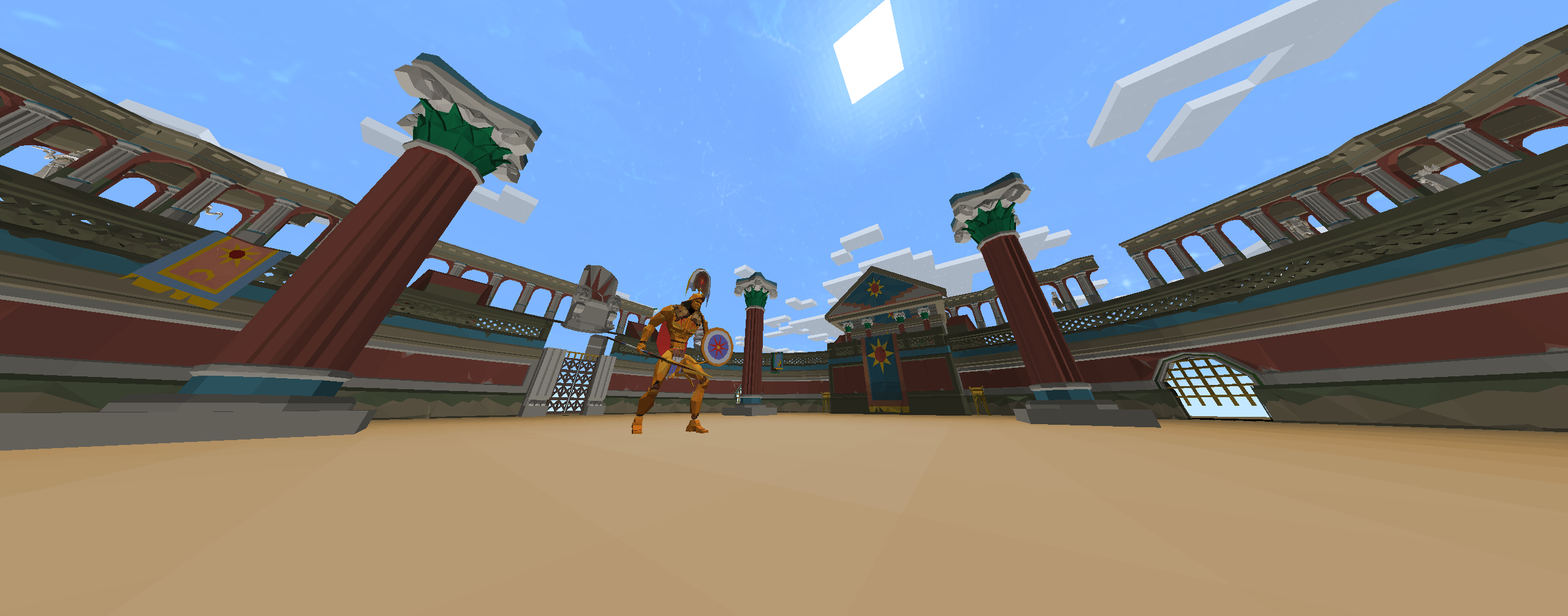
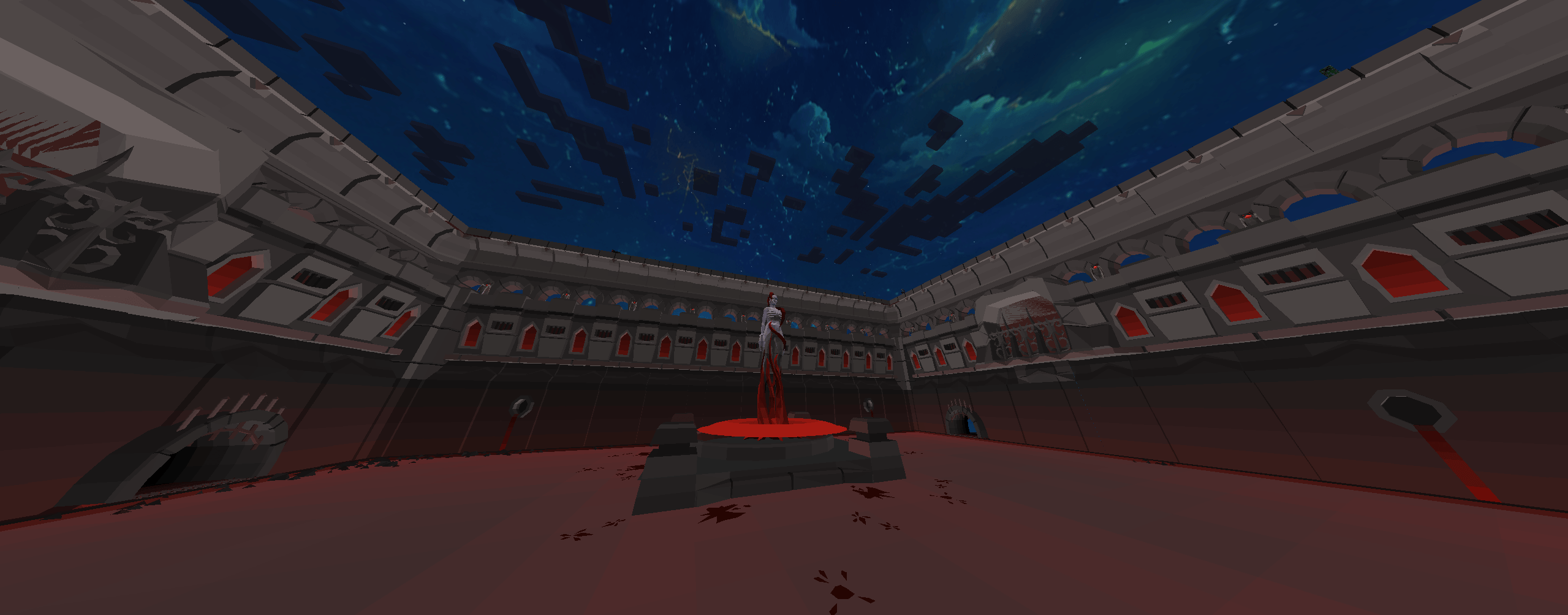
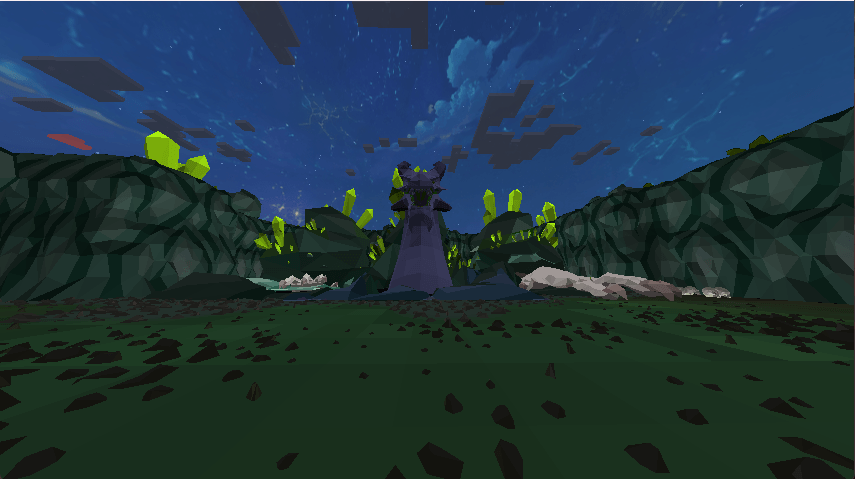
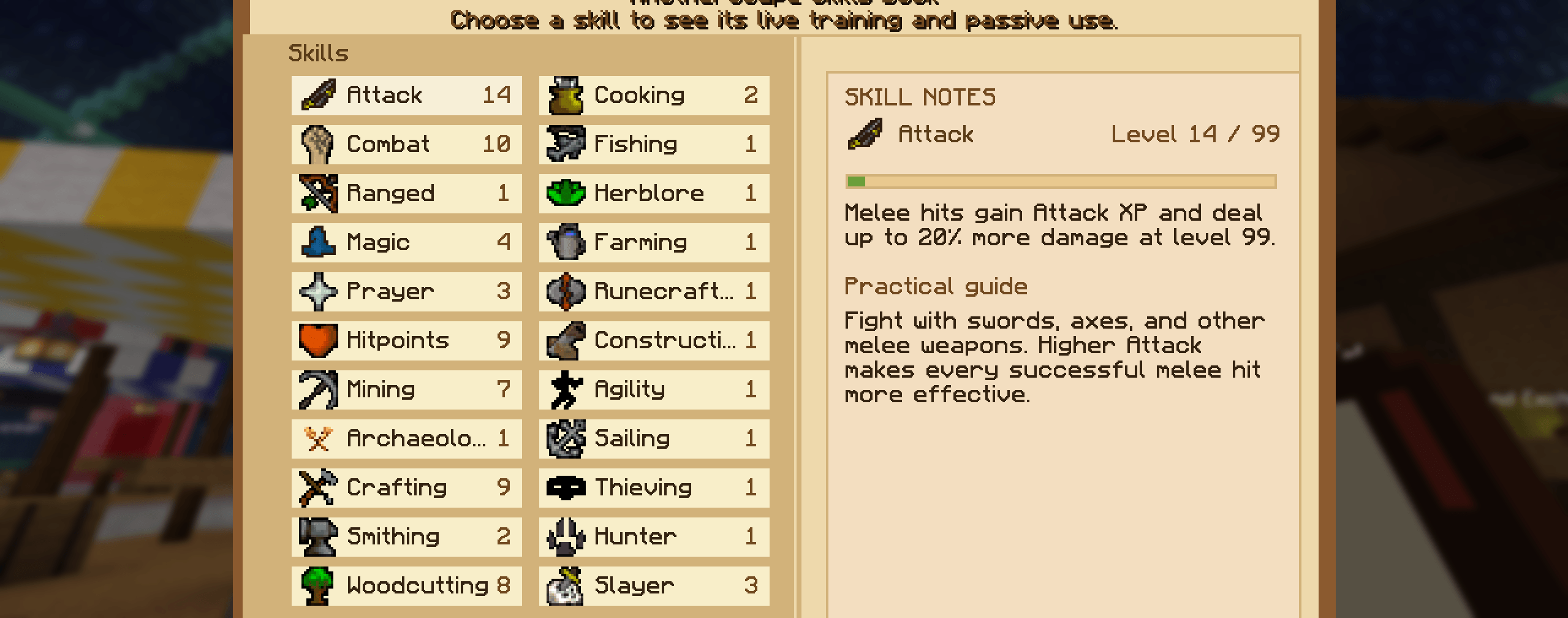
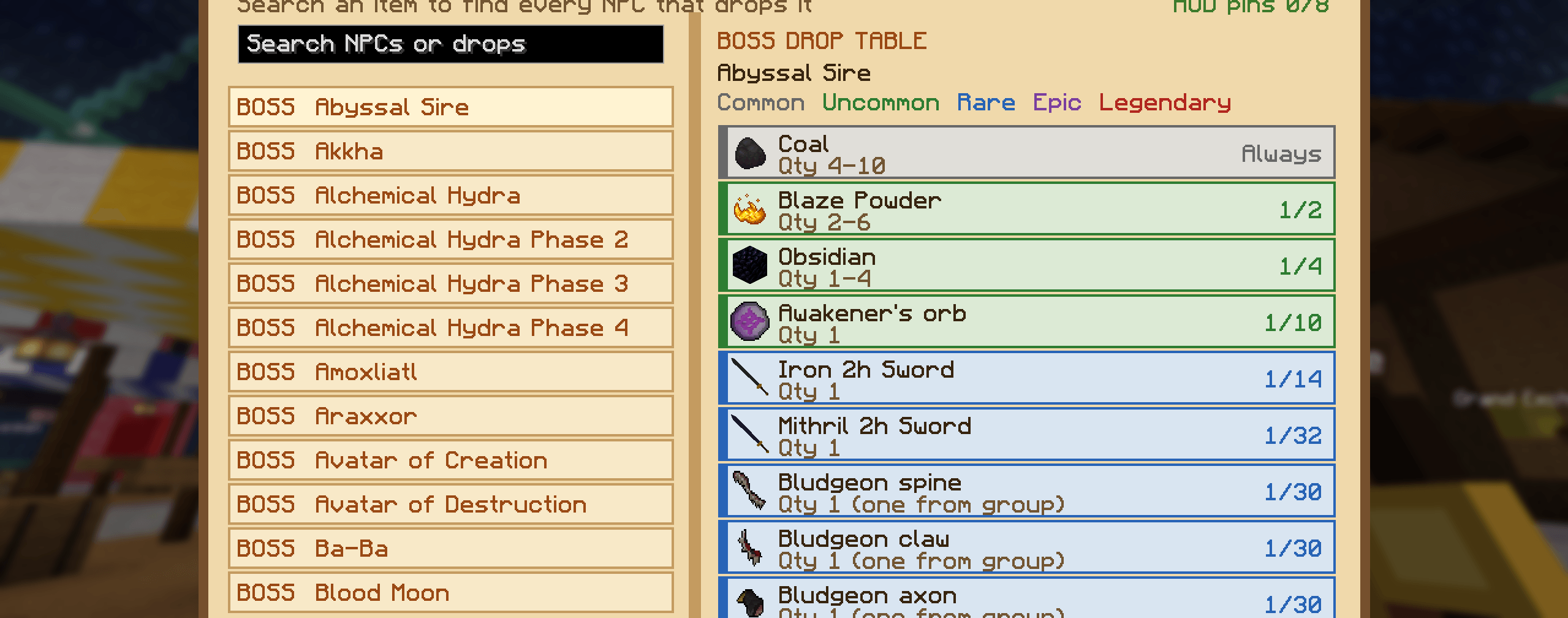
Build your character through persistent skills, collect hundreds of imported fantasy items, challenge bosses and Slayer creatures, explore purpose-built arenas and raids, trade through a player economy, and earn pets and equipment across a shared multiplayer world.
Highlights
- Persistent OSRS-style skills and starter equipment
- First-spawn choice between Baron and Greatish Guardian
- Bosses, boss pets, Slayer creatures, and rare loot
- Chambers of Xeric, Theatre of Blood, and Tombs of Amascut-inspired raid content
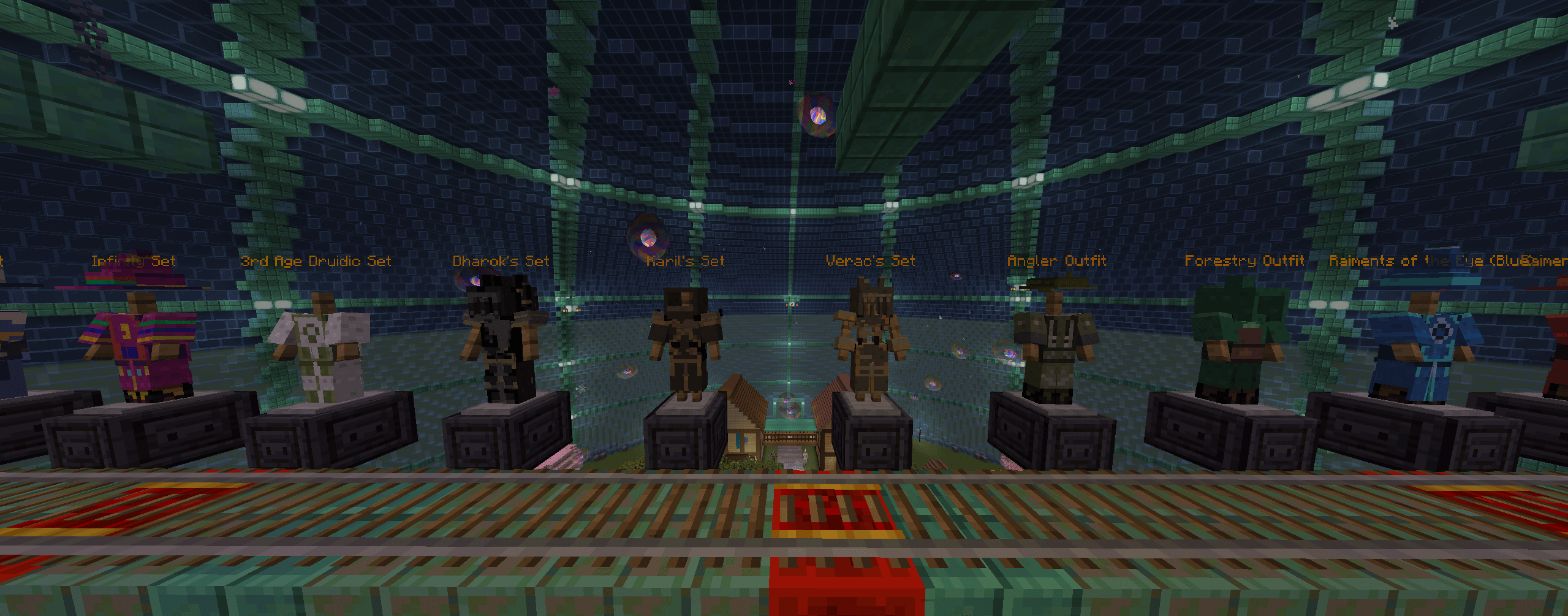
- Custom weapons, armor, bows, crossbows, shields, accessories, and enchantments
- Player trading, shops, banks, coin storage, and Grand Exchange systems
- Portal weapons connecting the Overworld, Nether, End, and raid destinations
- A large medieval multiplayer spawn hub with protected public areas
- NeoForge client and dedicated-server support
Version 1.0.95
Connected Spawn Hub paths, furnished homes with working beds and safer staircases, clear runecrafting access, Tutorial Island spawn protection, a quest-helper toggle, and public rift encounters.
Requirements
- Minecraft 1.21.1
- NeoForge 21.1.250 (use this exact version for the official server)
- Waystones 21.1.35 or newer
Better Combat is supported and recommended.
AnotherScape is an unofficial fan-made project and is not affiliated with or endorsed by Jagex or Mojang.
For a client setup matching the official server, install the AnotherScape modpack. Use Java 21 and 8 GB of RAM.
Links
常见问题
AnotherScape *BETA* 支持哪些 Minecraft 版本?
AnotherScape *BETA* 支持 Minecraft Java 版 1.21.1,可用的加载器:NeoForge。下载时注意选择和你游戏版本一致的文件。
AnotherScape *BETA* 怎么安装?
先用 PCL2 或 HMCL 启动器安装对应版本的 NeoForge,再把下载的 .jar 文件放进游戏目录的 mods 文件夹,重新启动游戏即可。开启了版本隔离的,mods 文件夹在 versions/版本名 下面。

评论
登录后评论和评分