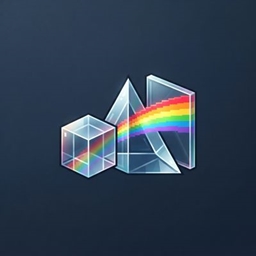
Annoying Glass
Select a glass color with the Chromatic Prism, then convert clear glass blocks and panes into matching vanilla variants.
介绍
# Annoying Glass
Annoying Glass adds the Chromatic Prism, a reusable tool for choosing the color of clear glass during crafting.
## Features
– Shift-right-click the prism to open a 4×4 color picker with a preview of each stained-glass block.
– Click a color to save it on the prism; the selected color is retained when crafting.
– Combine the prism with one clear glass block or one clear glass pane to receive the matching vanilla stained-glass block or pane.
– The prism is non-stackable and lasts for 16 conversions.
– The prism’s item texture animates through rainbow colors.
– No dyes or Polymorph are required.
– Modded clear glass blocks and panes are supported when their items are included in `c:glass_blocks/colorless` or `c:glass_panes/colorless`.
## Prism crafting recipe
Craft the Chromatic Prism with clear glass, a gold ingot, quartz, and redstone.
## Requirements
– Minecraft Java Edition 1.21.1
– NeoForge 21.1.253 or compatible NeoForge 21.1 build
## Controls
– Right-click: cycle to the next color.
– Shift-right-click: open the color picker.
– Left-click a glass icon: select that color.
The chosen color is shown in the prism tooltip and in the picker.
常见问题
Annoying Glass 支持哪些 Minecraft 版本?
Annoying Glass 支持 Minecraft Java 版 1.21.1,可用的加载器:NeoForge。下载时注意选择和你游戏版本一致的文件。
Annoying Glass 怎么安装?
先用 PCL2 或 HMCL 启动器安装对应版本的 NeoForge,再把下载的 .jar 文件放进游戏目录的 mods 文件夹,重新启动游戏即可。开启了版本隔离的,mods 文件夹在 versions/版本名 下面。
评论
登录后评论和评分