截图
介绍
中文介绍正在准备中,下面暂时显示原文。
AnkiCraft
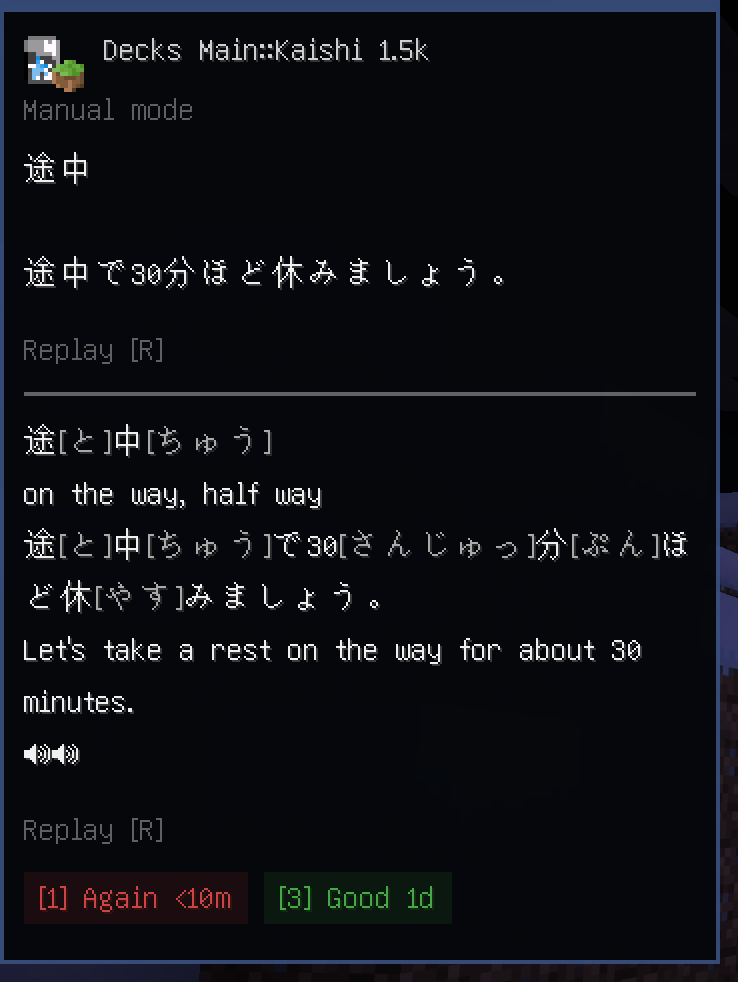
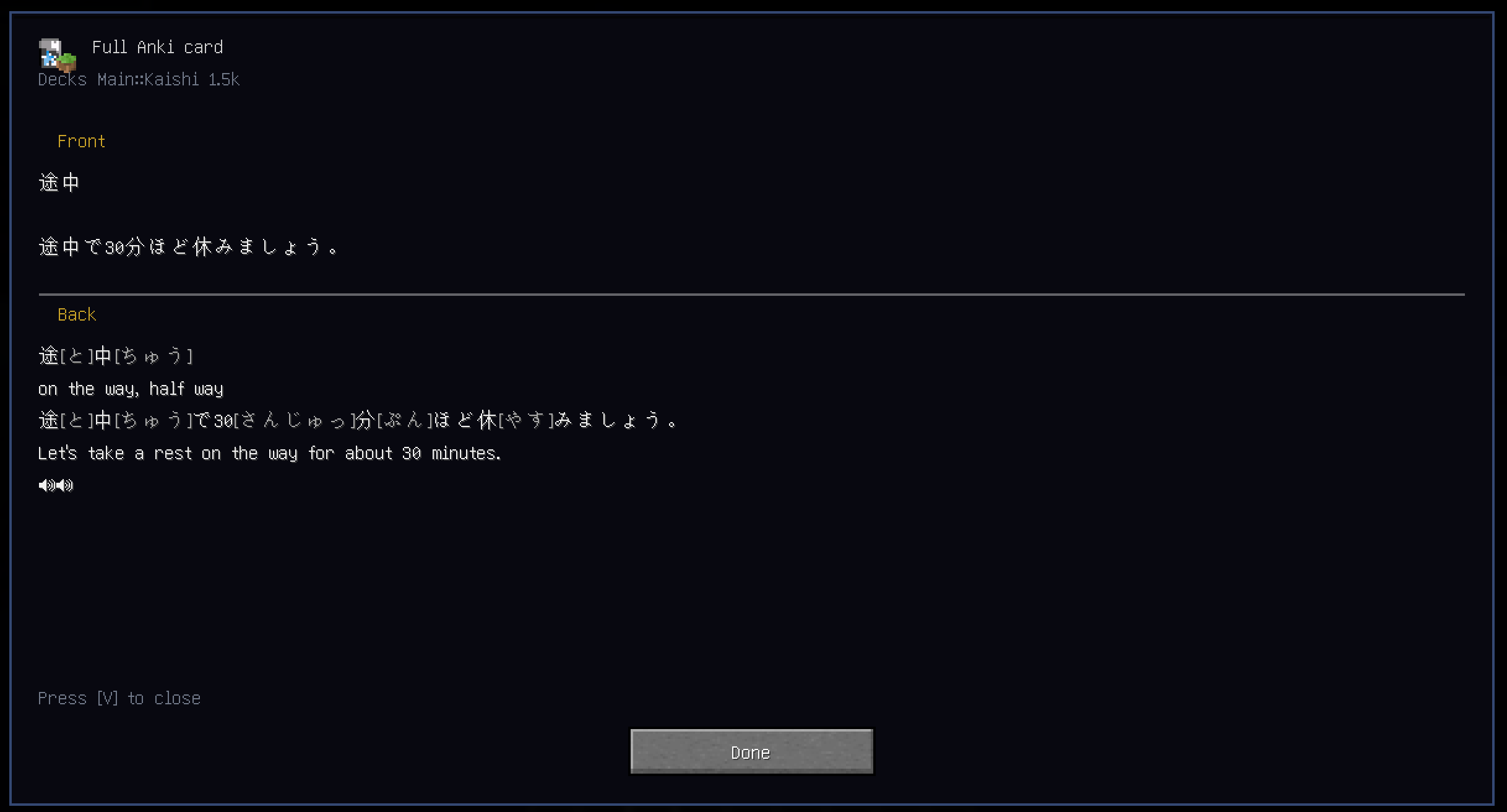
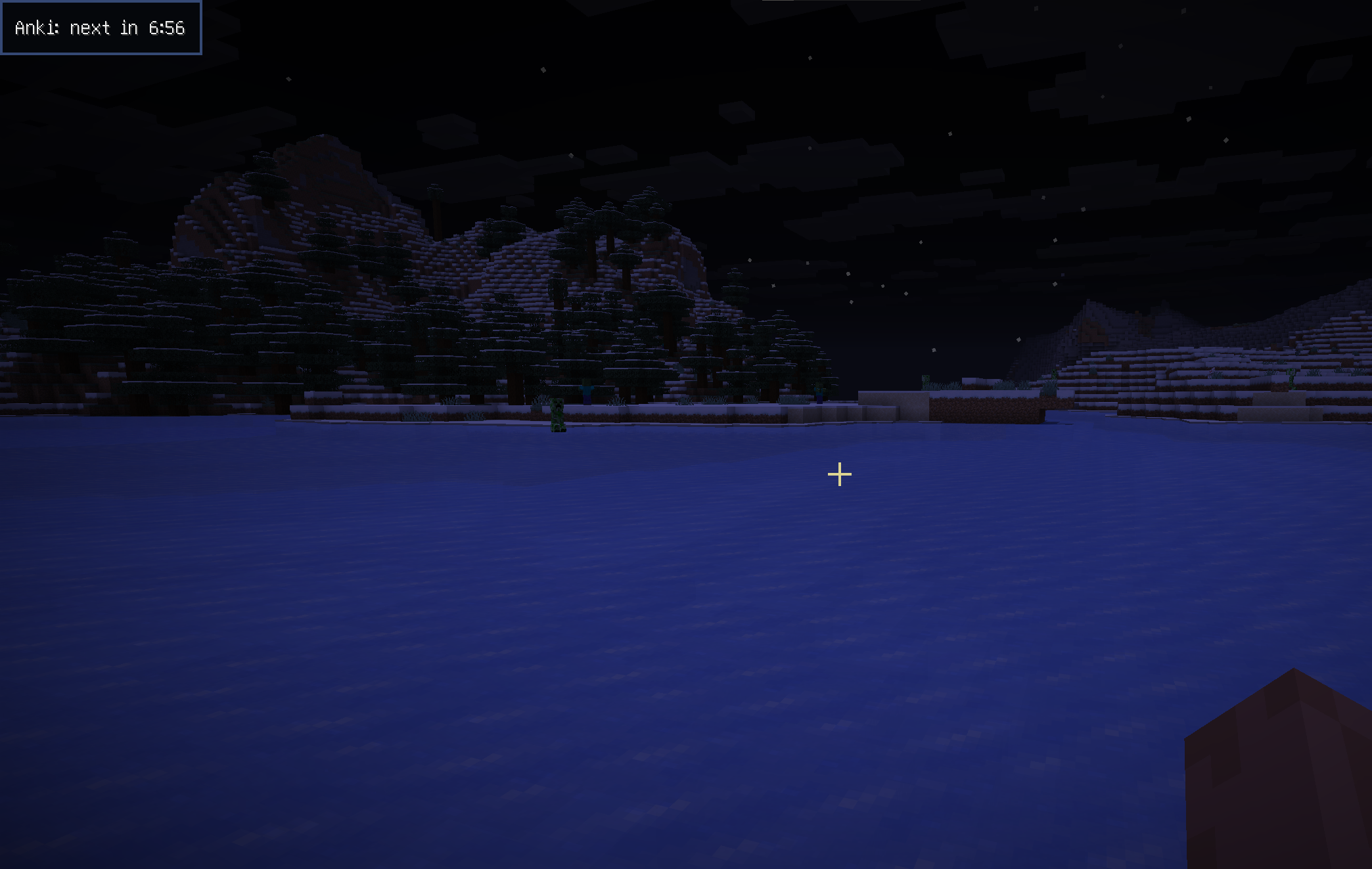
Client-side Minecraft mod that lets you review Anki cards while you play.
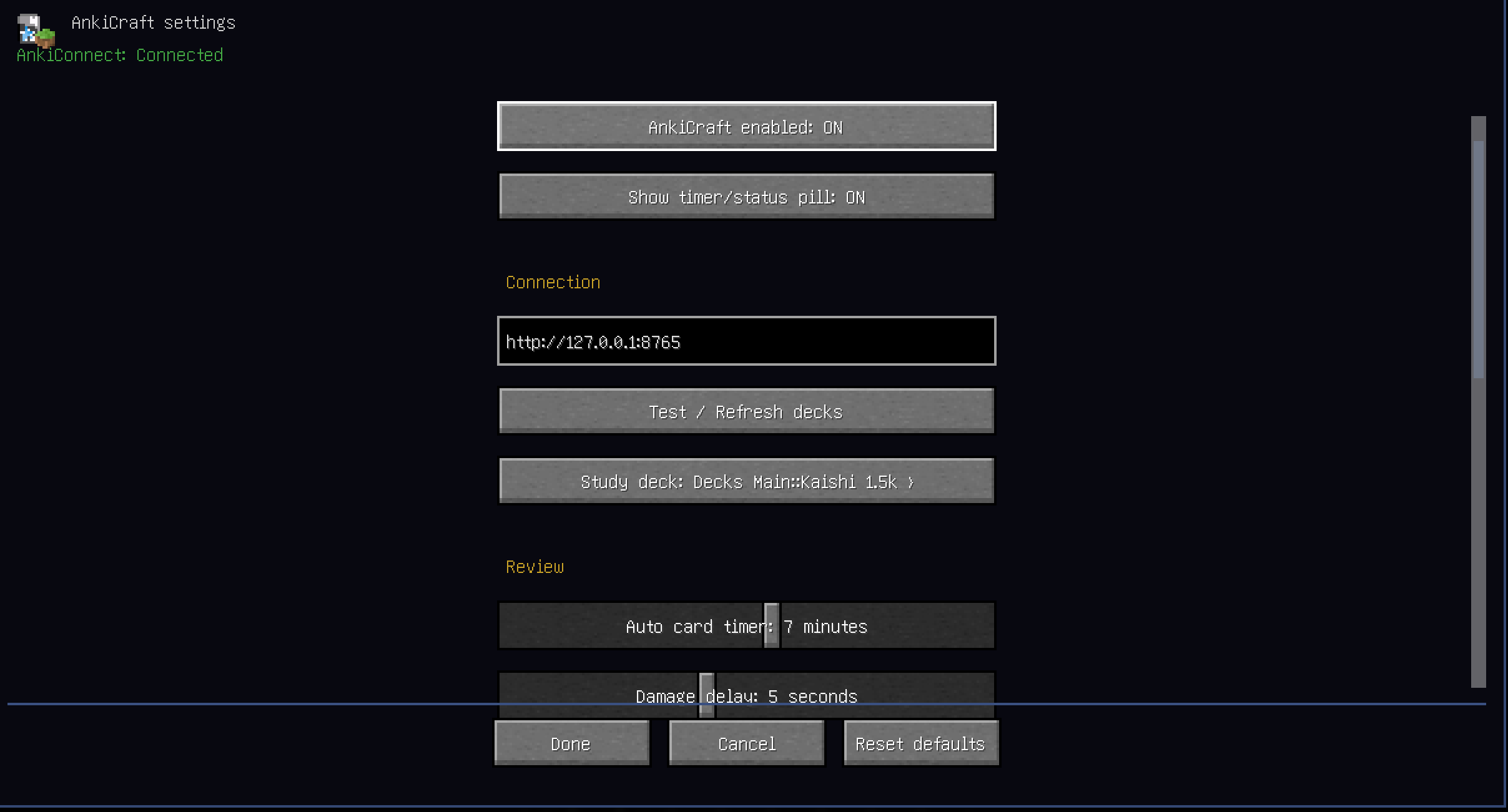
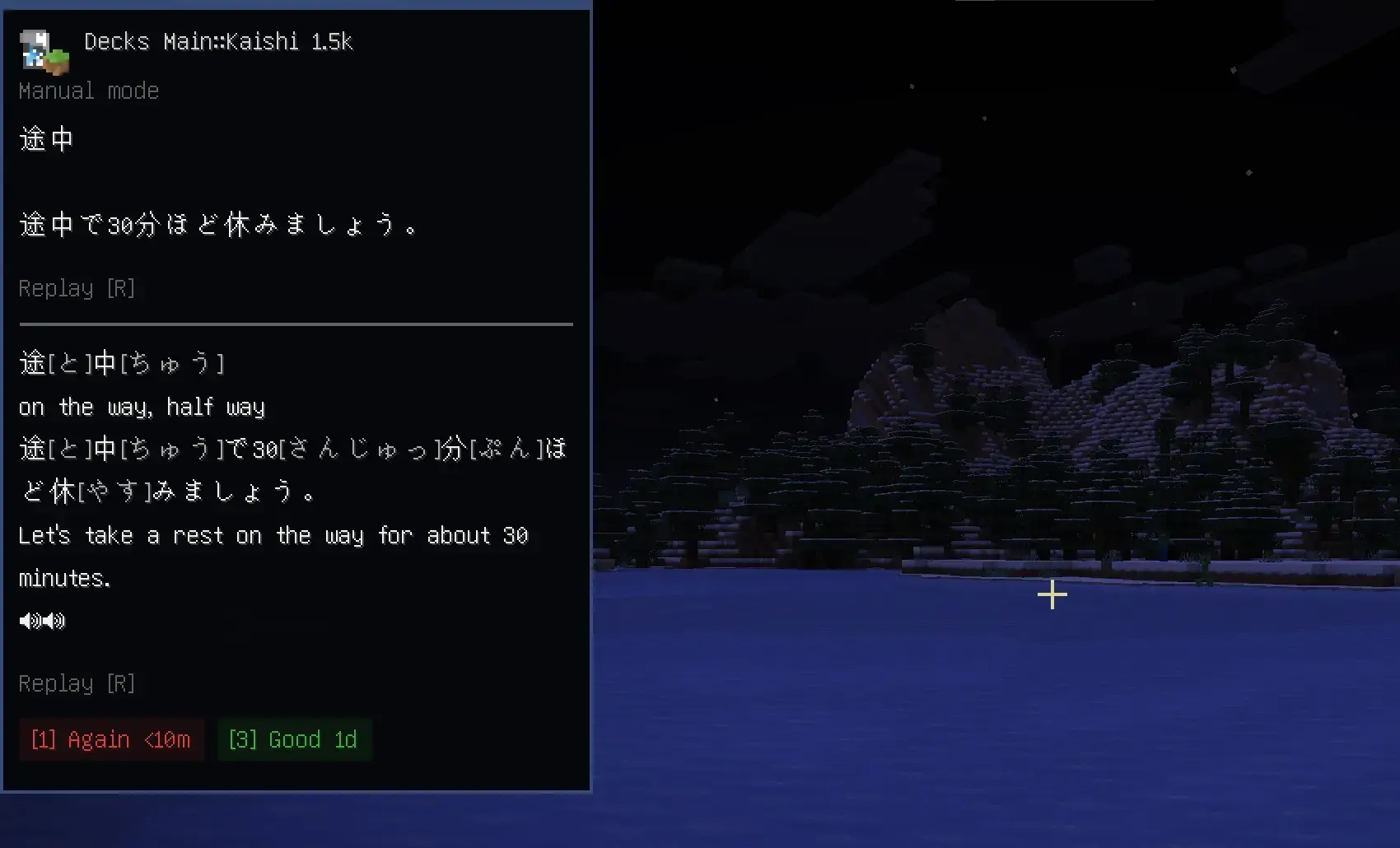
AnkiCraft connects to AnkiConnect and automatically shows cards on a HUD in-game.
!!DISCLAIMER!!
I only really tested this with my Japanese decks, I can’t be sure there isn’t formatting issues with other types of decks
Requirements
- Fabric Loader
- Fabric API
- Anki + AnkiConnect
- Mod Menu for settings (optional)
Setup
- Install Anki + AnkiConnect
- Open the deck you want to study in anki
- Launch Minecraft with AnkiCraft installed
- Open
Mod Menu > AnkiCraft - Refresh decks and pick the deck you want to study
Current Limitations
- Card images are not supported yet
- Does not fully match Anki CSS/styling
Planned Stuff
- Buffs and penalties tied to review results
- Server side reward support
- UI art
- Localization
- Draggable ui elements
常见问题
AnkiCraft 支持哪些 Minecraft 版本?
AnkiCraft 支持 Minecraft Java 版 26.1.2,可用的加载器:Fabric。下载时注意选择和你游戏版本一致的文件。
AnkiCraft 怎么安装?
先用 PCL2 或 HMCL 启动器安装对应版本的 Fabric,再把下载的 .jar 文件放进游戏目录的 mods 文件夹,重新启动游戏即可。开启了版本隔离的,mods 文件夹在 versions/版本名 下面。运行环境:仅客户端。
评论
登录后评论和评分