
Animaticam
作者:valterasu
a fully customizable mod for animations in the main menu, inventory, and chests, vanilla
截图
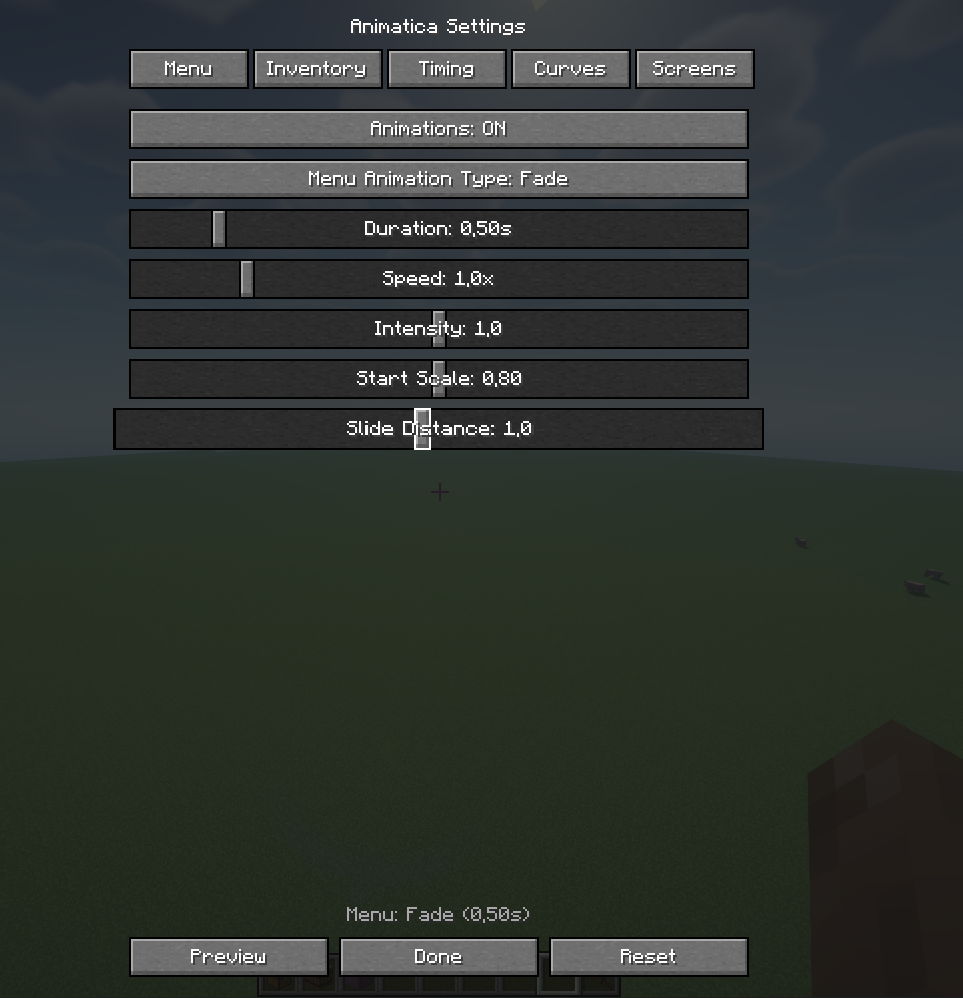
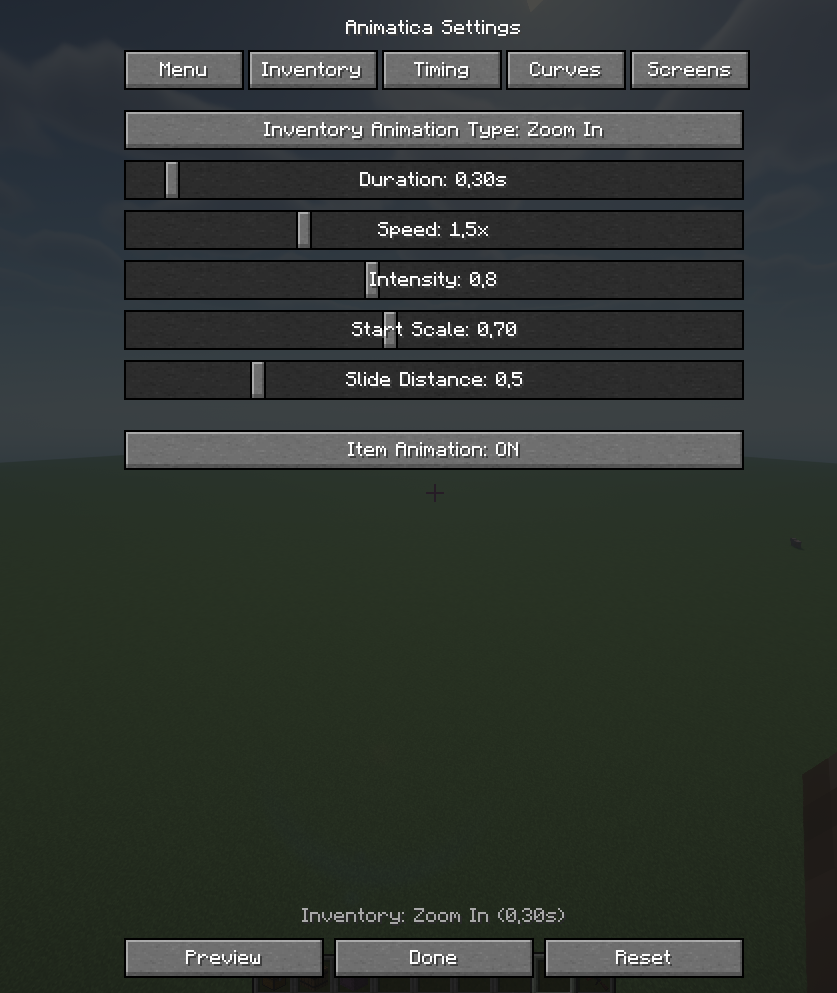
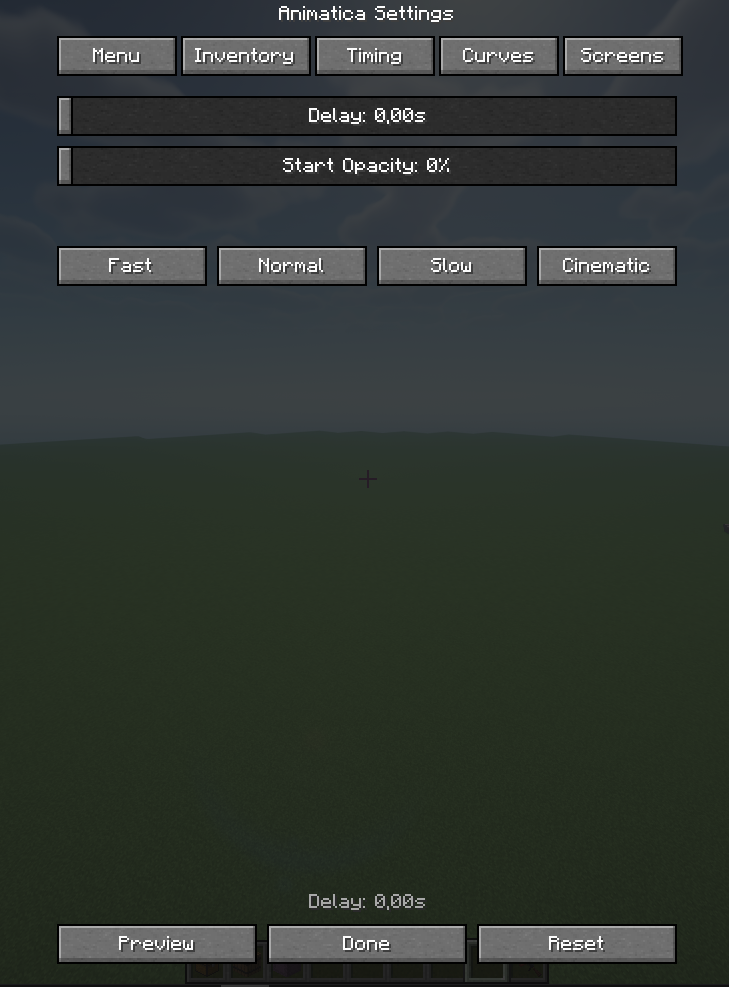
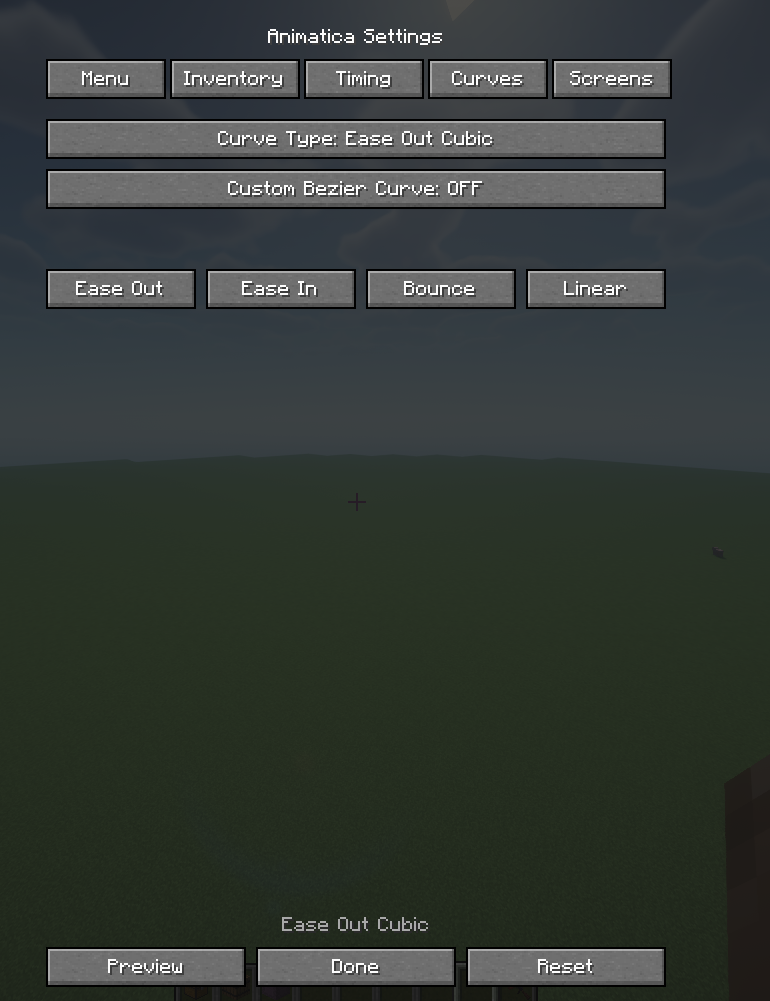
介绍
中文介绍正在准备中,下面暂时显示原文。
RU
Animatica – это клиентский мод для Fabric, который добавляет красивые, настраиваемые анимации для всех меню и экранов в Minecraft.
10 типов анимаций
- Fade – плавное появление
- Slide Up/Down – слайд снизу/сверху
- Zoom In/Out – приближение/отдаление
- Bounce – эффект отскока
- Elastic – эластичная анимация
- Fade + Slide – комбинированная анимация
- Fade + Zoom – комбинированная анимация
- None – без анимации Настраиваемые параметры:
- Длительность (0.1-3.0 секунды)
- Скорость (0.1x-5.0x)
- Интенсивность
- Начальный масштаб
- Дистанция слайда
- Задержка
- Начальная прозрачность
- ✅ Анимация виджетов (кнопки, слайдеры)
- ✅ Эффект при наведении на кнопки
- ✅ Анимация предметов при перетаскивании
- ✅ Пресеты настроек (Быстро, Нормально, Медленно, Кино)
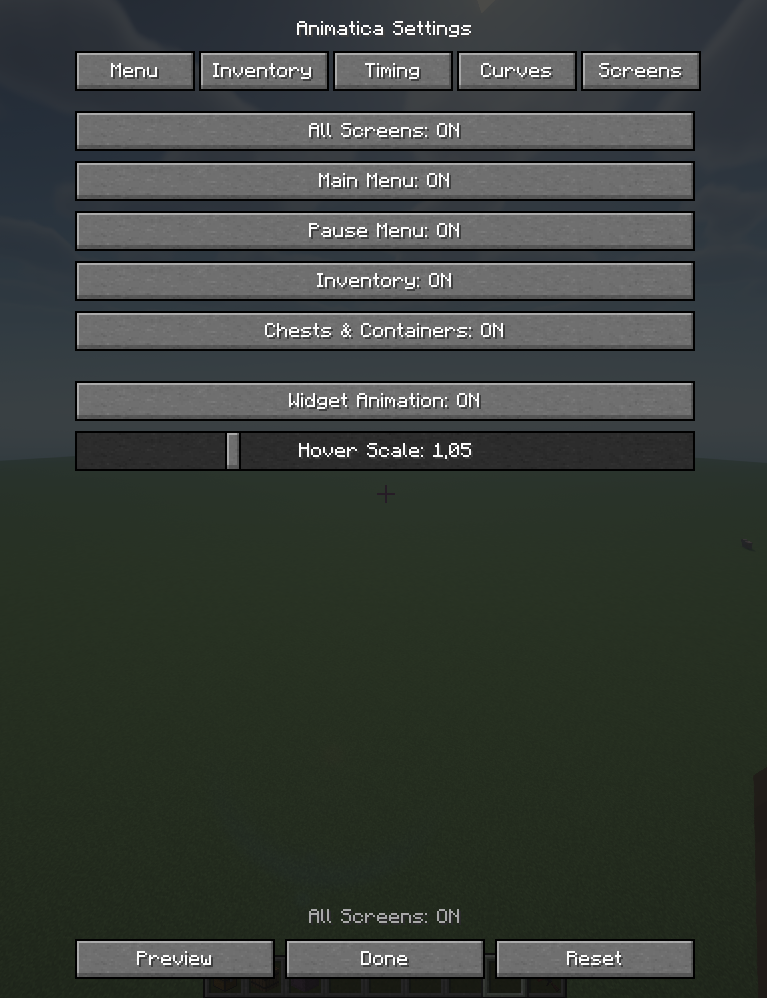
- ✅ Превью анимации прямо в настройках
- ✅ Сохранение настроек в конфиг файл
- Как использовать
- Установи мод в папку
mods - Запусти Minecraft
- Нажми клавишу N в любой момент для открытия настроек
- Настрой анимации по своему вкусу
- Наслаждайся! Все меню теперь с красивыми анимациями
Требования
- Minecraft: 1.20.1
- Fabric Loader: 0.14.21+
- Fabric API: 0.92.6+1.20.1
- Java: 17+
ENG
Animatica is a client-side mod for Fabric that adds beautiful, customizable animations to all menus and screens in Minecraft.
10 types of animations
- Fade – smooth appearance
- Slide Up/Down – slide from bottom/top
- Zoom In/Out – zoom in/out
- Bounce – bounce effect
- Elastic – elastic animation
- Fade + Slide – combined animation
- Fade + Zoom – combined animation
- None – no animation Customizable parameters:
- Duration (0.1-3.0 seconds)
- Speed (0.1x-5.0x)
- Intensity
- Initial scale
- Slide distance
- Delay
- Initial transparency
- ✅ Widget animation (buttons, sliders)
- ✅ Button hover effect
- ✅ Item animation when dragging
- ✅ Presets of settings (Fast, Normal, Slow, Movie)
- ✅ Preview of animations directly in the settings
- ✅ Saving settings to a config file
- How to use
- Install the mod in the
modsfolder - Launch Minecraft
- Press the N key at any time to open the settings
- Customize the animations to your liking
常见问题
Animaticam 支持哪些 Minecraft 版本?
Animaticam 支持 Minecraft Java 版 1.20.1,可用的加载器:Fabric。下载时注意选择和你游戏版本一致的文件。
Animaticam 怎么安装?
先用 PCL2 或 HMCL 启动器安装对应版本的 Fabric,再把下载的 .jar 文件放进游戏目录的 mods 文件夹,重新启动游戏即可。开启了版本隔离的,mods 文件夹在 versions/版本名 下面。运行环境:仅客户端。
评论
登录后评论和评分