Angelus
One block that needs nothing to be placed against: right-click into open air and it appears in front of you, so a walkway can be built out over nothing or down into water. It breaks in one hit and comes back to your hand rather than falling on the floor.
截图
介绍
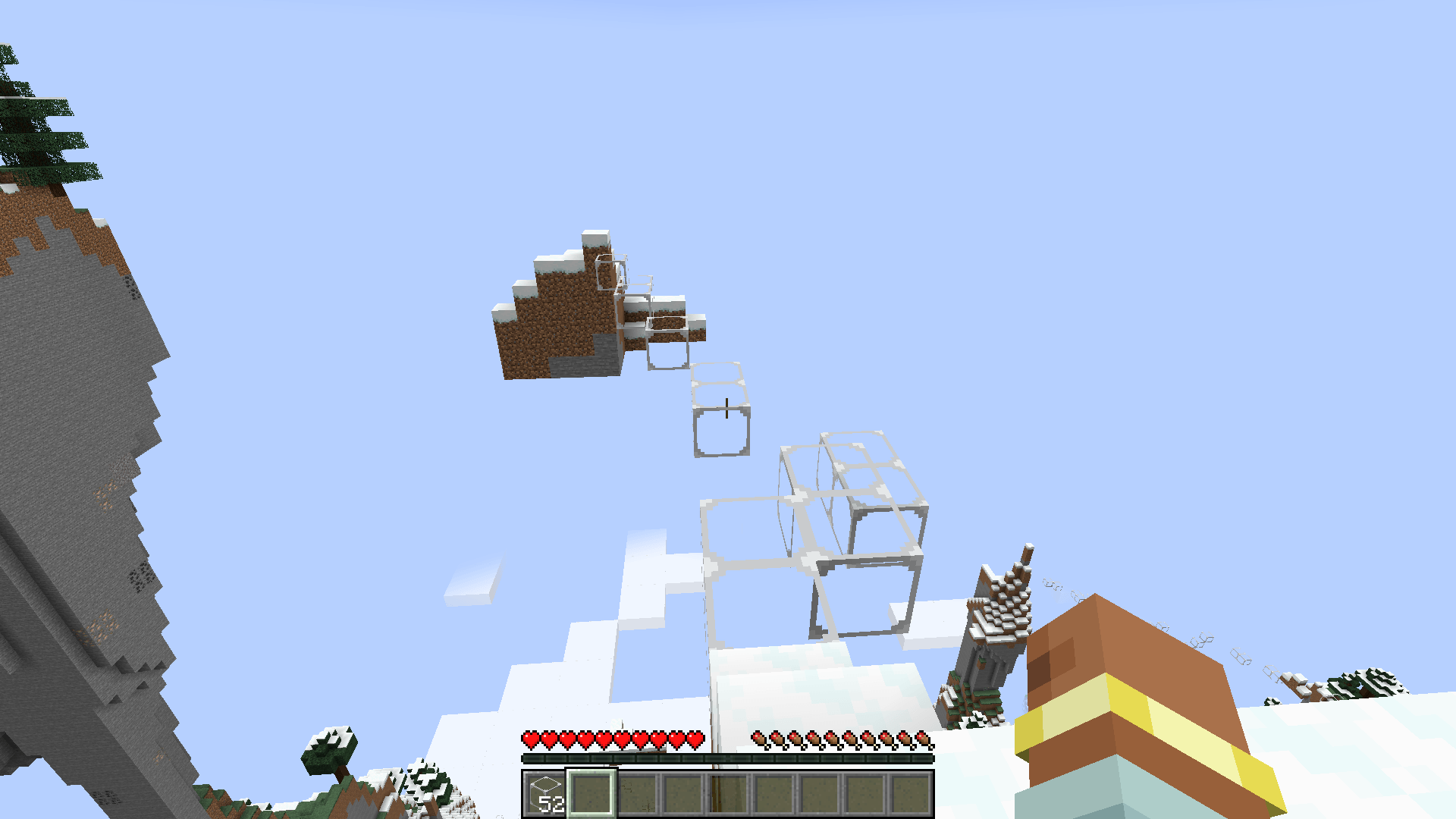
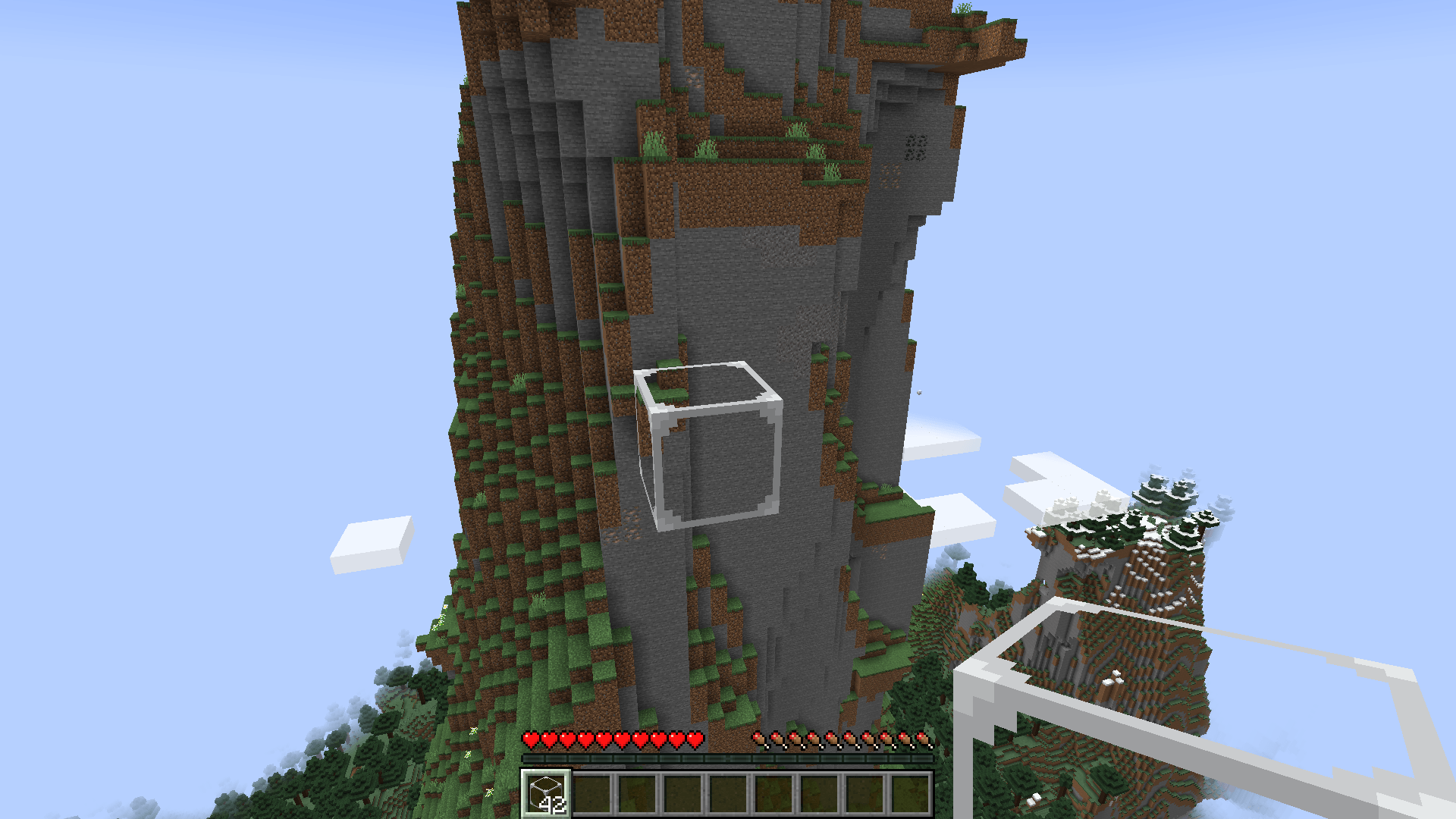
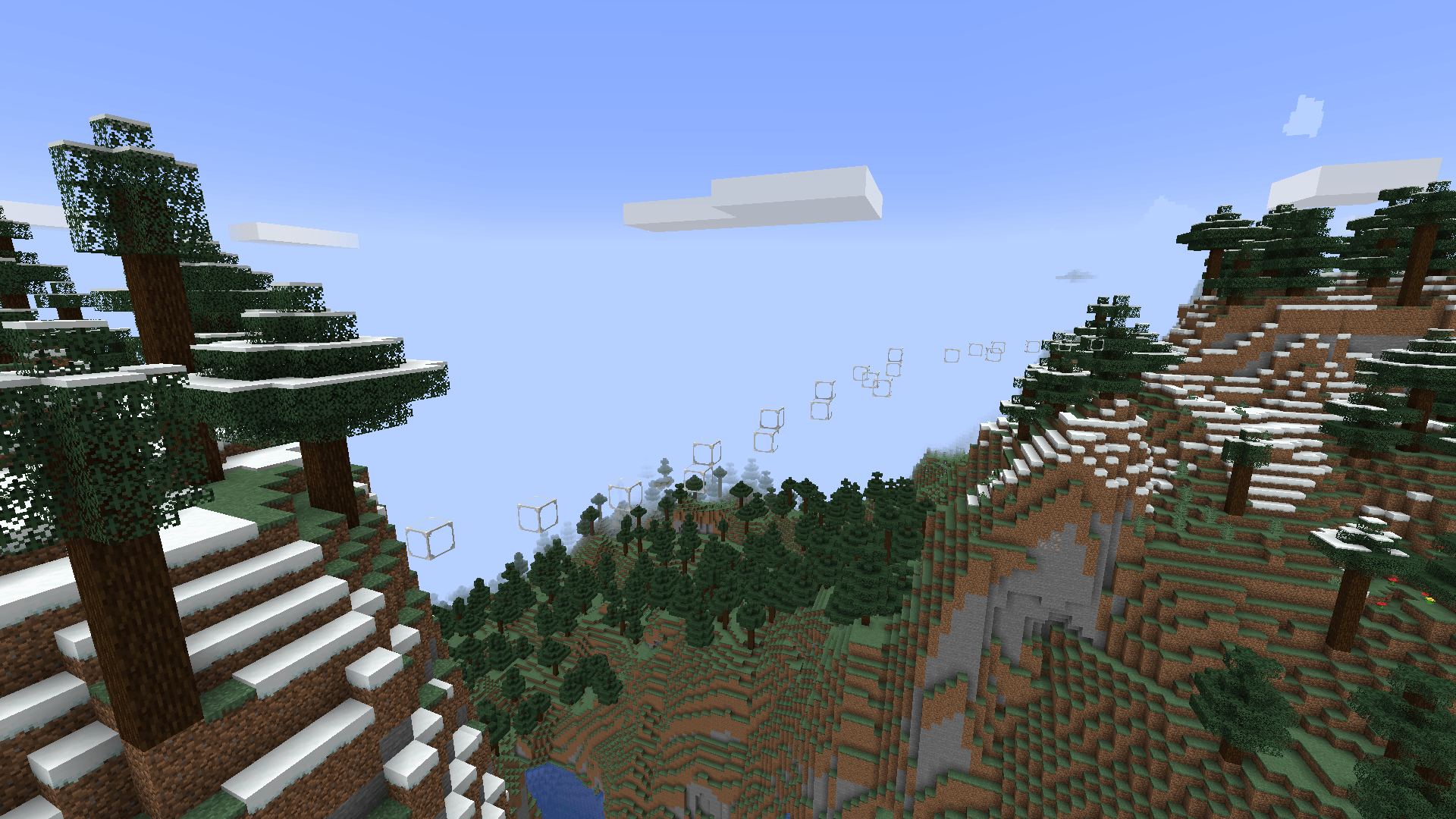
Angelus adds one block, the Angel Block, that can be placed in mid-air. Right-click with nothing under the crosshair and the block appears in front of you.
The block
- It reaches as far as an ordinary block would, and anything that changes your reach changes this with it.
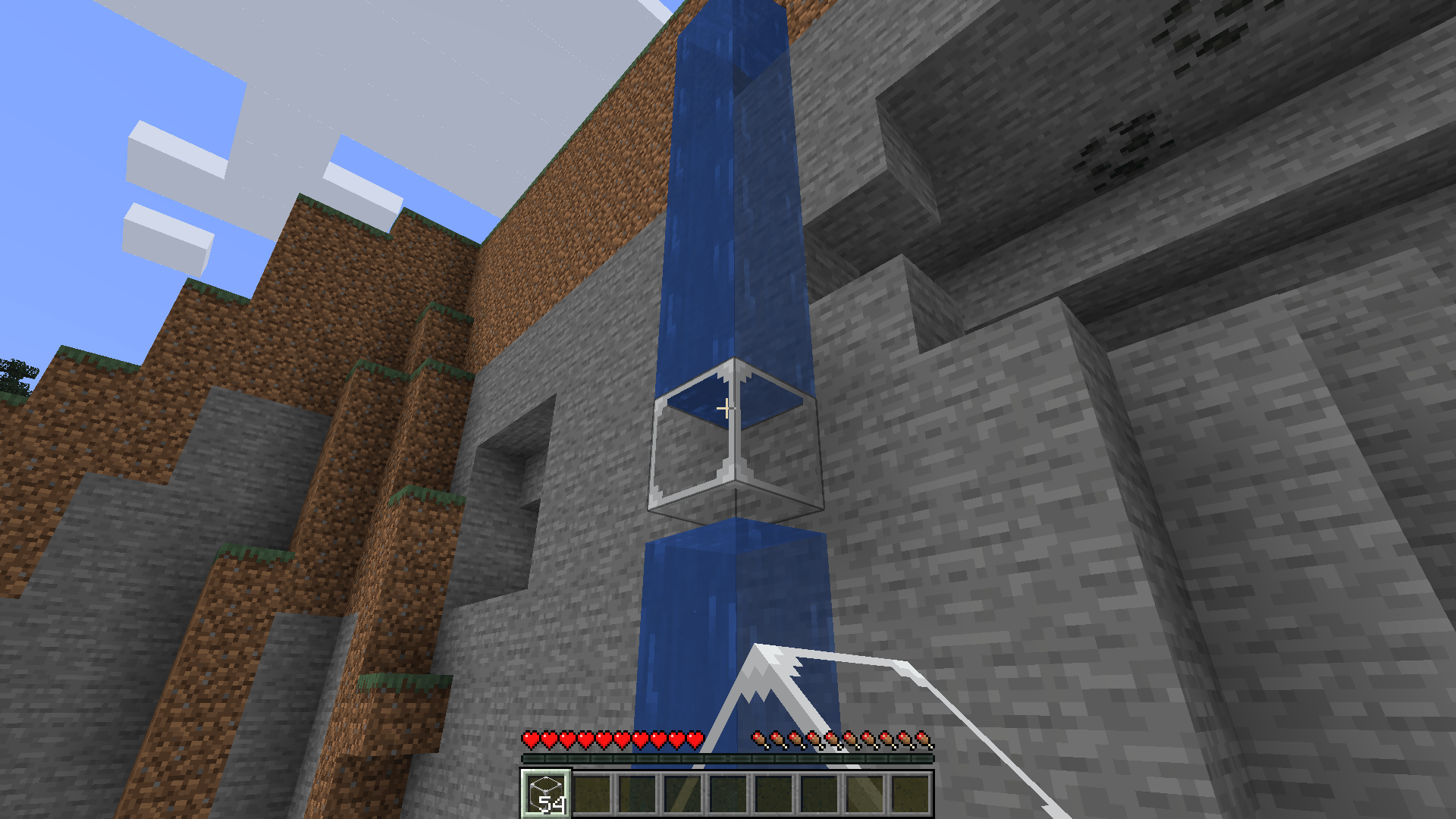
- It goes into water, tall grass and snow as well as air.
- However you break it, by hand or with a tool, it goes into your inventory rather than dropping on the ground.
- You can see through the frame.
Crafting
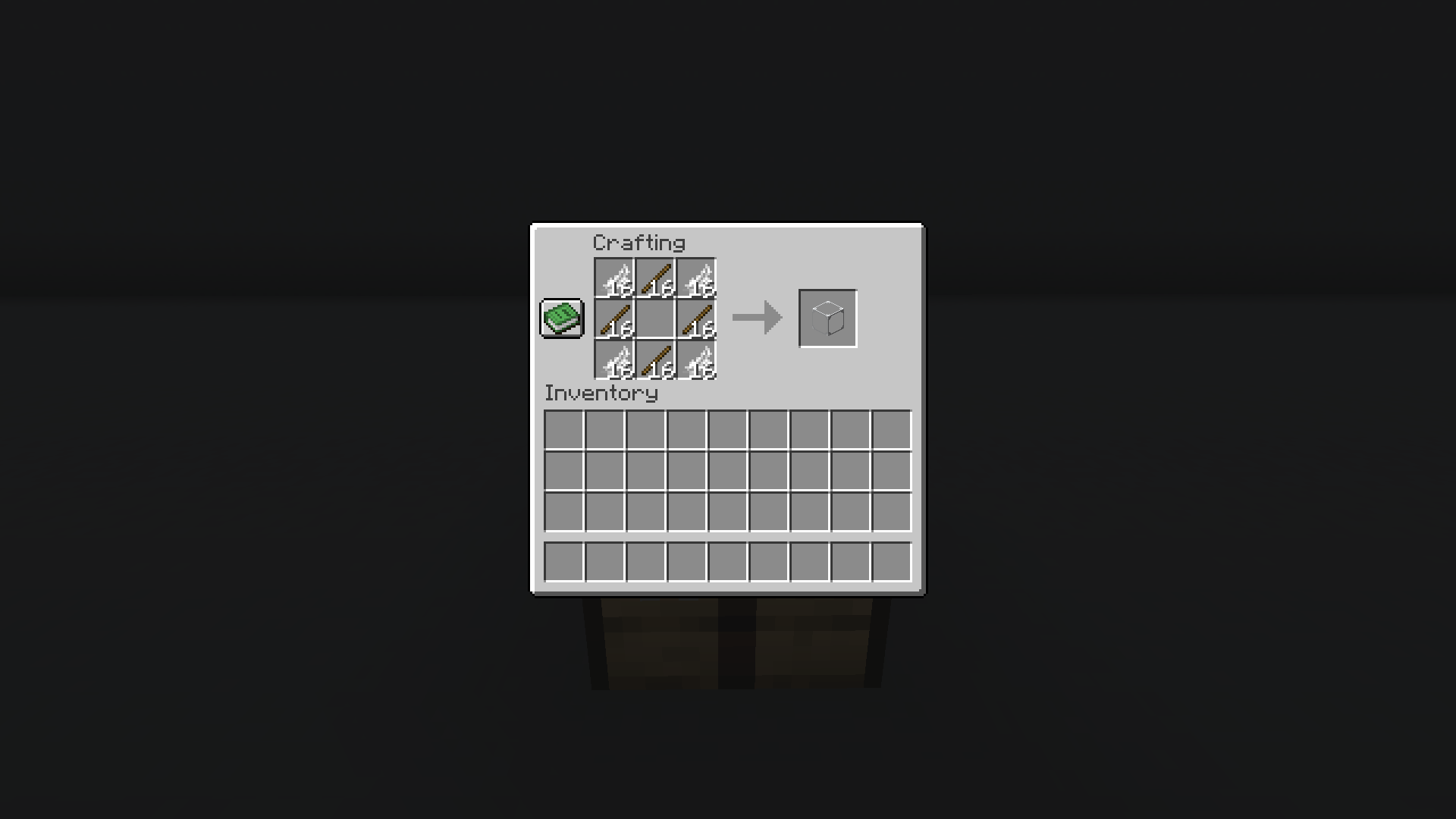
Four feathers and four sticks make one.
Worth knowing
- There is no config file and nothing to set.
- It borrows wool’s sound, at a quarter of the volume.
- No other mods are required.
Requirements
NeoForge 21.1.x on Minecraft 1.21.1. MIT licensed.
日本語
Angelus は空中に設置できるブロック「Angel Block」を追加します。目線の先に何もない状態で右クリックすると目の前にブロックが現れます。
ブロック
- 設置できる距離は普通のブロックと同じです。リーチを伸ばす Mod を入れればこのブロックの距離も伸びます。
- 空気だけでなく水・背の高い草・雪の中にも置けます。
- 素手でも道具でも、壊すと地面に落ちずインベントリに入ります。
- 枠の中は見通せます。
クラフト
羽根4枚と棒4本で1つ作れます。
知っておくこと
- 設定項目と設定ファイルはありません。
- 音は羊毛のものを使い、音量は4分の1にしてあります。
- 他に前提となるようなModはありません。
動作環境
Minecraft 1.21.1 の NeoForge 21.1.x。MIT ライセンスです。
常见问题
Angelus 支持哪些 Minecraft 版本?
Angelus 支持 Minecraft Java 版 1.21.1,可用的加载器:NeoForge。下载时注意选择和你游戏版本一致的文件。
Angelus 怎么安装?
先用 PCL2 或 HMCL 启动器安装对应版本的 NeoForge,再把下载的 .jar 文件放进游戏目录的 mods 文件夹,重新启动游戏即可。开启了版本隔离的,mods 文件夹在 versions/版本名 下面。
Capsicum0907 的其他作品
查看全部 →
Altitudo
A world type that runs the Overworld from -2032 to 2031 and the Nether from -128 to 1023. Caves, ore and the Nether's roof follow the new bounds, and other mods' ores travel with them.

Laterna
Light sources in all sixteen dye colours: lamps, slabs, panels, bulbs, fixtures, rods, a cased lamp, and a recessed spotlight with no thickness at all. Every frame follows its lamp's colour, or stays fixed black or white.
Caldarium
Generators, batteries, chargers and cables for Forge Energy. Nine generators that each run on something different, eight tiers, and an artificial sun that powers solar panels day and night.

Caminus
Furnaces in eight tiers, on fuel or on Forge Energy. Each tier smelts faster and more at once, and fuel per item stays the same as the vanilla furnace.
评论
登录后评论和评分