
Amber Bars
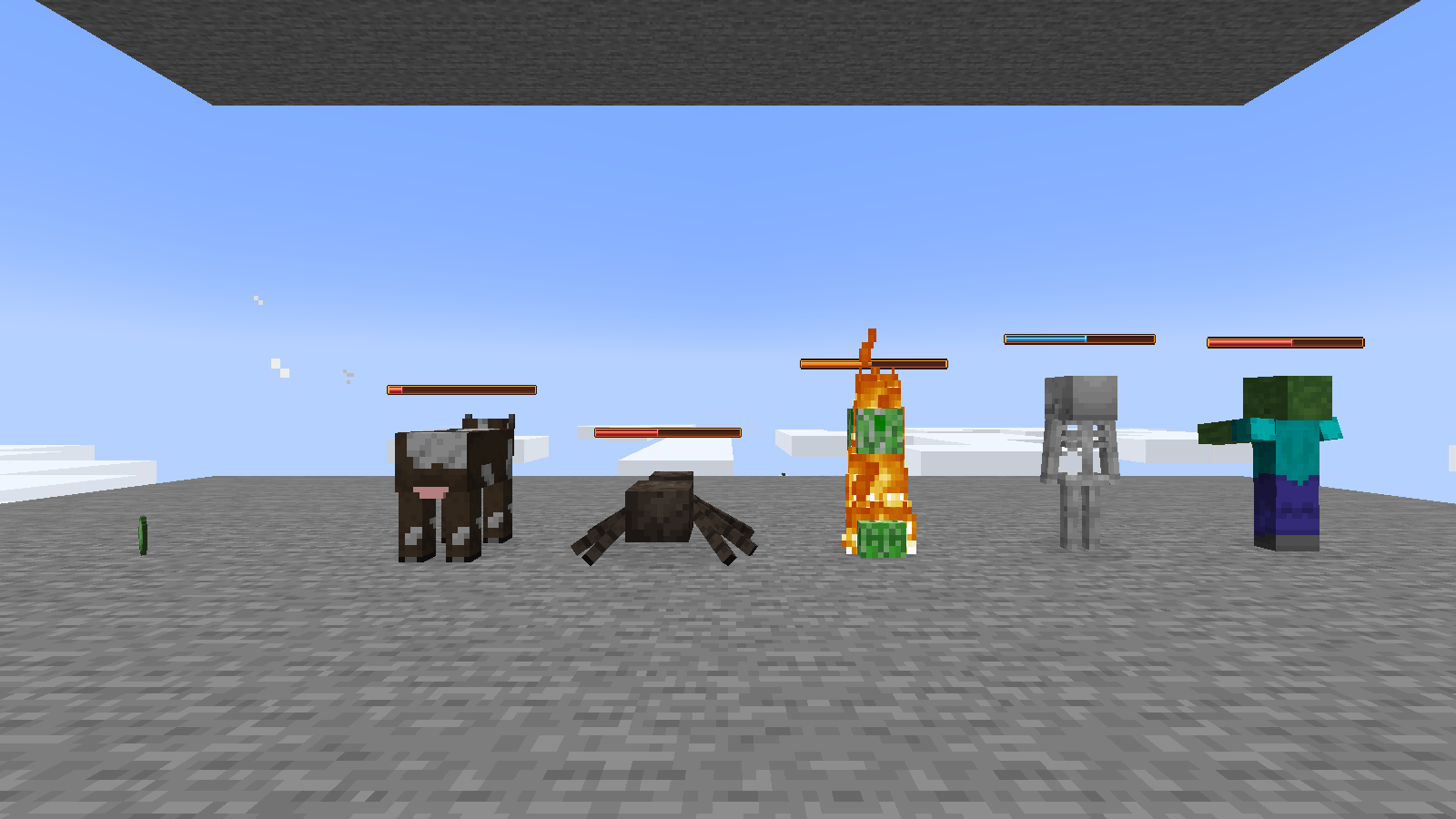
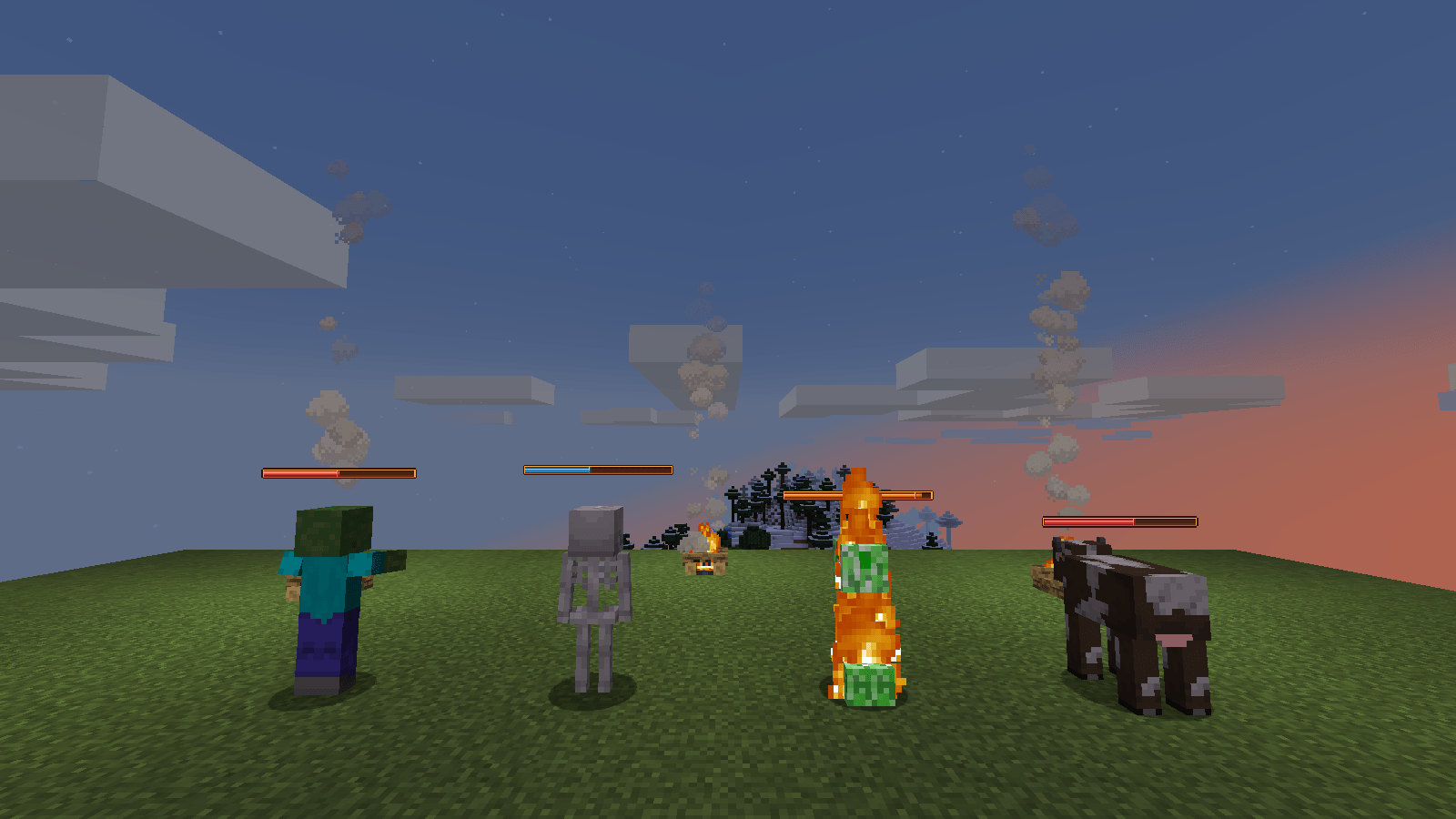
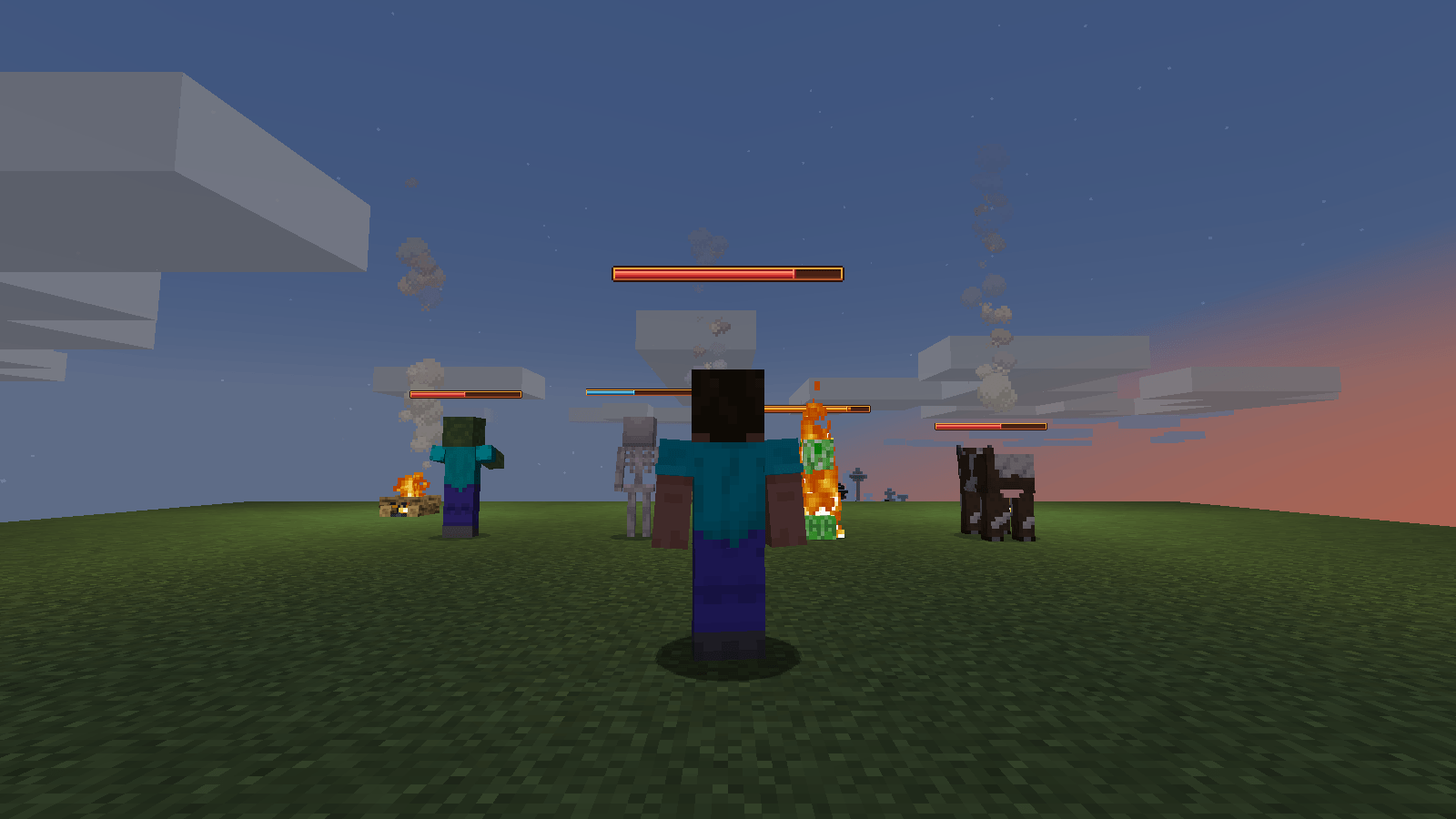
Amber-styled health and status bars that never overflow, no matter your max HP.
截图
介绍

Ten hearts, always. No more, no less — even with 120 max HP from your modpack.
Vanilla health bars break the moment your max HP goes past 20: extra
hearts spill onto a second row and the screen turns into clutter. Amber
Bars fixes that by keeping the row of ten hearts as a **proportion**
instead of a fixed count — exactly like the XP bar already does with
your level.
**What you get:**
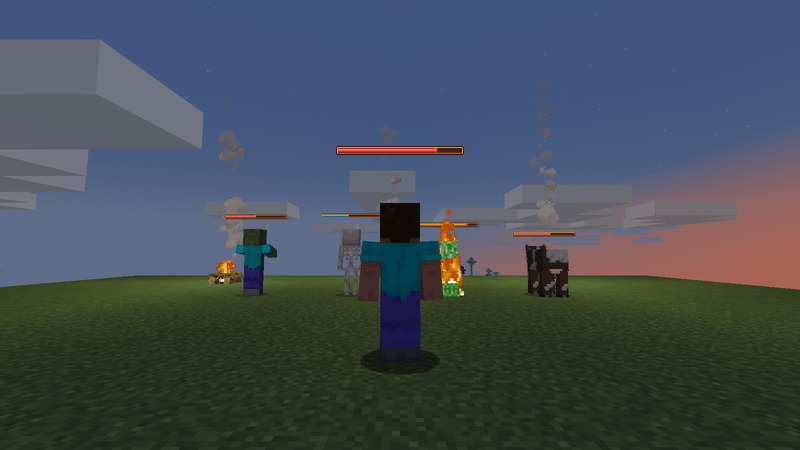
– A row of 10 hearts that scales to any max HP, no overflow
– The exact number next to it, vanilla font, just like your XP level
– A thin proportional bar underneath for precision at a glance
– Status colors for poison, wither, freeze, absorption, burning, regen
– Zero config, zero dependencies — drop it in and it works
**Built for modpacks.** No other mods required, nothing to configure,
nothing that conflicts with your health/attribute mods.
—
Part of the Blueprint series — one small, focused mod, every day.
常见问题
Amber Bars 支持哪些 Minecraft 版本?
Amber Bars 支持 Minecraft Java 版 1.16.5–1.21.11,共 14 个版本,可用的加载器:Fabric。下载时注意选择和你游戏版本一致的文件。
Amber Bars 怎么安装?
先用 PCL2 或 HMCL 启动器安装对应版本的 Fabric,再把下载的 .jar 文件放进游戏目录的 mods 文件夹,重新启动游戏即可。开启了版本隔离的,mods 文件夹在 versions/版本名 下面。



评论
登录后评论和评分