
Allay Companion
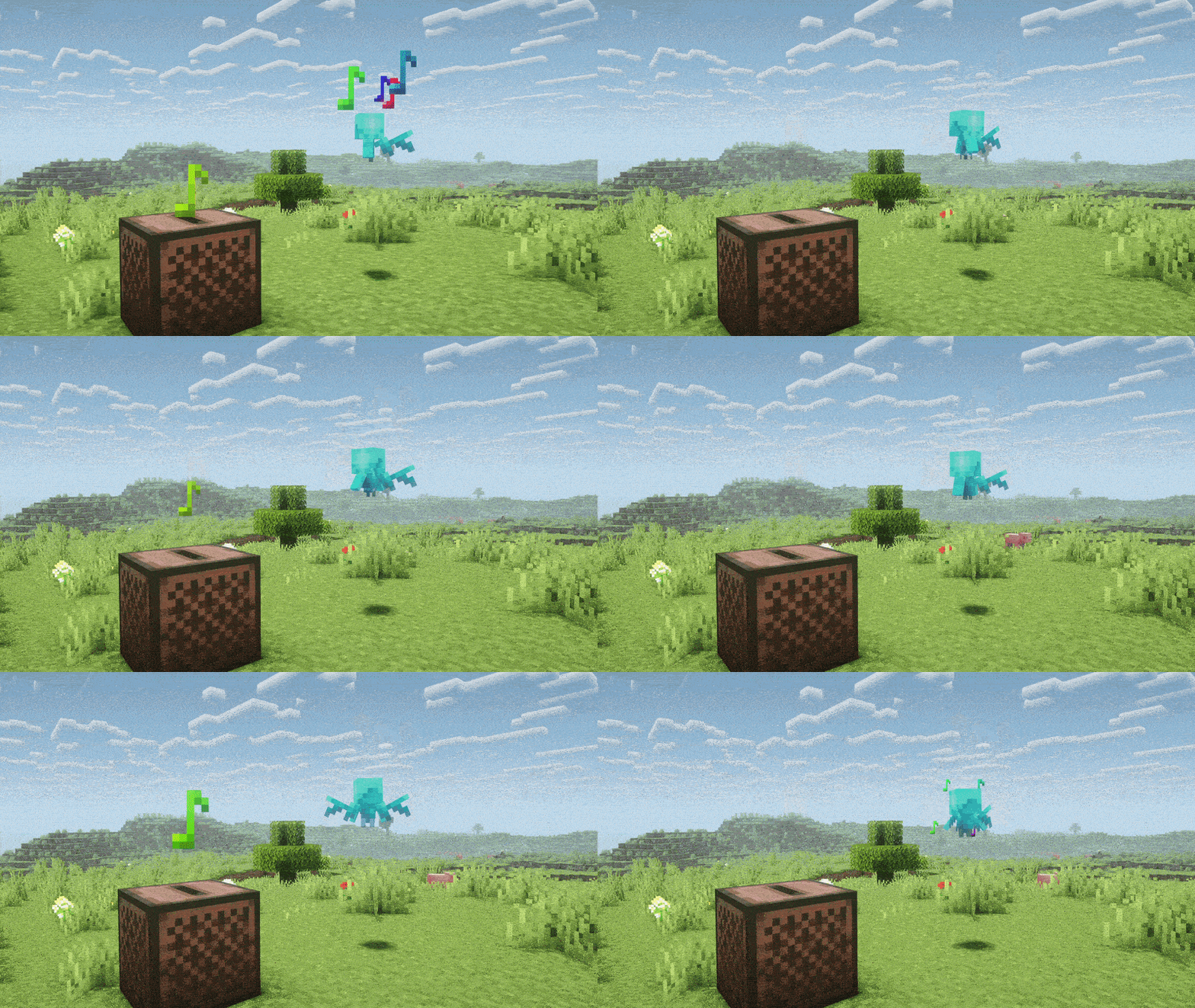
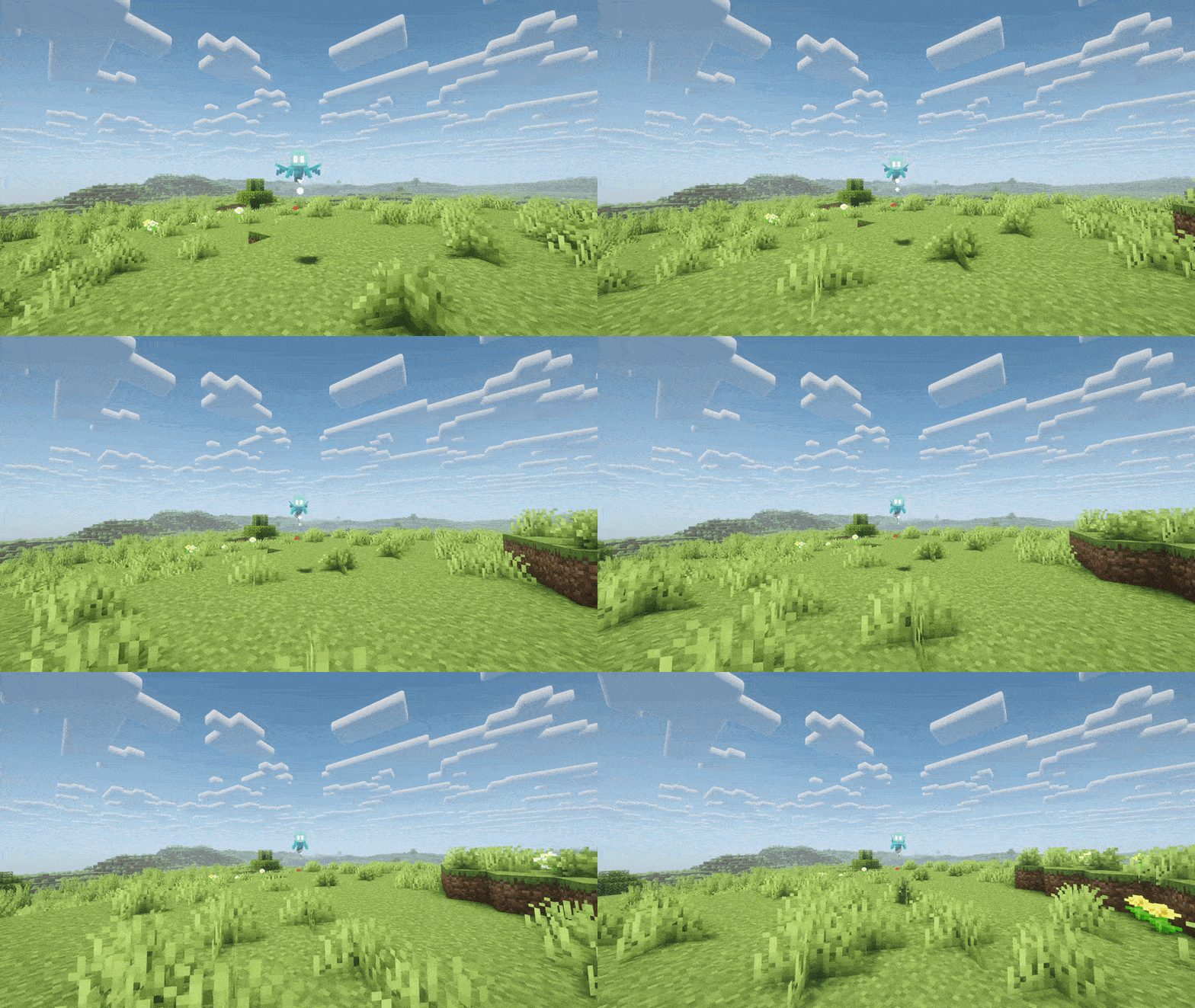
Replaces the totem of undying with an animated allay entity that moves around with you.
介绍

Datapack – Totem of Undying
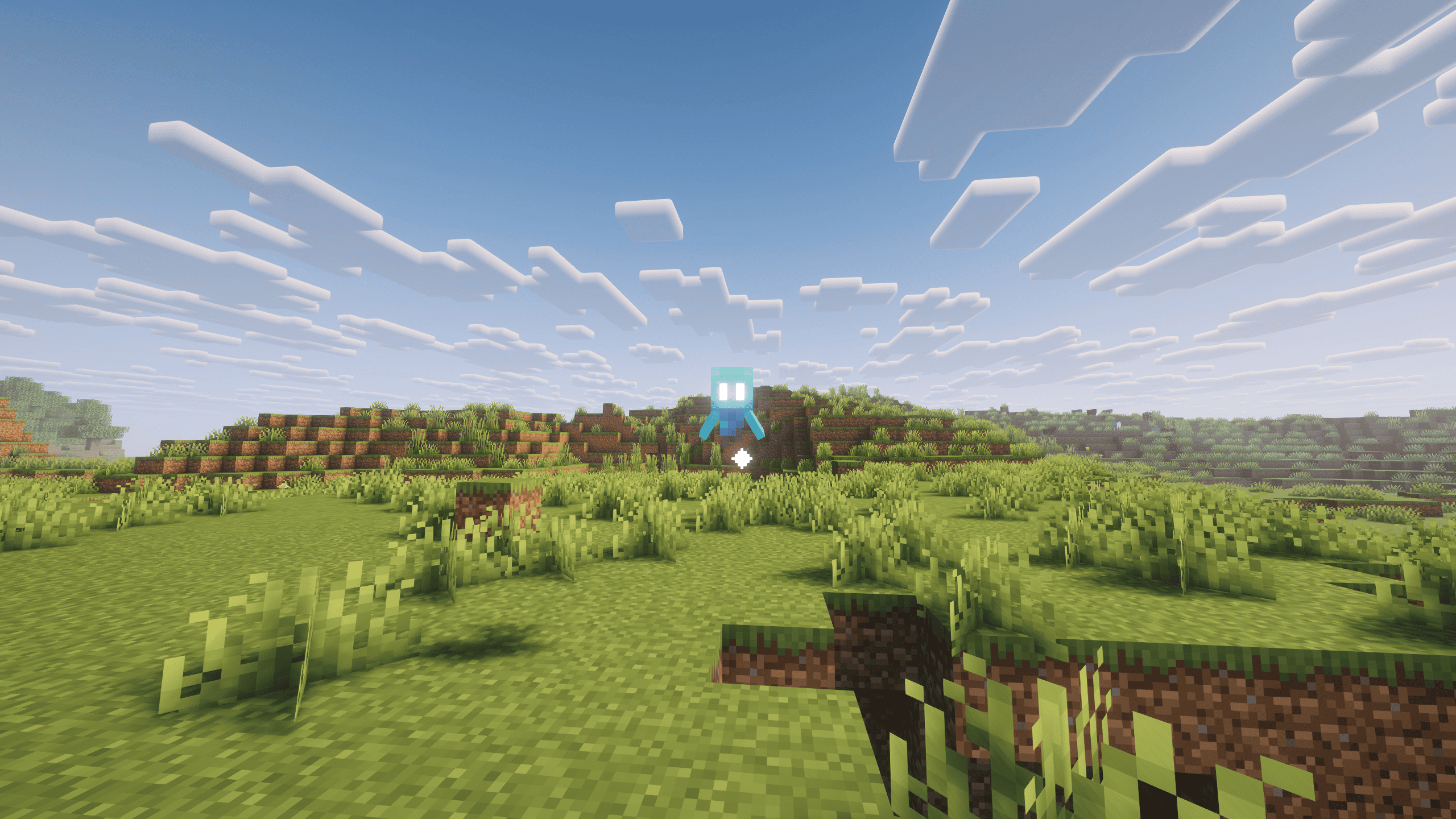
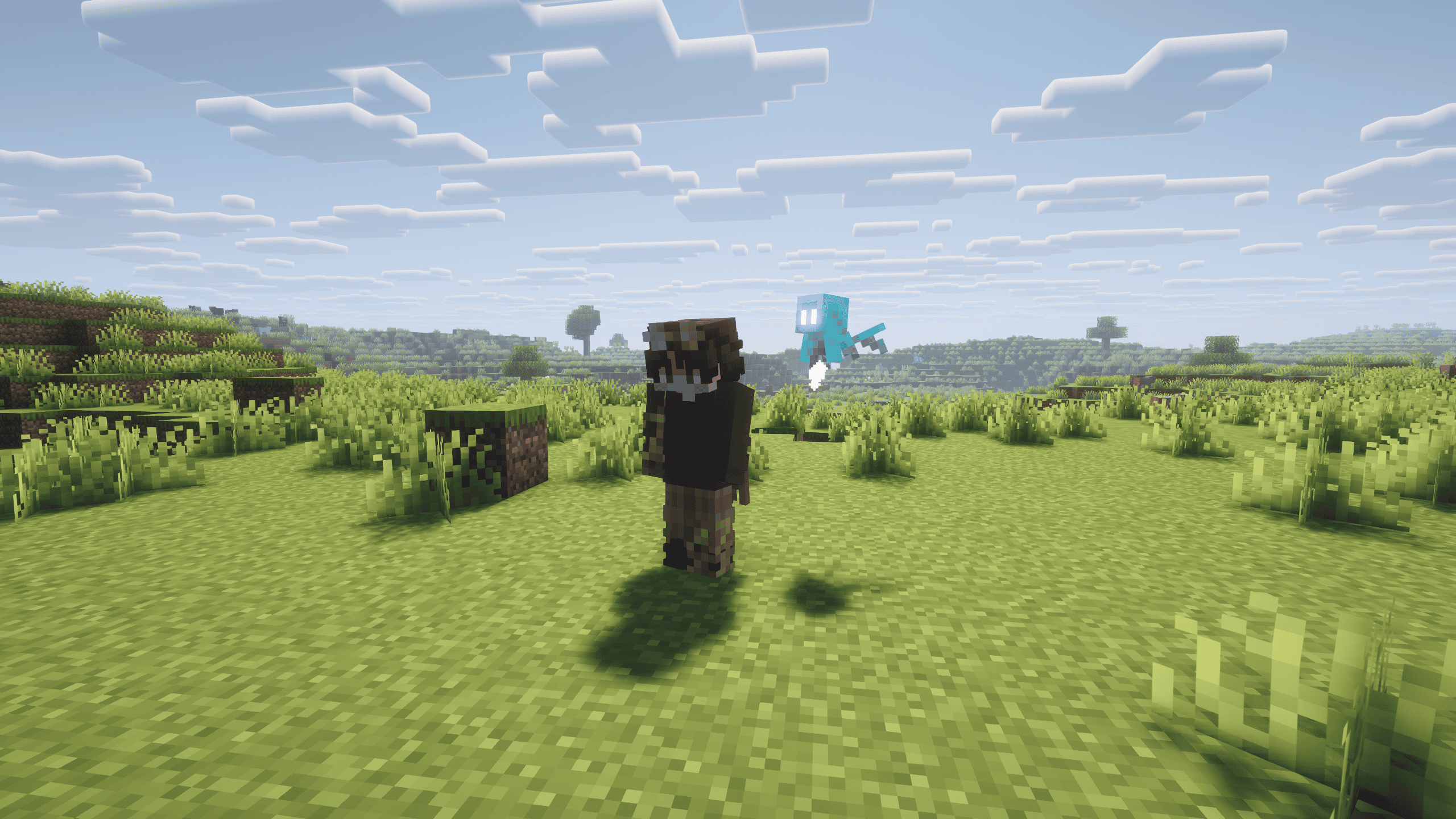
Adds a lively, animated and interactable Allay to your Minecraft World.
It follows you around anywhere you go, dances to music, plays with itself and protects you from your certain fall.
How?
The Allay gets spawned in when any player holds a Totem of Undying. That Allay follows the Player anywhere they go. Each Player has their own Allay.
FAQ?
How do you spawn the Allay?
-> You need to hold a Totem of Undying in either Hand.
How do I activate the Datapack?
-> You can activate the Datapack by selecting it in the World creation menu or manually open the folder of an existing world and putting the .zip in /datapacks.
The Datapack tells me its incomatible or broken.
-> If the version you’re playing on is supported by the datapack on modrinth, don’t worry about this.
My Allay despawned.
-> It got out of Range, wait a couple seconds or re-equip the totem.
My Totem is still in my Hand.
-> Download the optional resource pack from either of the “R” versions under “Supplementary resources”.
Where is my datapack?
-> The datapack is located in the world creation menu or is automatically applied to every world.
Why is my datapack a Mod?
-> The datapack is recommended to be downloaded as the “Mod version”. This doesn’t change anything about its content. The Mod version is just more user-friendly.
How to install?
Server-side
Download the datapack version and put the .zip file in the /datapacks directory of your server.
Client-Side or Singleplayer
Download the Mod version of the datapack and play any world.
Ckeck out my other Projects. You can find them here
常见问题
Allay Companion 支持哪些 Minecraft 版本?
Allay Companion 支持 Minecraft Java 版 1.21–26.2,共 16 个版本,可用的加载器:Fabric / Forge / NeoForge / Quilt。下载时注意选择和你游戏版本一致的文件。
Allay Companion 怎么安装?
先用 PCL2 或 HMCL 启动器安装对应版本的 Fabric / Forge / NeoForge / Quilt,再把下载的 .jar 文件放进游戏目录的 mods 文件夹,重新启动游戏即可。开启了版本隔离的,mods 文件夹在 versions/版本名 下面。运行环境:客户端 / 服务端。
Nziixx 的其他作品
查看全部 →
Allay Totem
Remodel of the Totem of Undying to be an Allay.

Better Snowflakes
Replaces the in game Snowflake texture with a more minimalist one.
Better Snowflakes
Replaces the in game Snowflake texture with a more minimalist one.

r1wy’s 3D Decorations
3D-Remodels of some utility and decoration blocks
评论
登录后评论和评分