
AlelChemist
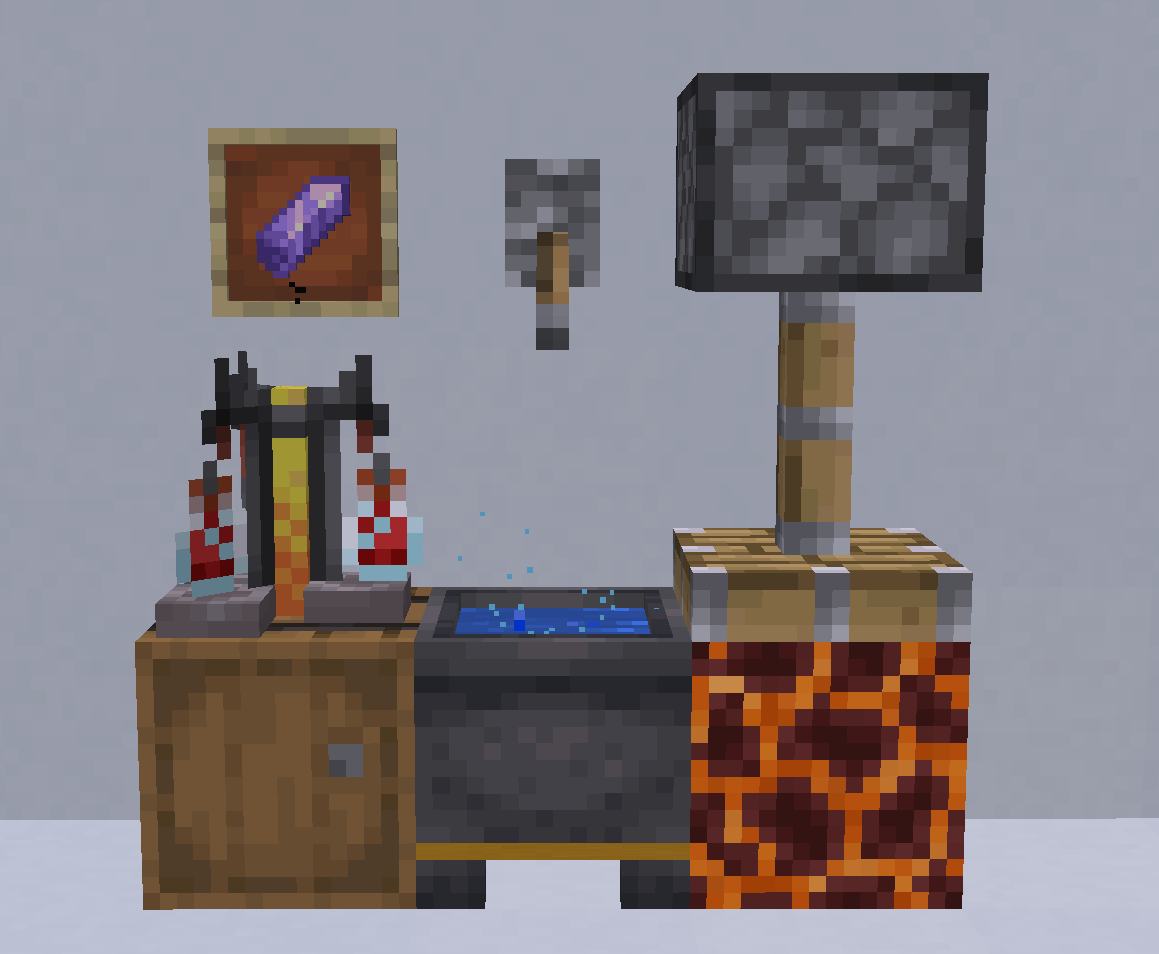
AlelChemist is a science-driven datapack that brings experimental fantasy chemistry (not just alchemy) to Minecraft. Test over 100 reagents, observe, and discover unique reactions through real experimentation.
截图



介绍
AlelChemist — Fantasy Chemistry Datapack
What if alchemy was real science?
AlelChemist recreates the process of scientific experimentation in Minecraft. Over 100 reagents combine inside the Aleldron to produce reproducible reactions — but why and how they work remains unknown. Your role is to hypothesize, test, and gradually uncover hidden principles through observation and analysis.
There are no recipes — only patterns waiting to be discovered.
Every reaction follows consistent, logical rules, but their exact mechanisms are concealed. Experiment, collect data, and build your understanding piece by piece.
Designed for true experimenters, not mere crafters.
This datapack prioritizes curiosity, critical thinking, and the thrill of discovery over grinding or rote memorization.
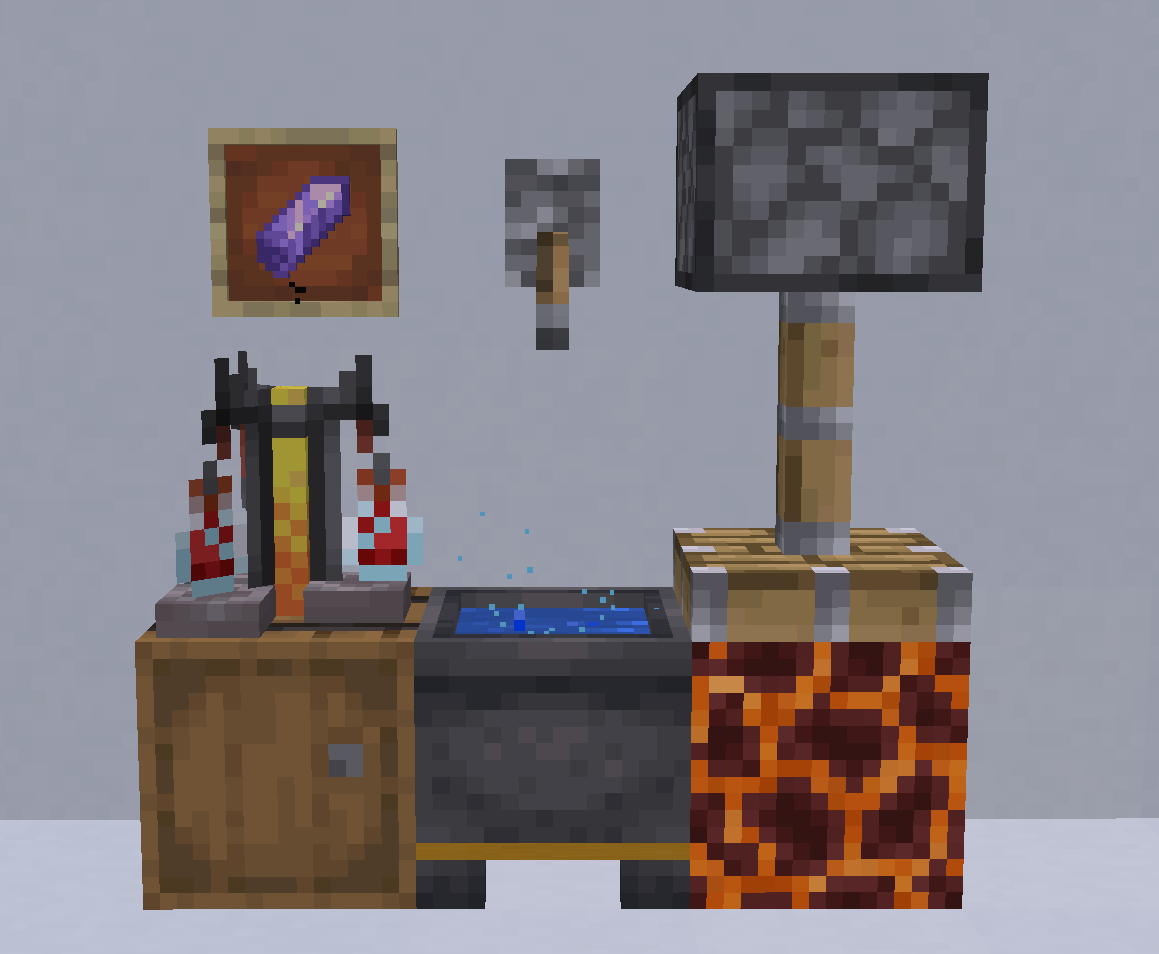
Key features:
- New workstation: the Aleldron — a custom cauldron for your experiments
- In-game starter notes, accessible from the pause menu
- Over 100 reagents, with more to come
- 20 reaction types, most with multiple variations
- Some reactions may be dangerous — explosions, poisons, and worse
- Others might be surprisingly useful — if you can figure them out
- And _secrets_
Love experimenting with AlelChemist?
Got feedback, an idea, or found a problem? Come tell us directly on our Discord server.
We’re experimenters ourselves, and we’d love to meet people who share that mindset. Join us to discuss AlelChemist, experiments, and whatever else catches your interest.
常见问题
AlelChemist 支持哪些 Minecraft 版本?
AlelChemist 支持 Minecraft Java 版 1.21.6–26.2,共 10 个版本,可用的加载器:Fabric / Forge / NeoForge / Quilt。下载时注意选择和你游戏版本一致的文件。
AlelChemist 怎么安装?
先用 PCL2 或 HMCL 启动器安装对应版本的 Fabric / Forge / NeoForge / Quilt,再把下载的 .jar 文件放进游戏目录的 mods 文件夹,重新启动游戏即可。开启了版本隔离的,mods 文件夹在 versions/版本名 下面。运行环境:客户端 / 服务端。
Blue Wall Studio 的其他作品
查看全部 →
CrossArms
Expand your crossbow weaponary! Adds new enchantments for crossbows
CrossArms
Expand your crossbow weaponary! Adds new enchantments for crossbows

Ultramove
Recreates ULTRAKILL's movement system in Minecraft as closely as possible, including dashes, slides, ground slams, and wall jumps.

Ultracoin
Adds a throwable coin that redirects projectiles toward nearby enemies when hit, inspired by ULTRAKILL's Marksman mechanic.
评论
登录后评论和评分