截图

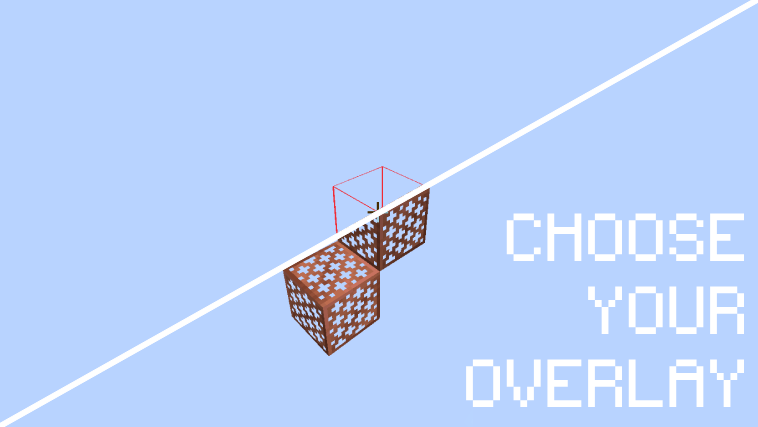
介绍
Survival Mode Restriction
Modrinth doesn’t allow the mod to work in survival as this would be considered a cheat. An unrestricted version can be found on the discord at: https://discord.gg/Fh56wAn4ks
AirPlace is a simple Mod to place Blocks in air and render them with a fancy overlay.
(Default) Controls:
- F7: Toggle airplace (/airplace toggle)
- Right-Click: Place a Block in air.
Commands:
/airplace <on|off|toggle>: Toggle the state of AirPlace./airplace renderMode <block|lines>: Toggle the renderMode of AirPlace./airplace config <reset|reload>: Reset or Reload the config.- –
/airplace config setcolor "<R> <G> <B>: Set the color of the overlay.
常见问题
AirPlace 支持哪些 Minecraft 版本?
AirPlace 支持 Minecraft Java 版 1.20–26.3,共 23 个版本,可用的加载器:Fabric / NeoForge。下载时注意选择和你游戏版本一致的文件。
AirPlace 怎么安装?
先用 PCL2 或 HMCL 启动器安装对应版本的 Fabric / NeoForge,再把下载的 .jar 文件放进游戏目录的 mods 文件夹,重新启动游戏即可。开启了版本隔离的,mods 文件夹在 versions/版本名 下面。运行环境:仅客户端。
Wueffi 的其他作品
查看全部 → AirPlace
一个简单的模组,让你可以在空中放置方块。

TaskManager
Configurable Task Manager to check more than just Startup Times, CPU/GPU time and Memory per mod

Wueffis RegReader for Computational Redstone
This Mod adds a HUD to Minecraft that keeps track of your Register Values for you!

Red Pandas!
This Mod adds red pandas into the game. They are breadable, spawnable by Spawn-Eggs and have a custom AI. Forga, NeoForge and 1.21 planned.
评论
登录后评论和评分