
介绍
中文介绍正在准备中,下面暂时显示原文。
AirFPS
A very lightweight client-side mod that adds an FPS counter and other useful info to your screen without cluttering it.
Features
- In-game config menu: Press
F9(can be changed in the game’s keybind settings) to open the AirFPS panel. - Optional modules: Besides FPS, you can toggle extra lines to see your real Ping on servers, RAM usage, or your coordinates (X, Y, Z).
- Free positioning: While in the menu, you can simply click and drag the HUD to wherever you want on your screen. I’ve also included 4 quick-snap buttons if you want to align it perfectly to any of the corners.
- Visual customization: Change the text scale to fit your monitor; Adjust the dark background opacity or remove it completely & Toggle the default Minecraft text shadow on or off
- Colors & RGB: The text can have a fixed color, or you can enable “Dynamic Colors” (turns green if you’re above 60 FPS, yellow if you drop to 30, and red if it’s lagging). There’s also an option to enable an animated Chroma (RGB) effect.
- Client-side: Since it’s a purely visual mod, you only need to install it on your client. You can use it on any server without issues.
Screenshots
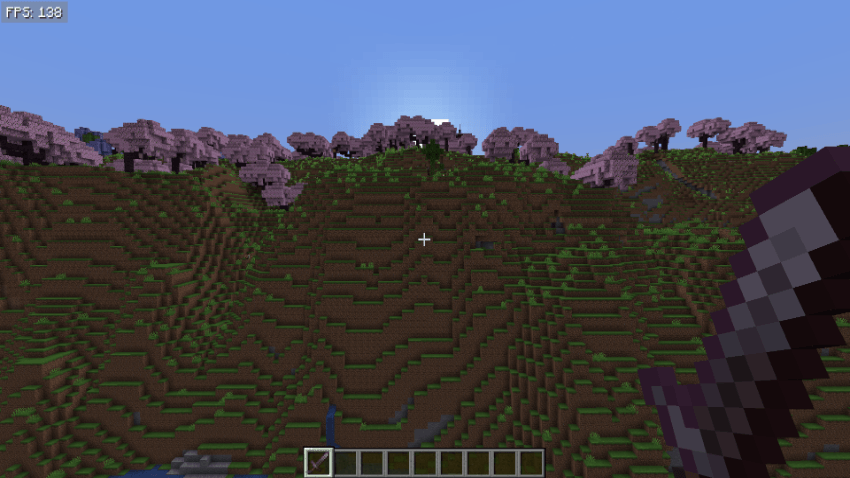
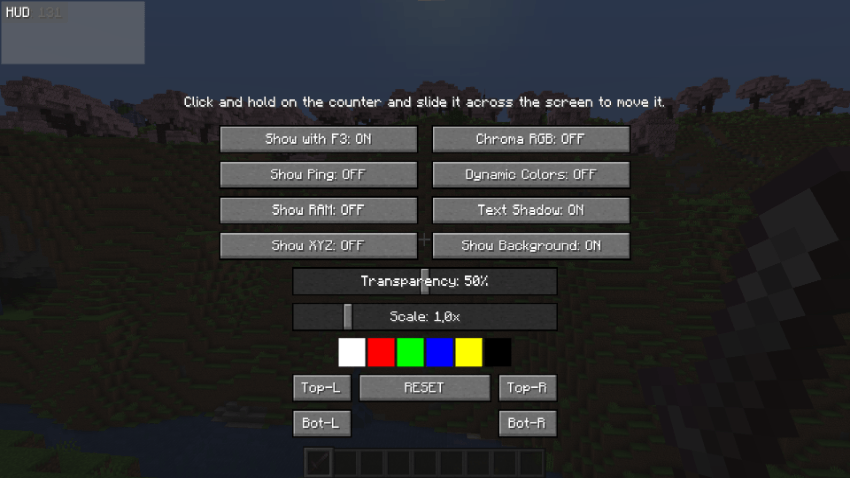
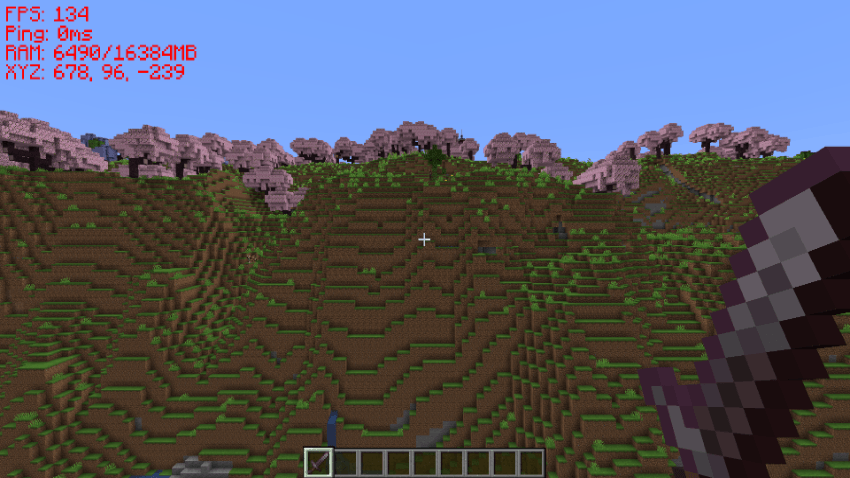
Installation
DOWNLOAD ONLY FROM SECURE SOURCES!
This is the only official CurseForge page for downloading AirFPS. DO NOT DOWNLOAD FROM OTHER SITES OF DUBIOUS ORIGIN!
常见问题
AirFPS 支持哪些 Minecraft 版本?
AirFPS 支持 Minecraft Java 版 1.20.1–26.2,共 2 个版本,可用的加载器:Fabric / Forge。下载时注意选择和你游戏版本一致的文件。
AirFPS 怎么安装?
先用 PCL2 或 HMCL 启动器安装对应版本的 Fabric / Forge,再把下载的 .jar 文件放进游戏目录的 mods 文件夹,重新启动游戏即可。开启了版本隔离的,mods 文件夹在 versions/版本名 下面。
评论
登录后评论和评分