
截图
介绍
My other decorative datapacks:
🏳️ Banner Flags: https://modrinth.com/datapack/banner-flags
🛏️ Banner Bedsheets: https://modrinth.com/datapack/banner-bedsheets
💤 Gardener’s Dream: https://modrinth.com/datapack/gardeners-dream
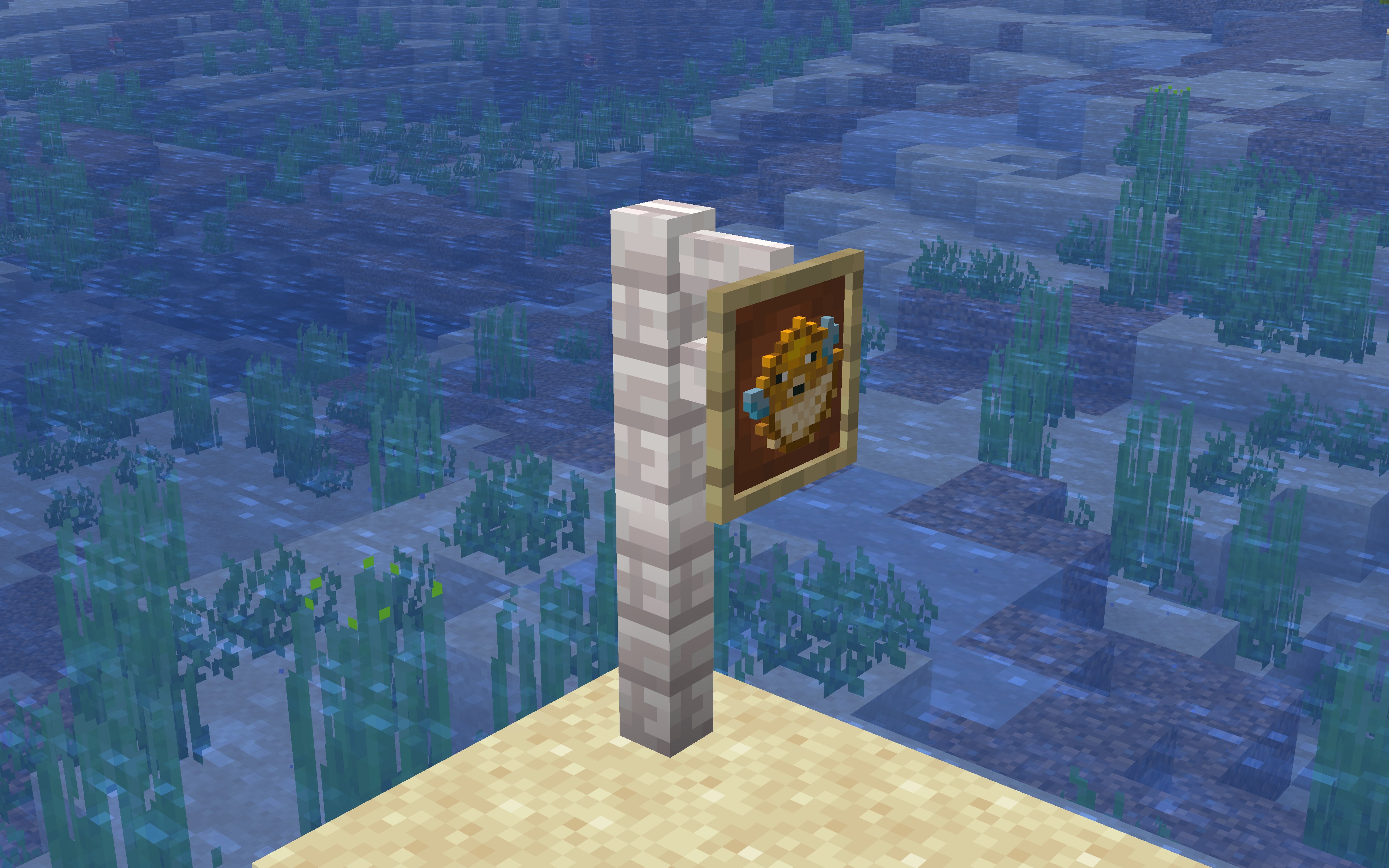
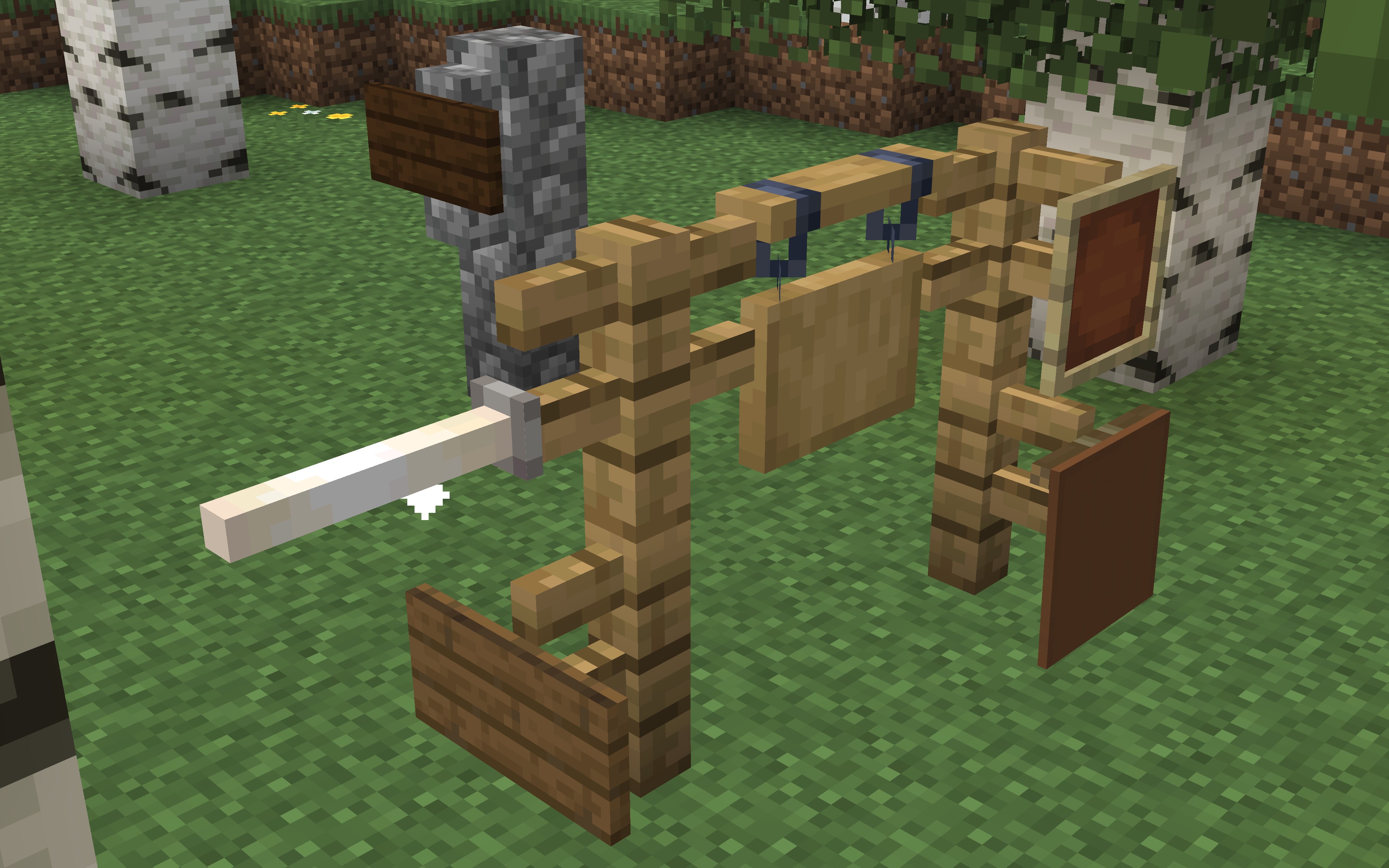
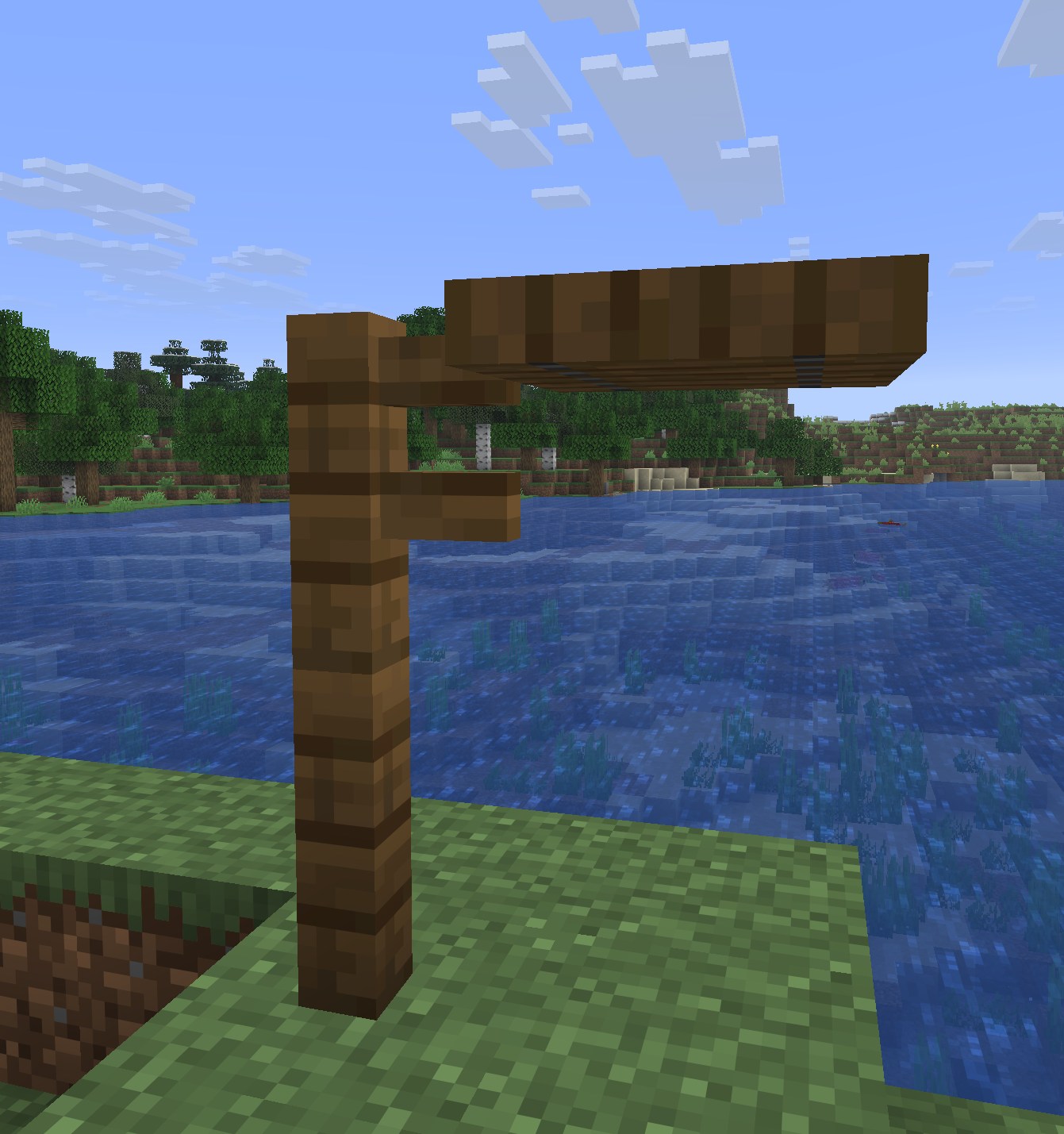
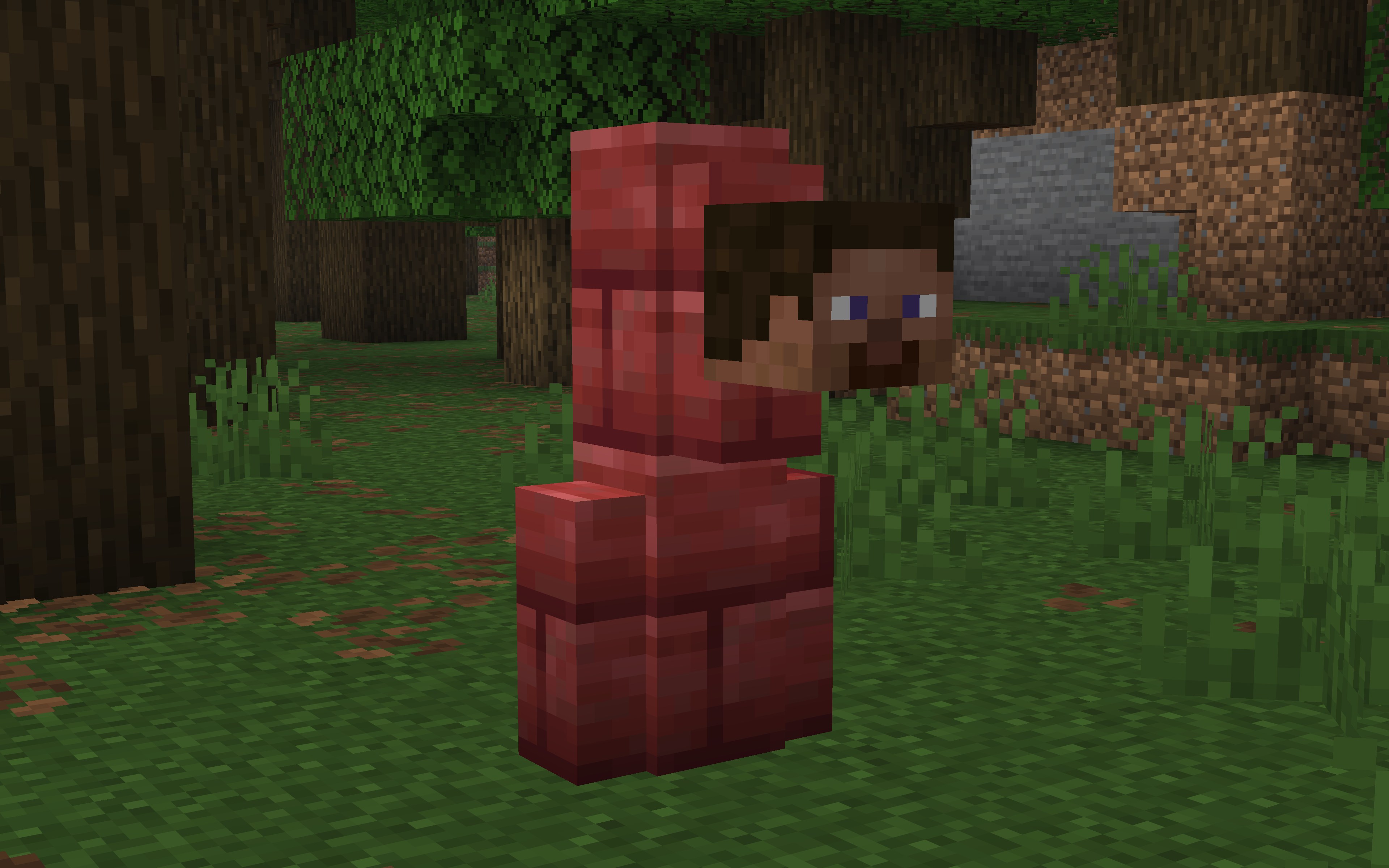
This datapack simply makes the block connect when a sign, banner or other wall block is placed on it. This fixes the “air gap” that forms when normally placing these blocks, which always looks a bit odd, the blocks just floating there.
❗You have to be looking straight at the block when placing, otherwise it wont work!
Blocks:
All fences, walls, glass panes, bars.
Attachables:
All signs, banners, player heads, end rod, lightning rods, item frames.
When removing an item frame it doesn’t update the block, so it stays extended. I left that in because you can use that as a feature, if you want a fence extended somewhere for example.
Let me know if you have any issues with this datapack or if there’s other air gaps I should fix!
常见问题
Air Gap Fix 支持哪些 Minecraft 版本?
Air Gap Fix 支持 Minecraft Java 版 1.20.2–26.3,共 22 个版本,可用的加载器:Fabric / Forge / NeoForge / Quilt。下载时注意选择和你游戏版本一致的文件。
Air Gap Fix 怎么安装?
先用 PCL2 或 HMCL 启动器安装对应版本的 Fabric / Forge / NeoForge / Quilt,再把下载的 .jar 文件放进游戏目录的 mods 文件夹,重新启动游戏即可。开启了版本隔离的,mods 文件夹在 versions/版本名 下面。运行环境:客户端 / 服务端。
Gurkis 的其他作品
查看全部 →
Gardener’s Dream
允许你将任意植物放入花盆、饰纹陶罐、玩家头颅和半砖花盆(新增)。 生存友好!无需资源包!

Banner Flags
Place banners horizontally as flags on fences, walls and other pole-like blocks!

Banner Bedsheets
Customize your bedsheets with any banner design! Make your bed stand out!

Crop & Foliage Variations
🌾This pack makes foliage and crops have different colors and height, making farms way nicer to look at. 🪷Also has lilypad and grass variation.
评论
登录后评论和评分