AIO Terminal (Tech Demo)
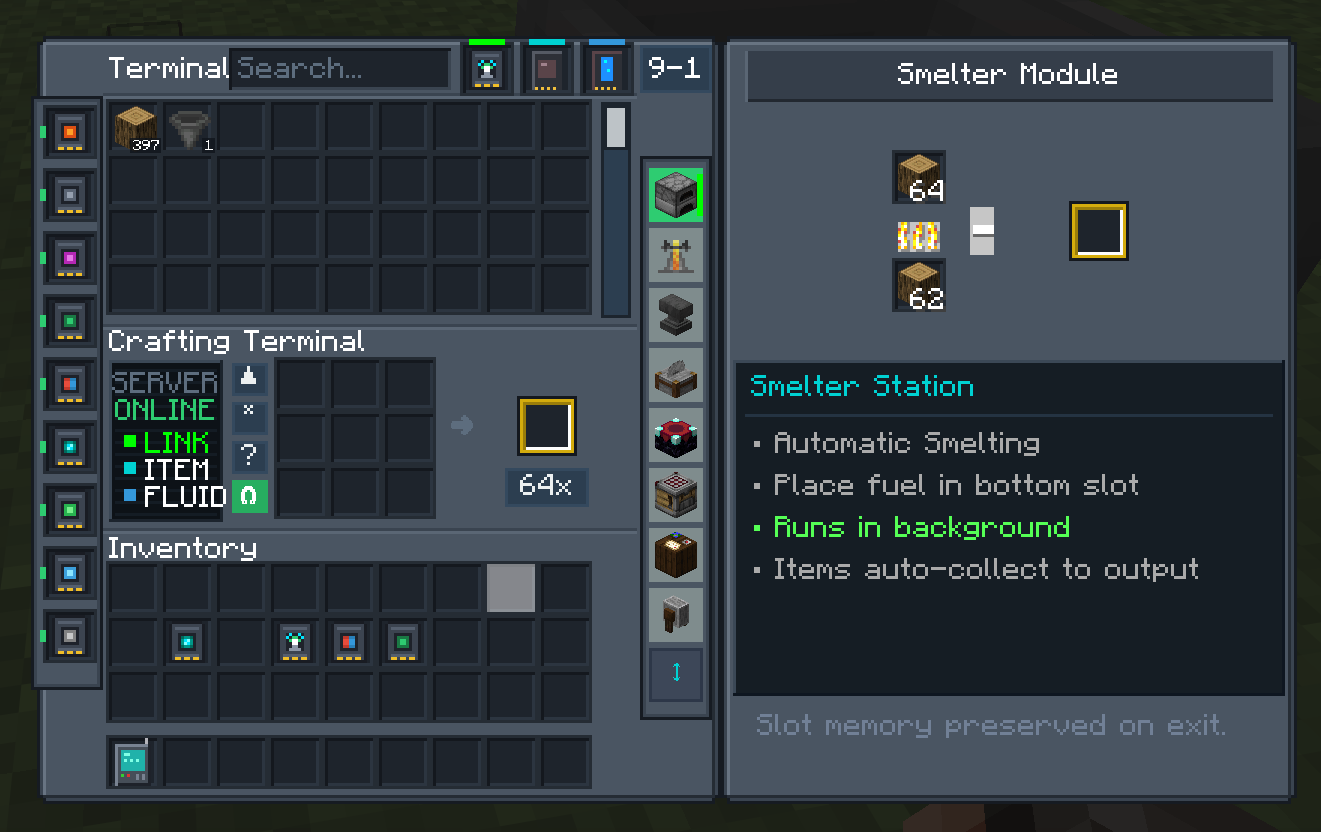
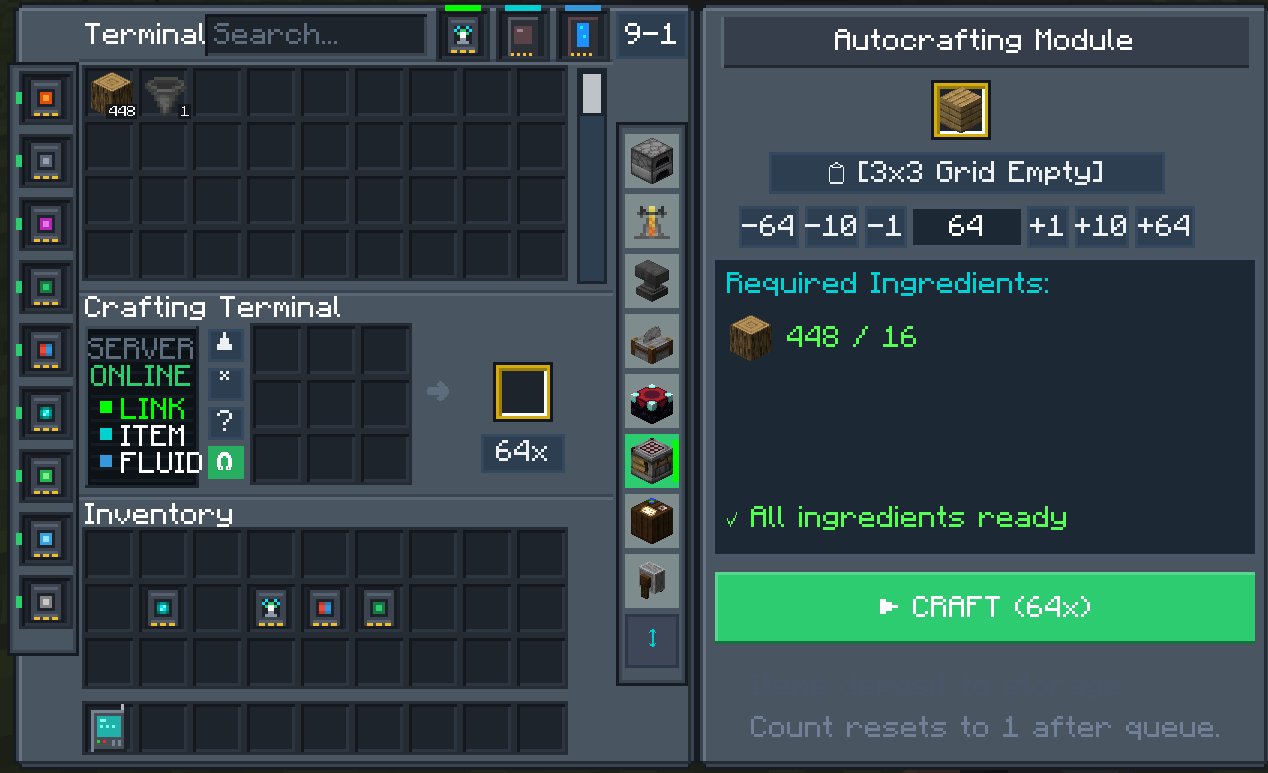
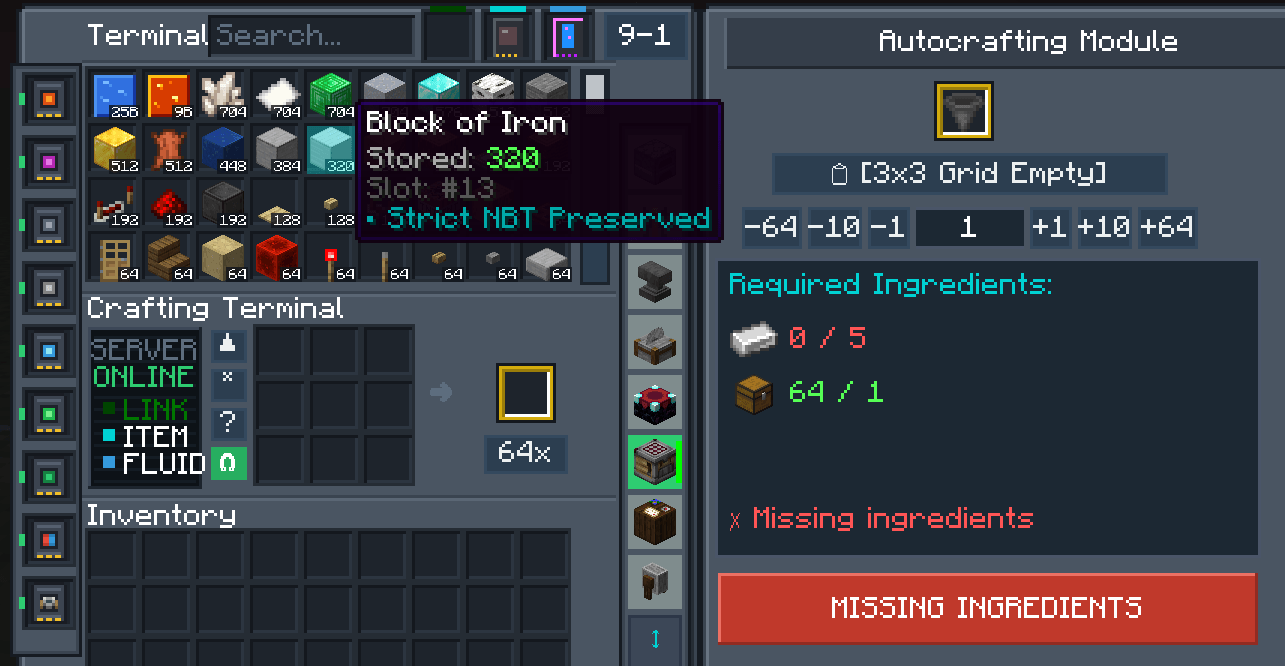
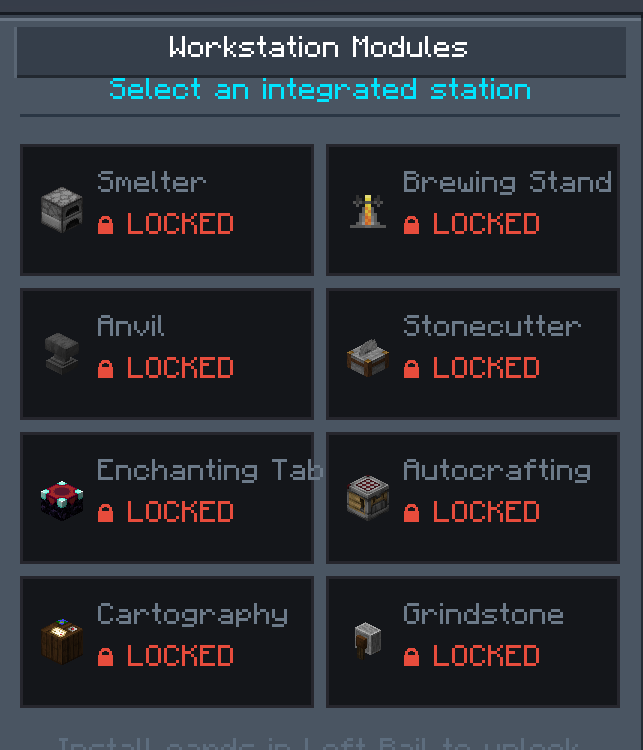
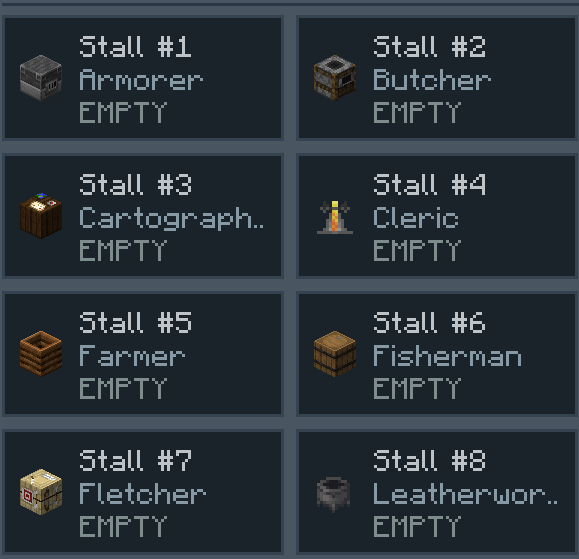
This is a fully AI Generated Mod. Terminal Mod is a tech mod that includes an AIO terminal. Process Raw ores, Trading Hall, Enchanting, Auto Crafting, Brewing, Item and Fluid Storage. Works with Curios mod and has dedicated slot.
截图
介绍
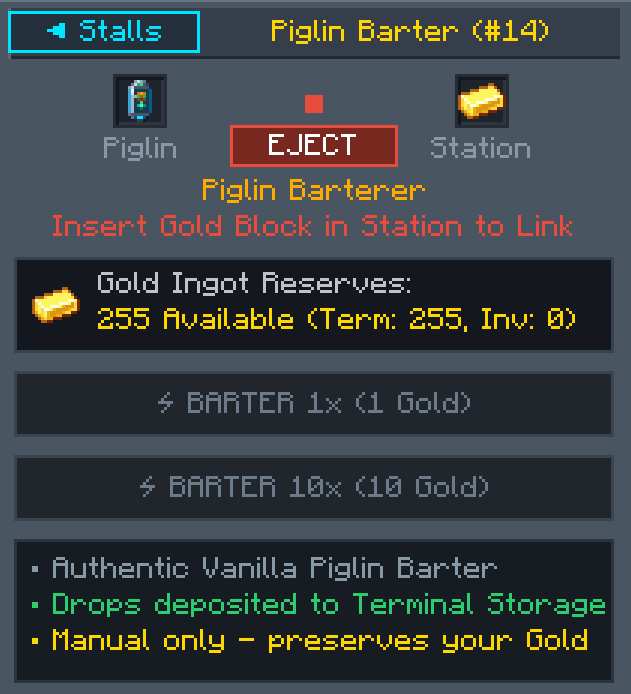
AIO Terminal brings an all-in-one digital logistics, automation, and entity-management workstation directly into your Minecraft world. Seamlessly access fluid and item digital storage, craft directly from your network, automate bartering, and carry your whole base in the palm of your hand.
A Note on Development & Inspiration
Transparency Notice: Both the codebase and all visual assets (including the 2D textures, icons, and 3D voxel models) for this mod were fully generated using AI. I want to apologize up front for any quirks, balance oddities, or non-standard structures that come with AI-generated assets and code.
To be completely clear: the AI did not come up with any of the ideas or features. Every single concept, feature, mechanic, and design system in this mod came purely from my own imagination and creativity. I do not know how to code or build 3D models, but I have a passion for tech mods and wanted to bring these specific ideas to life for the community.
Think of AIO Terminal as a playable prototype and tech demo. Modders and developers are welcome and encouraged to dissect this project, draw inspiration from the mechanics, and adopt or adapt any of these ideas into their own future mods and updates.
Key Features
Central Interfaces & Customization
-
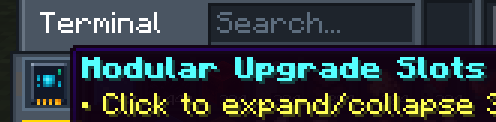
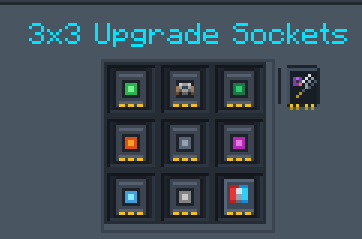
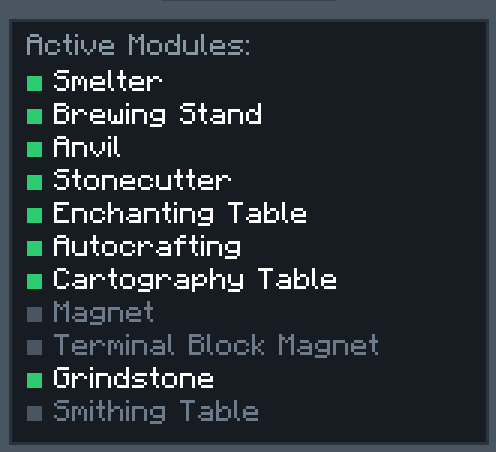
AIO Placeable Terminal Block: The central workstation of your network. Houses drives, integrates upgrades, and manages your entire logistics pipeline from a single block face.
-
AIO Handheld Terminal: Take your storage network on the go. Retains full interface capabilities in portable item form.
-
Color Customization: Both the Placeable Terminal Block and Handheld Terminal come in every default Minecraft stained glass pane color (all 16 colors), allowing you to color-code setups or match your base’s palette.
-
Wrench: Specially tuned tool to safely dismantle, configure, and instantly pick up the AIO Terminal Block without breaking network configurations.
Storage & Upgrades
-
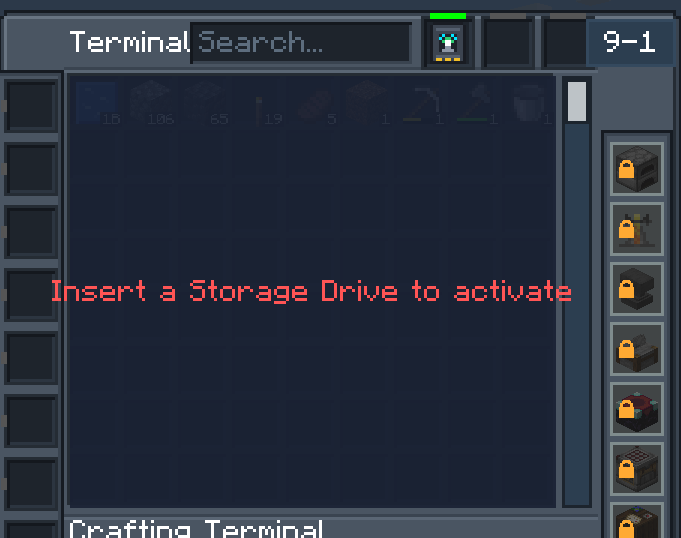
Multi-Tier Storage Drives: High-density digital storage modules capable of housing both items and fluids simultaneously.
-
Tier progression ranges from entry-level Copper Drives all the way up to endgame Netherite Upgraded Drives.
-
-
Integrated Workbench: Craft directly out of your digital drive network without pulling stacks into your player inventory.
Automation & Trading
-
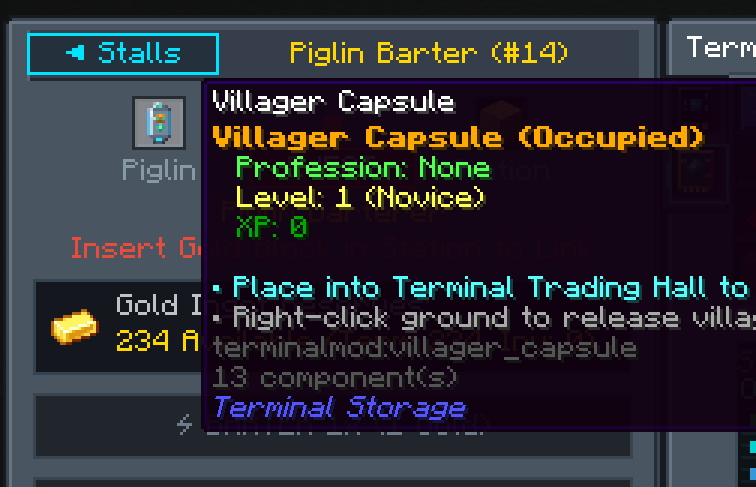
Trading Hall & Piglin Barter Module: Consolidate trades into your terminal UI. Automate gold barter cycles with Piglins and manage trades cleanly inside a unified interface.
-
Capture Capsules: Safely capture, transport, and deploy Villagers and Piglins directly into your trading setups or automated holding bays.
Wireless & Cross-Dimensional Access
-
Wireless Card: Bind your Handheld Terminal to a base Terminal Block to interact with your central storage grid remotely.
-
Cross-Dimensional Access: Break dimension boundaries—access your Overworld item drives and fluid banks directly from the Nether or The End.
Magnetics & Logistics Cards
-
Optimized 9×9 Collection Range: Both magnet cards operate on a dedicated 9×9 area radius—deliberately tuned to match the standard, optimal 9×9 flat Minecraft farmland layout centered on a single water source block.
-
Block Magnet Card: Installs into the Placeable Terminal Block to vacuum dropped items within the 9×9 area directly into the terminal’s connected storage drives.
-
Handheld Magnet Card: Installs into the Handheld Terminal to collect drops within a 9×9 radius around the player, featuring toggleable routing modes to pull items straight into your personal inventory or beam them directly into remote Terminal storage.
Integrations
-
Curios API: Equip your Handheld Terminal directly into a dedicated Curios slot to save hotbar space and keep remote access bound to a hotkey.
-
Just Enough Items (JEI): Full recipe lookup, bookmarking, and click-to-transfer recipe crafting directly within the terminal UI.
常见问题
AIO Terminal (Tech Demo) 支持哪些 Minecraft 版本?
AIO Terminal (Tech Demo) 支持 Minecraft Java 版 26.1.2,可用的加载器:NeoForge。下载时注意选择和你游戏版本一致的文件。
AIO Terminal (Tech Demo) 怎么安装?
先用 PCL2 或 HMCL 启动器安装对应版本的 NeoForge,再把下载的 .jar 文件放进游戏目录的 mods 文件夹,重新启动游戏即可。开启了版本隔离的,mods 文件夹在 versions/版本名 下面。
评论
登录后评论和评分