
截图
介绍
Installation
Required: Minecraft 1.21.11, Fabric, Fabric API mod
Chat opening
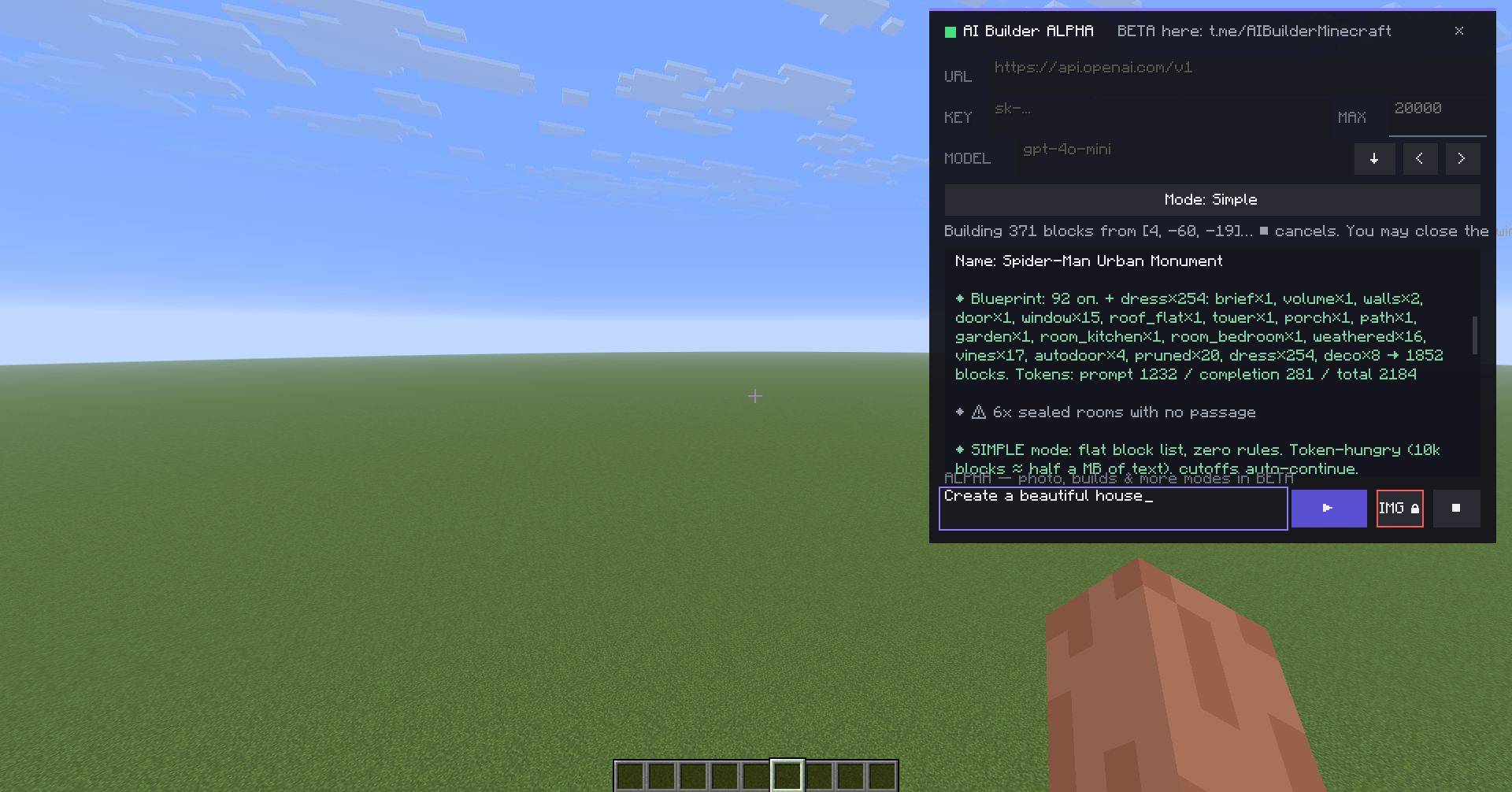
Right Shift — open/close the panel. The panel can be dragged by the header; construction and history are saved when closed.Buttons in the header: – mini‑mode, ▲/▼ minimize settings, × close, three stripes — settings menu (there you can choose the language: RU / EN / 中文 / ES).
First connection (settings section)
URL — API address
KEY — API key
MAX — token limit per response (1000–200000). For ordinary buildings, 20000–32000 is sufficient.
MODEL — click ↓, select the model using the arrows < >. ✦ We recommend Gemini.
The interface also features MODES; select the one you need and create whatever you want. Keep in mind that if you choose a mode that doesn’t suit your work, you may not get the expected result.
常见问题
AI Builder : DEMO 支持哪些 Minecraft 版本?
AI Builder : DEMO 支持 Minecraft Java 版 1.21.11,可用的加载器:Fabric。下载时注意选择和你游戏版本一致的文件。
AI Builder : DEMO 怎么安装?
先用 PCL2 或 HMCL 启动器安装对应版本的 Fabric,再把下载的 .jar 文件放进游戏目录的 mods 文件夹,重新启动游戏即可。开启了版本隔离的,mods 文件夹在 versions/版本名 下面。
评论
登录后评论和评分