
AFK Station [Cinematic & More]
Lightweight AFK mod that makes idle time cinematic, hides chat on request, shows an AFK timer, caps FPS, and instantly returns to gameplay when you move.
截图
介绍
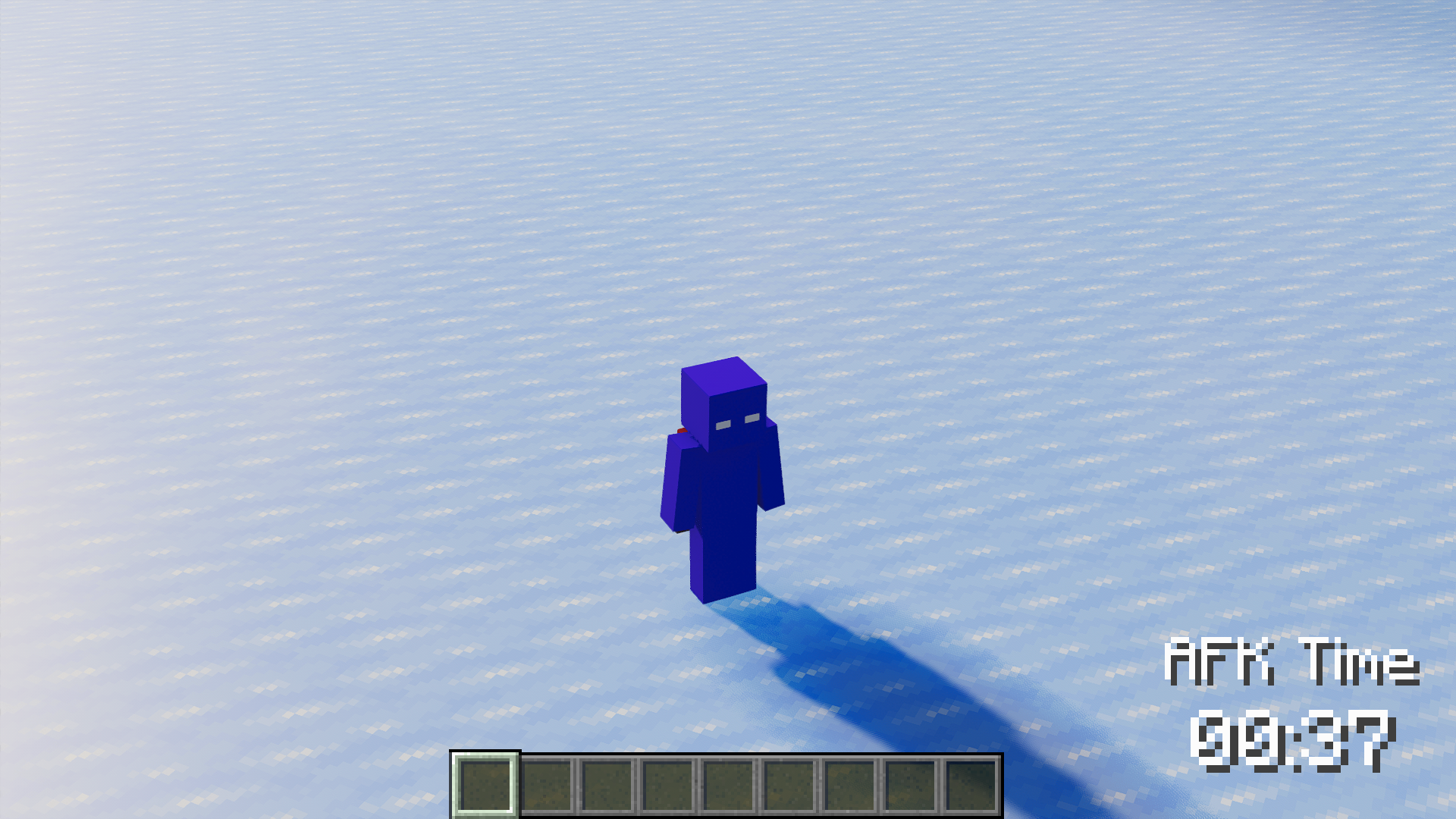
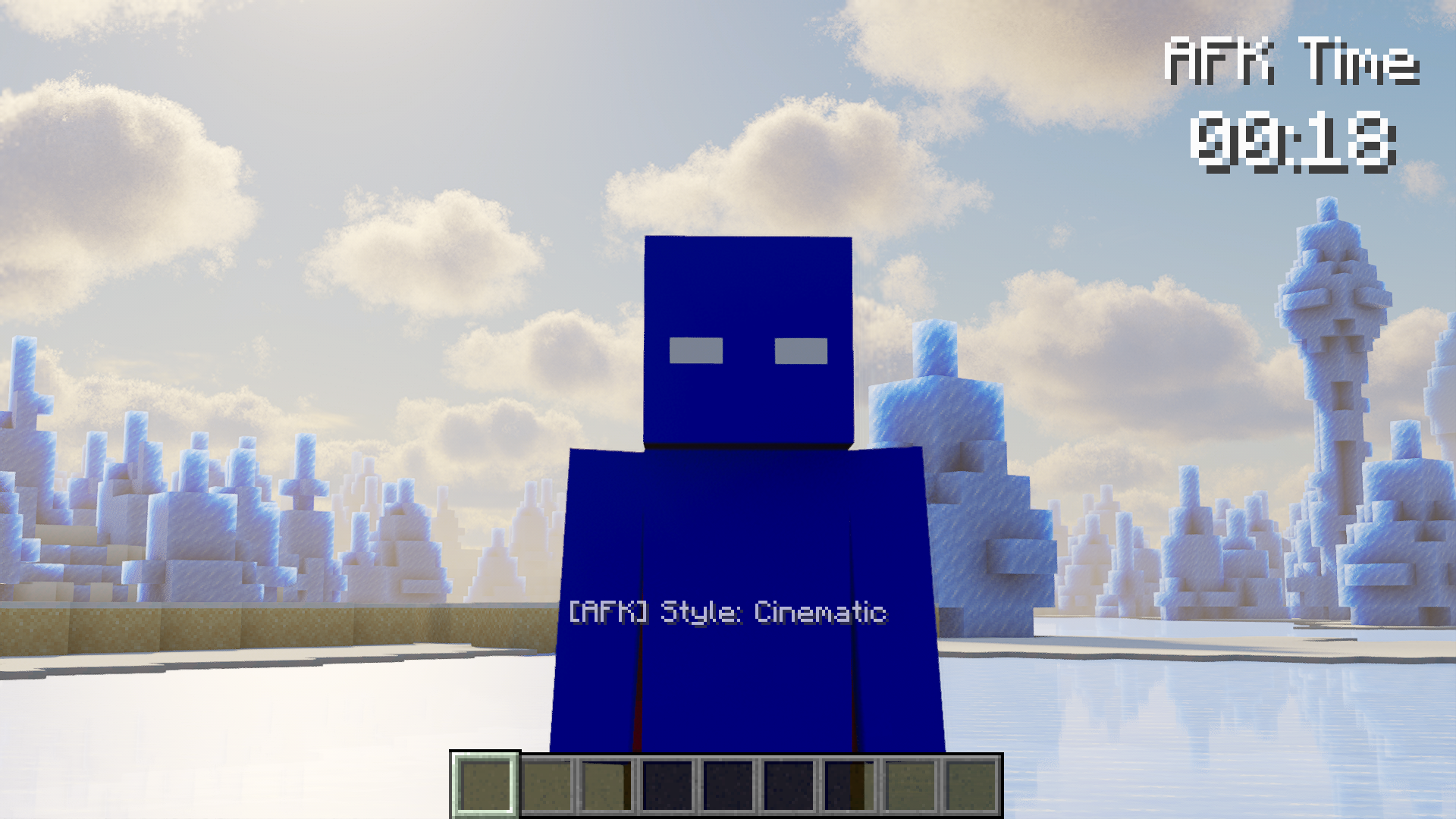
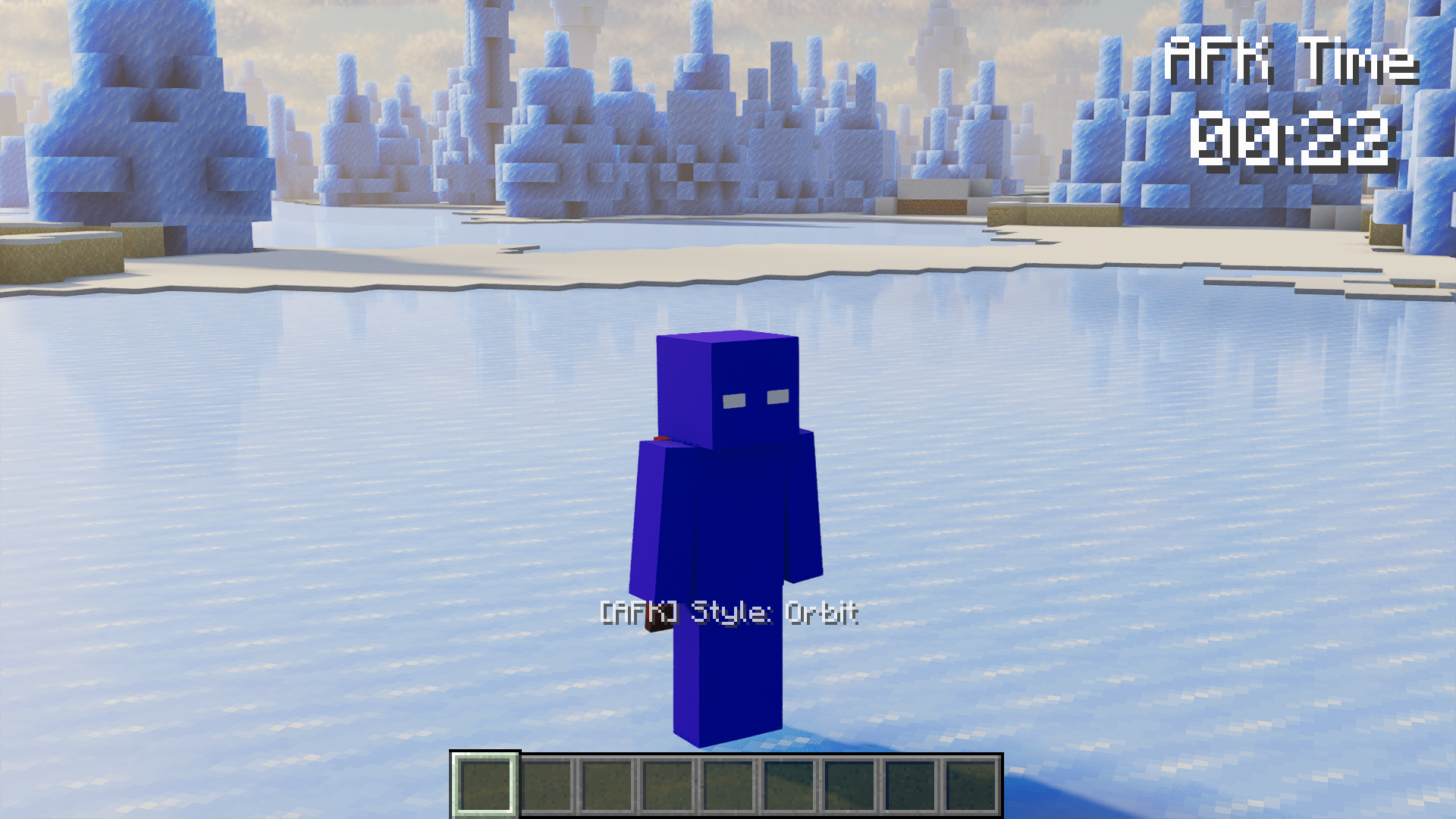
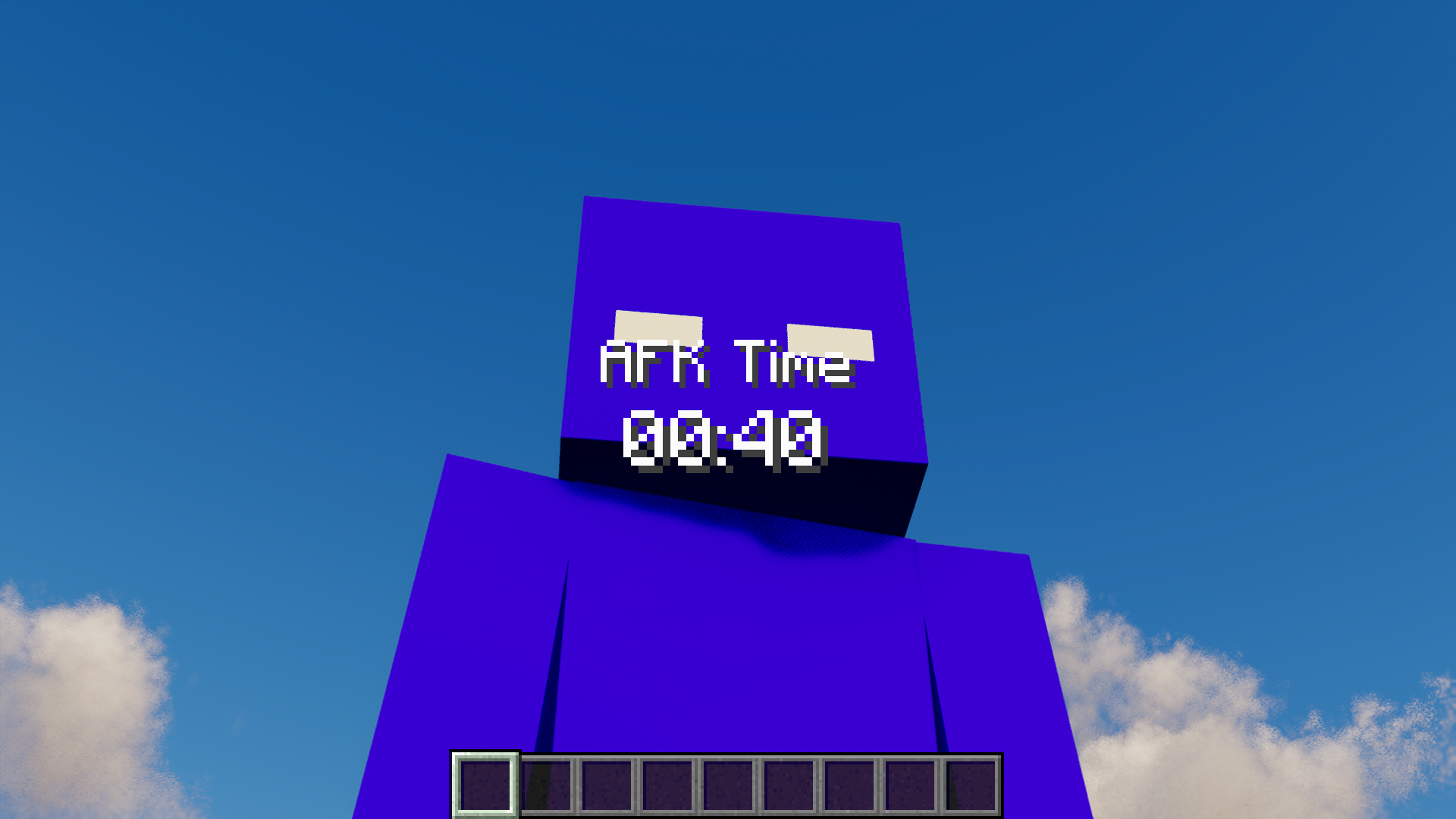
AFK Station – Make idle time cinematic!
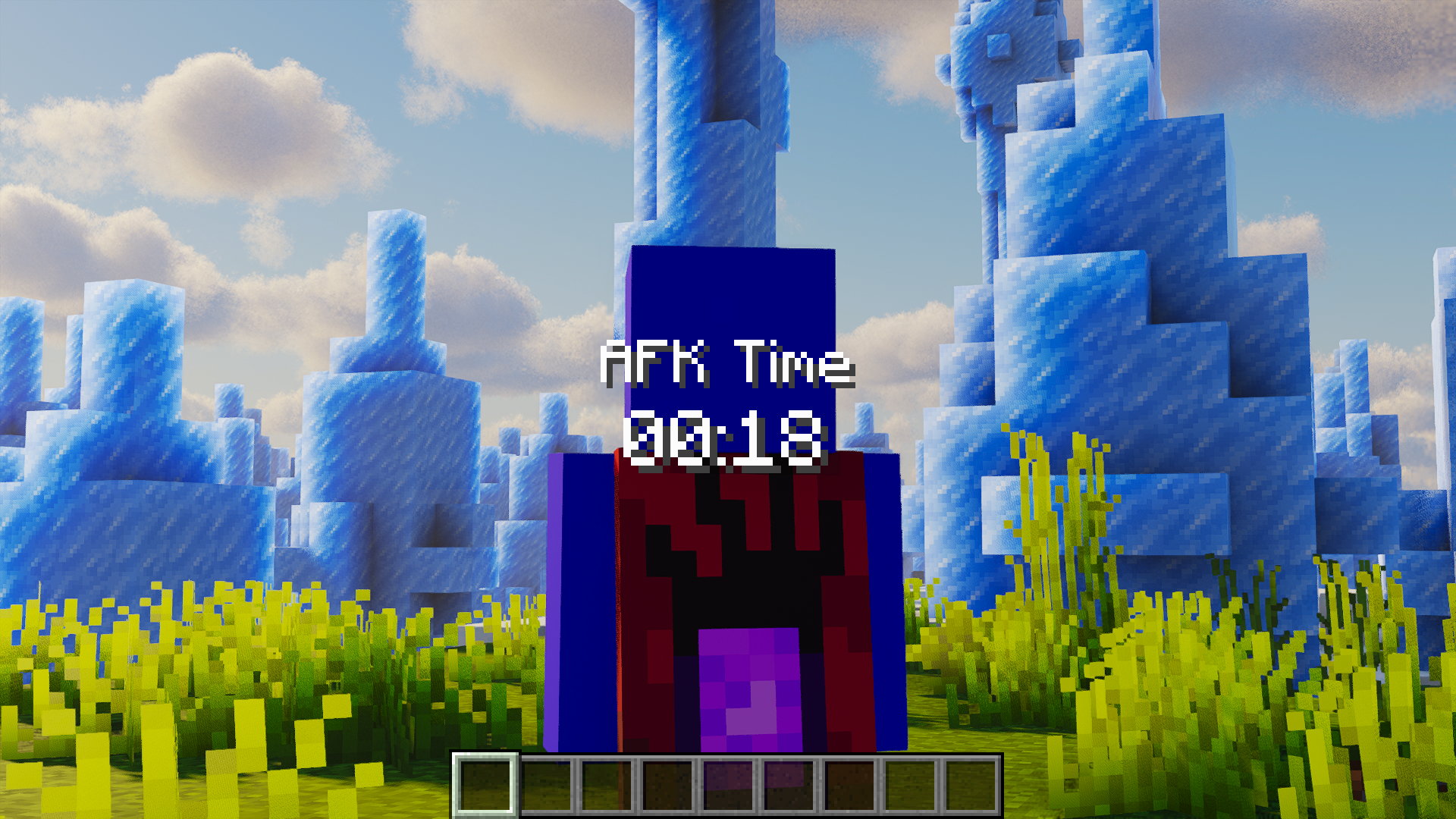
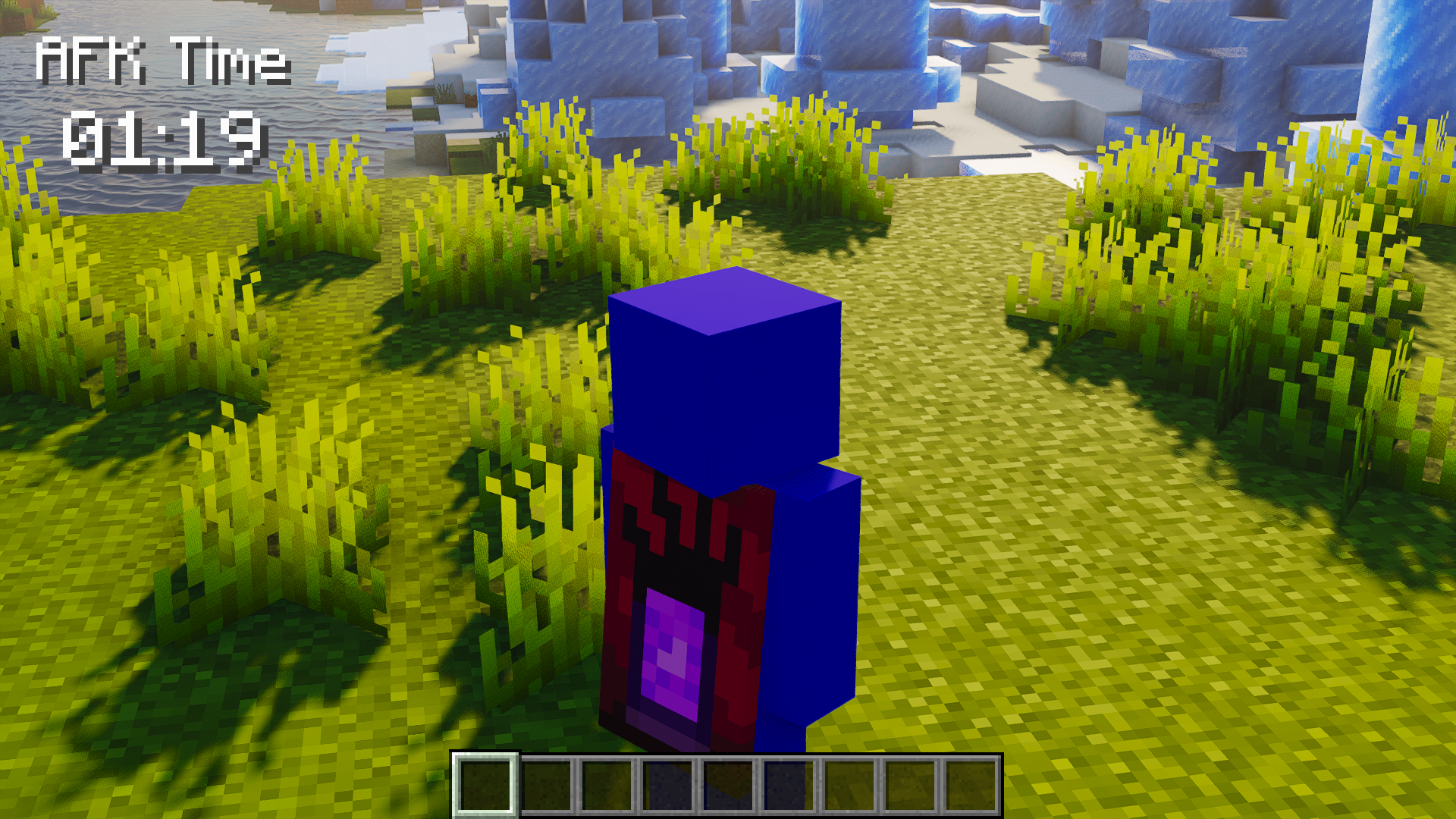
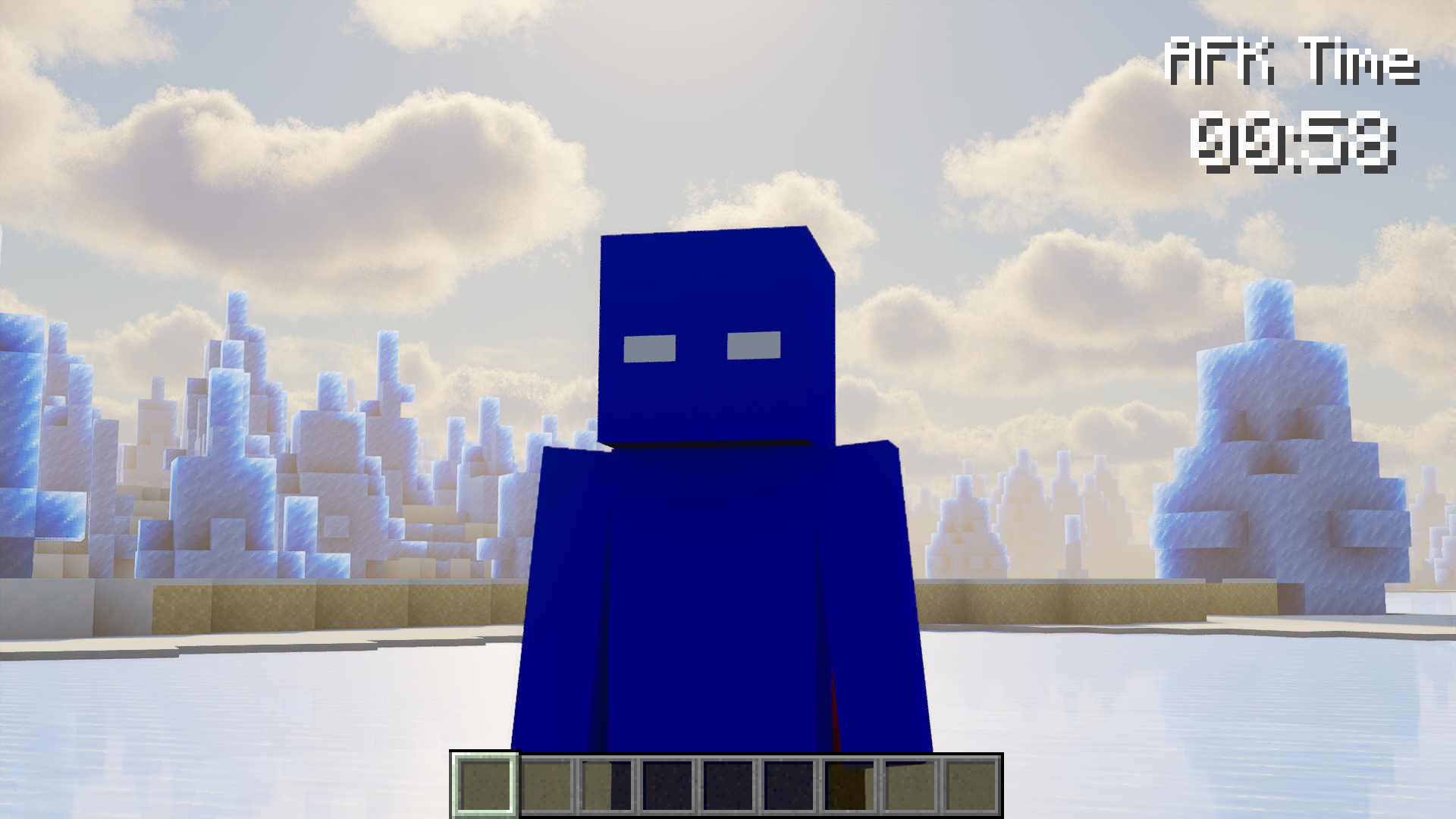
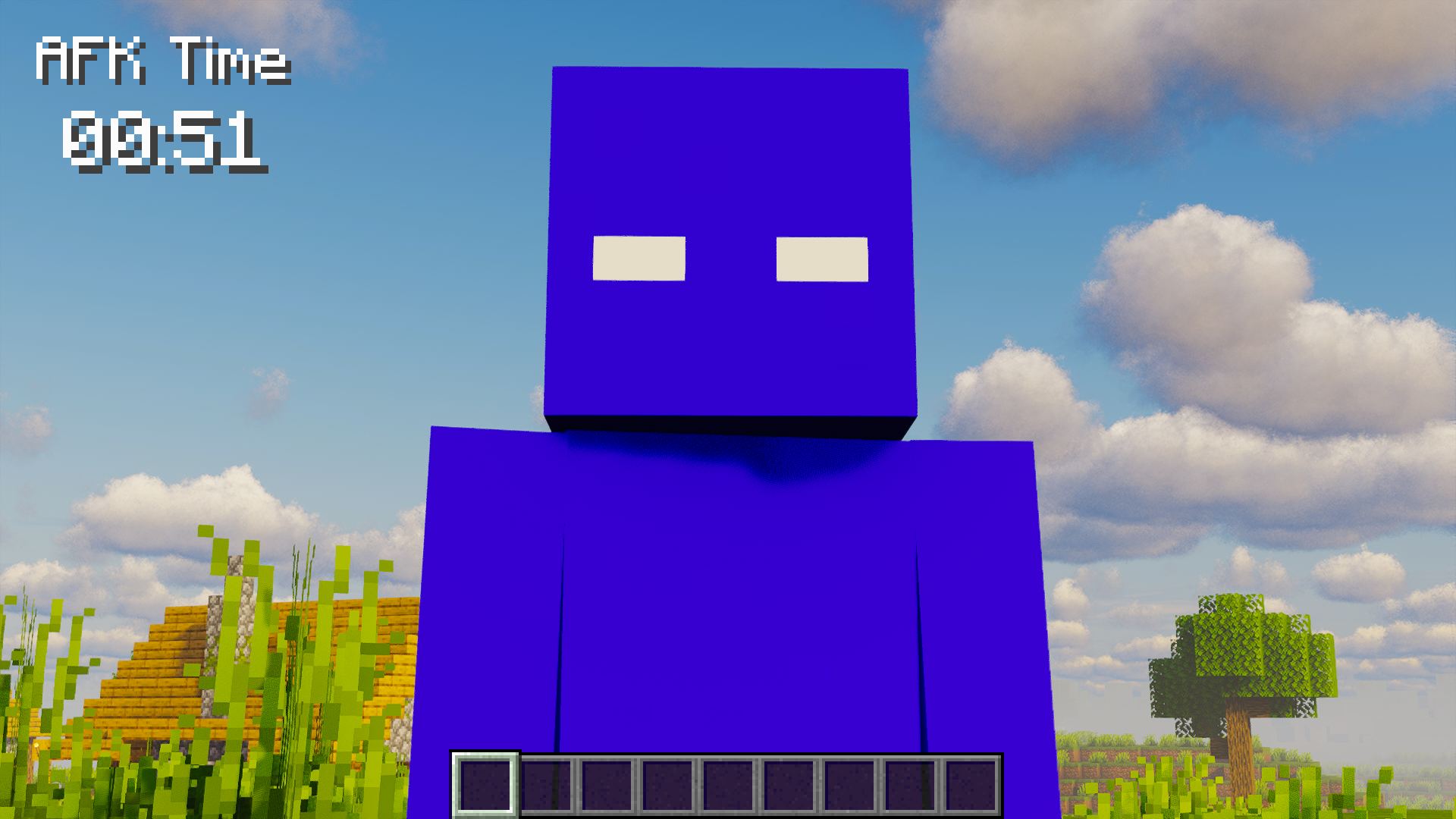
AFK Station turns idle moments into smooth cinematic camera shots, so your world still looks alive while you are away.
Now available on Fabric, NeoForge and Forge for Minecraft 26.2. Quilt are planned. Client-side only.
✨ Features
- Cinematic AFK camera with 12 styles:
- Angle
- Journey
- Orbit
- Halo
- Spiral
- Isometric
- Parallax
- Low Angle
- Figure Eight
- Vertical Sweep
- Scenic Scout
- Life Focus
- Smooth camera motion with safe framing and ground clearance
- Close or wide camera framing
- Custom camera speed up to 5.00x
- Automatic style shuffle while AFK
- Optional warning before style shuffle
- AFK timer HUD with:
- title and timer toggles
- scale controls
- top, bottom, center, and custom positions
- optional vanilla HUD hiding while AFK
- AFK session history with:
- start date and time
- duration
- camera style
- manual or auto trigger
- up to 20 saved entries
- next and back page controls
- optional auto delete for old history
- Automatic AFK detection based on movement, mouse, hotbar, and key input
- AFK countdown before activation
- Optional chat hiding while AFK
- AFK FPS cap to reduce resource usage while idle
- AFK render distance override while idle
- Optional AFK FOV override
- Optional AFK volume reduction
- Warning sound before AFK starts
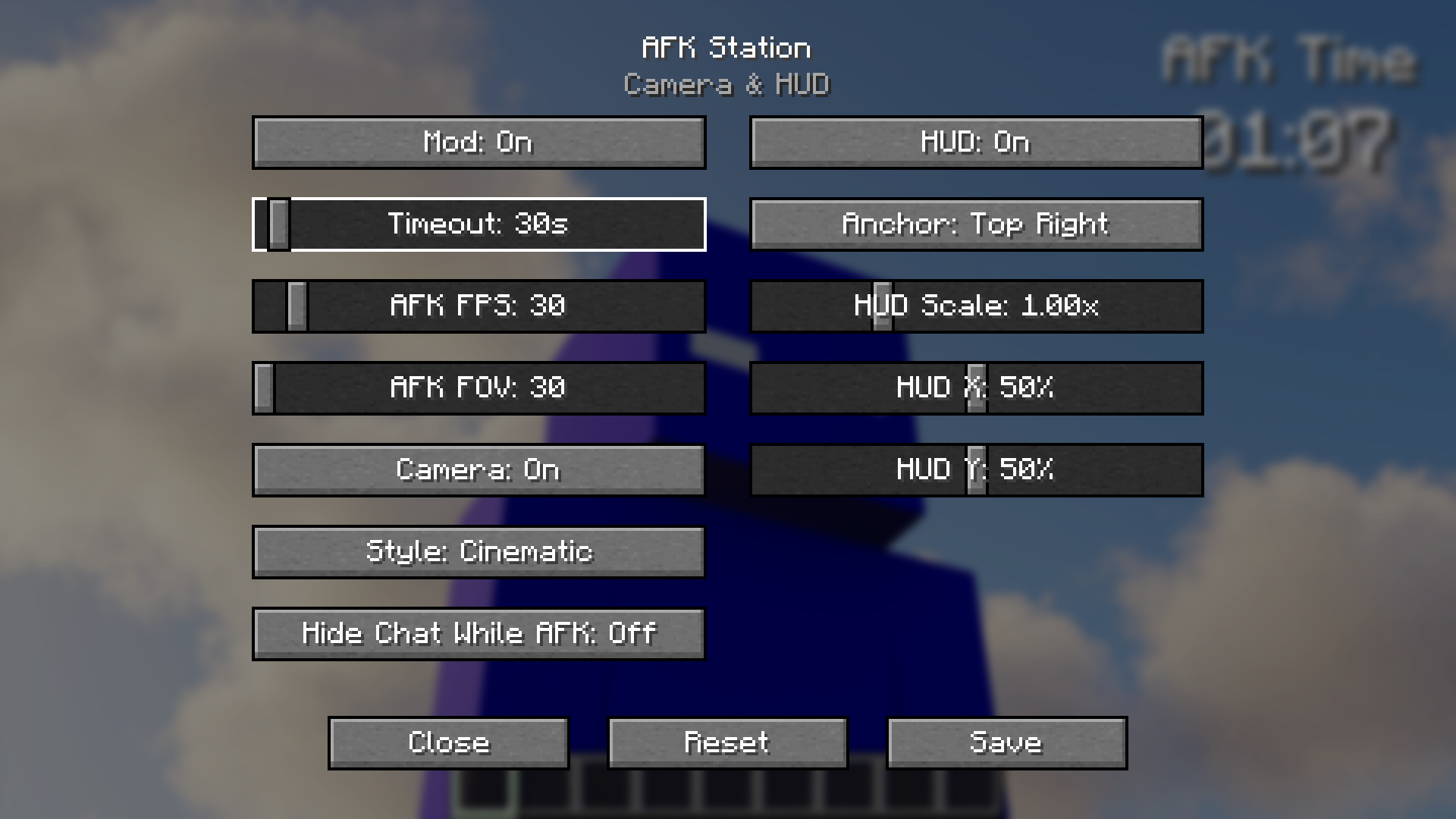
- Clean in-game settings menu
- Client-side only: no server install required
⌨️ Default Keybinds
- N: Toggle AFK Station
- M: Open settings
- B: Force AFK on/off
- V: Switch camera style
Category: AFK Station. All keybinds are remappable.
🔧 Requirements
- Minecraft: 26.2
- Loaders:
- Fabric Loader + Fabric API
- Forge
- NeoForge
- Quilt (planned)
- Java: 21+
- Environment: Client-only
⚙️ Default Settings
- AFK timeout: 15 seconds
- AFK countdown: 5 seconds
- AFK FPS cap: 30
- AFK FOV: 30
- AFK render distance: 6 chunks
- Camera: enabled
- Camera style: Angle
- Camera speed: 1.00x
- Style shuffle: enabled
- HUD: enabled
- HUD anchor: Top Right
- Warning sound: enabled
- Chat hide: enabled by default
- AFK volume reduction: disabled by default
- History auto delete: enabled by default
📖 Usage
- Press
Mto open the settings menu. - Configure AFK delay, countdown, FPS cap, render distance, FOV, camera style, HUD position, audio, chat behavior, and history behavior.
- Wait for AFK to activate automatically, or press
Bto force it manually. - Move, look around, or press input keys to instantly leave AFK mode.
- Open History to review recent AFK sessions.
⬇️ Download


Planned loader support:

📜 License and Permissions
- License: All Rights Reserved (ARR)
- Redistribution outside Modrinth and CurseForge is not allowed without permission
- Modpacks are allowed with credit and a link back
🤝 Credits
- Author: Zynwro
- Contact: linktr.ee/zynwro
常见问题
AFK Station [Cinematic & More] 支持哪些 Minecraft 版本?
AFK Station [Cinematic & More] 支持 Minecraft Java 版 1.16–26.3,共 40 个版本,可用的加载器:Fabric / Forge / NeoForge / Quilt。下载时注意选择和你游戏版本一致的文件。
AFK Station [Cinematic & More] 怎么安装?
先用 PCL2 或 HMCL 启动器安装对应版本的 Fabric / Forge / NeoForge / Quilt,再把下载的 .jar 文件放进游戏目录的 mods 文件夹,重新启动游戏即可。开启了版本隔离的,mods 文件夹在 versions/版本名 下面。运行环境:仅客户端。
Zynwro 的其他作品
查看全部 →
Kenny [HORROR]
Kenny watches from a distance before the warnings build into a hunt that only ends when the Ender Dragon is defeated.

Auto Aim
Smooth, customizable aim assist for easier and more accurate targeting.

Hollow Steve [HORROR]
Adds Hollow Steve, a horror stalker boss that haunts you, grows stronger after each defeat, and must be killed 10 times to survive.

Auto Eat
Automatically eats when your hunger drops so you can focus on your adventure.
评论
登录后评论和评分