Aetheria: Realms & Outlaws
Beta Survival-MMORPG overhaul for Minecraft 1.21.1 with classes, elemental magic, custom gear, quests, world generation, living towns, and crime systems. Test Server: play.aetherdevstudio.com
截图
介绍
Aetheria: Realms & Outlaws is a Survival-MMORPG overhaul for Minecraft 1.21.1 on NeoForge. Build a character, choose a class, explore a dangerous world, and grow stronger through quests, gear, magic, and exploration.
Test Server: play.aetherdevstudio.com
BETA NOTICE
This is a beta release. Features and balance are still in development; bugs, incomplete systems, and compatibility issues are expected. Back up your worlds before installing and report issues with steps to reproduce them.
FEATURES
– Four playable classes: Warrior, Mage, Ranger, and Paladin, with class abilities and elemental magic.
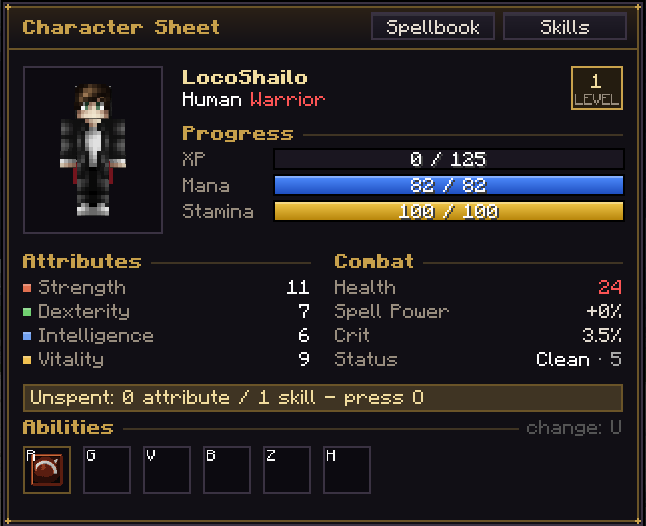
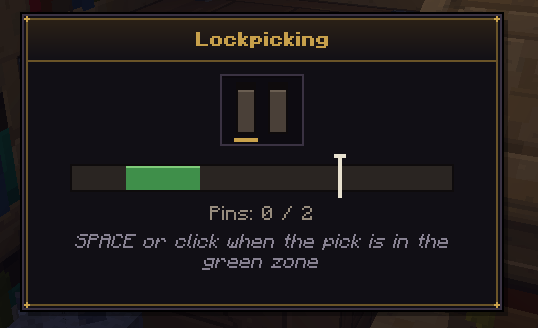
– Character creation, RPG stats, mana and stamina, skill trees, attribute points, and a character sheet.
– Custom weapons, armor, rarities, rolled stats, gem sockets, and Curios trinket slots.
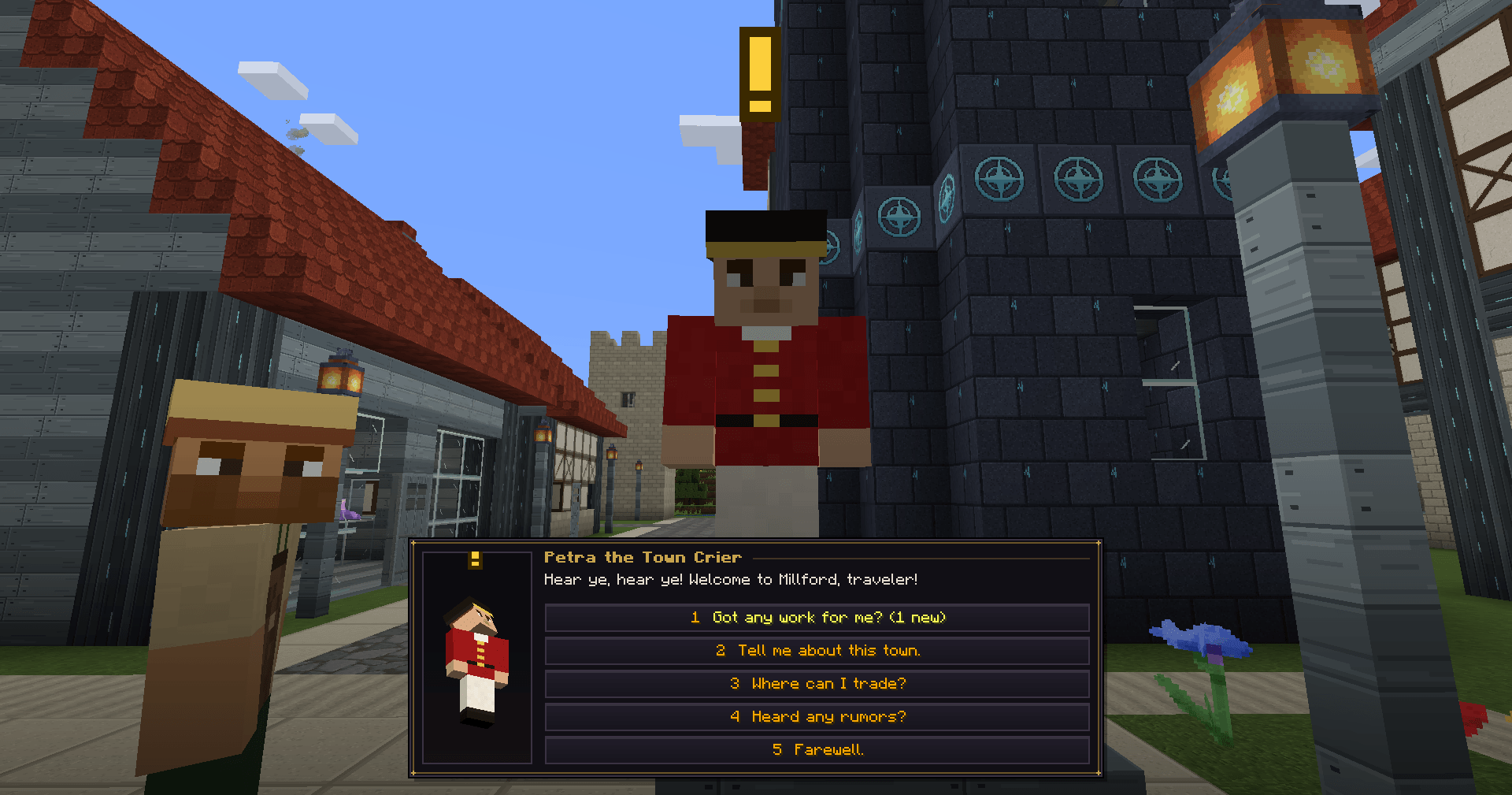
– New ores, resources, quests, achievements, zone-scaled encounters, and custom mobs.
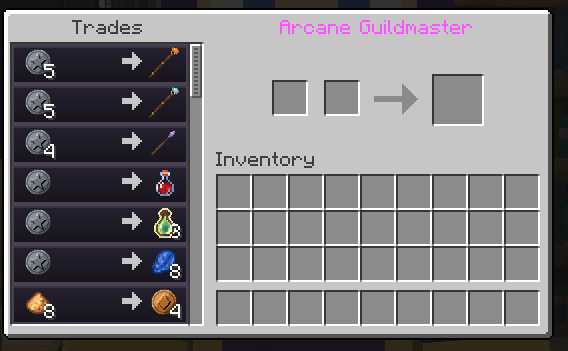
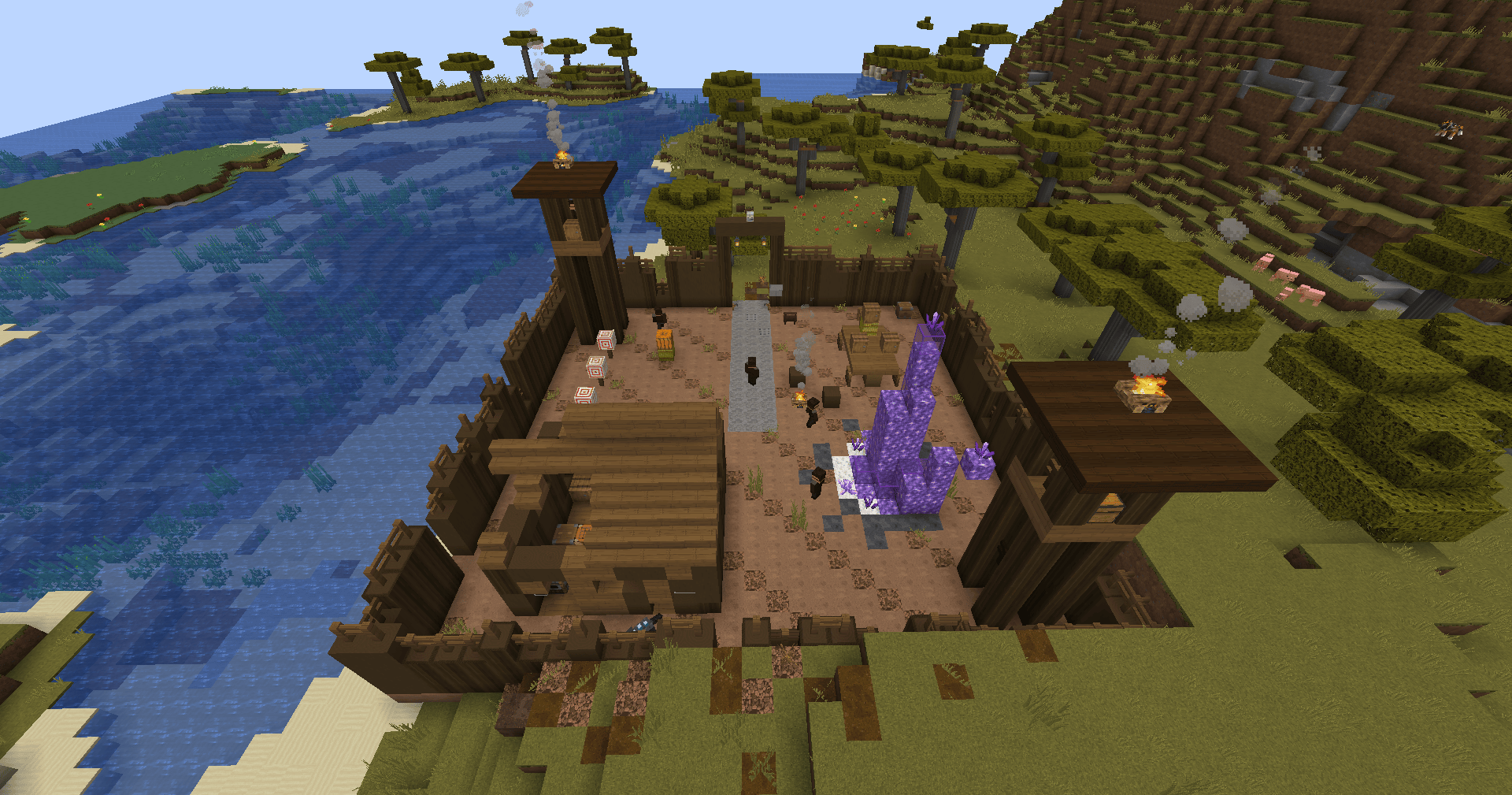
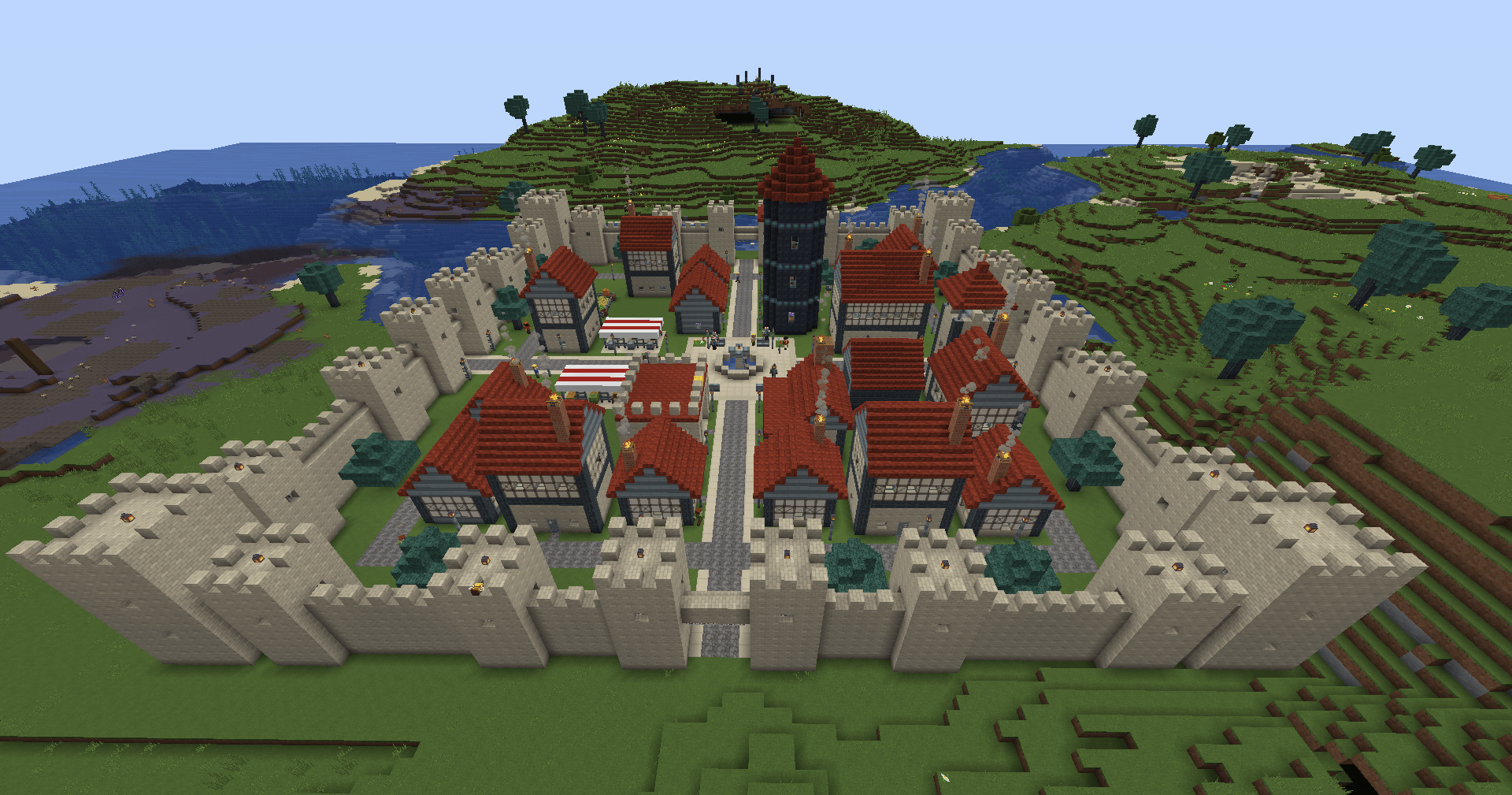
– Hub towns with merchants, guards, currency, and an evolving crime and bounty system.
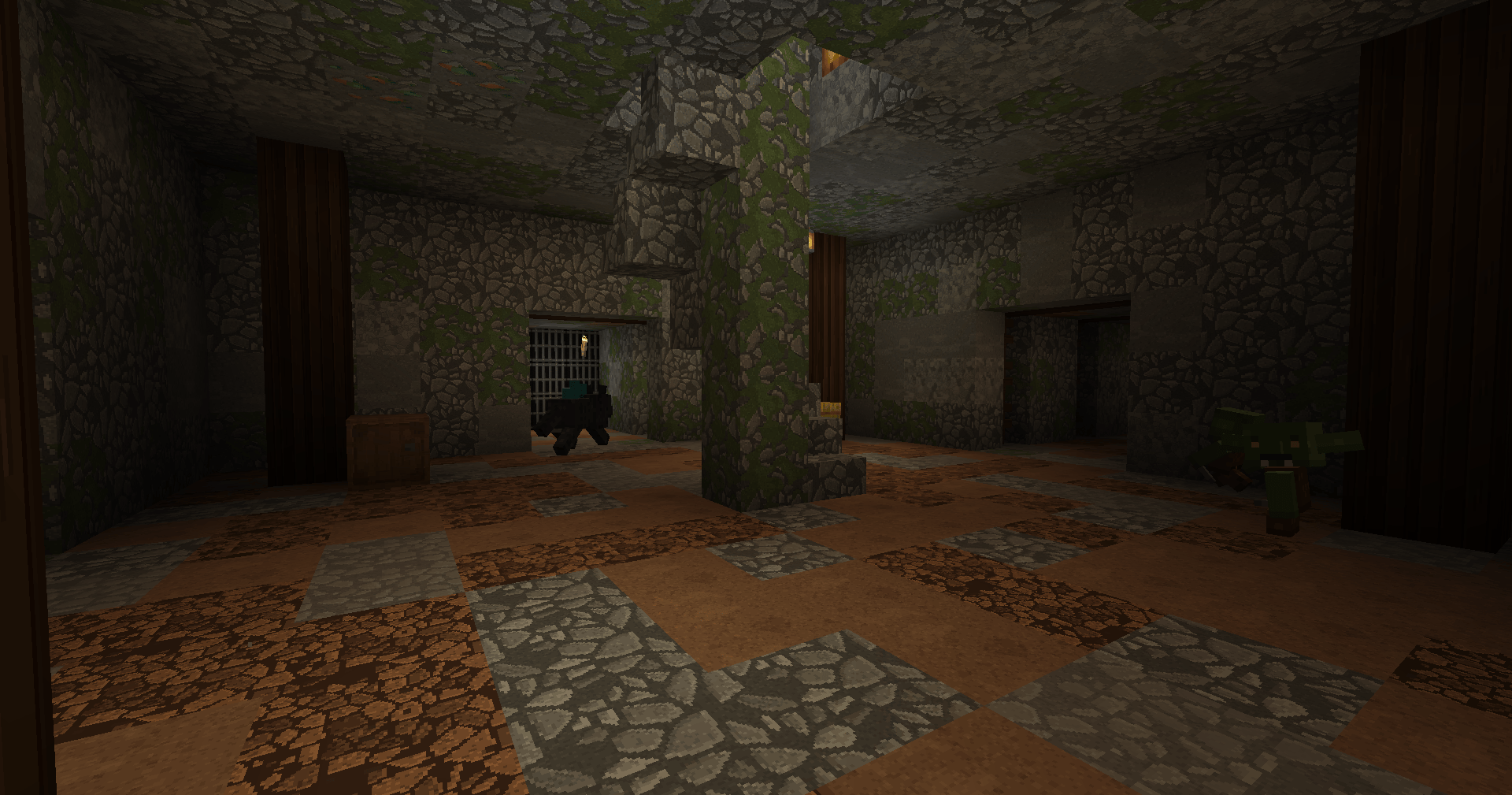
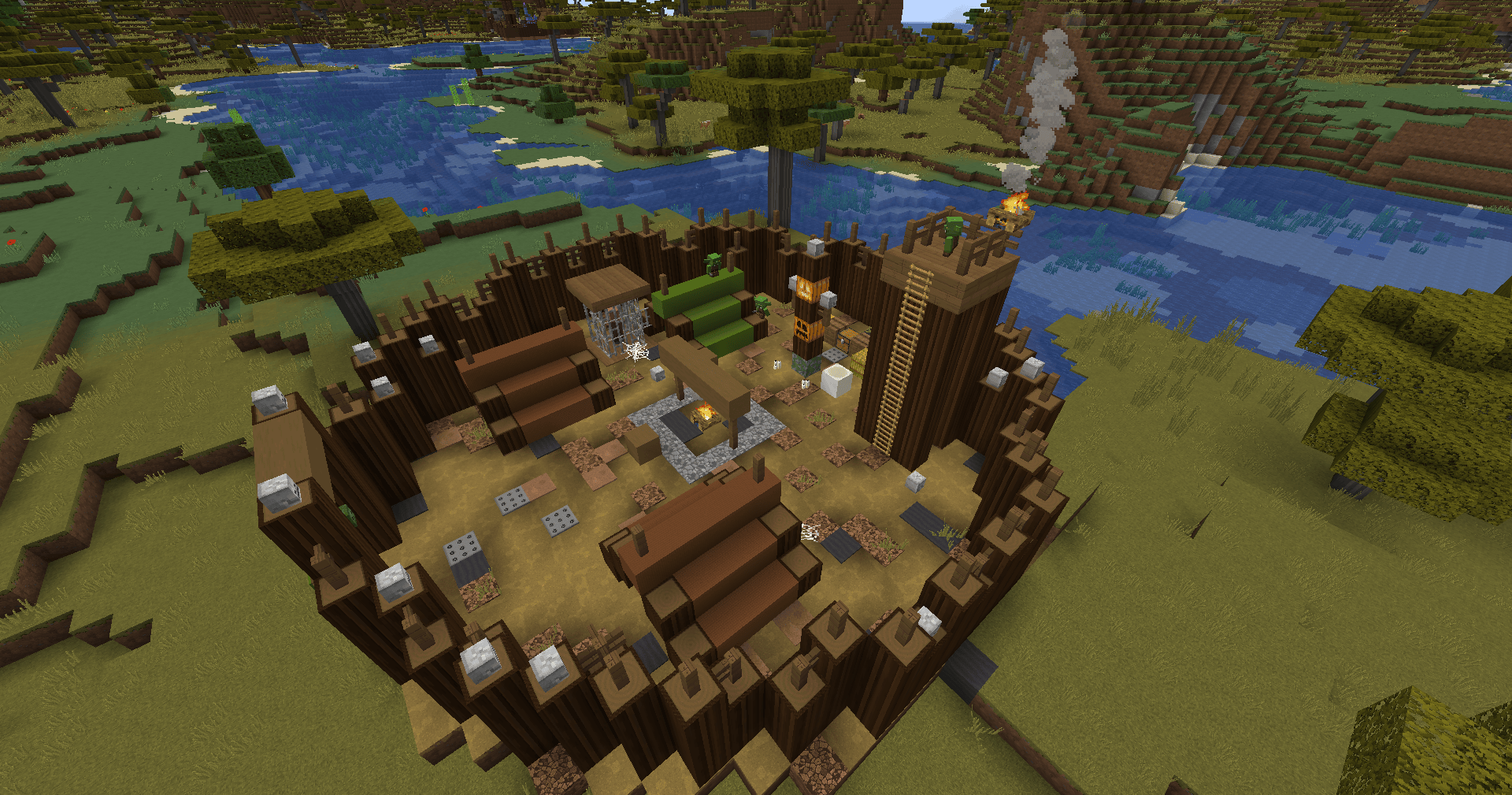
– Ruins and loot-filled locations to discover.
REQUIREMENTS
– Minecraft 1.21.1
– NeoForge 21.1.x
– Java 21
– Curios API 9.x for Minecraft 1.21.1 (required)
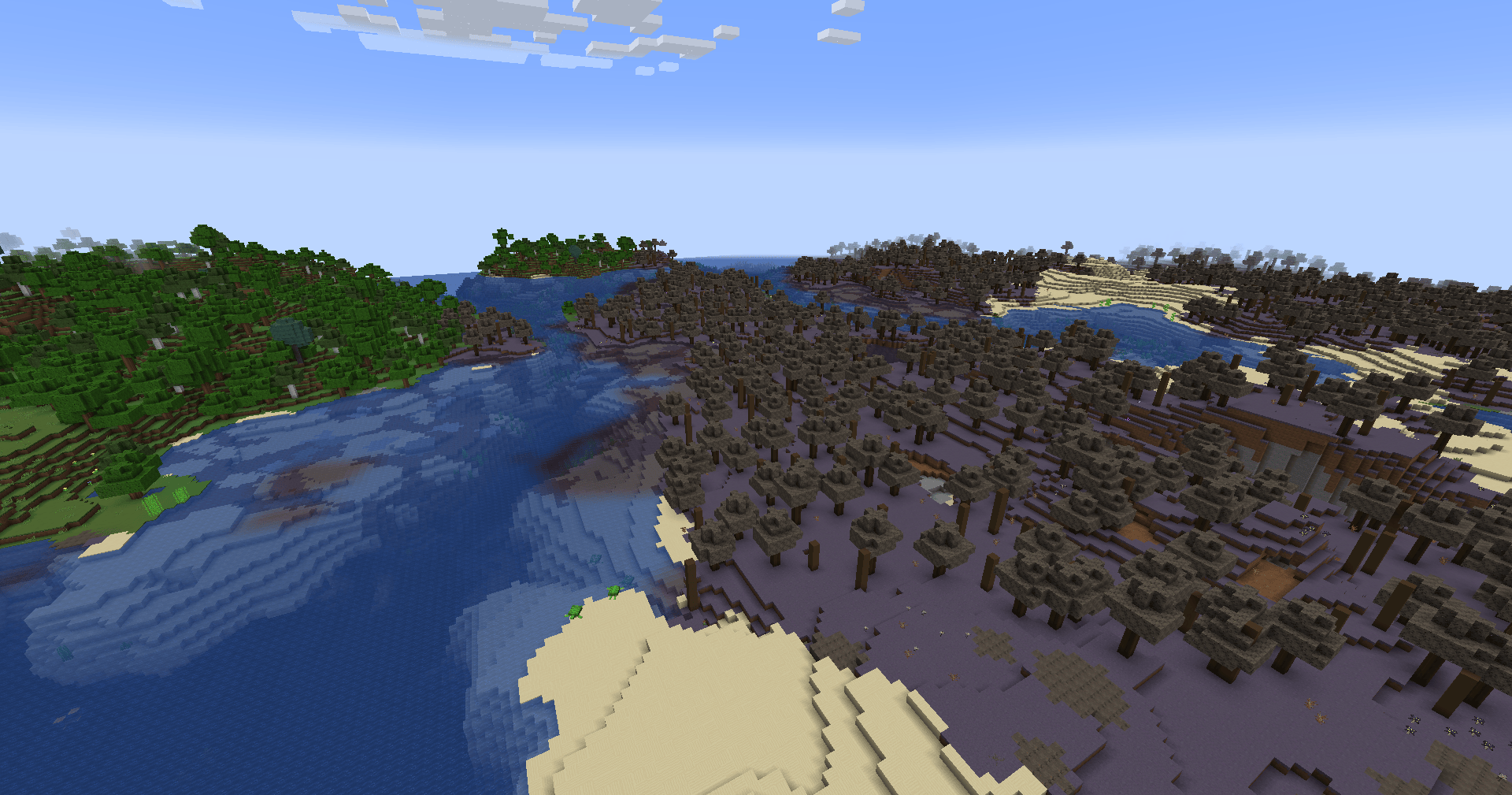
– TerraBlender 4.1.0.8 or newer for Minecraft 1.21.1 (needed for Aetheria biomes to generate naturally in new chunks)
OPTIONAL INTEGRATION
– JourneyMap 1.21.1 (6.0.x) adds map markers for structures and mobs.
INSTALLATION
Install NeoForge, Curios API, and TerraBlender, then place the Aetheria JAR in your Minecraft mods folder. Start the game with Minecraft 1.21.1 and the matching NeoForge version. Back up existing worlds before testing this beta.
常见问题
Aetheria: Realms & Outlaws 支持哪些 Minecraft 版本?
Aetheria: Realms & Outlaws 支持 Minecraft Java 版 1.21.1,可用的加载器:NeoForge。下载时注意选择和你游戏版本一致的文件。
Aetheria: Realms & Outlaws 怎么安装?
先用 PCL2 或 HMCL 启动器安装对应版本的 NeoForge,再把下载的 .jar 文件放进游戏目录的 mods 文件夹,重新启动游戏即可。开启了版本隔离的,mods 文件夹在 versions/版本名 下面。
AetherDevStudio 的其他作品
查看全部 →
ClockWork AI
A Create Mod addon that introduces an AI-powered clockwork assistant to automate your production line. Easily link workstations and storage via an intuitive GUI and create wrench to extract, craft, and store items automatically.
Aetheria Perspective
Enables a fully customizable third-person camera perspective.
评论
登录后评论和评分