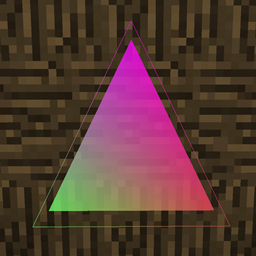
截图


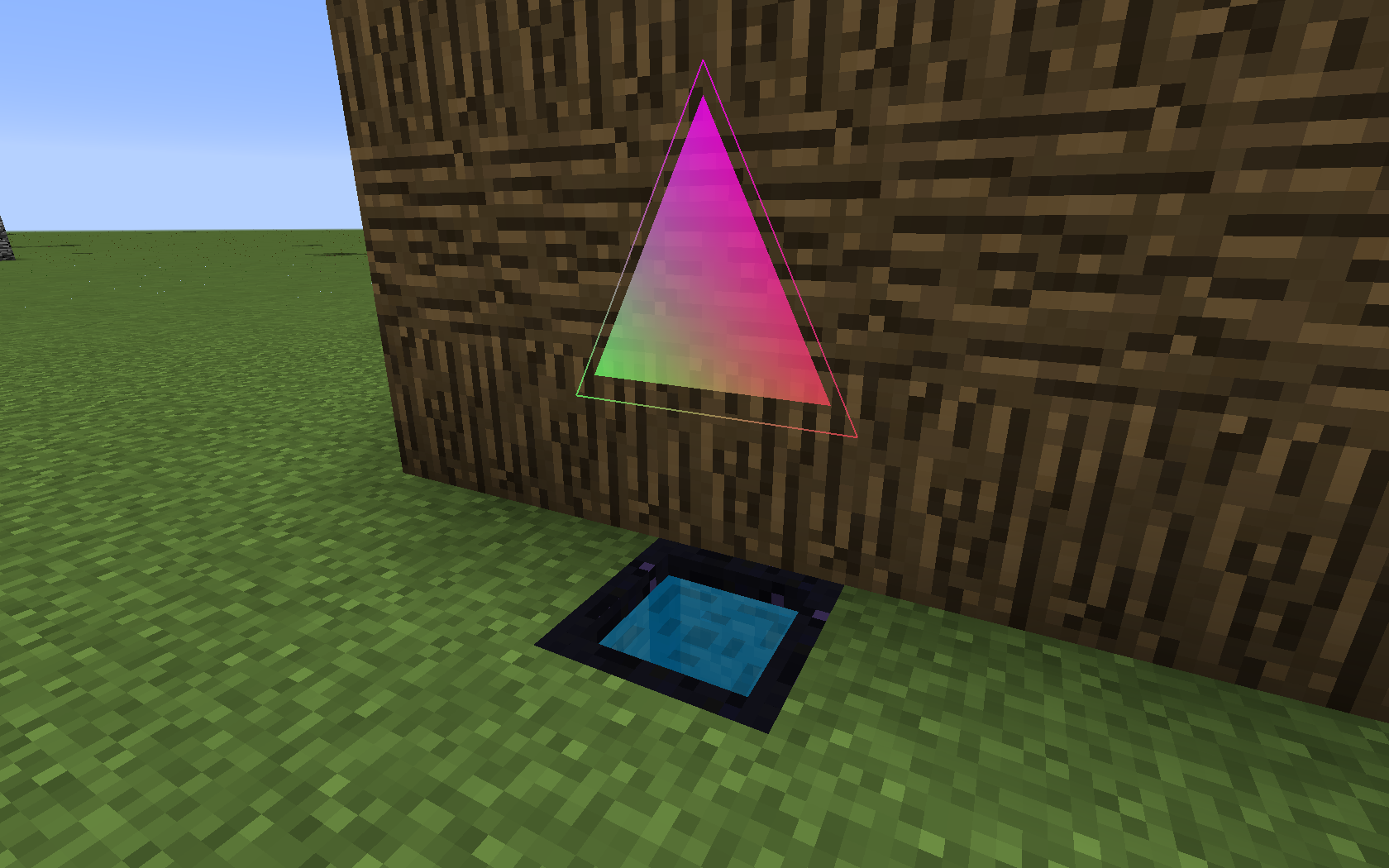
介绍
If you are currently downloading this mod from a site other than minecraft.curseforge.com, mods.curse.com, or minecraftforum.net, then stop this instant and go download the mod from the proper site!
Aesthetic Effect is a mod that adds a bunch of small utilities that you can use to create an array of different visual effects. It adds a hologram projector that allows you to create 3D objects that can be colored or textured however you like, a set of lamps that generate a number of ambient effects around them like fog or increased brightness, a fully customizable particle generator, and a sound generator.
Note: This is in beta right now so I suggest you don’t use this for survival gameplay or modpacks. Most of the features haven’t been added.
A WIP wiki can be found here.
License
- You CAN NOT repost, redistribute, or claim you made the mod.
- You CAN include this mod in modpacks, as long as you give credit to me. This means you can package the mod with your modpack files, overriding the above term as long as you don’t claim you made the mod or charge money for the mod.
- You CAN use portions of code from this mod in your mod, as long as you give credit to me.
- You CAN NOT copy, use, or redistribute the assets of this mod. Assets include textures, sounds, and models.
Violators of these terms will be executed.
常见问题
Aesthetic Effect 支持哪些 Minecraft 版本?
Aesthetic Effect 支持 Minecraft Java 版 1.12,可用的加载器:Forge。下载时注意选择和你游戏版本一致的文件。
Aesthetic Effect 怎么安装?
先用 PCL2 或 HMCL 启动器安装对应版本的 Forge,再把下载的 .jar 文件放进游戏目录的 mods 文件夹,重新启动游戏即可。开启了版本隔离的,mods 文件夹在 versions/版本名 下面。
Fadenfire 的其他作品
查看全部 →
Keeping Inventory
启动时自动启用保留物品栏,并禁用生物破坏。
View EMC
Waila与Project E之间的桥梁。

Backups
终极备份模组
Extended Debug Renders
Allows you to use a couple debug features hidden in minecraft.
评论
登录后评论和评分