滚木学(aero wheel extra)
Adds realistic physics and terrain interaction for wheeled vehicles, including tire tracks, speed-dependent steering, and floating / cross-physics block placement.
截图
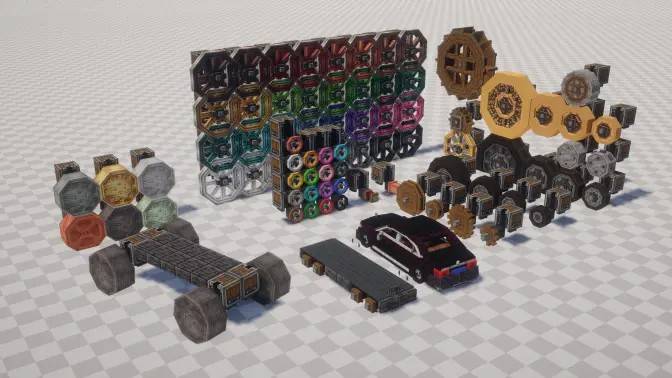
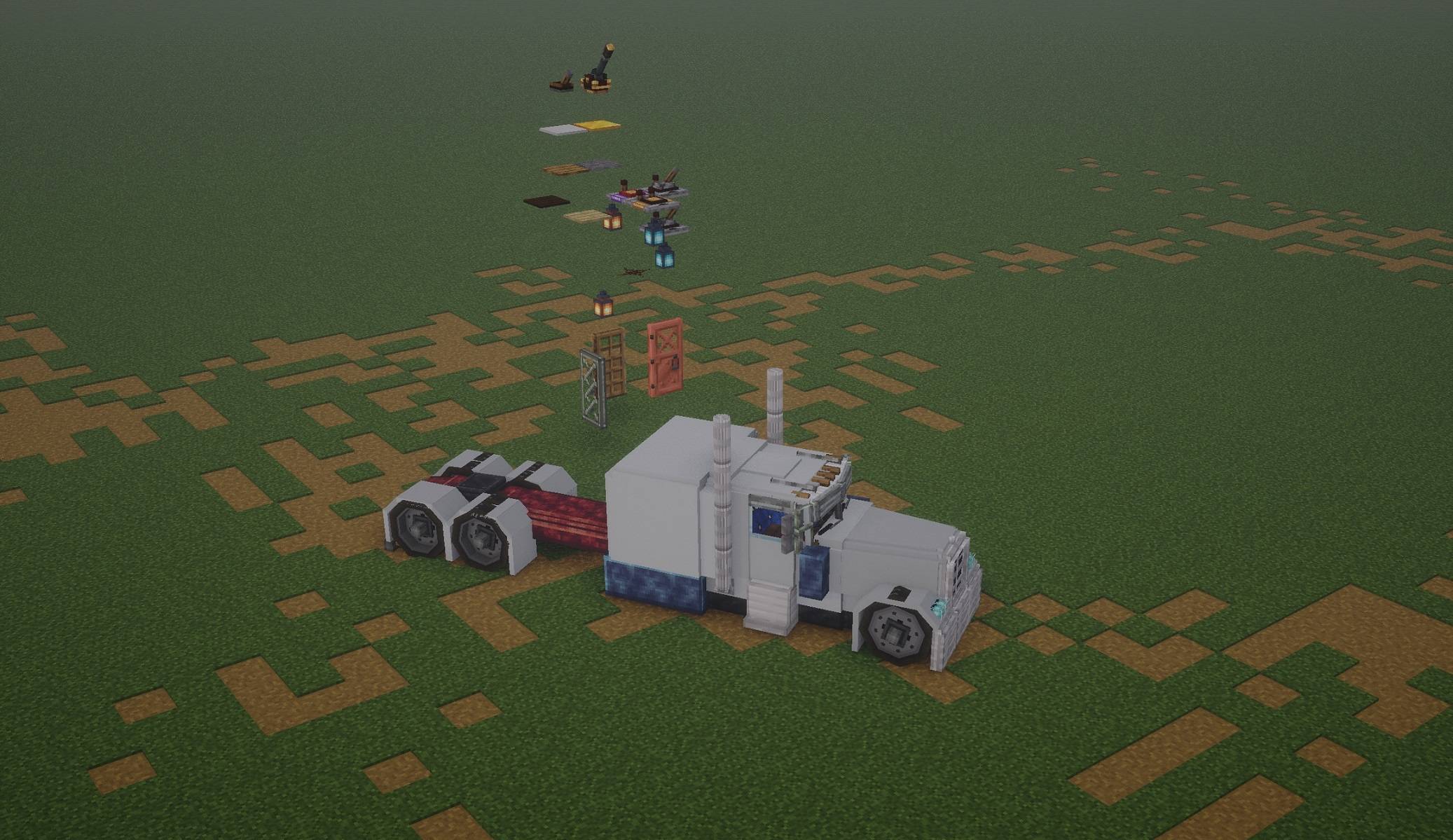
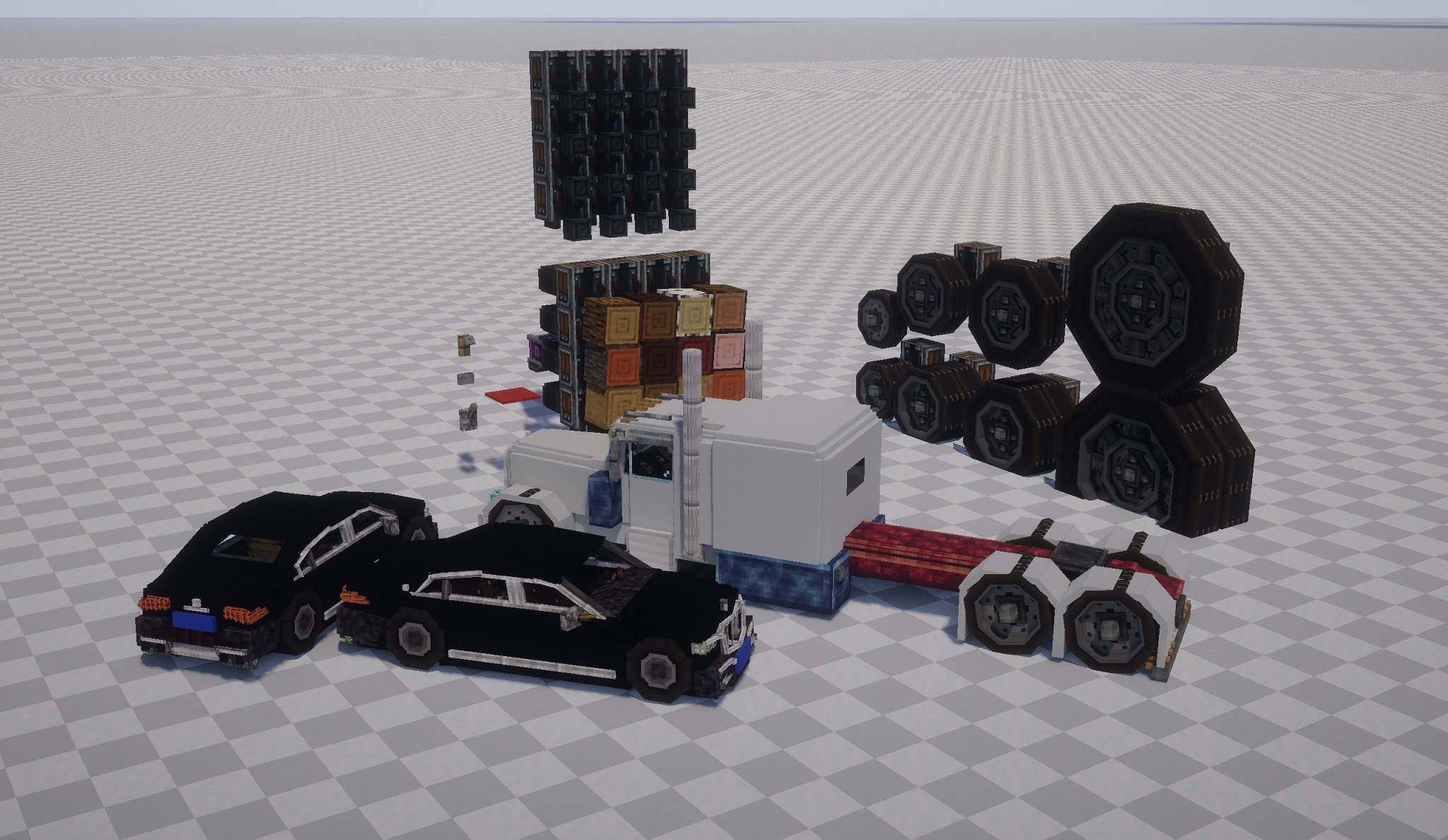
介绍
Aeronautics: Wheelworks (Vehicle Expansion)
A mod for NeoForge that enhances vehicle building and terrain interaction in Minecraft, adding realistic physical mechanics and structural flexibility for wheeled vehicles.
Features
Tire Tracks & Terrain Interaction
- Dynamic Tracks: Each wheel has its own load threshold. When exceeded, it leaves tracks on the ground.
- New Track Block: A special track block (variant of coarse dirt, 1 pixel shorter) is generated. It cannot be picked up directly (yields coarse dirt) or obtained via commands.
- Rain Effects: Track generation probability triples during rain.
- Configuration: Tracks are now disabled by default. You can enable them via the in-game config menu.
Speed-Dependent Steering Limit
The faster your vehicle moves, the smaller the maximum steering angle becomes, mimicking real-world physics. This can be bypassed with a redstone signal on the suspension.
Double Wheels & Extended Support
- All off-road wheels have double-row variants.
- Supports mounting wood, logs, gears, valves, and handwheels on suspensions with proper collision boxes.
- Log rollers are supported.
Floating Placement & Cross-Physics
- Allows floating placement of many vanilla components.
- Introduces “Cross-Physics Placement” to ignore occupancy limits, facilitating complex builds.
Changelog 3.2.1
- Changed: Tire tracks are now disabled by default.
- Config Update: Added options to toggle tracks, adjust track rules, rain slip factor, and refresh rate. The main switch is now enabled by default.
⚙️ How to Modify Configuration (In-Game Guide)
You can easily change settings (like enabling tire tracks) without restarting the game. Follow this step-by-step guide:
-
Open Mod Configs
- From the Main Menu, go to Mods.
- Find a mod that uses the same config library (e.g., Create) or directly look for the settings icon. Click “Access Configs of other Mods”.
-
Find the Mod
- In the list, scroll to find Aeronautics: Wheelworks (or search for
aeronautics_wheelworks). - Click the >> arrow button next to it.
- In the list, scroll to find Aeronautics: Wheelworks (or search for
-
Adjust Settings
- You will see categories like
Client,Common, andServer. - Navigate to Server -> Rolling Effect.
- Here you can:
- Toggle All Enabled (Main Switch).
- Adjust Dirt Path Chance (Probability of leaving tracks).
- Adjust Dirt Path Chance Rain (Probability during rain).
- Click the save icon on the left to apply changes immediately.
“Version 3.3.0 marks a major milestone. Soyia has merged the features from Super Tracks + Pro Max and Create: Tracks into this mod. This update features a massive refactoring of the core systems and resolves numerous known issues to ensure a more stable experience.”
super thank https://www.curseforge.com/minecraft/mc-mods/create-tracks
- You will see categories like
常见问题
滚木学(aero wheel extra) 支持哪些 Minecraft 版本?
滚木学(aero wheel extra) 支持 Minecraft Java 版 1.21.1,可用的加载器:NeoForge。下载时注意选择和你游戏版本一致的文件。
滚木学(aero wheel extra) 怎么安装?
先用 PCL2 或 HMCL 启动器安装对应版本的 NeoForge,再把下载的 .jar 文件放进游戏目录的 mods 文件夹,重新启动游戏即可。开启了版本隔离的,mods 文件夹在 versions/版本名 下面。
评论
登录后评论和评分