Aeronautics X Block Displays
Create, edit, and attach block displays that smoothly follow Create: Aeronautics sub-levels.
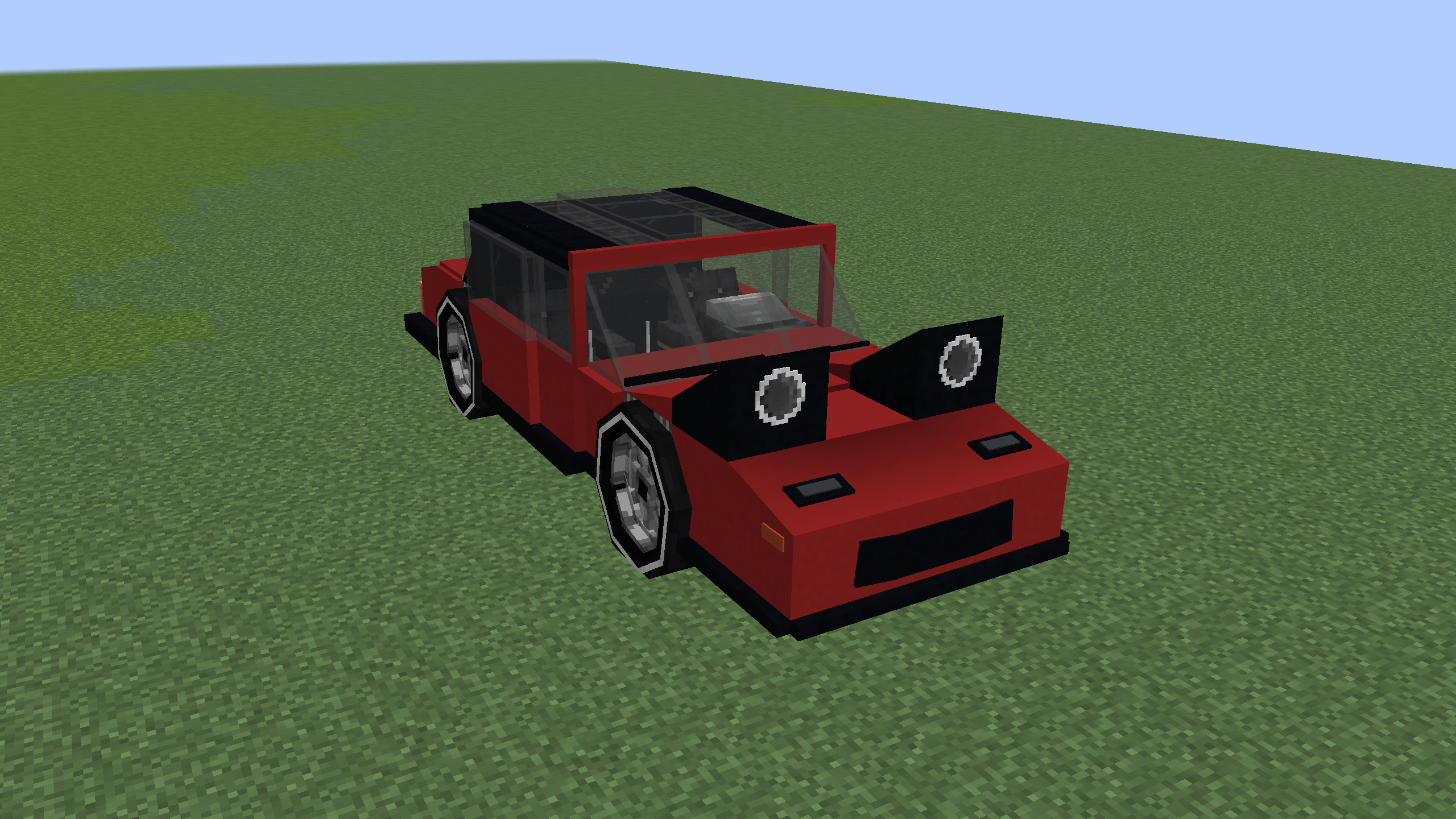
截图
介绍
Aeronautics X Block Displays (AXBD)
AXBD is a NeoForge mod for Minecraft 1.21.1 that provides an in-game editor for display entities and allows them to smoothly follow Create: Aeronautics sub-levels.
Features
- Create block, item, and text displays in-game
- Attach displays to moving Create: Aeronautics sub-levels
- Smoothly follow sub-level movement and rotation
- Move, rotate, and scale displays with interactive gizmos
- Switch between world and local transformation axes
- Replace the block used by selected block displays
- Configure position, rotation, scale, lighting, shadows, view range, and billboard mode
- Copy, cut, paste, duplicate, delete, undo, and redo display edits
- Use adjustable movement, rotation, and scaling steps
- Edit multiple displays at once
Requirements
- Minecraft 1.21.1
- NeoForge 21.1.257 or newer
- Create 6.0.10
- Create: Aeronautics
- Sable
AXBD must be installed on both the client and server.
Usage
Obtain the Display Editor in Creative Mode and hold it in your main hand. Sneak and right-click to enable editing mode. Place a block or item in your offhand to use it when creating or replacing displays.
The editor controls can be viewed and changed from Minecraft’s keybind settings.
Source Code and License
AXBD is open source and licensed under the MIT License.
Some development assistance was provided by AI. All generated content was reviewed and tested by the project owner.
常见问题
Aeronautics X Block Displays 支持哪些 Minecraft 版本?
Aeronautics X Block Displays 支持 Minecraft Java 版 1.21.1,可用的加载器:NeoForge。下载时注意选择和你游戏版本一致的文件。
Aeronautics X Block Displays 怎么安装?
先用 PCL2 或 HMCL 启动器安装对应版本的 NeoForge,再把下载的 .jar 文件放进游戏目录的 mods 文件夹,重新启动游戏即可。开启了版本隔离的,mods 文件夹在 versions/版本名 下面。
评论
登录后评论和评分