AE2 Item Locator
作者:Cheer_ing
Locate the physical drive and slot that hold any item in your AE2 network, straight from the terminal.
截图
介绍
中文介绍正在准备中,下面暂时显示原文。
Stop pulling disks one by one.
In AE2, finding out which disk holds an item is manual work: the terminal shows the item, but not
where it is stored, so the only way to know is to pull disks out one at a time. This mod turns that
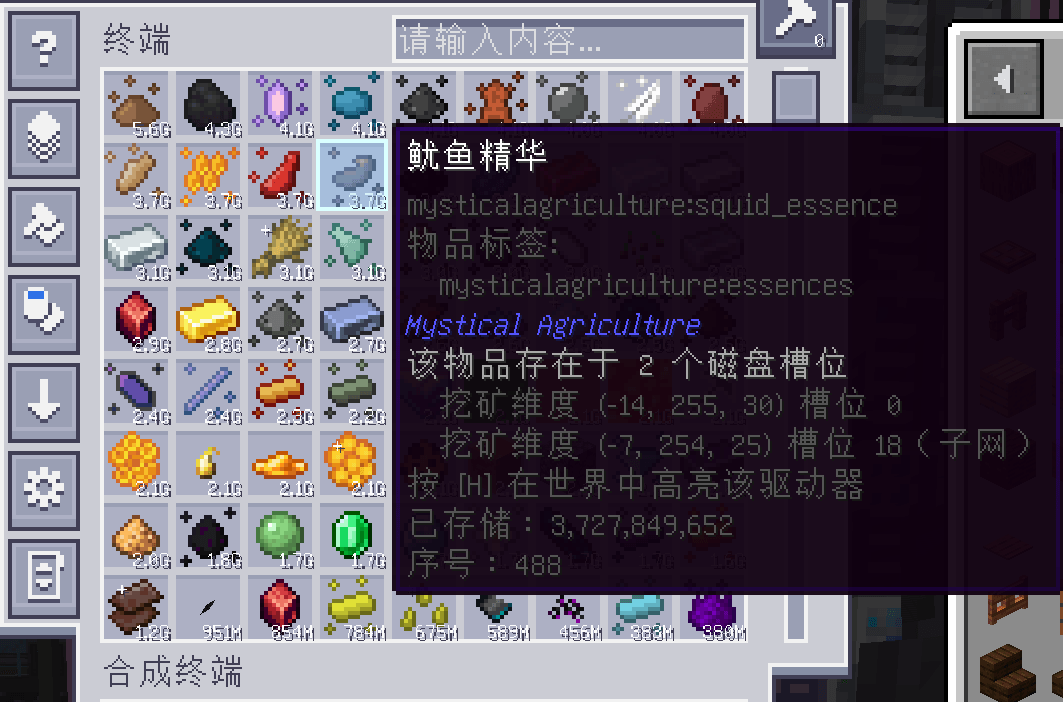
into a single hover — the tooltip reports the drive’s coordinates and slot, and one key highlights
that drive in the world.
Features
- Drive and slot in the tooltip — coordinates, slot number and cell type for every network item.
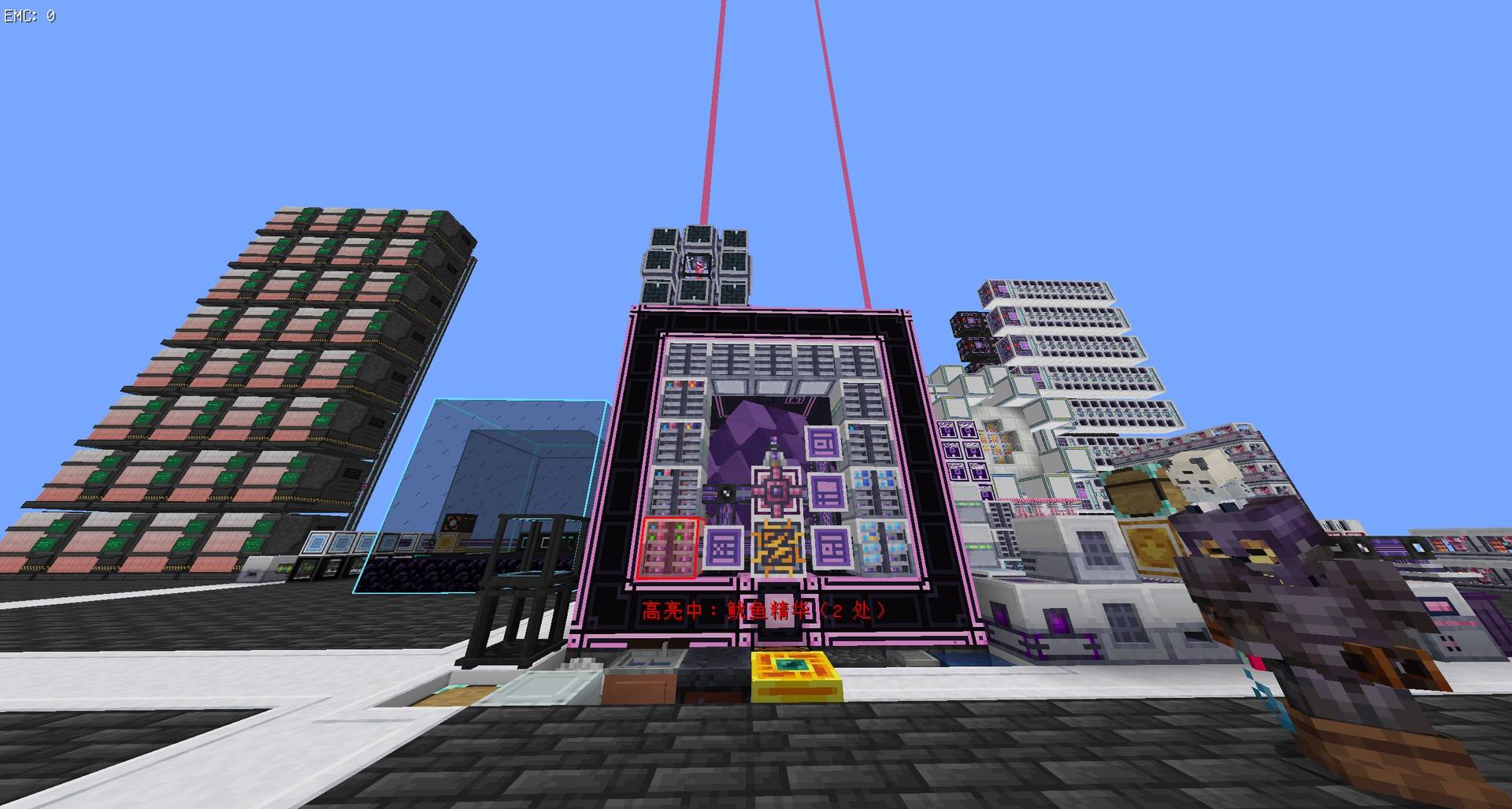
- In-world highlight — translucent shell, edge outline and optional beacon beam; the lock
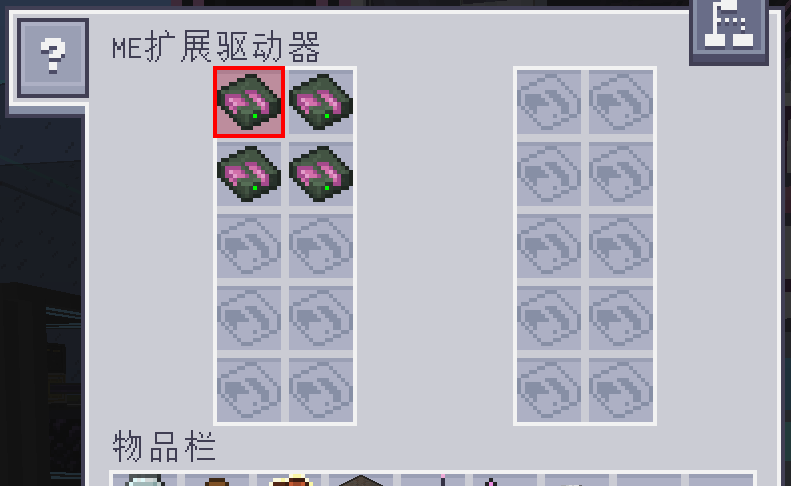
survives closing the terminal. - Slot outline — opening the drive marks the exact slot to pull.
- Subnetwork aware — storage-bus bridges are followed, results from a subnet are labelled.
- Multiblock aware — Neo ECO AE drives draw a link line to their controller, the controller is
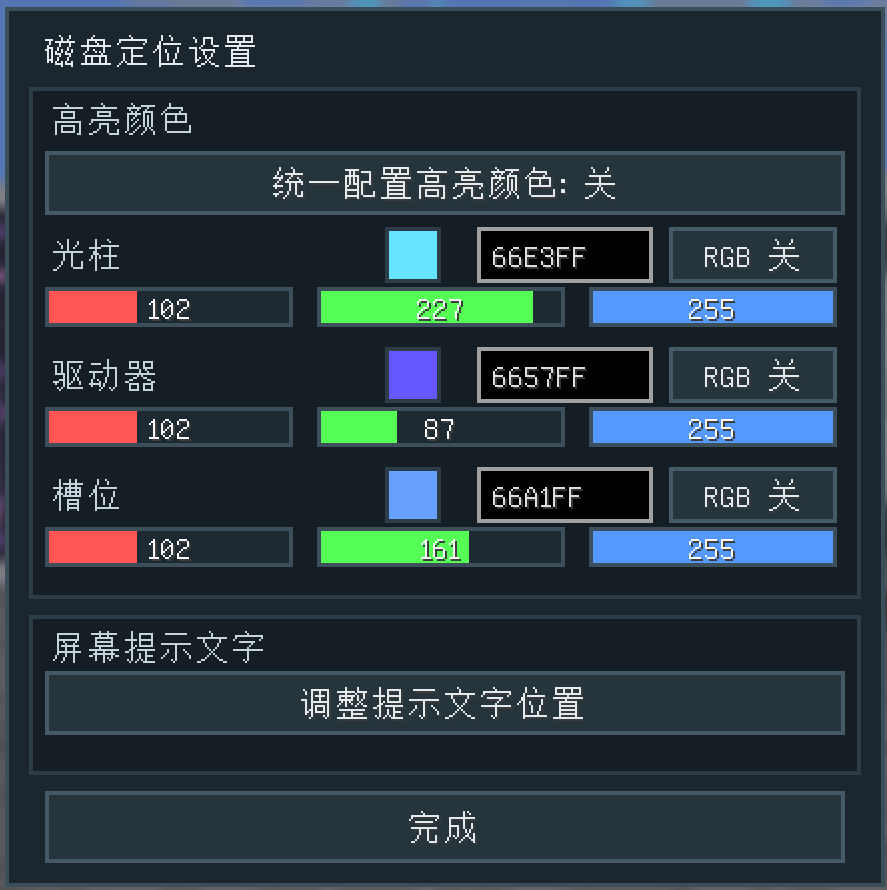
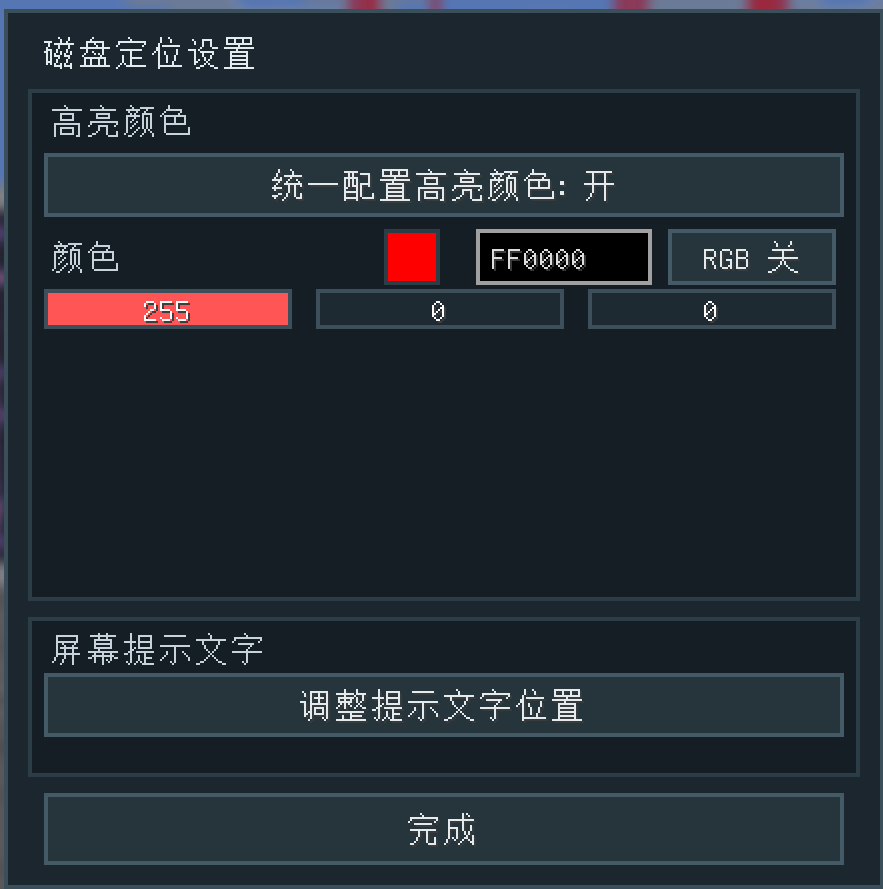
highlighted too, and the cell is framed inside the controller’s GUI. - Configurable — unified or per-part colours, rainbow cycle per colour, draggable status text.
Supported mods
- Applied Energistics 2 (required) — ME Drive, ME Chest
- ExtendedAE — Ex Drive, 20 slots, both columns
- MEGA Cells — Cell Dock
- Neo ECO AE Extension — eco_drive + storage subsystem host
- AE2 Things / MEGA bulk cells / any other cell — located in whichever drive holds them
Requirements
- Minecraft 1.21.1
- NeoForge 21.1.169 or newer
- Applied Energistics 2 19.2.18 – 19.x
- GuideME
Install on both client and server.
Links
- Source and issues: https://github.com/Cheering571/ae2-item-locator
- Full documentation: https://github.com/Cheering571/ae2-item-locator#readme
常见问题
AE2 Item Locator 支持哪些 Minecraft 版本?
AE2 Item Locator 支持 Minecraft Java 版 1.20.1–1.21.1,共 2 个版本,可用的加载器:Forge / NeoForge。下载时注意选择和你游戏版本一致的文件。
AE2 Item Locator 怎么安装?
先用 PCL2 或 HMCL 启动器安装对应版本的 Forge / NeoForge,再把下载的 .jar 文件放进游戏目录的 mods 文件夹,重新启动游戏即可。开启了版本隔离的,mods 文件夹在 versions/版本名 下面。
评论
登录后评论和评分