
AE2 Inventory Connector
A Tom's Storage style inventory connector that plugs straight into AE2 cables. Mounts chests and other inventories as ME storage, event driven, with no per-tick scanning. Built to fix TPS lag from Inventory Connector + Storage Bus setups.
截图
介绍
AE2 Inventory Connector
Tom’s Storage Inventory Connector + an AE2 Storage Bus is a popular way to put a wall of chests
into an ME network, and one of the most common causes of server lag. Tom’s connector re-scans its
area every second, and the storage bus re-reads every slot of every connected chest whenever it
runs.
AE2 Inventory Connector replaces both with one block that does the same job without ticking.
How it works
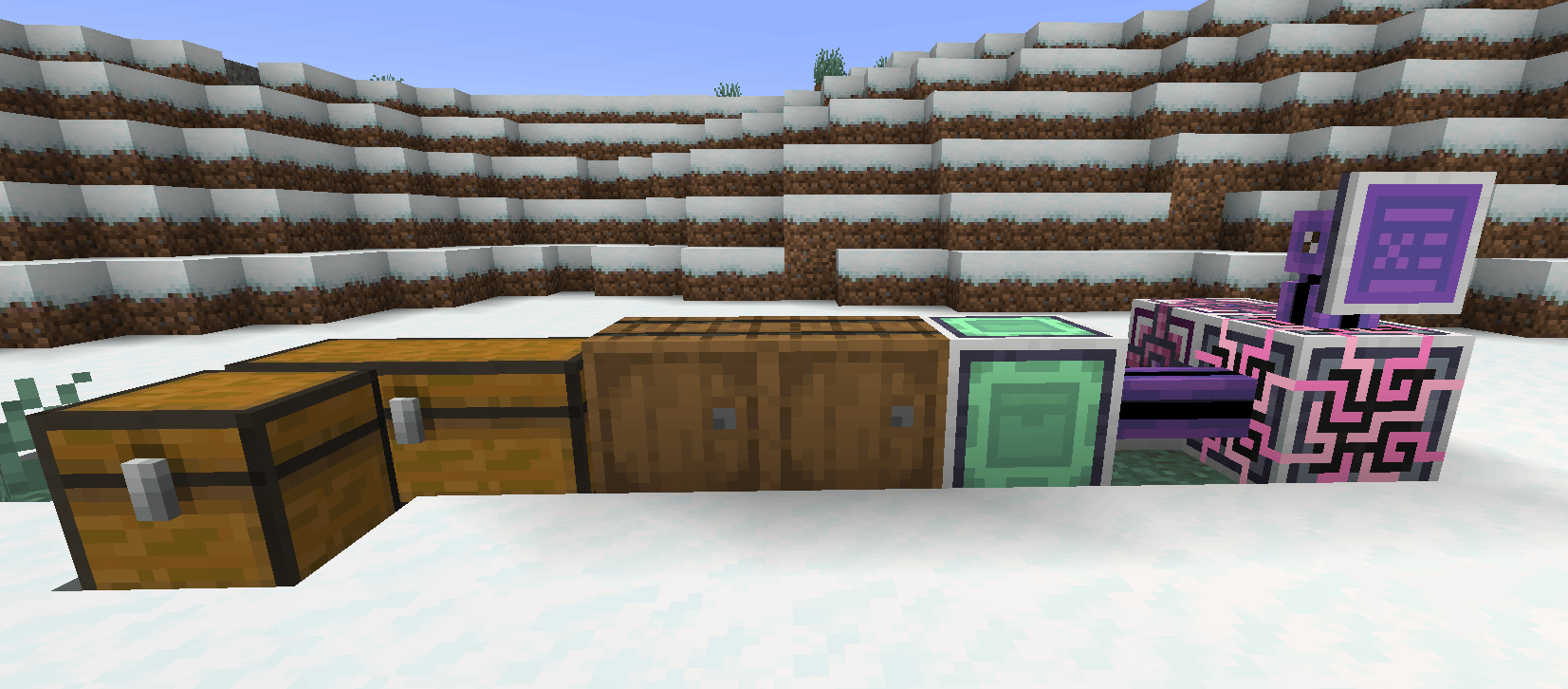
Place the ME Inventory Connector next to your chests (or connect them with Tom’s trims), then
attach an ME cable to it. It uses one channel, like a storage bus. Every chest, barrel and modded
inventory it finds shows up in your ME network as storage.
- No ticking. The block reacts to events: an inventory changing, a block being placed or broken,
a chunk loading. If nothing changes, it costs nothing. - Only re-reads what changed. When a chest changes, only that chest is read again, and only
when AE2 actually asks. - Cheap for AE2. AE2 asks for the item list every tick while a terminal is open. The connector
answers from a cached total, so the cost depends on how many item types you have, not how many slots. - Works with Tom’s Storage. Its trims connect inventories just like for Tom’s own connector.
Tom’s Storage itself is optional.
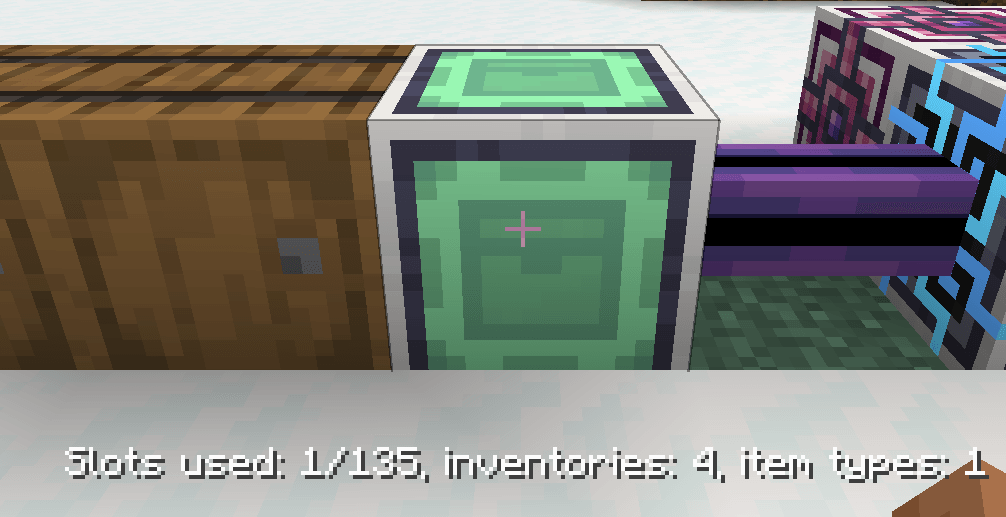
Right-click the connector to see used slots, connected inventories and item types. Right-clicking
also forces a rescan.
Configuration
- Range, scan limit, power use and "only trims connect" are in the server config.
connectorBlacklistlists blocks the connector must never use: a block id (minecraft:furnace),
a block tag (#c:barrels) or a whole mod (@sophisticatedstorage). On 1.20.1 edit
config/ae2_inventory_connector.propertiesand run/reload. On 1.21.1 edit
serverconfig/ae2_inventory_connector-server.toml; saving the file applies it.- Pack makers can also use the
ae2_inventory_connector:connector_skipand
ae2_inventory_connector:trimsblock tags.
Recipe
Iron ingots, two AE2 Storage Buses, two chests and an Engineering Processor.
Versions
- Minecraft 1.20.1: Forge and Fabric (AE2 15.x)
- Minecraft 1.21.1: NeoForge (AE2 19.x)
Source and issues: https://github.com/ledokua/ae2_inventory_connector
常见问题
AE2 Inventory Connector 支持哪些 Minecraft 版本?
AE2 Inventory Connector 支持 Minecraft Java 版 1.20.1–1.21.1,共 2 个版本,可用的加载器:Fabric / Forge / NeoForge。下载时注意选择和你游戏版本一致的文件。
AE2 Inventory Connector 怎么安装?
先用 PCL2 或 HMCL 启动器安装对应版本的 Fabric / Forge / NeoForge,再把下载的 .jar 文件放进游戏目录的 mods 文件夹,重新启动游戏即可。开启了版本隔离的,mods 文件夹在 versions/版本名 下面。
评论
登录后评论和评分