Advanced Timer
Adds a timer with many features like placing it anywhere on the screen, changing its color, auto-pausing and more.
截图

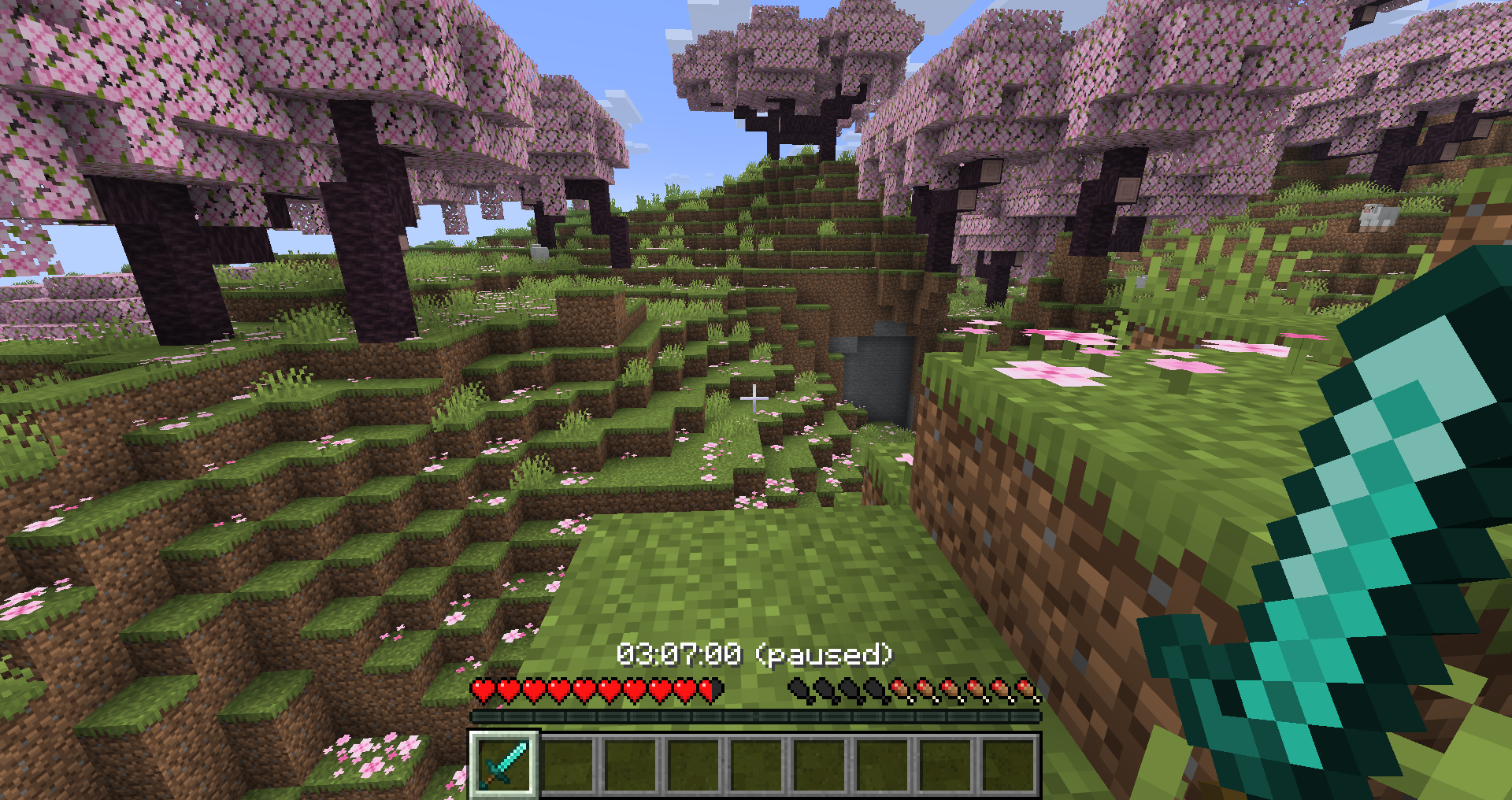
介绍

A highly customizable Minecraft timer mod with extensive color customization, gradient effects, auto-pause features, and per-world/server timer storage. Works with both Fabric and NeoForge. Does NOT use the Action Bar!


This mod is single-player oriented and completely client side, there is currently no way to sync this timer to other players!
Features
Color & Visual Customization
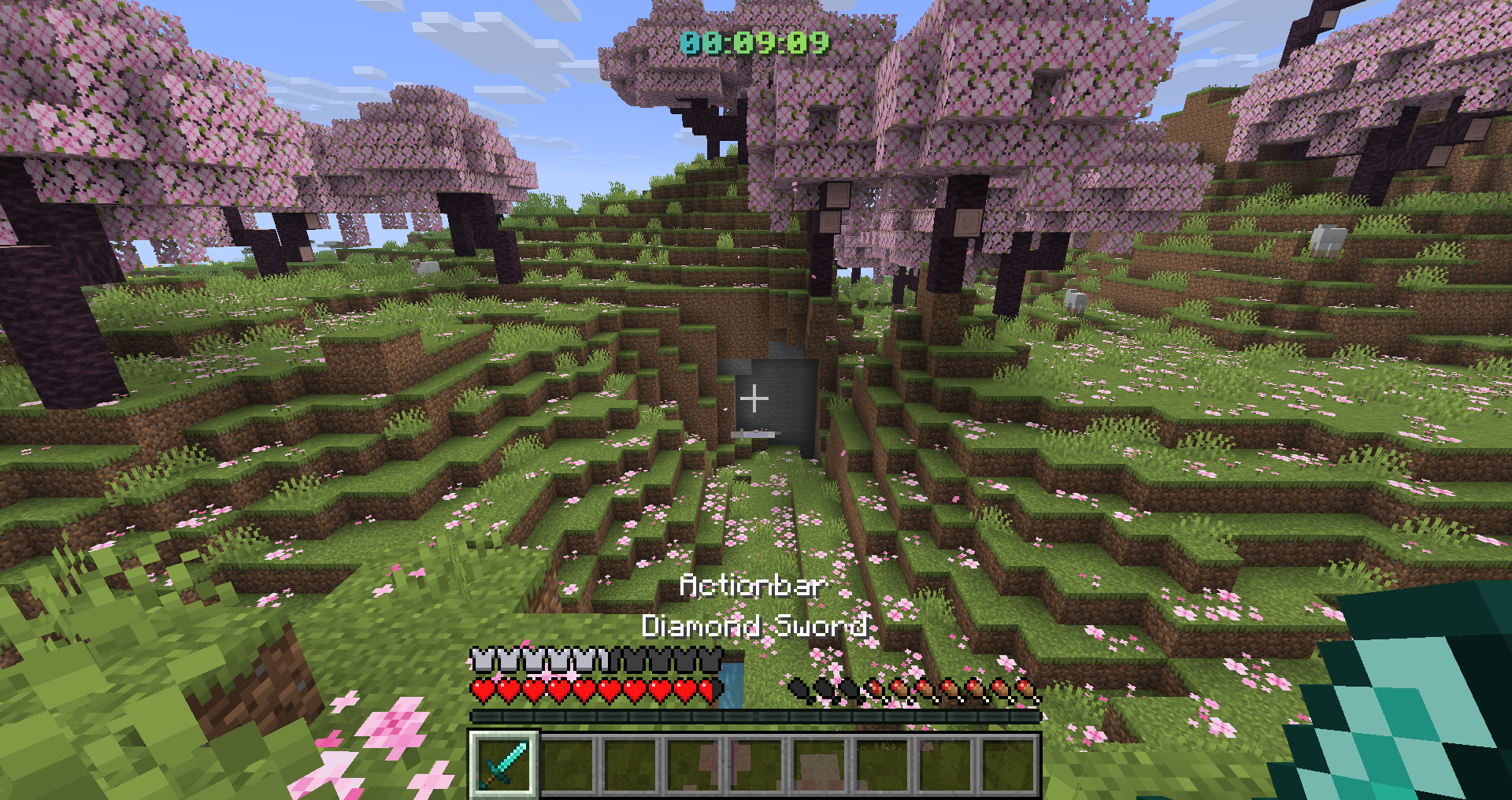
- Primary & Secondary Timer Colors – Set custom colors for single or gradient modes
- Gradient Mode – Enable smooth color gradients between two colors
- Animated Gradients – Dynamic gradient animation with adjustable speed
- Gradient Visibility – Control gradient intensity (0-100%)
- Bold Text – Toggle bold timer display
- Paused State Indicators:
- Optional “(paused)” suffix
- Change color when paused
Timer Display
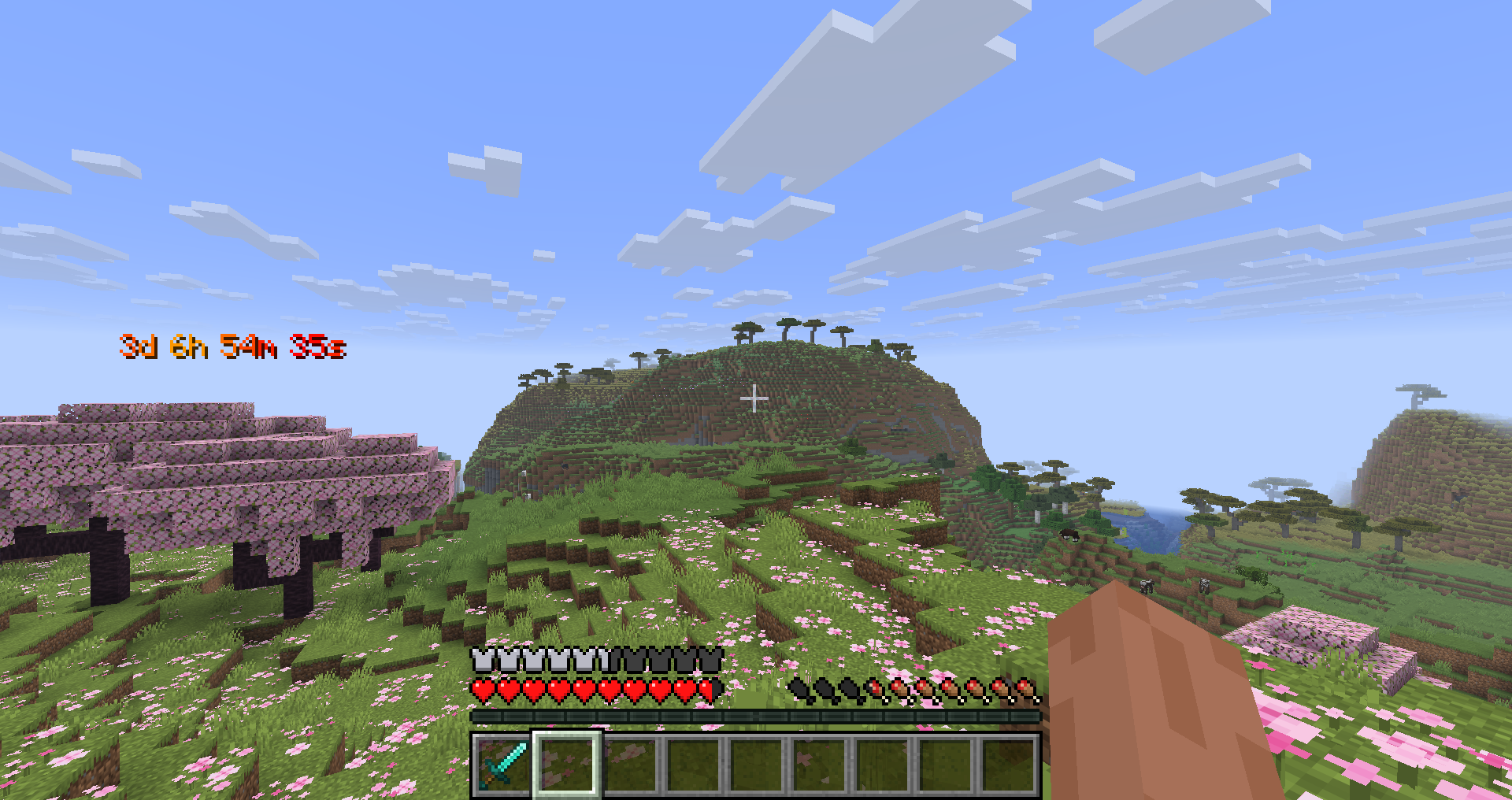
- Multiple Time Formats:
DD:HH:MM,DD:HH:MM:SS,Dd Hh Mm Ssand more! - Flexible Positioning:
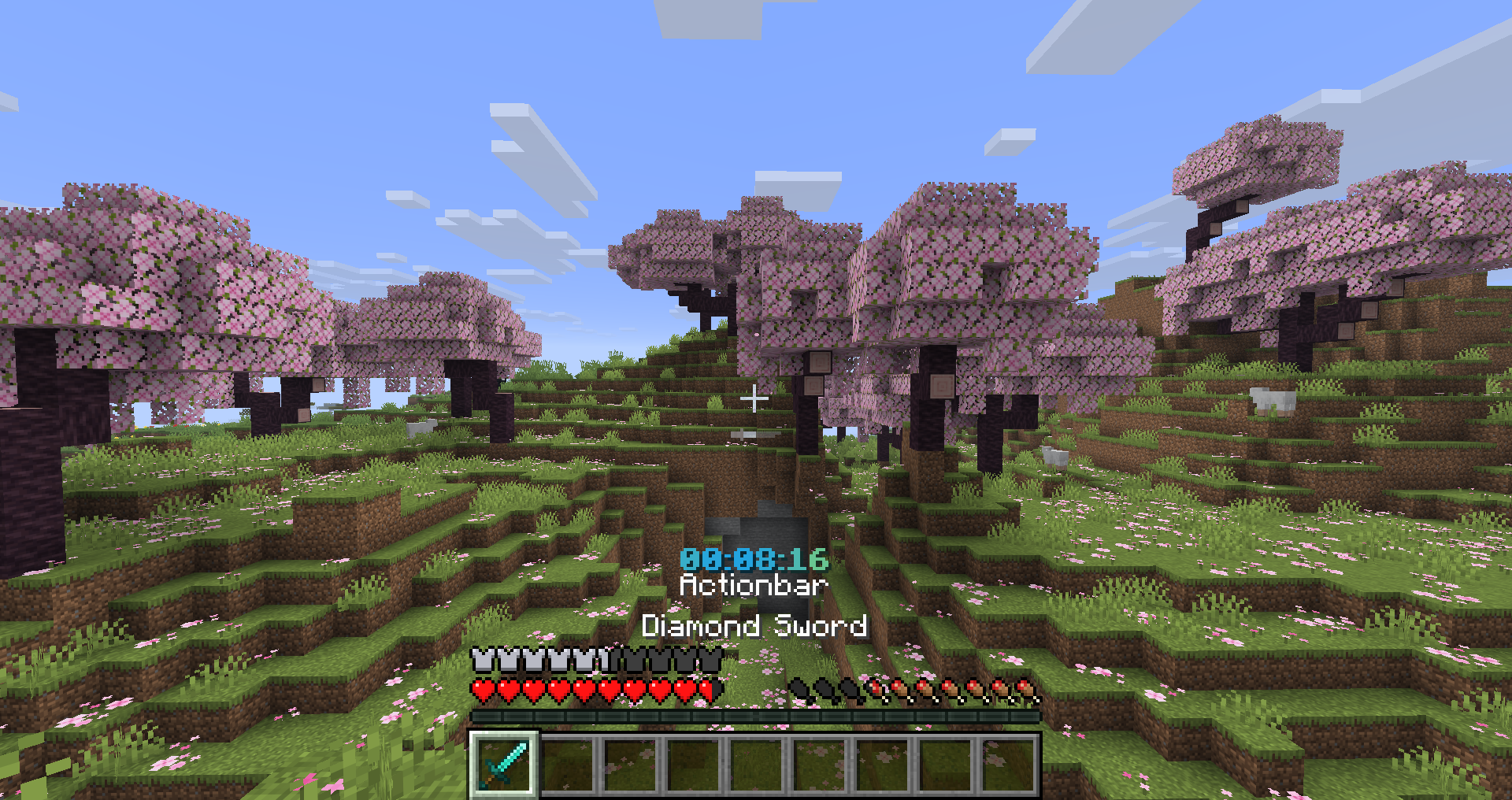
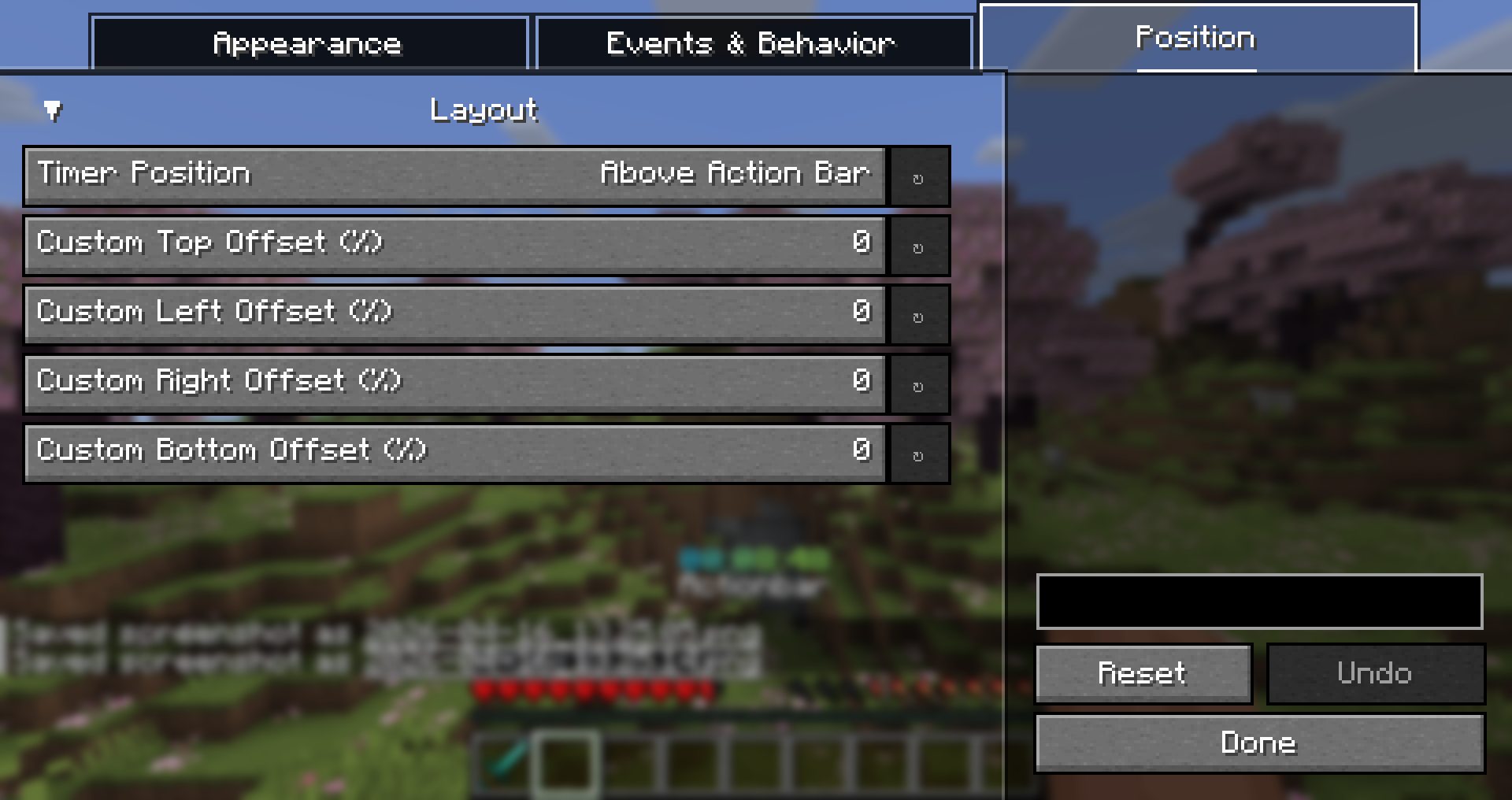
- Above action bar
- Top left/center/right
- Bottom left/center/right
- Custom coordinates
- HUD Toggle – Show/hide timer via command
Auto-Pause System
Automatically pauses the timer on configurable events:
- Dragon Kill
- Wither Kill
- Elder Guardian Kill
- Warden Kill
- Player Death
- Leaving the game/world
Multiloader Support
- Works seamlessly with both Fabric and NeoForge mod loaders
Per-World/Server Timer Storage
- Automatically saves timer state per world/server
- Switch between worlds or servers without losing your timer data
- Supports multiple concurrent timers (one per world/server)
Timer Modes
- Count Up – Track elapsed time from zero
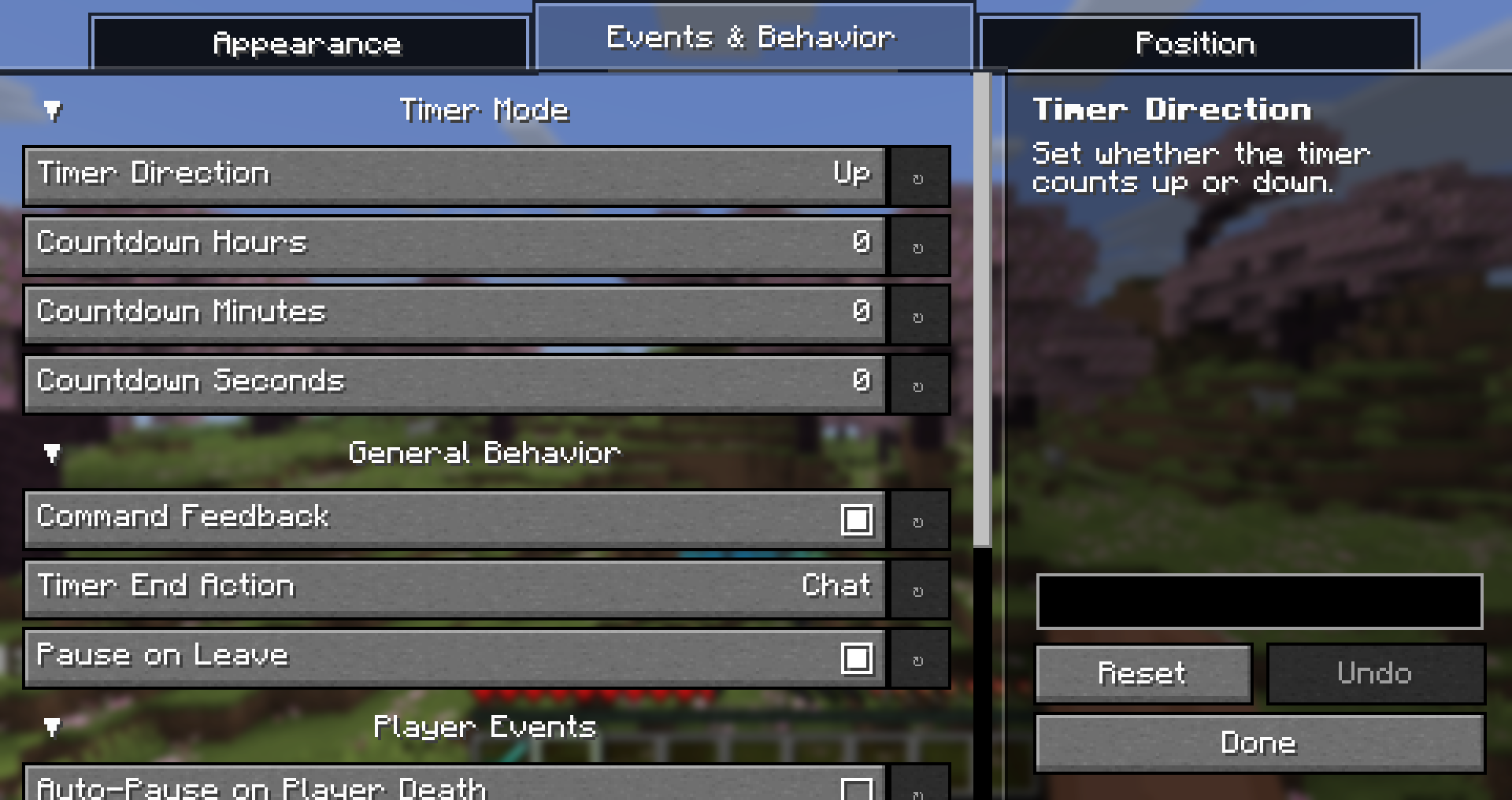
- Count Down – Configurable countdown timer with custom hours, minutes, and seconds
- Timer end actions:
Off,Title, orChatmessage
Contact
If you have any questions about this mod you can ask them here:

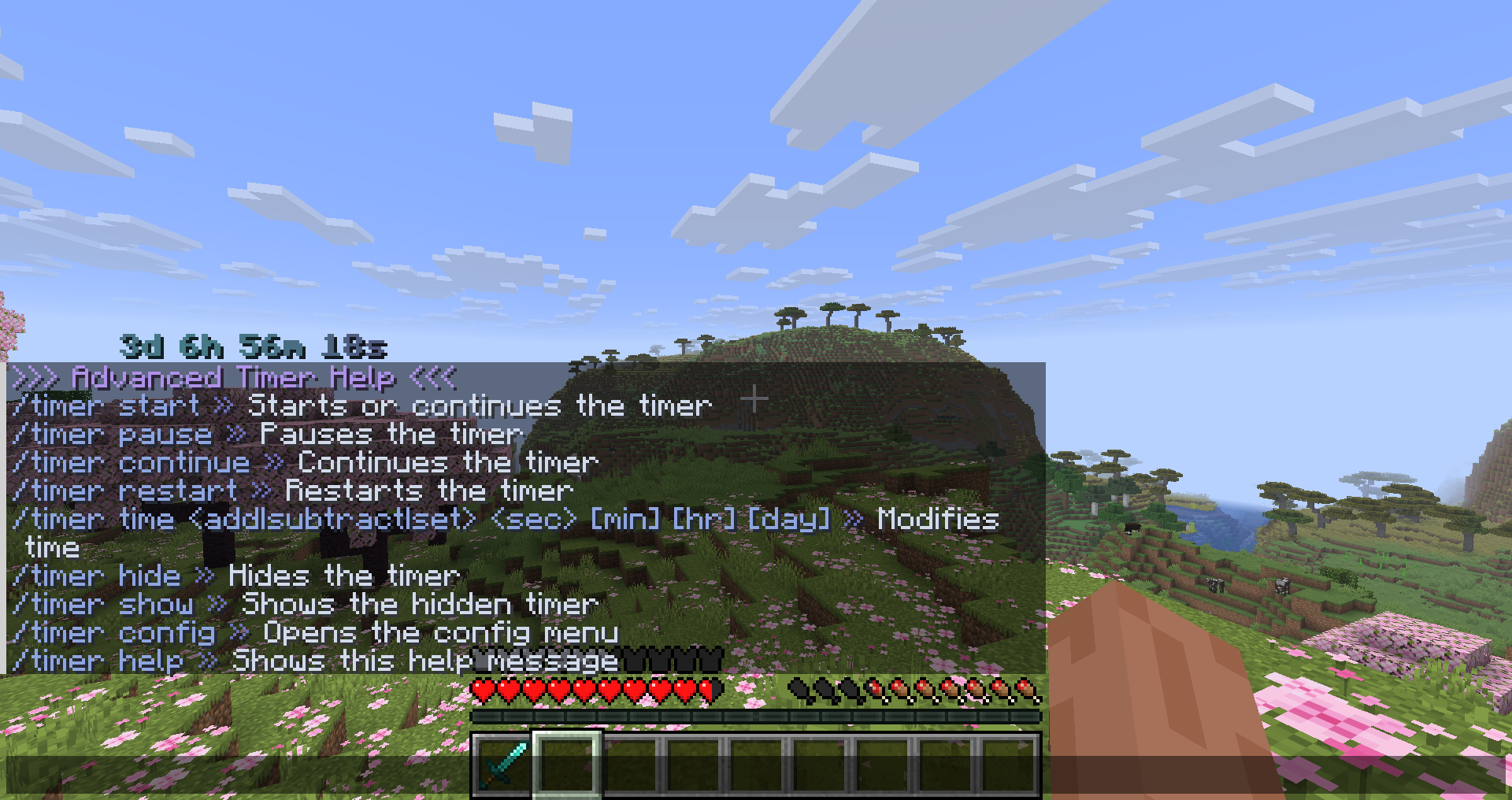
Commands
| Command | Description |
|———|————-|
| /timer start | Start or continue the timer |
| /timer pause | Pause the timer |
| /timer continue | Continue the timer (alias for start) |
| /timer restart | Reset and start the timer |
| /timer hide | Hide the timer HUD |
| /timer show | Show the timer HUD |
| /timer config | Open the config menu |
| /timer help | Display help message |
| /timer time add <time> | Add time to the timer in seconds, minutes, hours, days (e.g., 0 30, 0 0 2) |
| /timer time set <time> | Set the timer to a specific time |
Configuration Menu
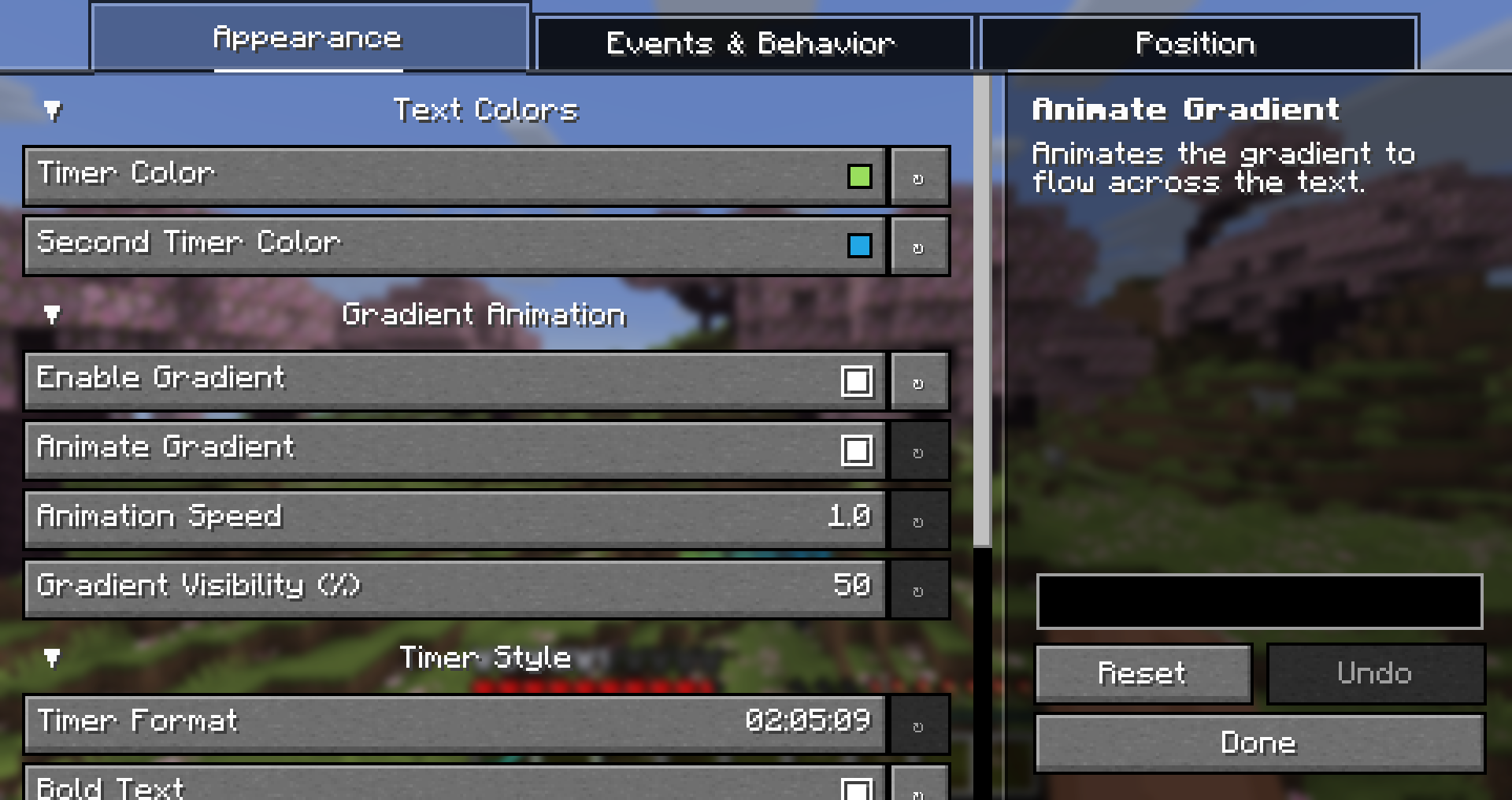
Full GUI configuration via Yet Another Config Library (YACL):
- Timer color picker with hex input
- Gradient enable/disable toggle
- Animation speed slider
- All timer settings accessible in one place
- ModMenu Integration (Fabric) – Access config from mod menu
Configuration Options
| Option | Default | Description |
|——–|———|————-|
| timerColor | #8FE163 | Primary timer color |
| secondTimerColor | #00ECD0 | Secondary color for gradient |
| enableGradient | false | Enable gradient mode |
| animateGradient | true | Animate gradient colors |
| animationSpeed | 1.0 | Gradient animation speed |
| gradientVisibility | 50 | Gradient intensity (0-100) |
| timerBold | true | Bold timer text |
| timerFormat | HH:MM:SS | Time display format |
| pauseOnLeave | true | Auto-pause when leaving world |
| showPausedState | false | Show “(paused)” suffix |
| pausedSuffix | (paused) | Paused indicator text |
| changePausedColor | false | Use different color when paused |
| pausedColor | #AAAAAA | Color when timer is paused |
| timerDirection | UP | Count up or countdown mode |
| countdownHours/Minutes/Seconds | 1:00:00 | Countdown start time |
| timerPosition | ABOVE_ACTION_BAR | HUD position |
| autoPauseOnDragonKill | false | Pause on Ender Dragon kill |
| autoPauseOnWitherKill | false | Pause on Wither kill |
| autoPauseOnElderGuardianKill | false | Pause on Elder Guardian kill |
| autoPauseOnWardenKill | false | Pause on Warden kill |
| autoPauseOnDeath | false | Pause on player death |
| showCommandFeedback | true | Show command feedback in chat |
| timerEndAction | CHAT | Action when countdown ends |
常见问题
Advanced Timer 支持哪些 Minecraft 版本?
Advanced Timer 支持 Minecraft Java 版 1.21.11–26.2,共 3 个版本,可用的加载器:Fabric / NeoForge。下载时注意选择和你游戏版本一致的文件。
Advanced Timer 怎么安装?
先用 PCL2 或 HMCL 启动器安装对应版本的 Fabric / NeoForge,再把下载的 .jar 文件放进游戏目录的 mods 文件夹,重新启动游戏即可。开启了版本隔离的,mods 文件夹在 versions/版本名 下面。运行环境:仅客户端。
L3_N0X 的其他作品
查看全部 →
No Fog Perfected
Removes fog from Minecraft, perfected. Completely customizable, no bad-looking horizon lines. Includes options for clear water and lava.

ZickZack V6 / Light Blue
A configurable GUI Ressourcepack with light blue colors, similar to the Texturepack BastiGHG uses in CraftAttack

ZickZack ORI Red 🌹
A Resourcepack that is similar to BastiGHG's Resourcepack used in Craft Attack 13. Custom Sky, Kugelschreiber Model, HUD and more included!

BastiGHG’s CraftAttack 14 Modpack
This pack includes all the mods that BastiGHG (a german Youtuber and Streamer) uses in the "Craft Attack 13" project
评论
登录后评论和评分