
截图




介绍
Advanced RGB Lamps
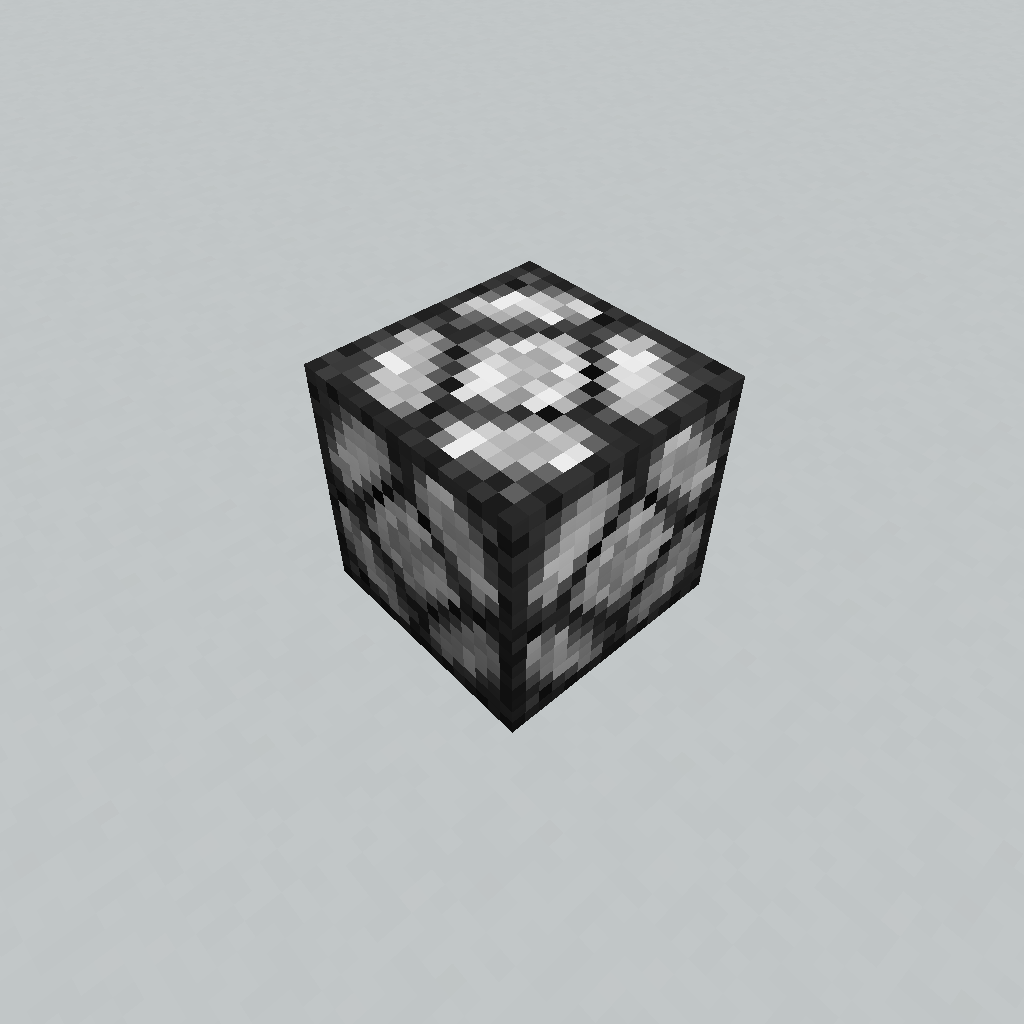
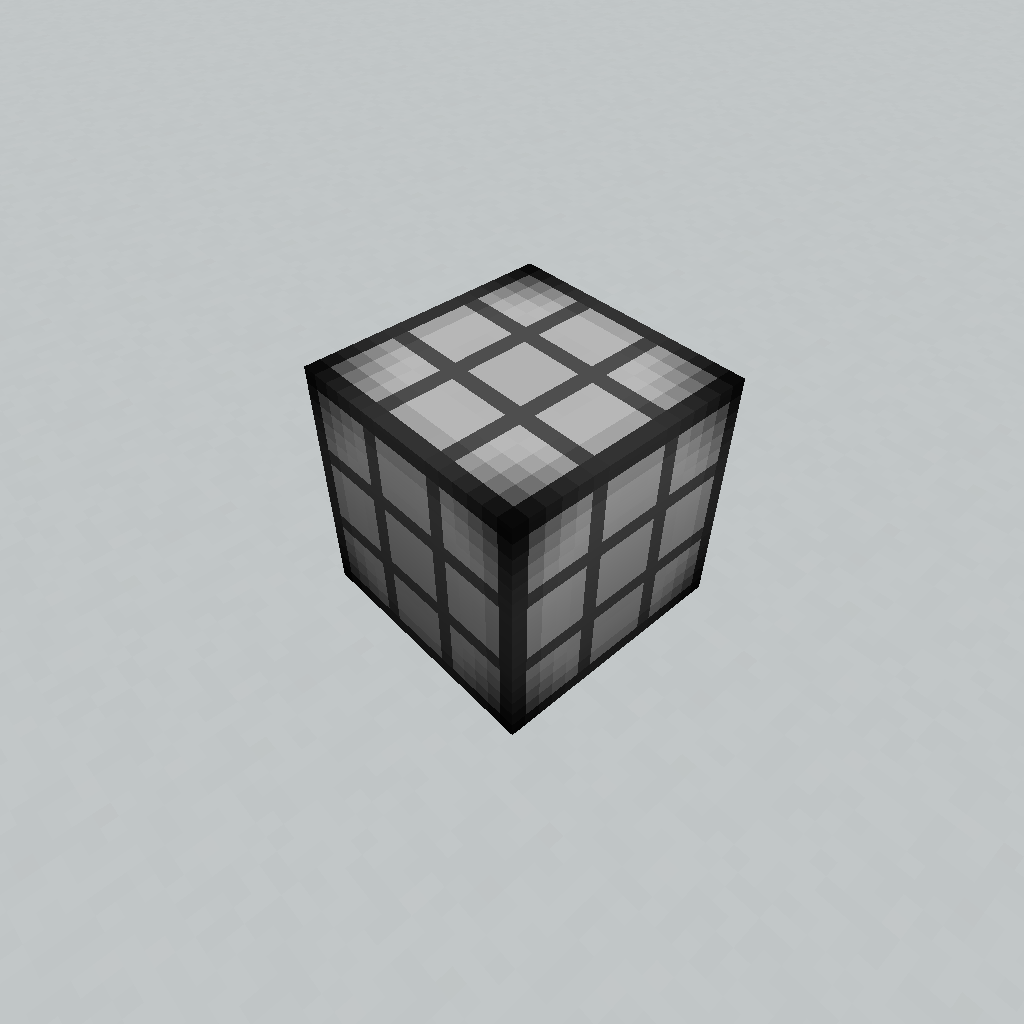
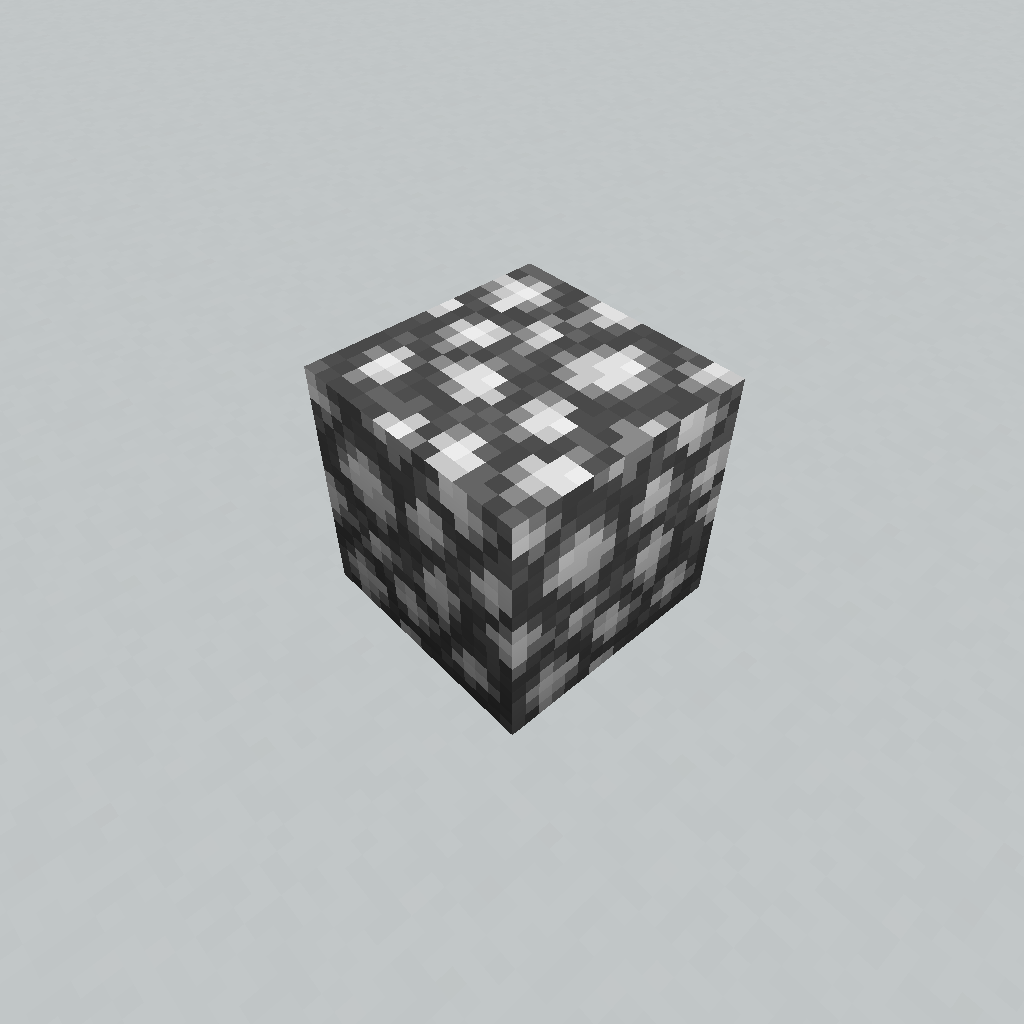
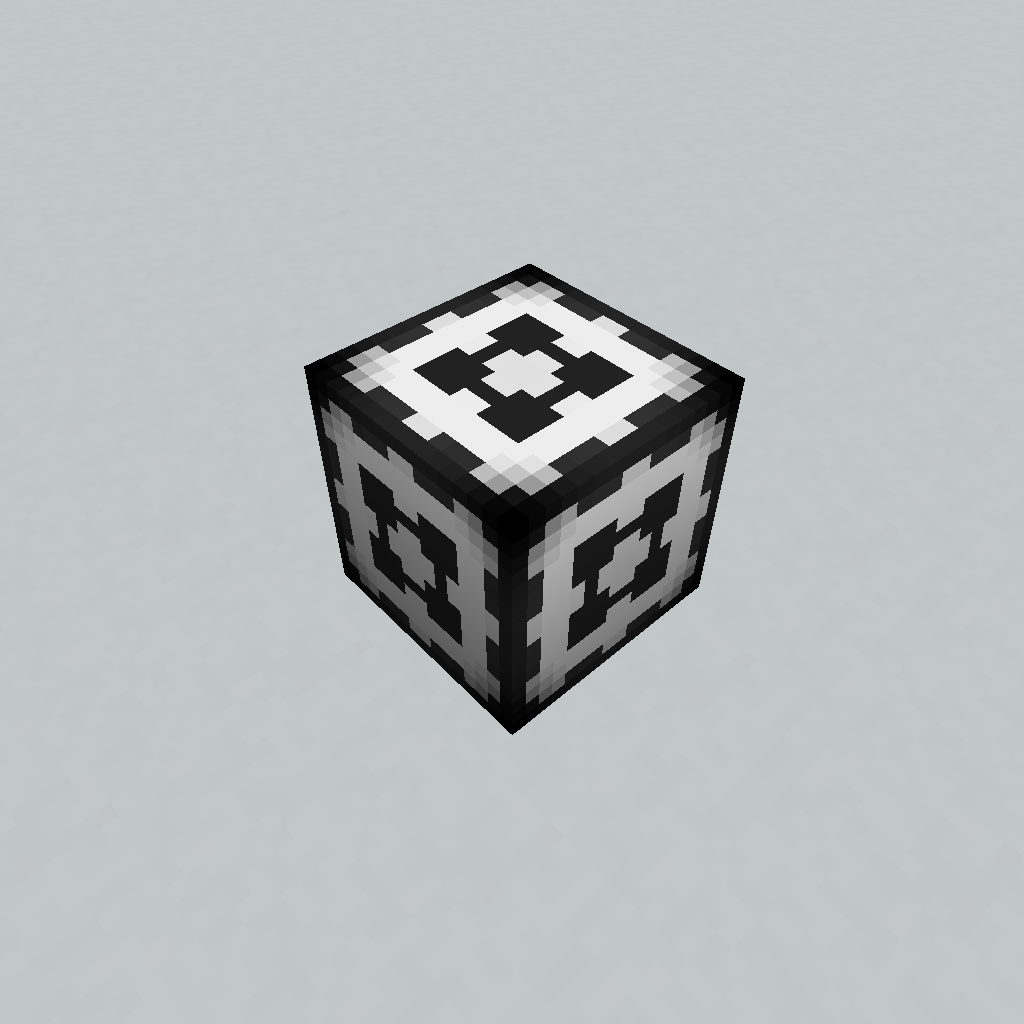
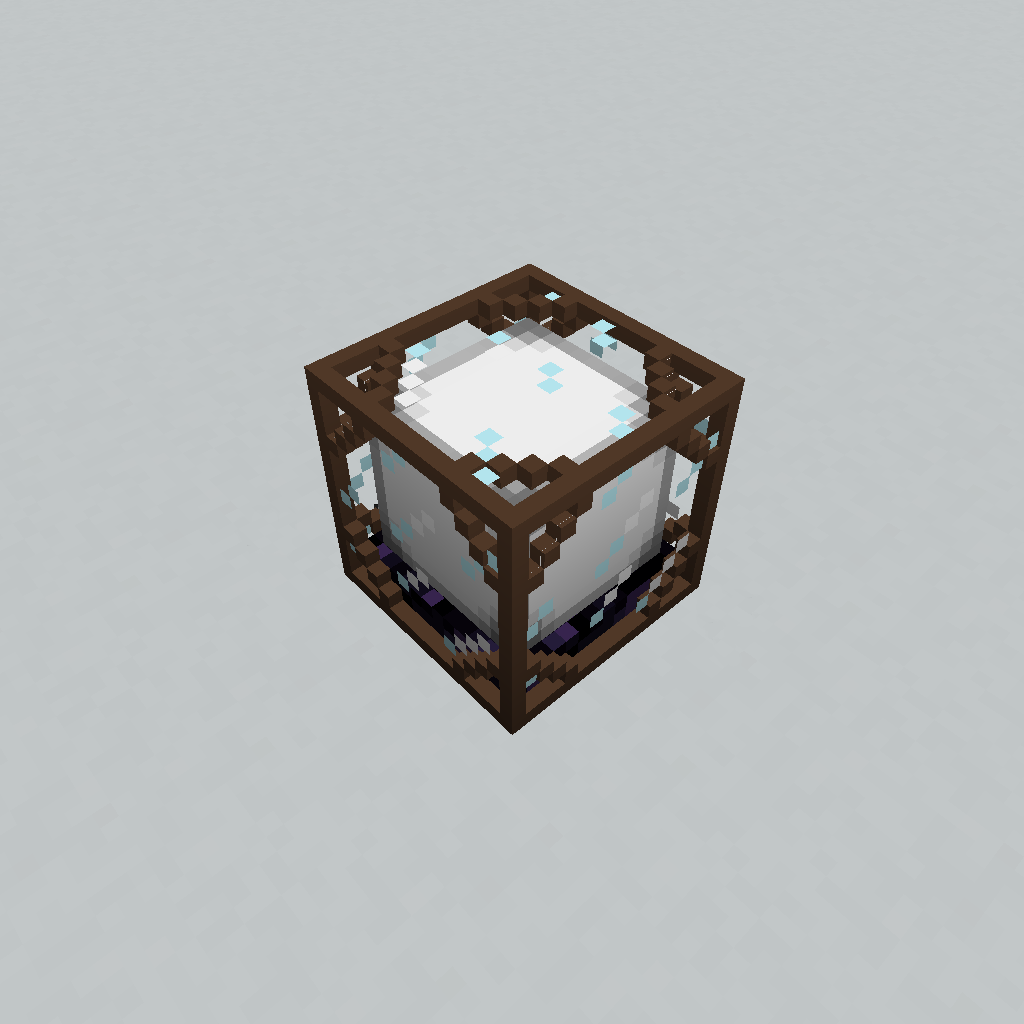
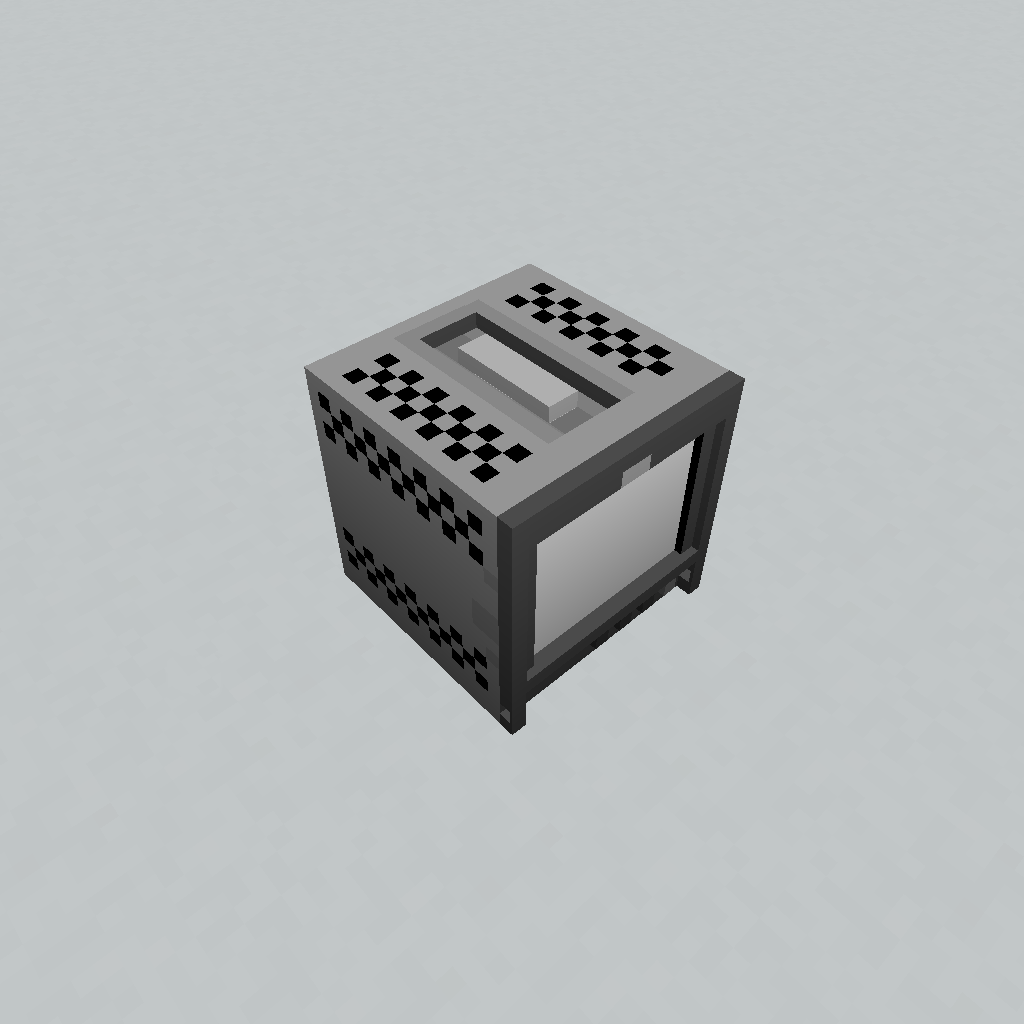
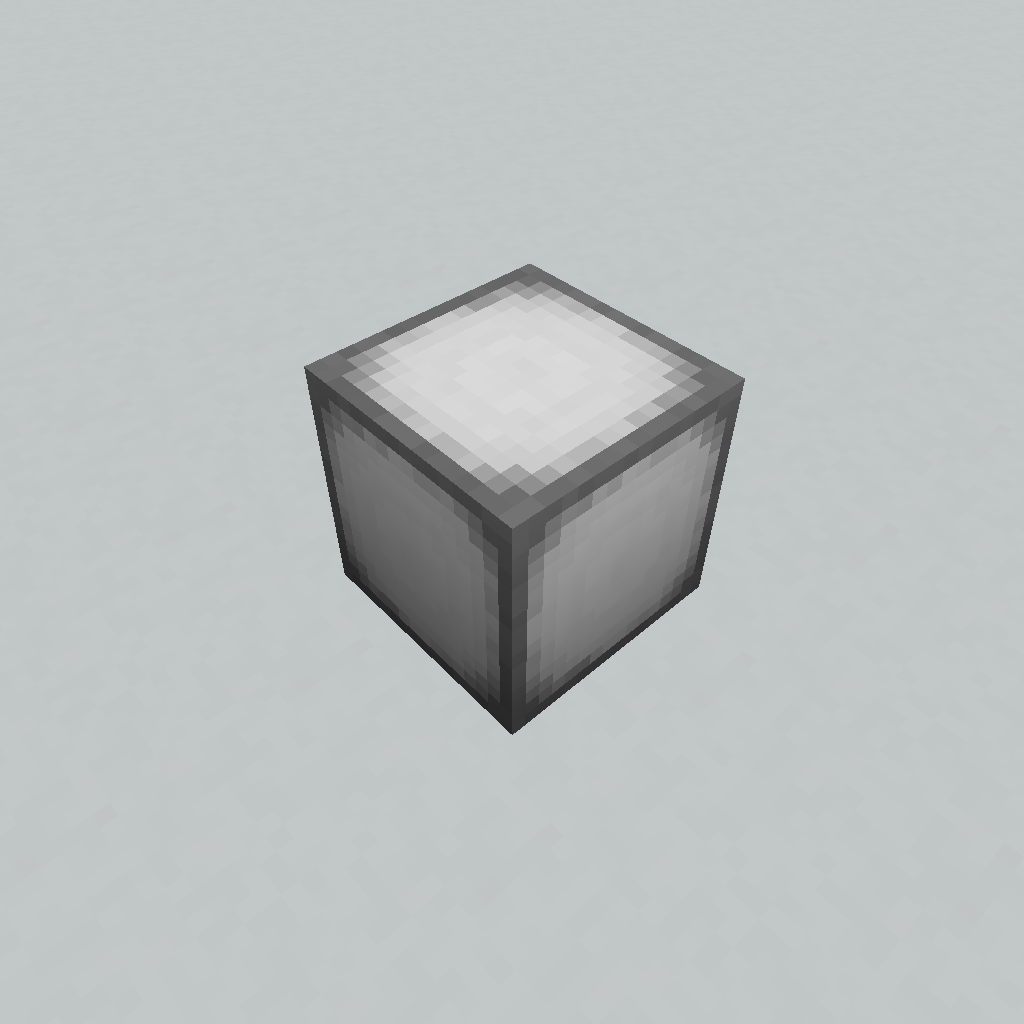
An RGB lamp mod that has 10 different lamp variations and optional Colorful Lighting & Computercraft support
Demonstration
Usage
Lamp Configurator Tool:
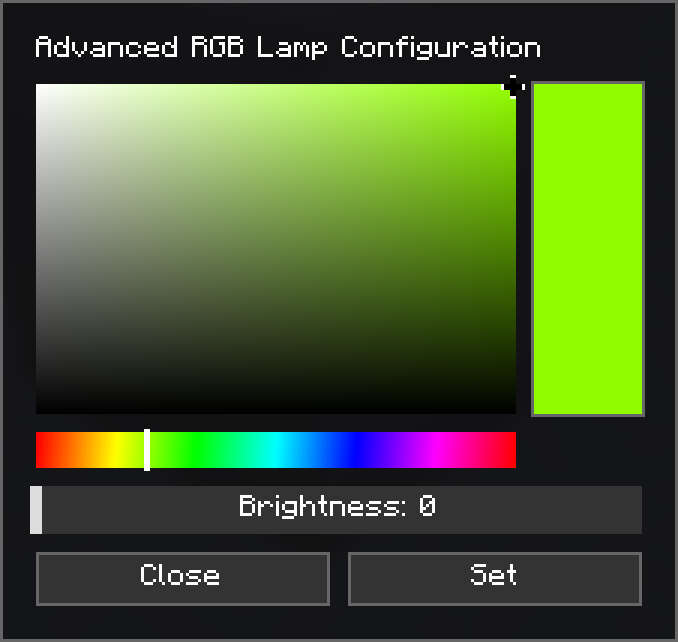
You can use the Lamp Configurator Tool by shift right clicking on a lamp, this opens the color and brightness configuration by default, modes can be switched between Edit, Copy, Paste& Debug by pressing P while holding the tool.
Crafting Recipes
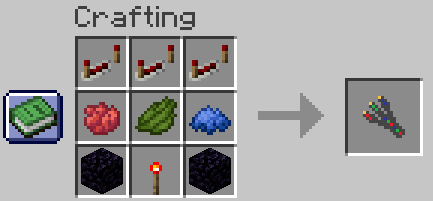
Lamp Configurator Tool:
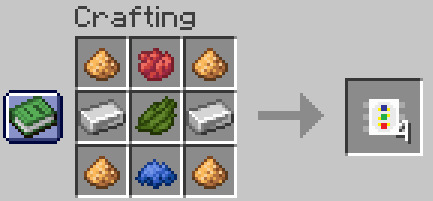
Led Diode:
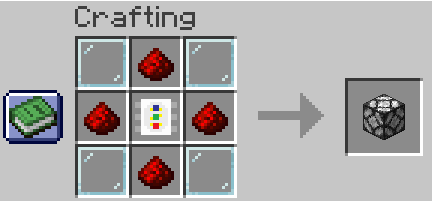
Advanced RGB Lamp:
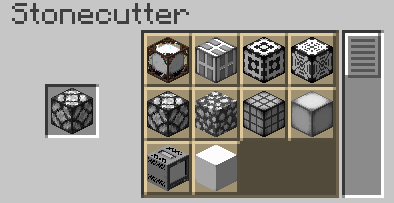
Stonecutter:
CC:Tweaked API Reference
setBrightness(level)
Sets the lamp brightness
| Parameter | Type | Range |
|———–|———|——–|
| level | integer | 0 – 15 |
Usage:
lamp.setBrightness(8)setRGB(r, g, b, [, brightness])
Sets the lamp color from individual Red, Green & Blue components
| Parameter | Type | Range | Required |
|————–|———|———|———-|
| r | integer | 0 – 255 | yes |
| g | integer | 0 – 255 | yes |
| b | integer | 0 – 255 | yes |
| brightness | integer | 0 – 15 | no |
Usage:
lamp.setRGB(255, 128, 0) -- Sets color to orange without changing brightness
lamp.setRGB(255, 128, 0, 15) -- Sets color to orange and brightness to 15
setHex(hex [, brightness])
Sets the lamp color from a hex color string
| Parameter | Type | Range | Required |
|————–|———|——–|———-|
| hex | string | | yes |
| brightness | integer | 0 – 15 | no |
Usage:
lamp.setHex("FF8800") -- Sets color to orange without changing brightness
lamp.setHex("FF8800", 15) -- Sets color to orange and brightness to 15
setHSV(h, s, v [, brightness])
Sets the lamp from Hue, Saturatuon & Value components
| Parameter | Type | Range | Required |
|————–|———|———|———-|
| h | number | 0 – 360 | yes |
| s | number | 0 – 100 | yes |
| v | number | 0 – 100 | yes |
| brightness | integer | 0 – 15 | no |
Usage:
lamp.setHSV(32, 100, 100) -- Sets color to orange without changing brightness
lamp.setHSV(32, 100, 100, 15) -- Sets color to orange and brightness to 15
setVariant(variant)
Sets the lamp variant (see gallery for all variants)
| Parameter | Type | Range |
|———–|———|——-|
| variant | integer | 0 – 9 |
Usage:
lamp.setVariant(3)getBrightness()-> level
Gets current lamp brightness
Usage:
local brightness = lamp.getBrightness()getRGB() -> r, g, b`
Gets current color in Red, Green & Blue components
Usage:
local r, g, b = lamp.getRGB()getHex() -> hex
Gets current color as a Hex string
Usage:
local hex = lamp.getHex()getHSV() -> h, s, v
Gets current color as Hue, Saturatuon & Value components
Usage:
local h, s, v = lamp.getHSV()getVariant() -> variant
Gets current variant
Usage:
local variant = lamp.getVariant()Notes:
The Colorful Lighting mod is required for colored lighting, this mod is not compatible with the sodium/embeddium fork of Colorful Lighting.
Use in modpacks is allowed, no permission is required.
常见问题
Advanced RGB Lamps 支持哪些 Minecraft 版本?
Advanced RGB Lamps 支持 Minecraft Java 版 1.21.1,可用的加载器:NeoForge。下载时注意选择和你游戏版本一致的文件。
Advanced RGB Lamps 怎么安装?
先用 PCL2 或 HMCL 启动器安装对应版本的 NeoForge,再把下载的 .jar 文件放进游戏目录的 mods 文件夹,重新启动游戏即可。开启了版本隔离的,mods 文件夹在 versions/版本名 下面。运行环境:客户端和服务端都要装。
评论
登录后评论和评分