
截图
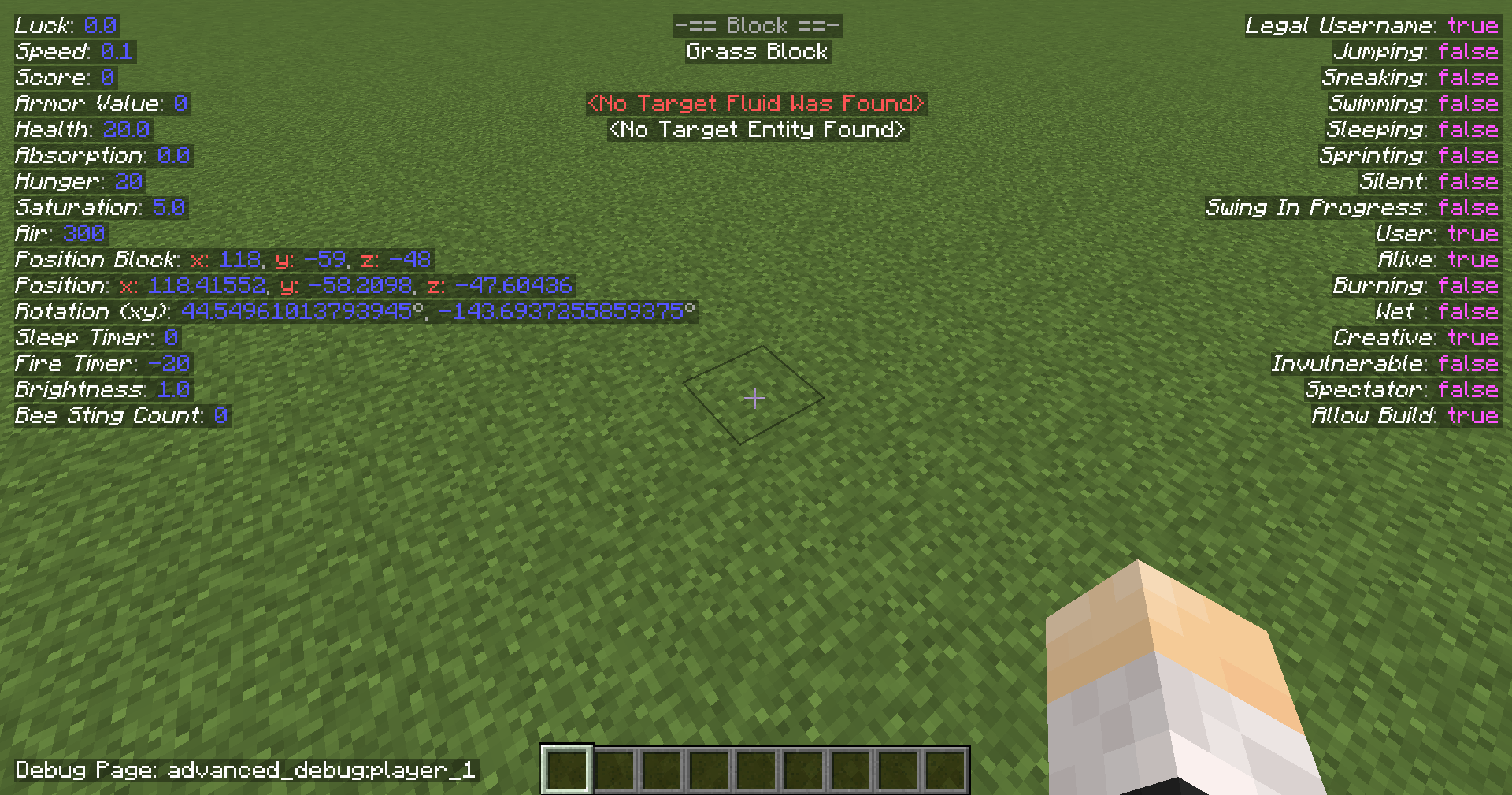
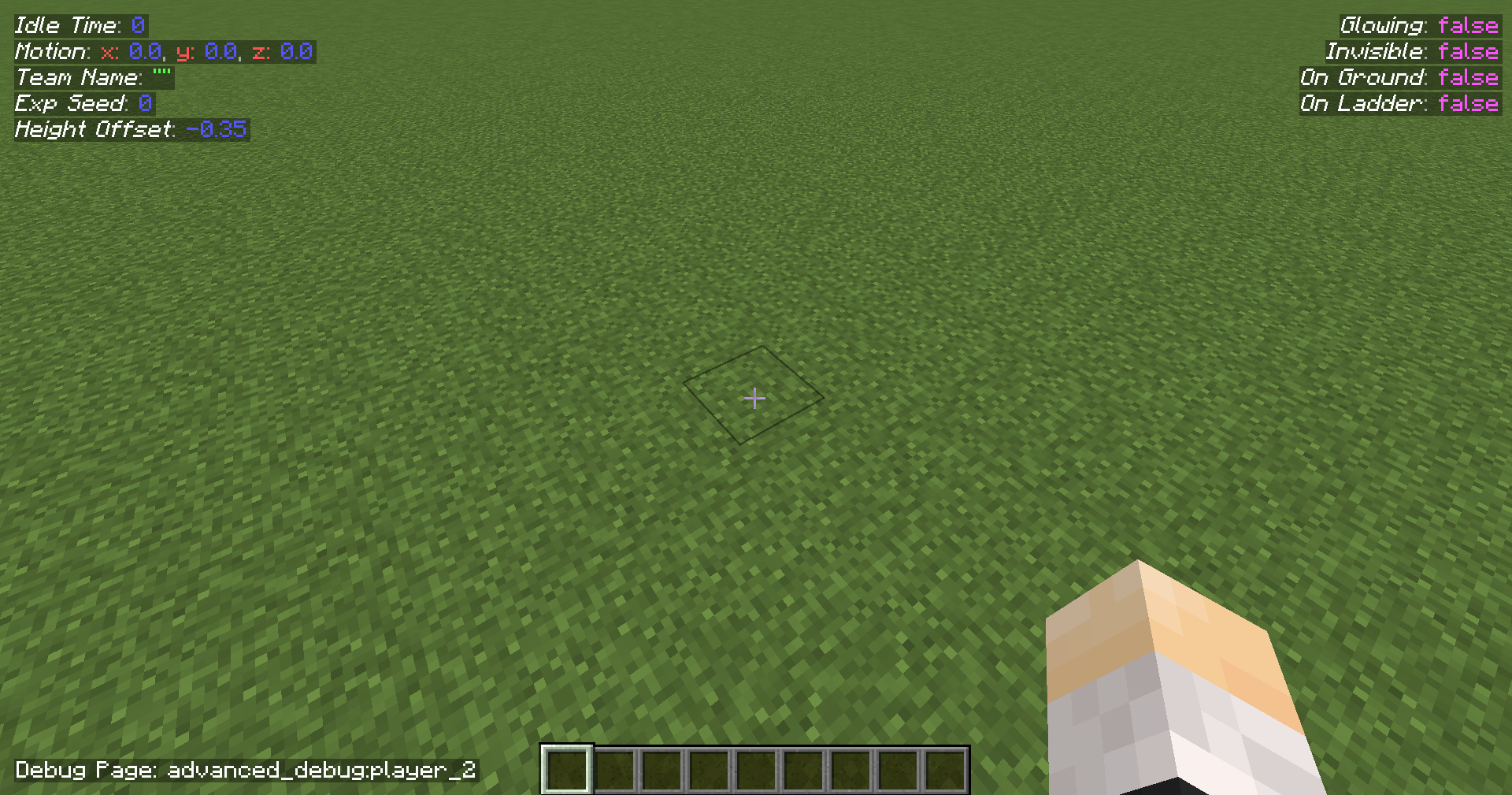
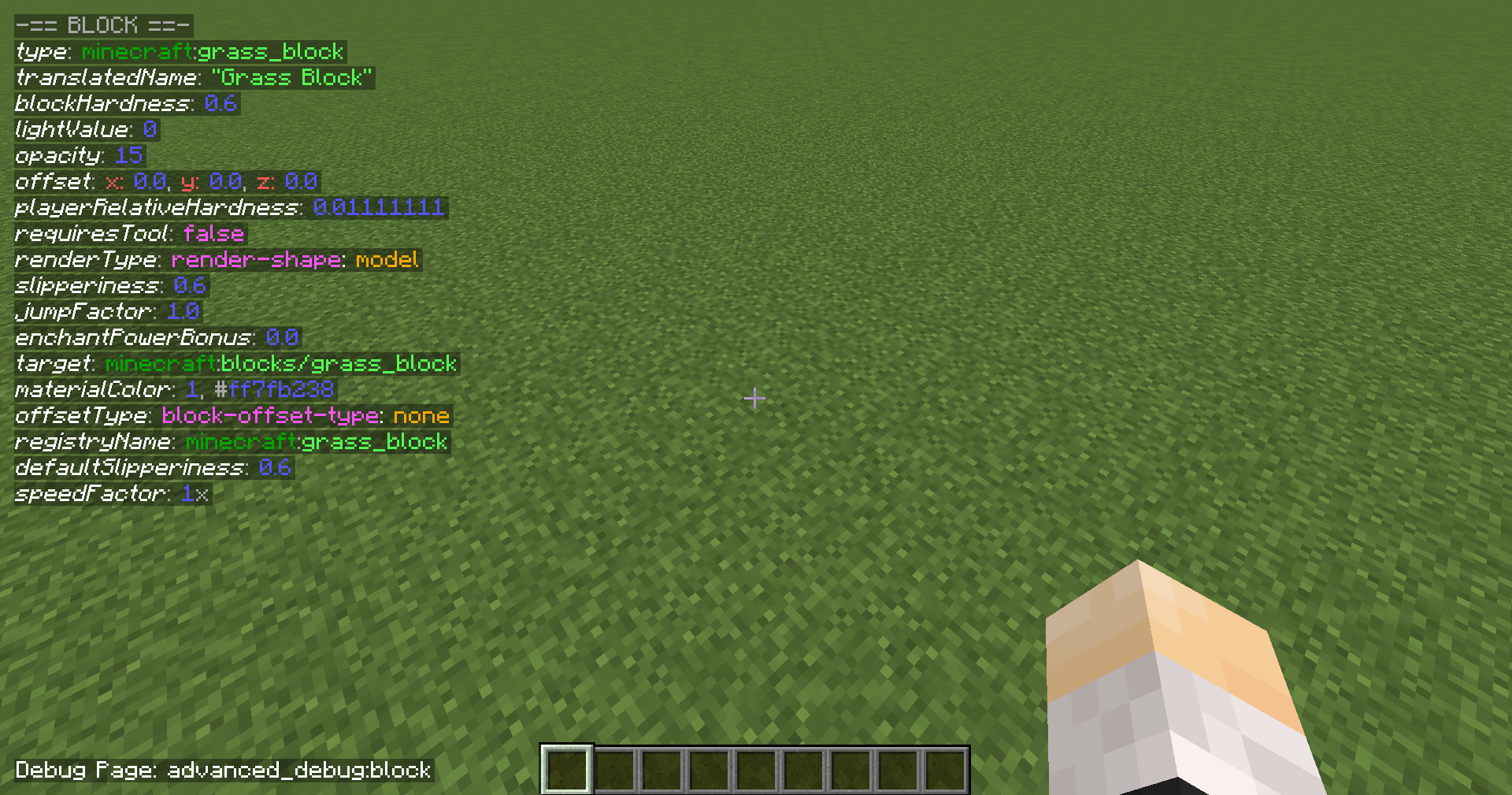
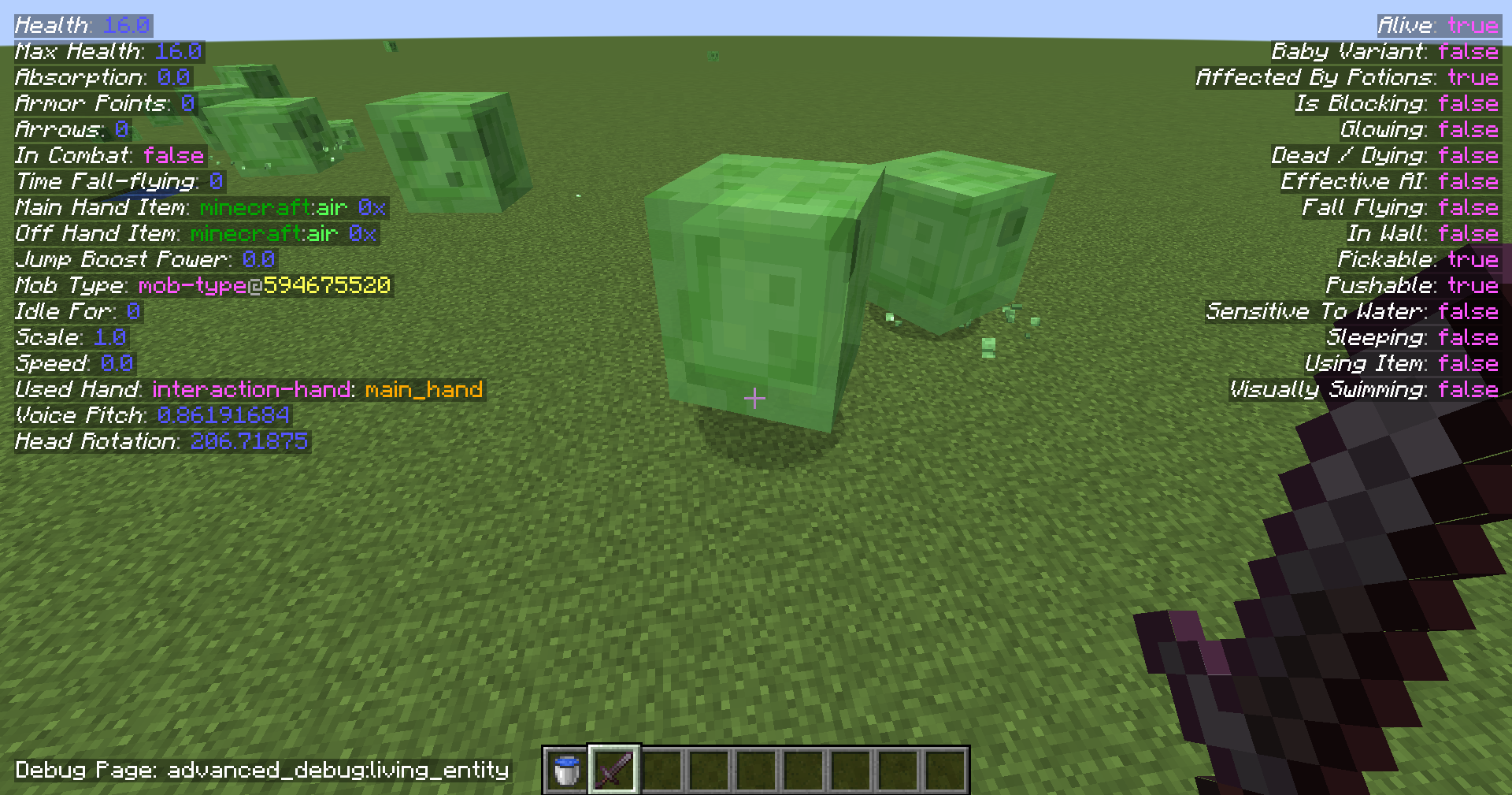
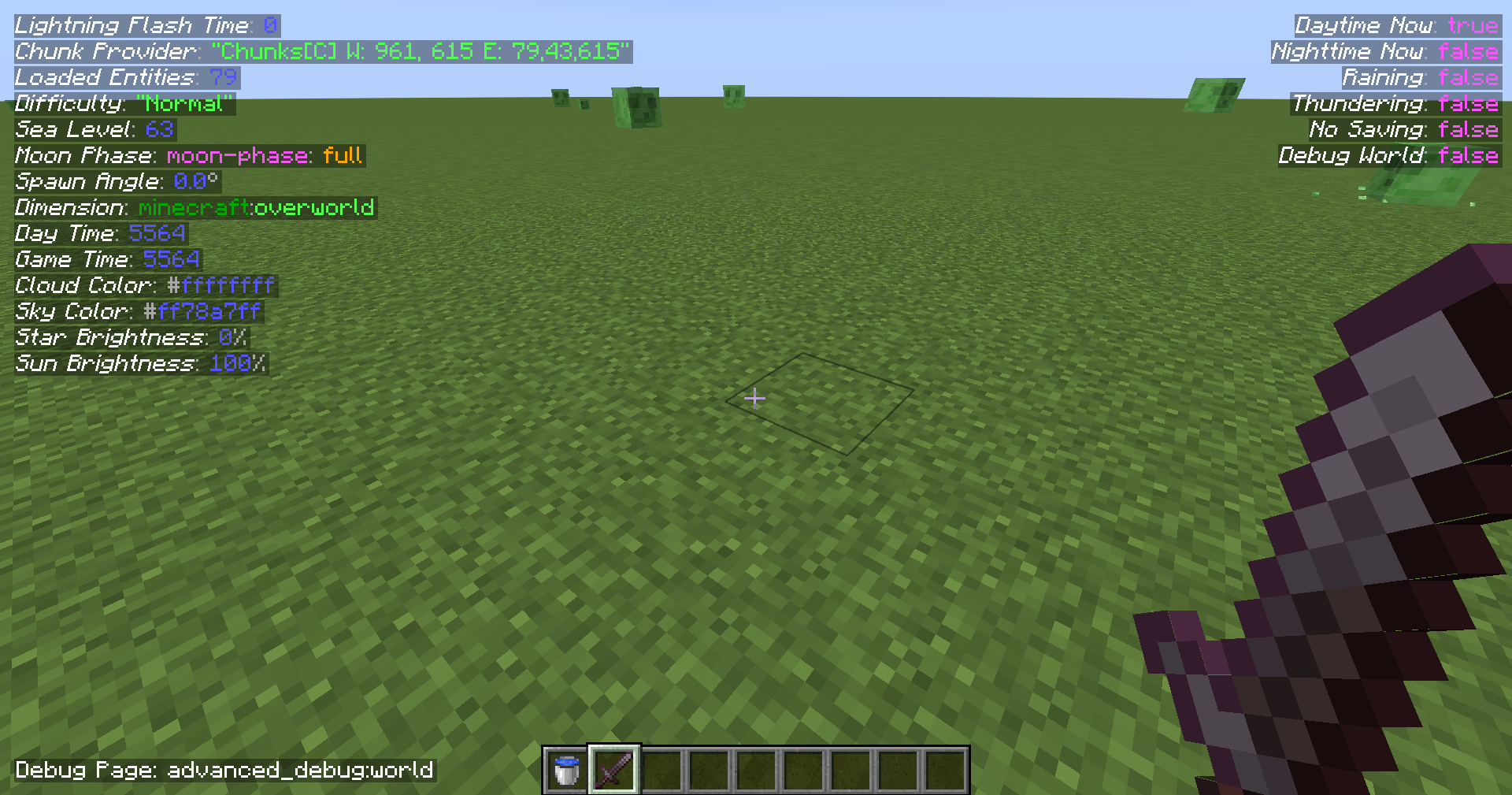
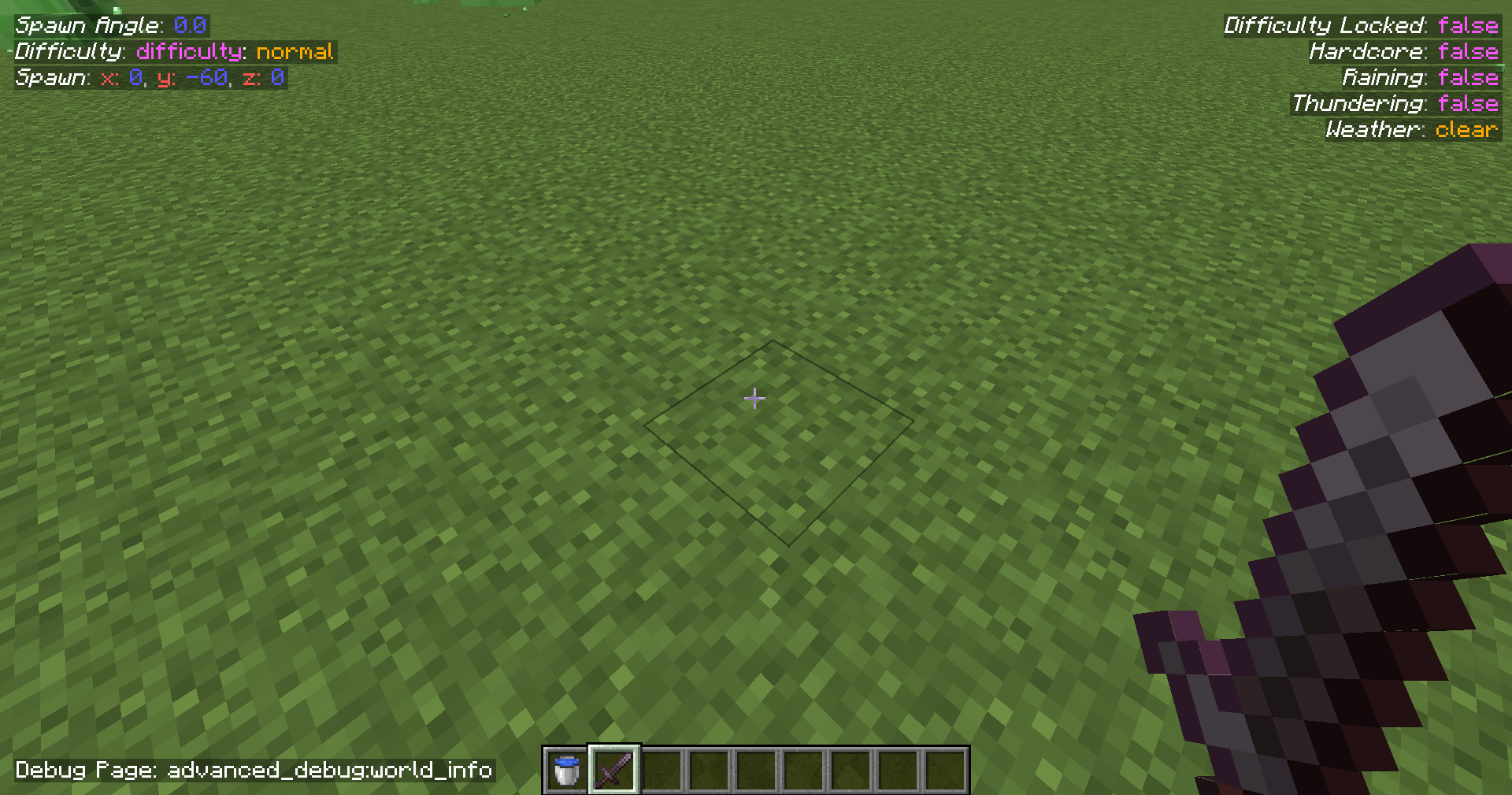
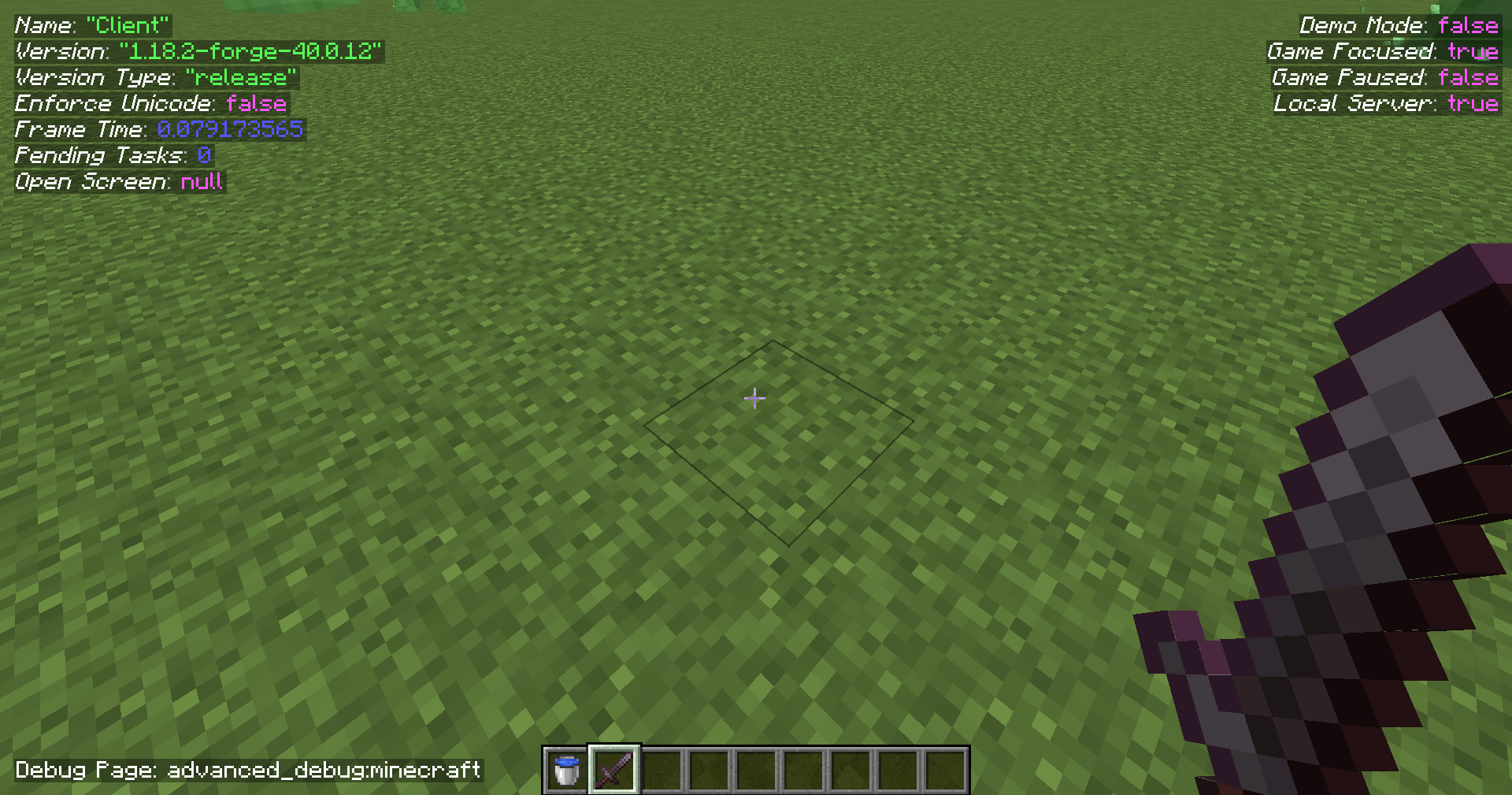
介绍
中文介绍正在准备中,下面暂时显示原文。
Note that the beta versions can crash Minecraft
Advanced Debug
_Is your default F3 screen not enough? We got you!_
Features
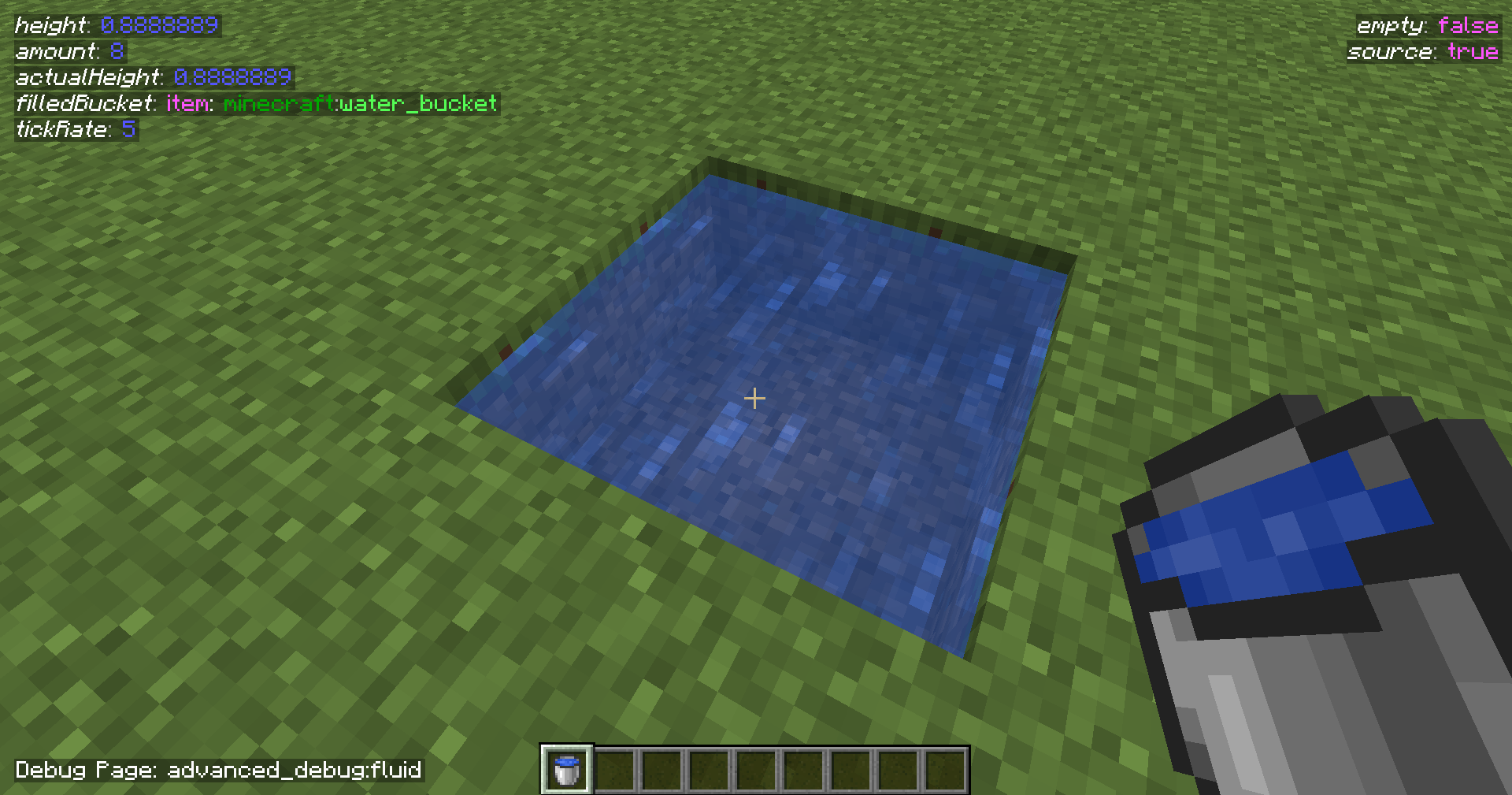
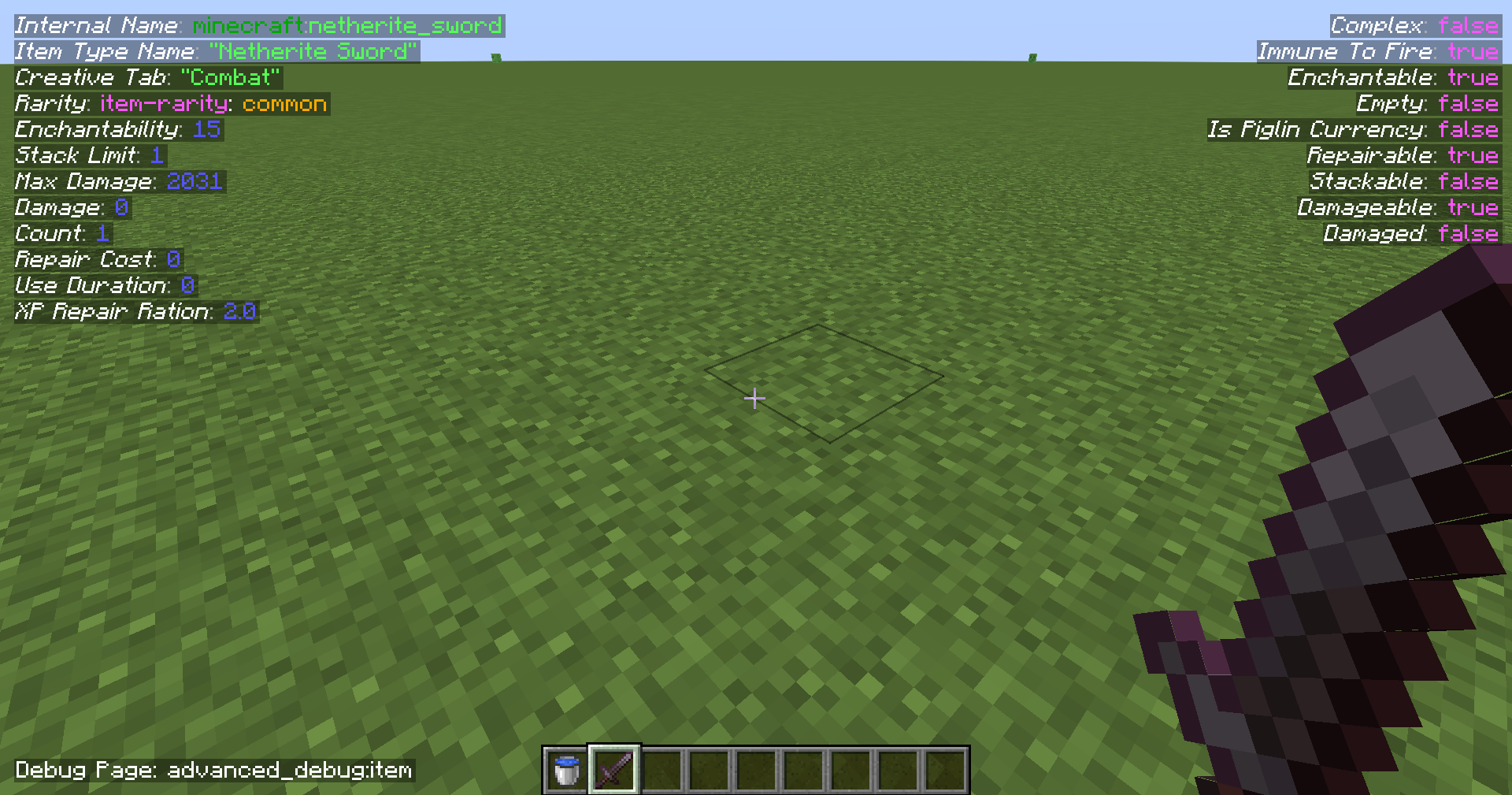
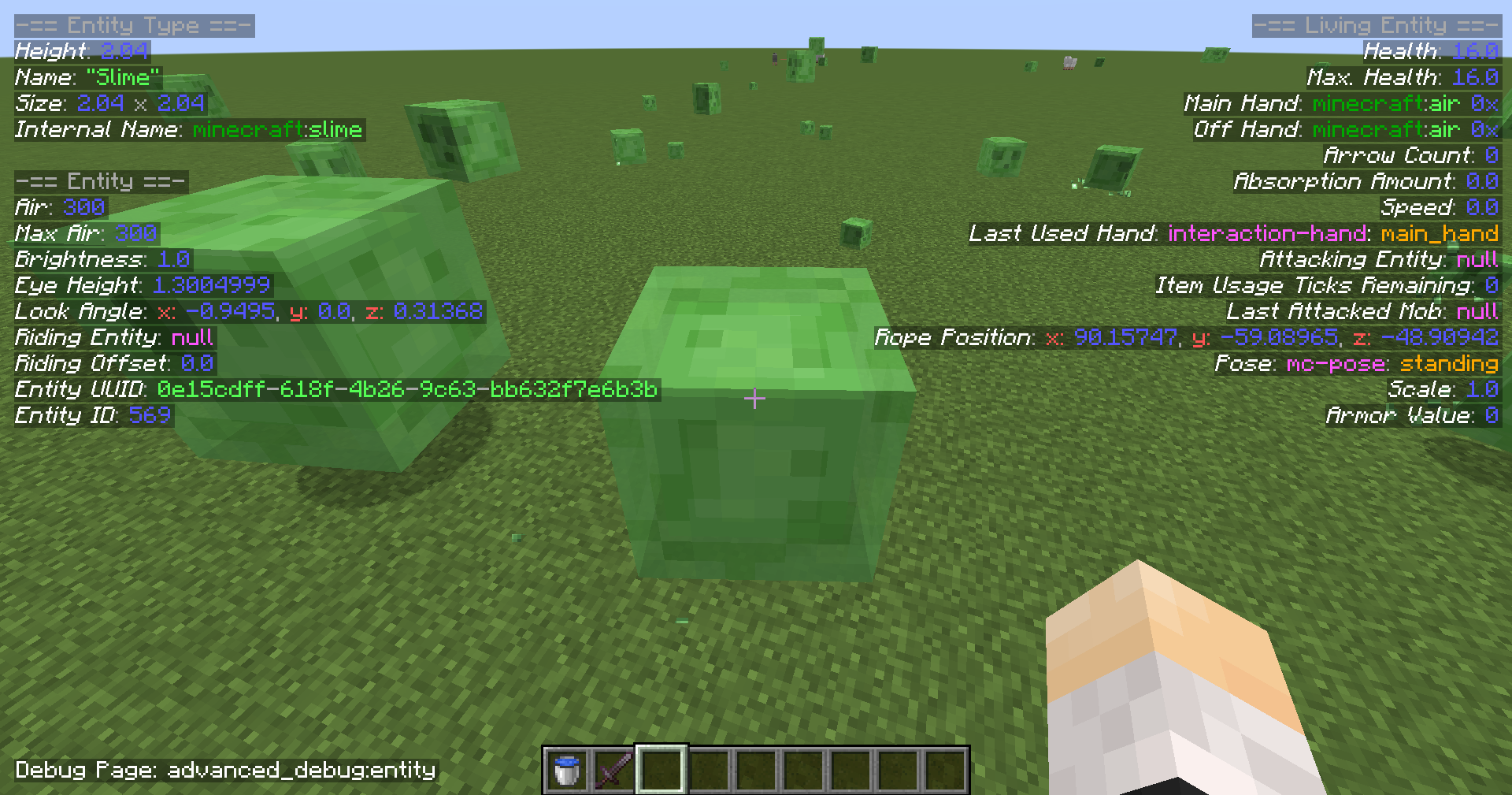
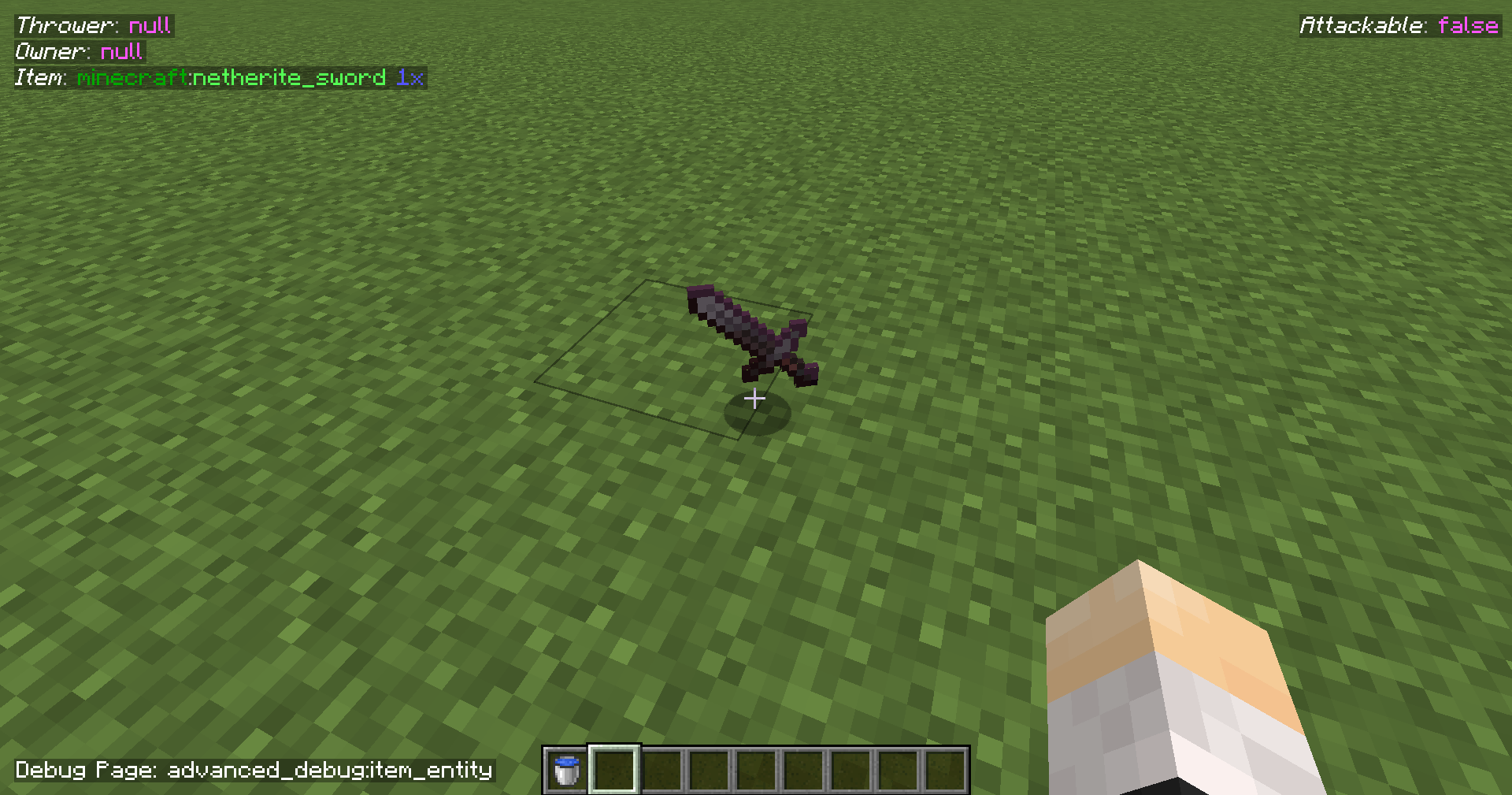
- Multiple pages for the debug menu, and is changeable using F4 for keybind by default. (Also holding shift will go to the previous one instead of the next one)
- ImGui based debugging menu.
WIPSince 2.3.0 - Modding API available, with the ability to create pages and formatters for the objects (such as integers, strings specific enums etc.).
- Keybinding is separate for the default one without interfering the default debug menu.
- Hopefully, there will be more features coming soon.
常见问题
Advanced Debug 支持哪些 Minecraft 版本?
Advanced Debug 支持 Minecraft Java 版 1.18.1–1.20.1,共 6 个版本,可用的加载器:Fabric / Forge。下载时注意选择和你游戏版本一致的文件。
Advanced Debug 怎么安装?
先用 PCL2 或 HMCL 启动器安装对应版本的 Fabric / Forge,再把下载的 .jar 文件放进游戏目录的 mods 文件夹,重新启动游戏即可。开启了版本隔离的,mods 文件夹在 versions/版本名 下面。运行环境:仅客户端。
Omnixerio 的其他作品
查看全部 →
Omnixerio Modding Library
by Omnixerio
Omnixerio Mods 的模组前置库
35.2万
1 年前
Modrinth

ERROR422
by Omnixerio
Unofficial port of the creepypasta version ERROR422 as a mod for modern versions.
13.8万
2 年前
Modrinth

Omnixerio Devices Mod
by Omnixerio
Adds working devices to the game, including laptops.
7万
2 个月前
Modrinth

ControllerX
by Omnixerio
Yet another controller mod! Or is it? Focuses on the best working experience.
5.2万
1 年前
Modrinth
评论
登录后评论和评分