
Adaptive Music Control
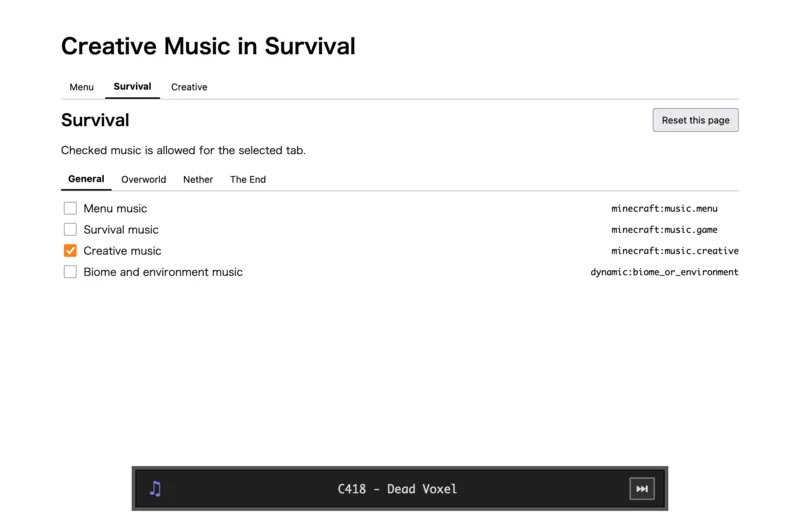
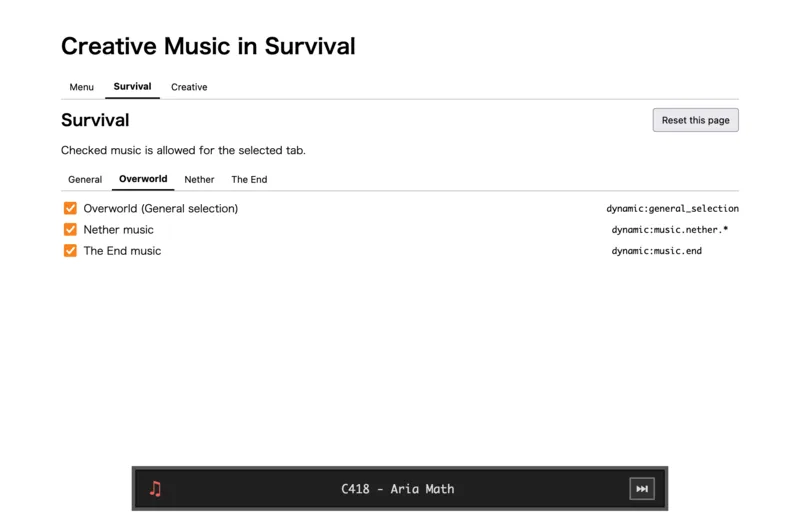
Choose which Minecraft music can play in each game mode and dimension.
介绍
Adaptive Music Control
Choose which Minecraft music can play in each game mode and dimension.
Usage
- Start Minecraft.
- Open
http://127.0.0.1:56001/. - Select a game mode and dimension, then choose the music.
Changes are applied immediately. Reset this page restores the selected tab’s default settings.
The bottom player shows the current track. Use the next button to reroll it.(26.1.2 or later only.)
常见问题
Adaptive Music Control 支持哪些 Minecraft 版本?
Adaptive Music Control 支持 Minecraft Java 版 1.20.1–26.2,共 19 个版本,可用的加载器:Fabric / Forge / NeoForge。下载时注意选择和你游戏版本一致的文件。
Adaptive Music Control 怎么安装?
先用 PCL2 或 HMCL 启动器安装对应版本的 Fabric / Forge / NeoForge,再把下载的 .jar 文件放进游戏目录的 mods 文件夹,重新启动游戏即可。开启了版本隔离的,mods 文件夹在 versions/版本名 下面。运行环境:仅客户端。
celeryyyyyyy 的其他作品
查看全部 →
No Spawner
Very simple mod that disables spawners.

No Attack Cooldown
Very simple mod that removes attack cooldowns and makes every attack a sweep attack.
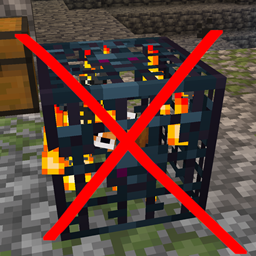
No Spawner
Very simple mod that disables spawners.

Grow Forever
A mod where bamboo, cactus, and sugar cane grow forever.
评论
登录后评论和评分