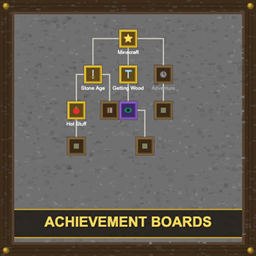
Achievement Boards
Wall-mounted and floor-placed boards that display your advancement progress as full tree diagrams with live completion tracking, custom backgrounds, and redstone output.
截图
介绍
Achievement Boards
Display your advancement progress on beautiful wall-mounted and floor-placed boards!
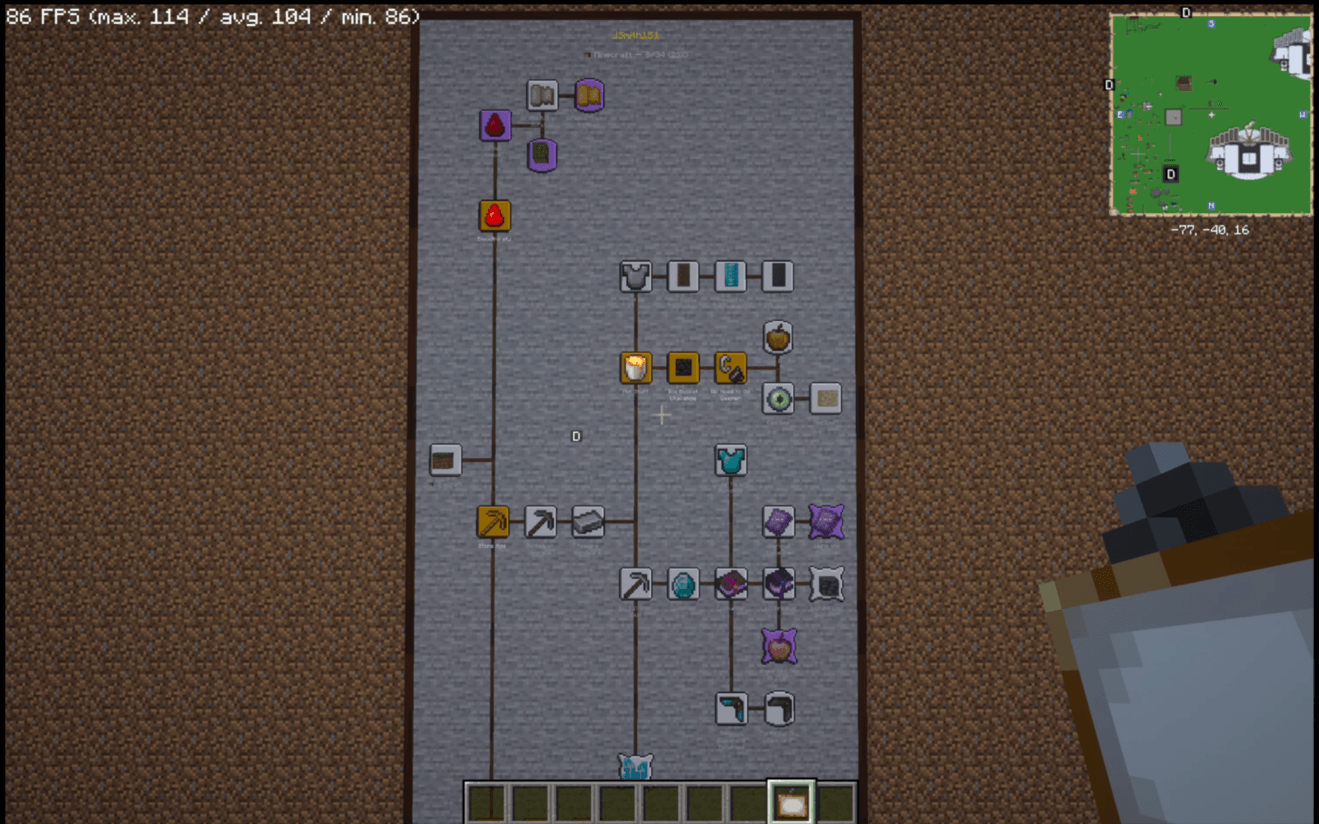
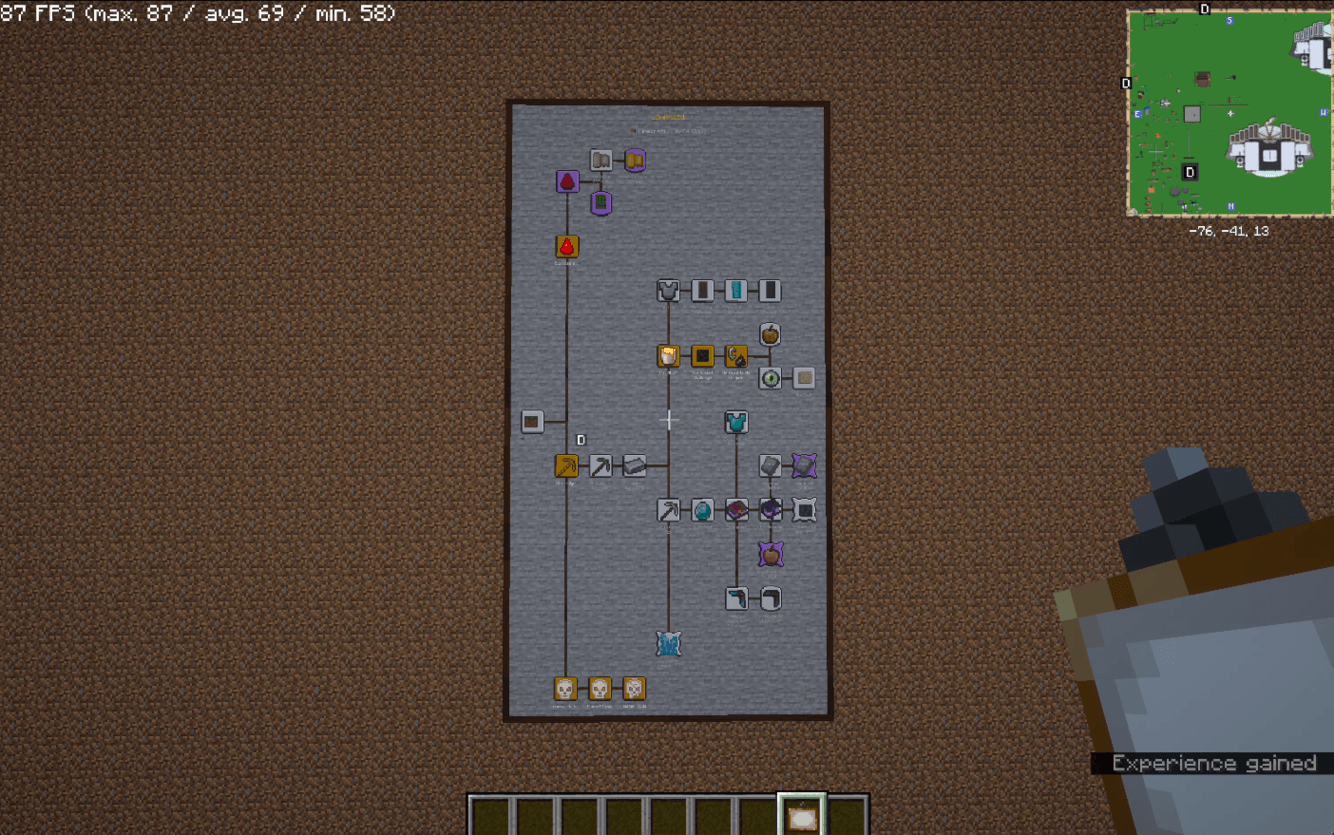
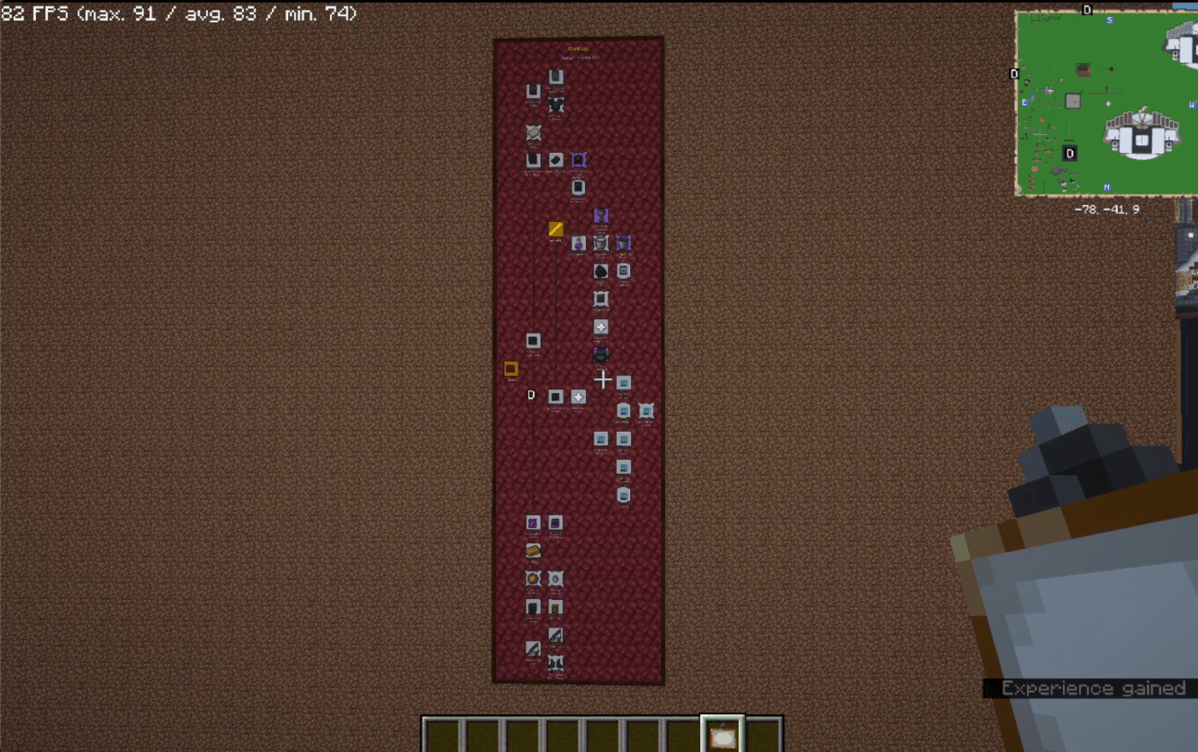
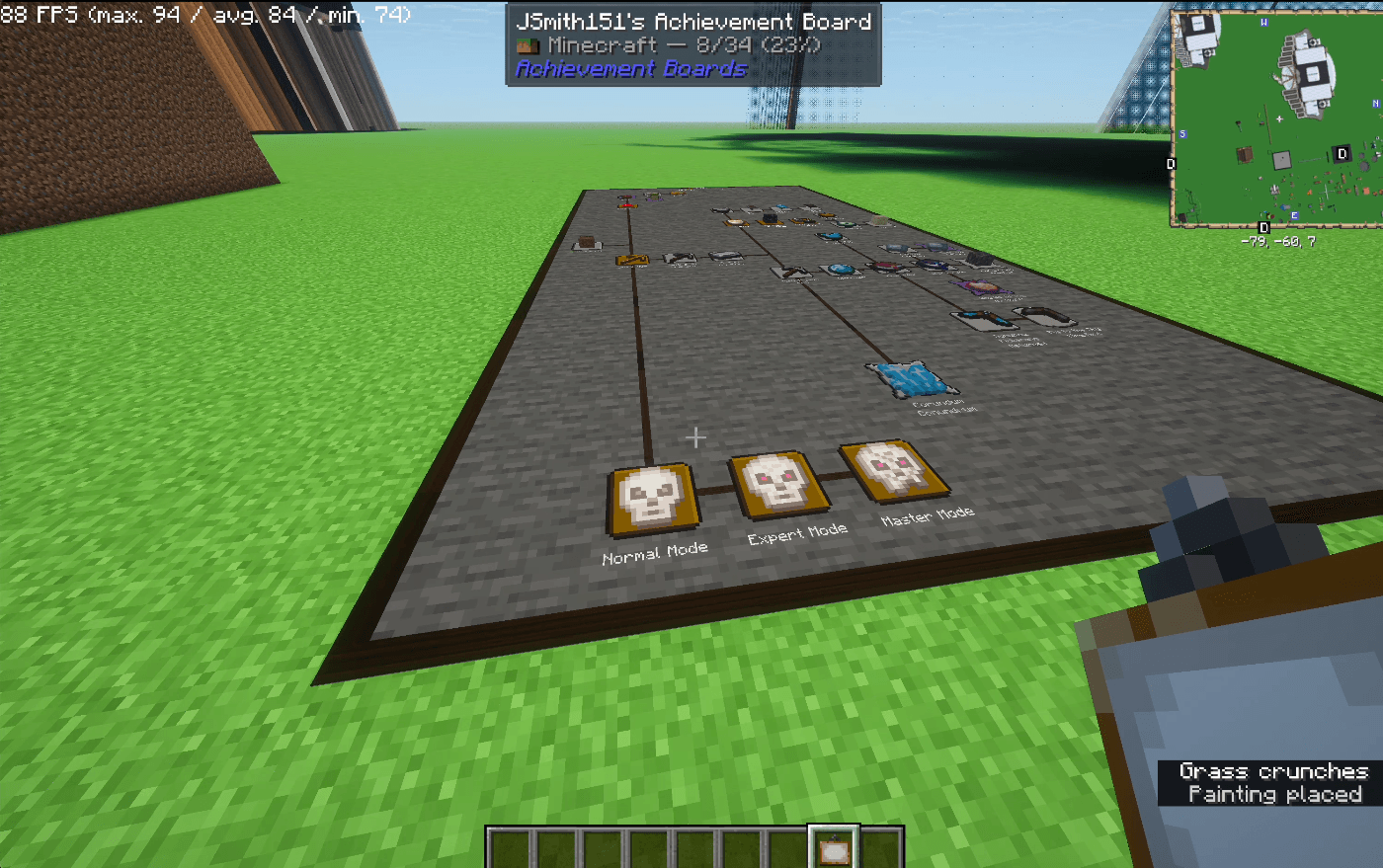
Achievement Boards lets you craft display boards that visualize any advancement tab as a full tree diagram — complete with icons, names, connecting lines, and color-coded completion frames. Place them on walls or floors to create trophy rooms, progress halls, or competitive leaderboards on your server.
Highlights
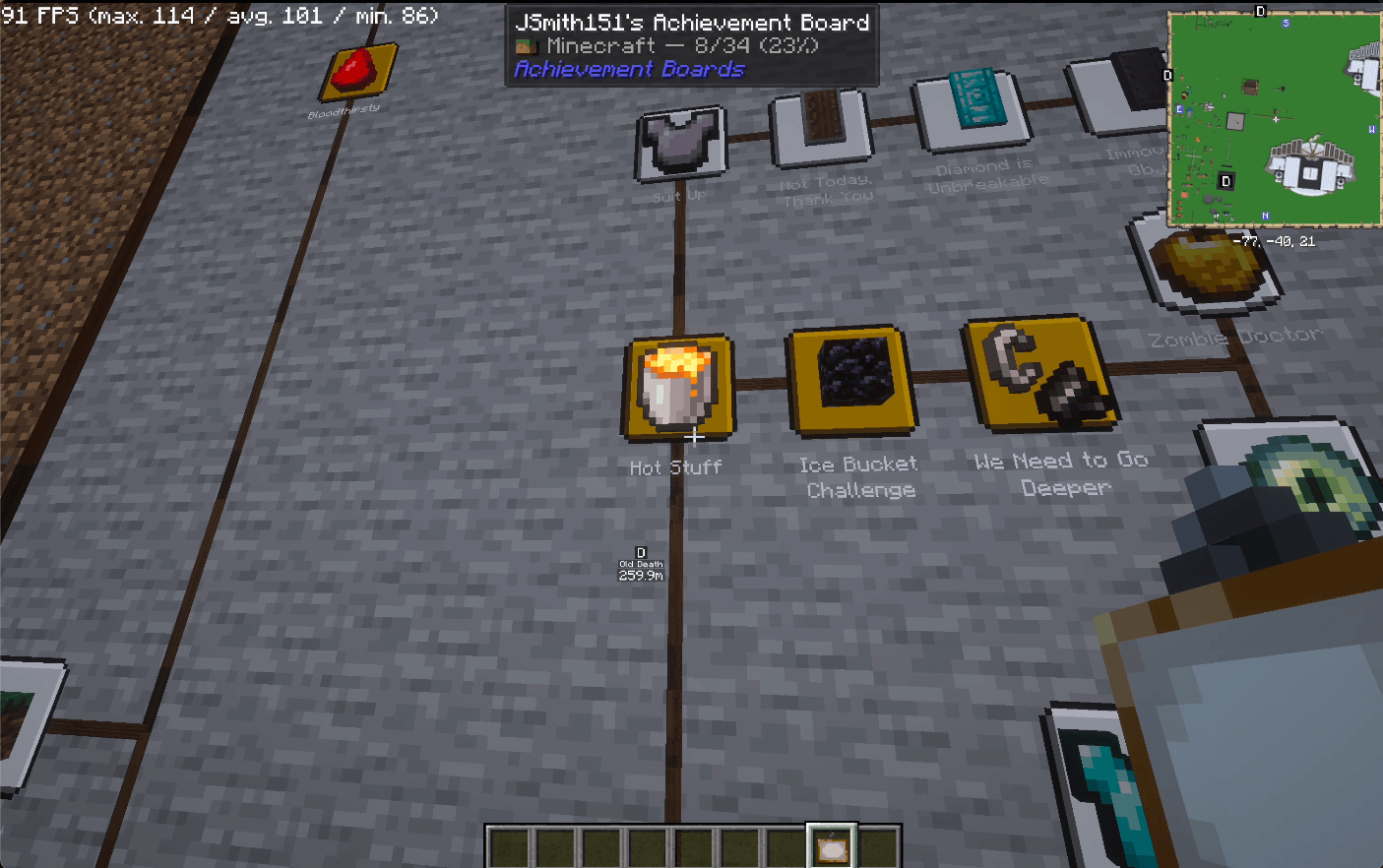
Full Tree Visualization — Every advancement in a tab is laid out as a proper tree with connecting lines. Icons, names, and frames render at a consistent size regardless of board dimensions.
Live Tracking — Boards update in real time as advancements are earned. Complete a full tab and get a golden particle celebration!
Wall & Floor Placement — Mount boards on any solid wall or lay them flat on the floor like maps. Smart placement automatically finds the best position, and boards snap to the block grid.
Statistics Panel — A special board type that shows every advancement tab with completion counts and percentages at a glance.
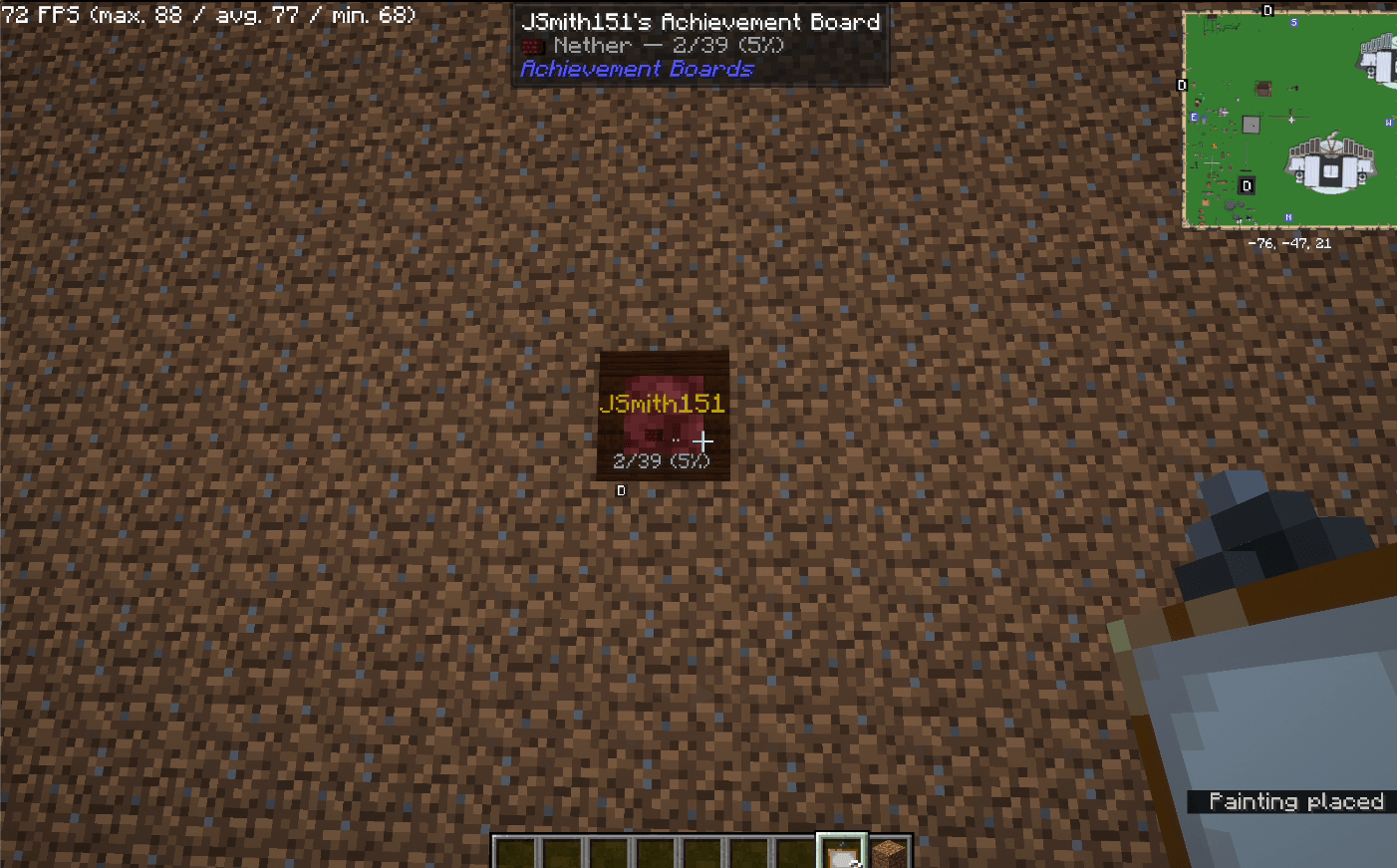
Compact Mode — Don’t need the full tree? Toggle compact mode for a minimal 1×1 board showing just the tab name and completion percentage.
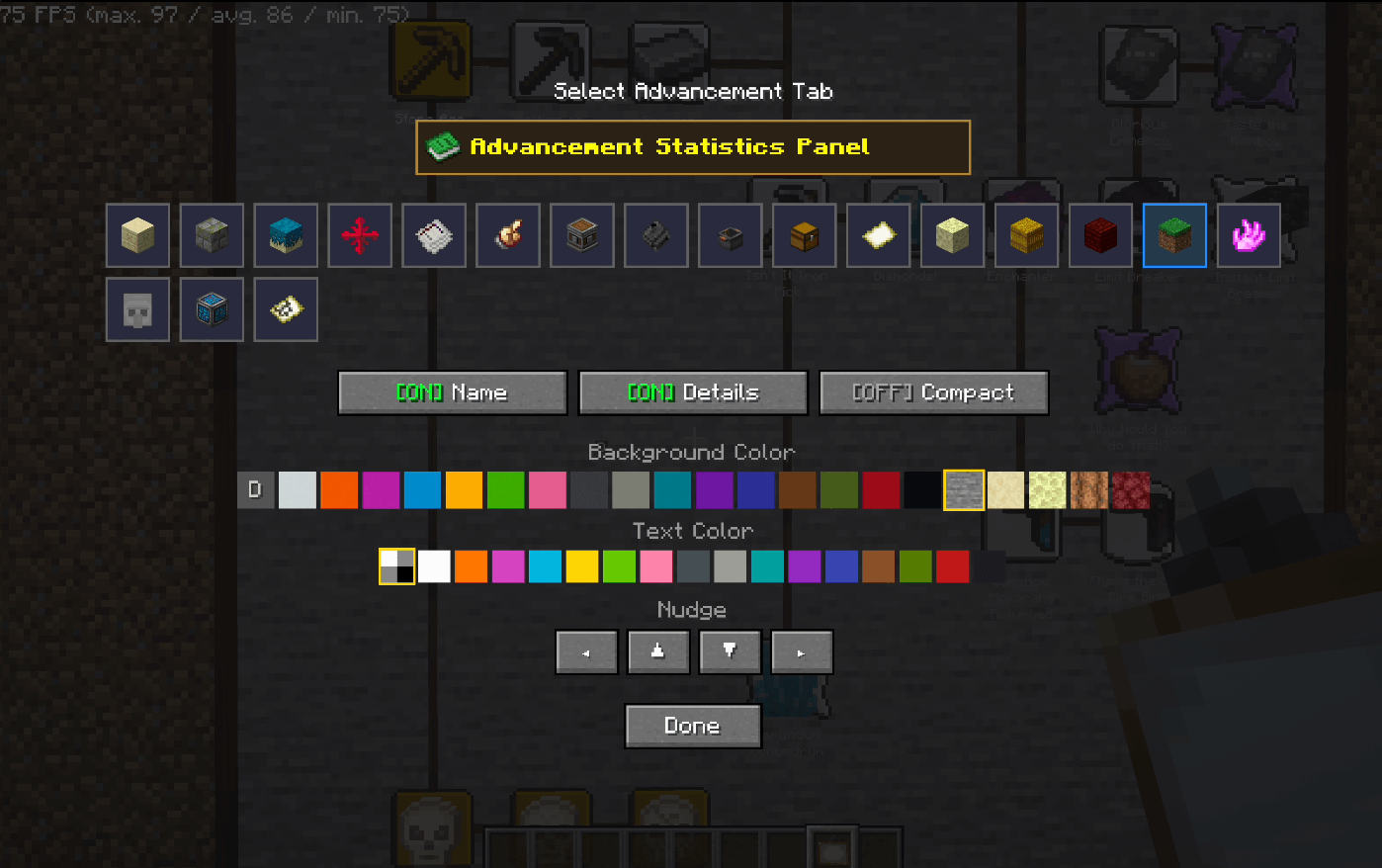
Fully Customizable — Choose from 21 background options (16 concrete colors, 5 vanilla advancement backgrounds, or the default). Pick a custom text color or let the auto-contrast system handle it. Toggle player name and completion details on or off.
Redstone Output — Connect a comparator to read completion percentage as a signal strength (0–15). Build automated displays, unlock doors at 100%, or create competitive challenges.
Board Copying — Shift+Right-Click a placed board with another board item to copy all its settings. Perfect for duplicating configurations across a build.
How to Use
- Craft an Achievement Board using the recipe below
- Right-click a wall or floor to open the tab selection screen
- Select an advancement tab from the icon grid (or the Statistics Panel)
- Customize your background, text color, and toggle options
- Click Done to place the board
To change an existing board, the owner can right-click it to reopen the settings screen. Other players who right-click will see a completion summary in chat.
Shift+Right-Click (empty hand) on a board to see the description of the nearest advancement.
Nudge a placed board through the settings screen to reposition it without breaking and replacing.
Crafting Recipe
[Glow Ink Sac] [Glass Pane]    [Glow Ink Sac]
[Glass Pane]   [Eye of Ender]  [Glass Pane]
[Glow Ink Sac] [Glass Pane]    [Glow Ink Sac]
Mod Compatibility
- Jade (optional) — When installed, looking at a board shows the player name and advancement tab in the Jade HUD tooltip.
Requirements
- Minecraft 1.20.1
- Forge 47.x+
常见问题
Achievement Boards 支持哪些 Minecraft 版本?
Achievement Boards 支持 Minecraft Java 版 1.20.1,可用的加载器:Forge。下载时注意选择和你游戏版本一致的文件。
Achievement Boards 怎么安装?
先用 PCL2 或 HMCL 启动器安装对应版本的 Forge,再把下载的 .jar 文件放进游戏目录的 mods 文件夹,重新启动游戏即可。开启了版本隔离的,mods 文件夹在 versions/版本名 下面。
ByteSizeDS 的其他作品
查看全部 →
ByteSize Villager Inventory
ByteSize Villager Inventory allows players to access and manage a villager's inventory. Open a villager's inventory directly to manage their typically hidden inventory.
Null Field Emitters
Adds configurable anti-magnet field emitters that stop Sophisticated Backpacks magnets within large, visible areas.

ByteSize CreateCompression Fixes – Data Pack
A simple data pack that fixes the raw metal compression recipes from the Create Compression mod.
评论
登录后评论和评分