
截图

介绍
TestFabricAddItemMod1
Overview of this Mod
A mod made by 1510ty that adds items and blocks.
This mod was created as a trial by 1510ty, a Java beginner.
Please don’t expect too much.
Versions prior to 3.1.1 are available on Github.
However, most of them are not translated into English and there are no explanations for the mods, so I don’t recommend them.
This mod was created using IntelliJ IDEA.
Please note: 1510ty is Japanese, so some of the content of the mod may be in Japanese and some of the English may be translated, so you may feel uncomfortable.
what is added
・TestItem1
・TestBlock1
In future updates, more items that are useful for building will be added.
Test environment
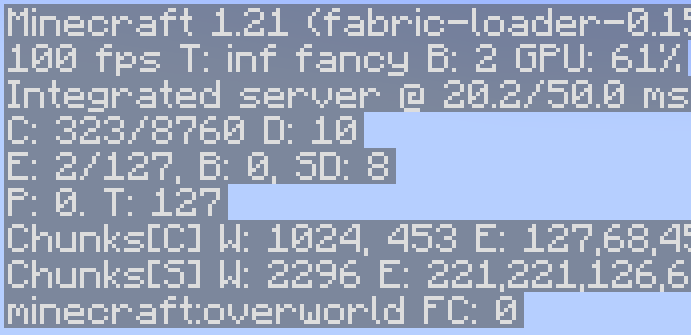
Minecraft 1.21.4
Fabric lorder 0.16.10
Fabric API 0.114.2
CPU: Intel Core i7 13620H
RAM: 32GB 5200MT/s
SSD: 512GB
GPU:Nvidia Geforce RTX 4060 laptop
How to install
- Download the mod file (.jar) for your version of Minecraft.
- Download the FabricAPI that matches the version of Fabric loader.
- Install Fabric loader 0.16.10 on Launcher
- Move the downloaded Mod file and FabricAPI to the Mods folder in your profile.
- Start!
We plan to add a video on how to install it at a later date.
If you install this mod and want to play multiplayer, you will need to install it on both the client and the server.
others
The source code is available on Github.
Development environment: IntelliJ IDEA
About the creator 1510ty
1510ty on Scratch
https://scratch.mit.edu/users/1510ty/
常见问题
TestFabricAddItemMod1 支持哪些 Minecraft 版本?
TestFabricAddItemMod1 支持 Minecraft Java 版 1.21.4,可用的加载器:Fabric。下载时注意选择和你游戏版本一致的文件。
TestFabricAddItemMod1 怎么安装?
先用 PCL2 或 HMCL 启动器安装对应版本的 Fabric,再把下载的 .jar 文件放进游戏目录的 mods 文件夹,重新启动游戏即可。开启了版本隔离的,mods 文件夹在 versions/版本名 下面。运行环境:客户端和服务端都要装。
评论
登录后评论和评分