
The Stories Of Tarvald – Trip To School (Adventure Map)
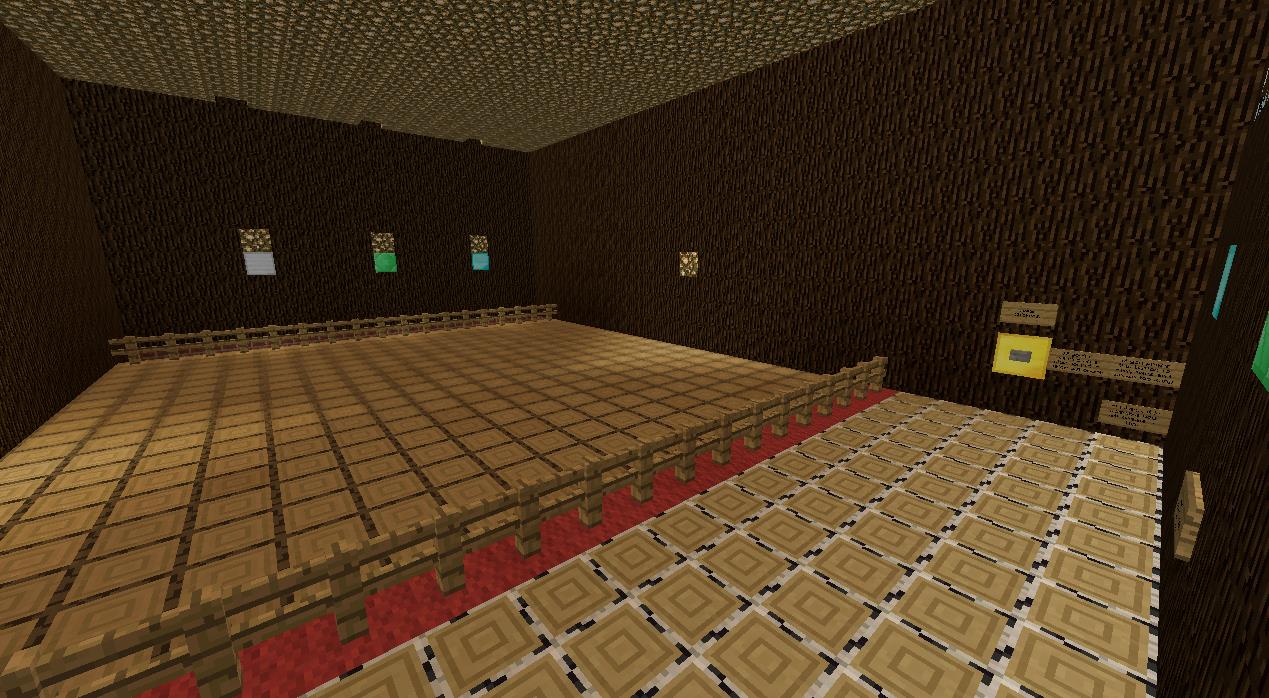
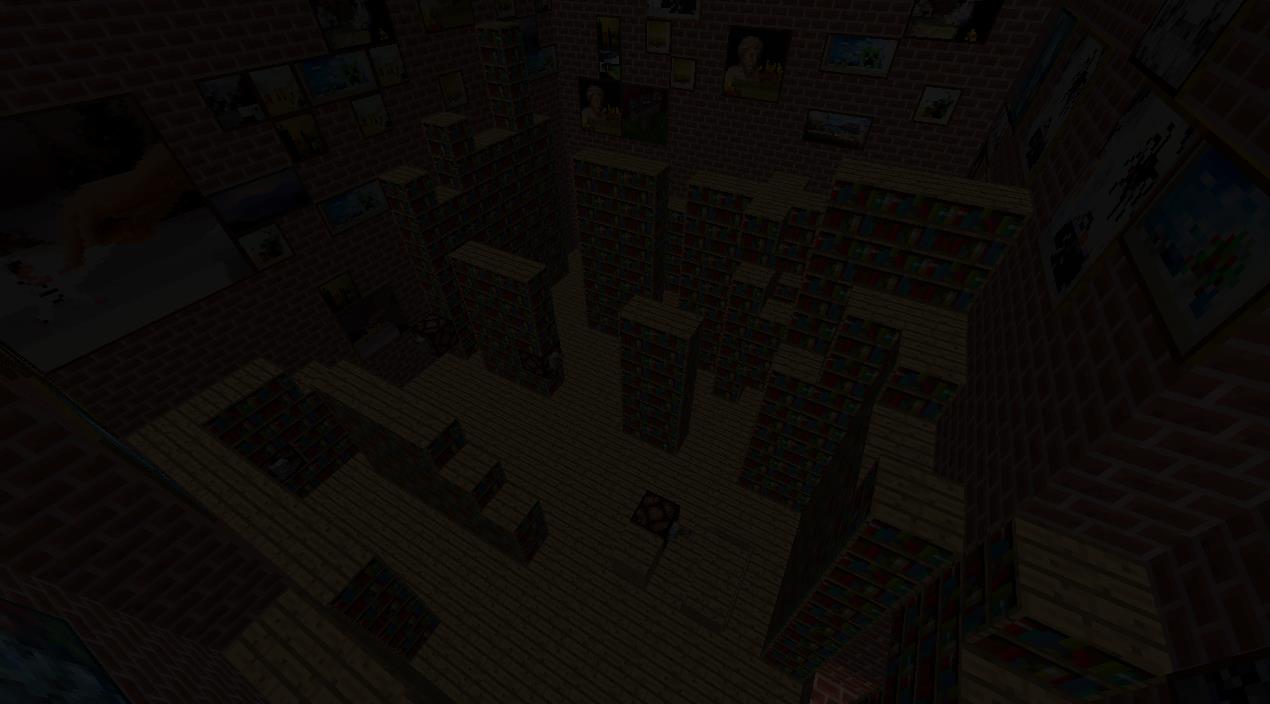
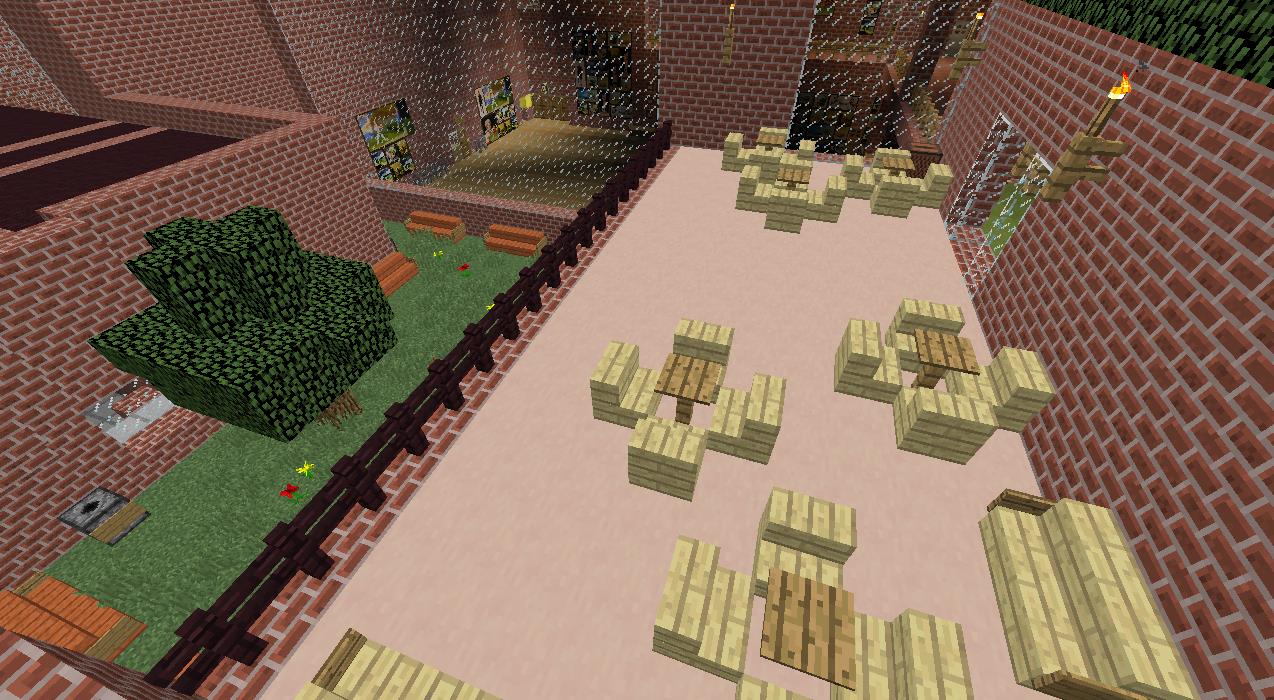
An adventure map that has 8 different unique worlds with many levels.
截图
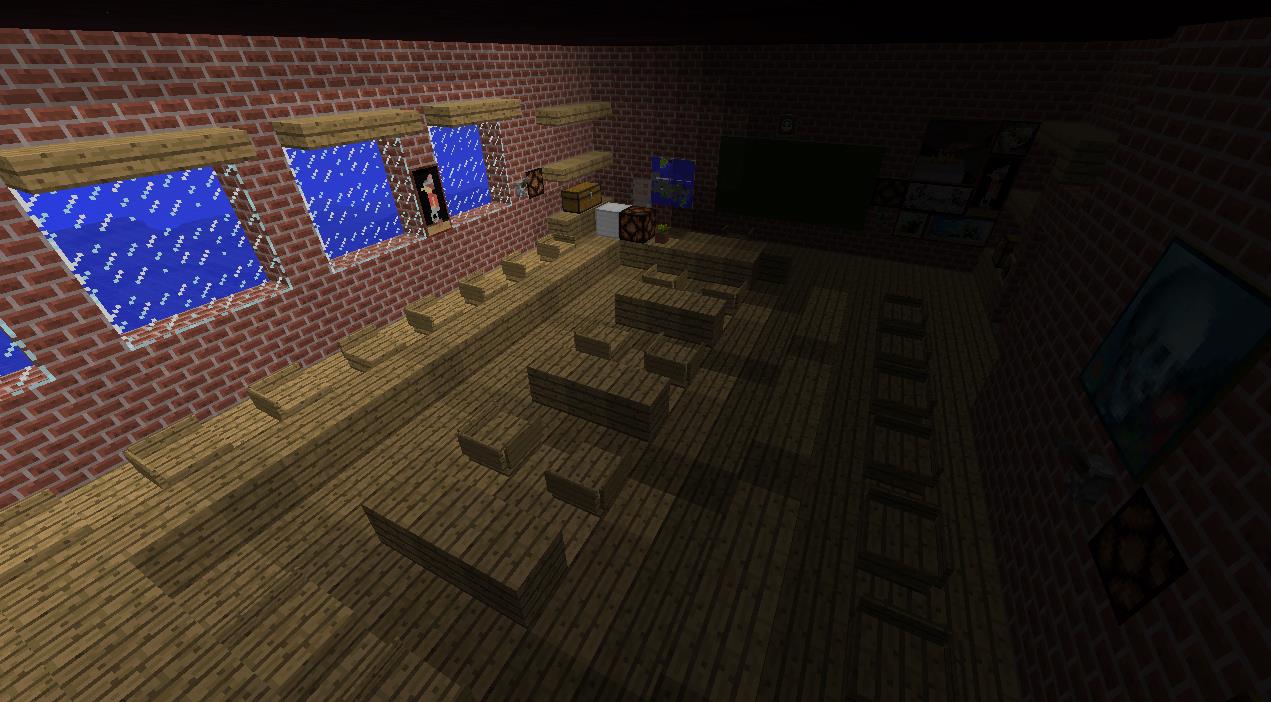
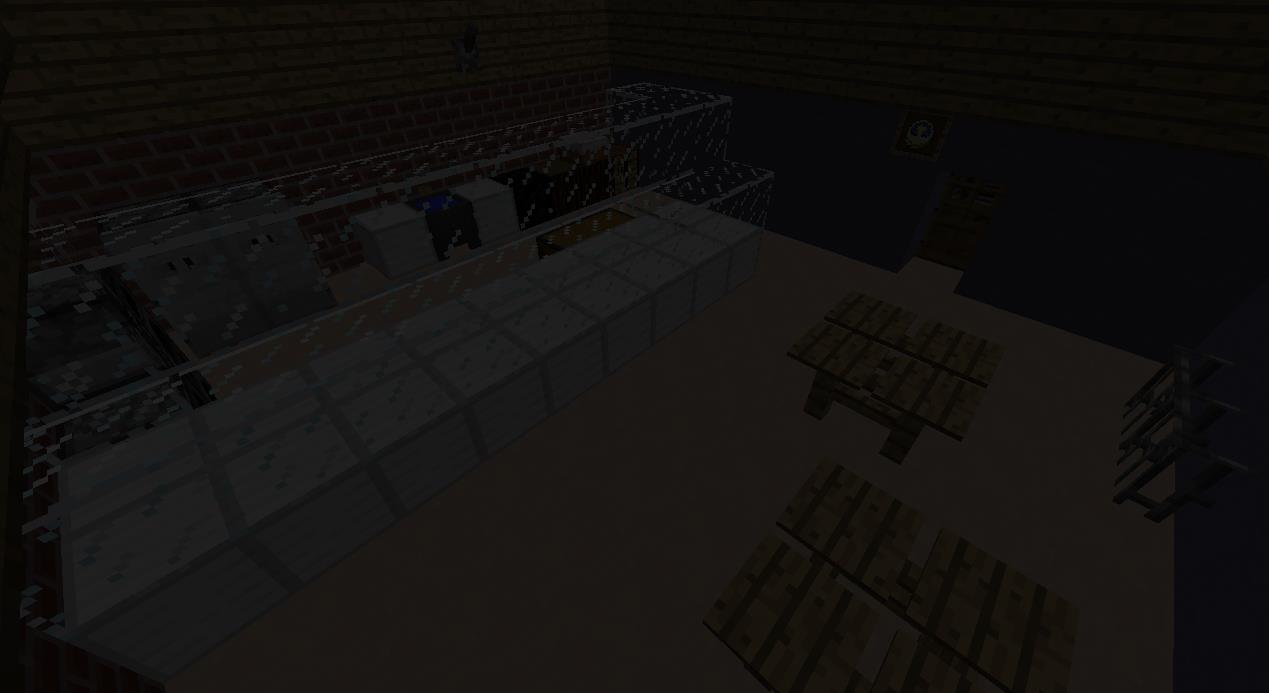
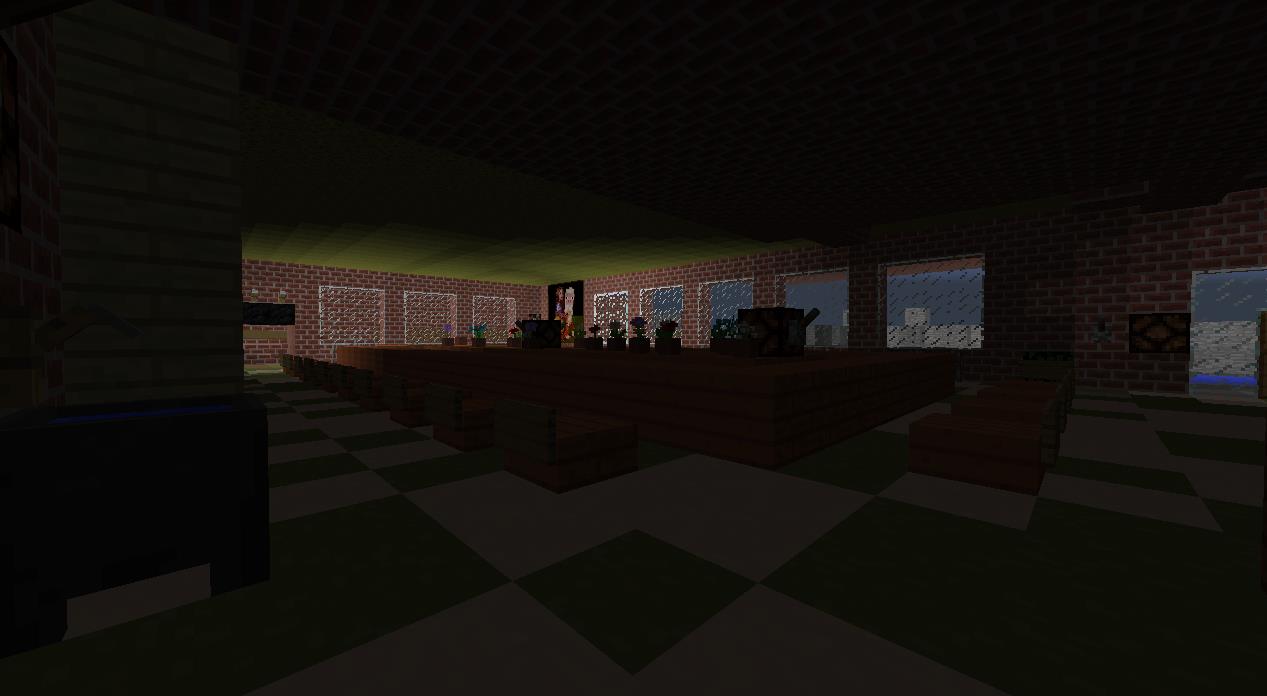
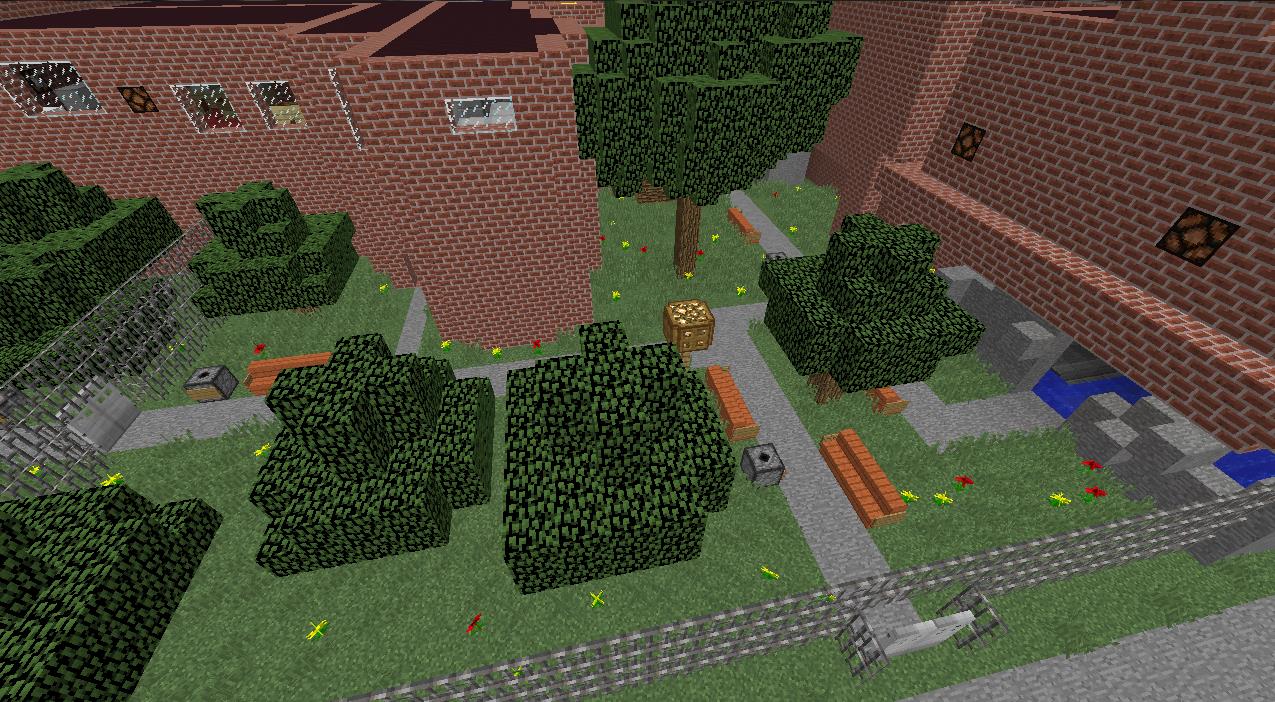
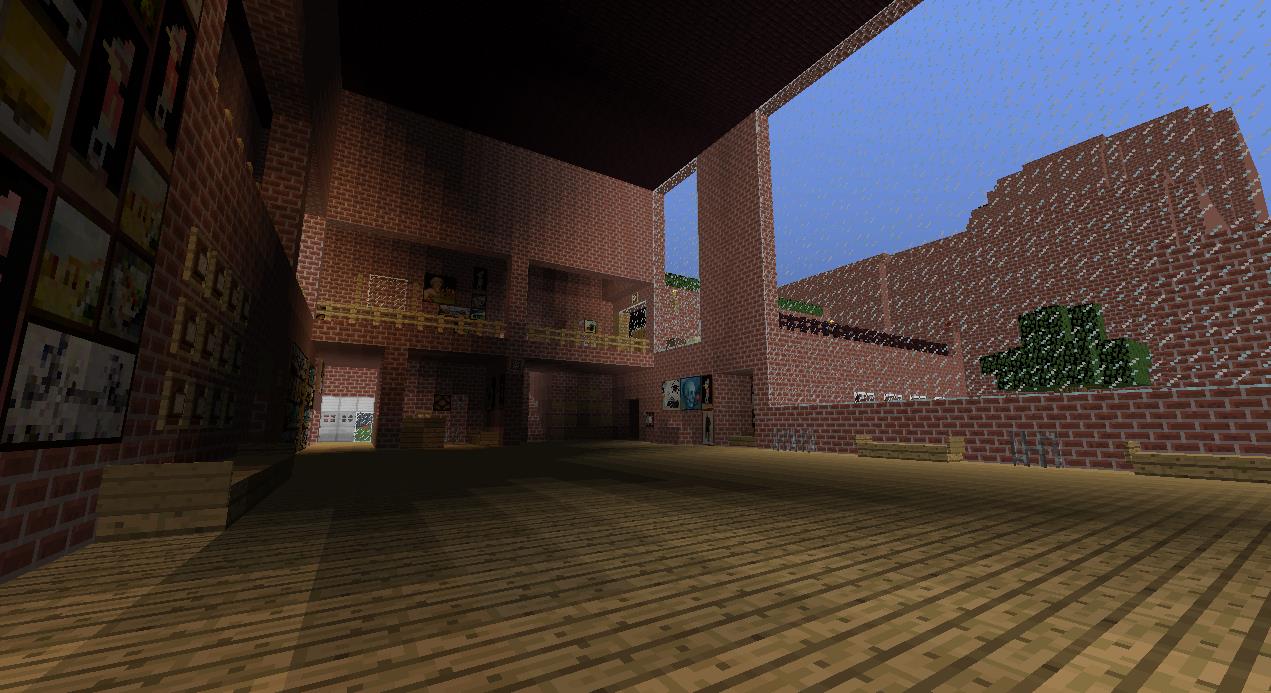
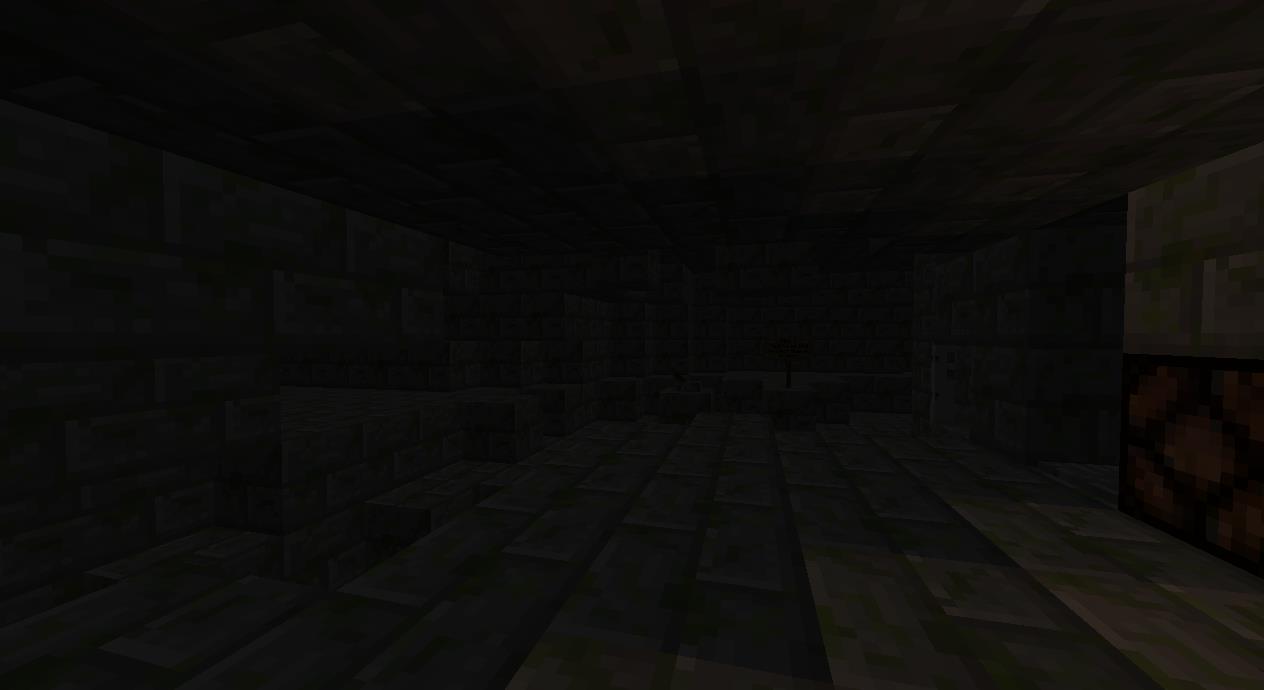
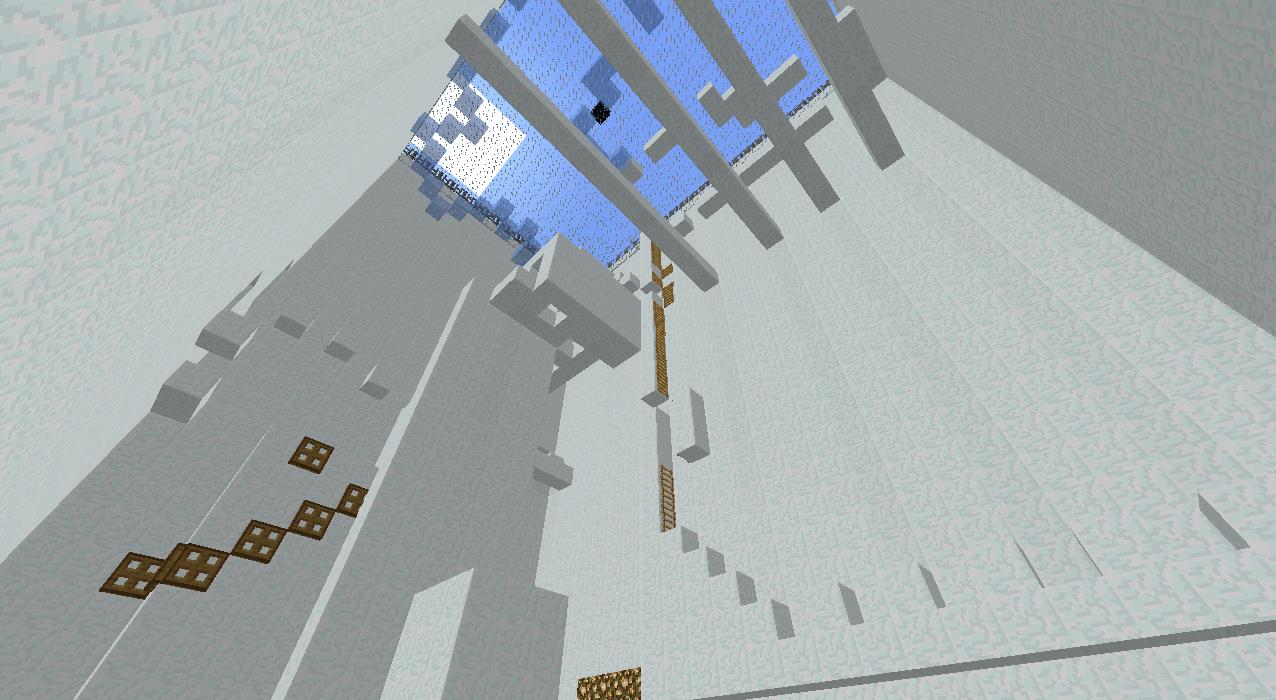
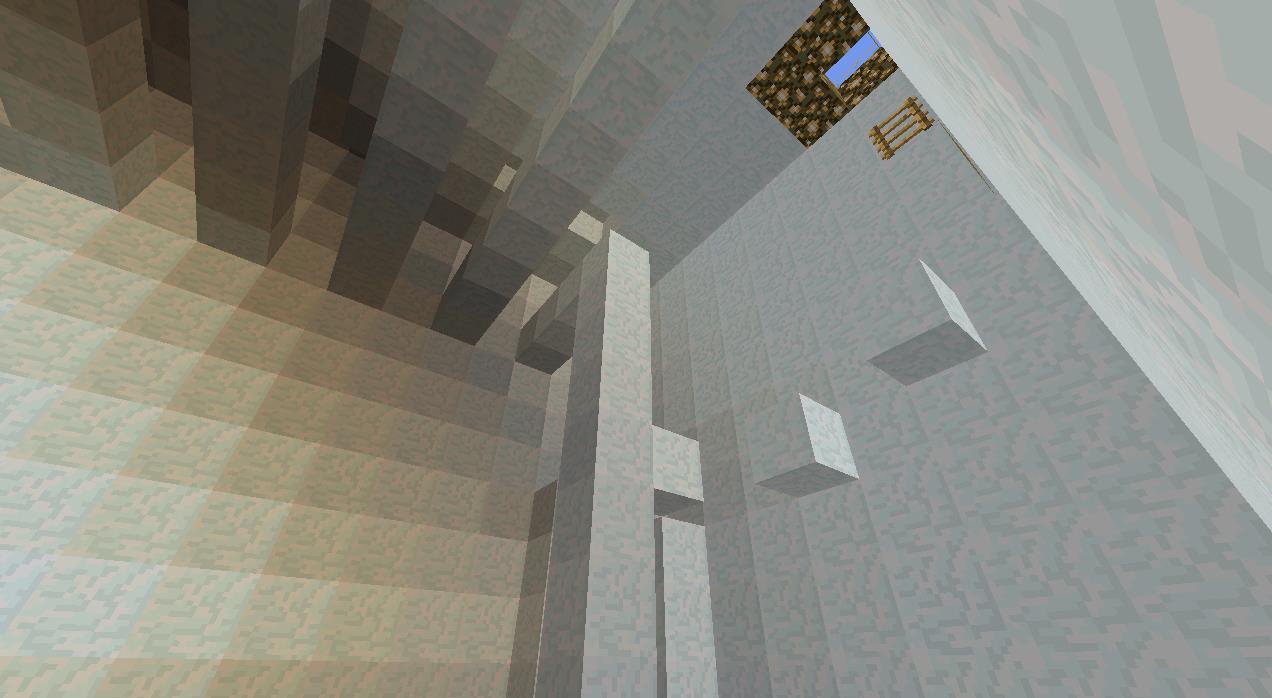
介绍
LEGAL PERMISSIONS:
You may record this map as long as you give credits to me in the description.
MINECRAFT VERSION:
This map has been tested in 1.8.3. Running this map in ANY other version of Minecraft is not recommended.
DESCRIPTION:
Explore new unseen worlds that contain many levels that need to be passed. From Egypt to Greece. From Mines to Forgotten Temples, all of this is just a one click away.
Search, Ride, Meet new worlds, Fight for the last breath, Find a way out, Find secrets, Find diamonds, Escape BIG rooms, Do tasks, Challenge yourself, Earn prizes, Think, BURN.
After you finish, comment your score.
DOWNLOAD NOW!
THE RULES:
– Do not place or break any blocks unless you placed them.
– Do not use commands except /weather clear.
– Do not wander off of the main path.
– Use items you got in chests or anywhere in map only.
– Play in peaceful.
– Do not use 3rd party programs or mods.
REQUIREMENTS:
– Minecraft 1.8.3
– Vanilla Server (Multiplayer)
– Adjust server.properties (see below)
RECOMMENDATIONS:
– Default Texture/Resource Pack
– Brightness: Full/Bright
– 1-2 players
SERVER:
For Multiplayer, you MUST have command blocks enabled.
In your server.properties file, make sure you have this:
enable-command-block=true
allow-nether=true
allow-flight=true
max-build-height=256
spawn-npcs=true
spawn-animals=true
spawn-monsters=true
Correct spawn position is: -216 63 442 (type /tp -216 63 442)
Map made by JamesXCx.
___________________________________
CAN’T FIND THE MAP IN YOUR SAVES?
Do NOT place the entire PACKAGE in your saves. ONLY place the The Stories Of Tarvald – Trip To School folder into your save folder.
常见问题
The Stories Of Tarvald – Trip To School (Adventure Map) 支持哪些 Minecraft 版本?
The Stories Of Tarvald – Trip To School (Adventure Map) 支持 Minecraft Java 版 1.8.3。下载时注意选择和你游戏版本一致的文件。
The Stories Of Tarvald – Trip To School (Adventure Map) 怎么安装?
解压下载的文件,把里面的存档文件夹放进游戏目录的 saves 文件夹(开启了版本隔离的在 versions/版本名/saves),重新打开游戏就能在「单人游戏」里看到。请用 1.8.3 版本打开,版本不对可能导致地图损坏。
评论
登录后评论和评分