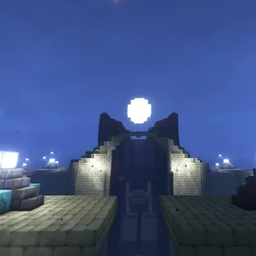
截图
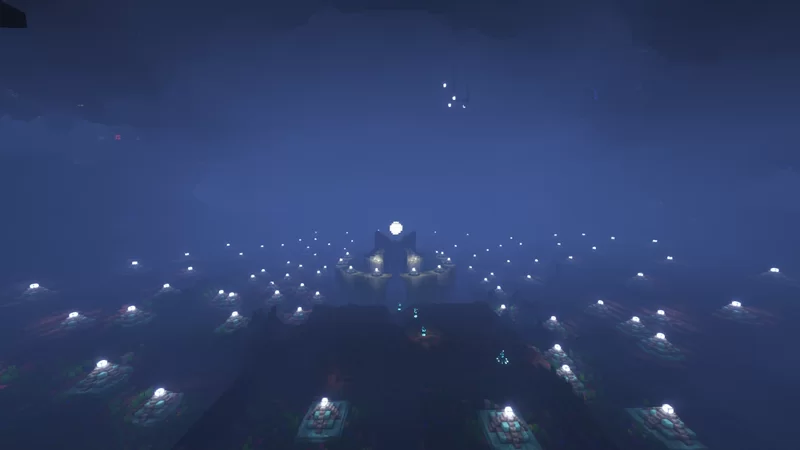
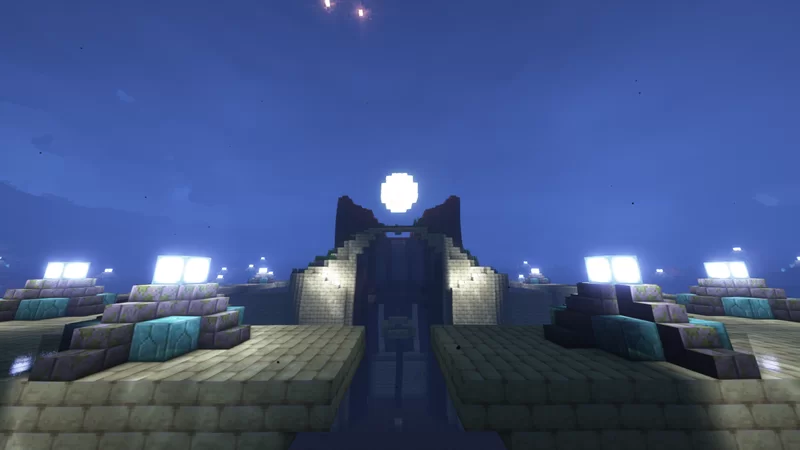
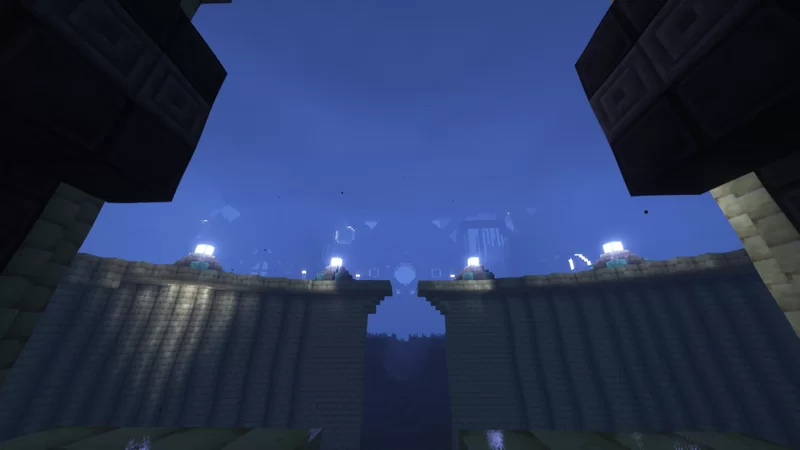
介绍
Talokan – Underwater City
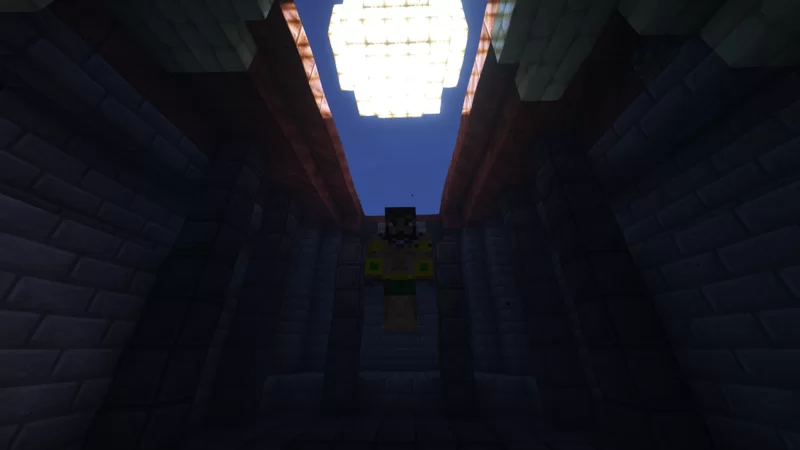
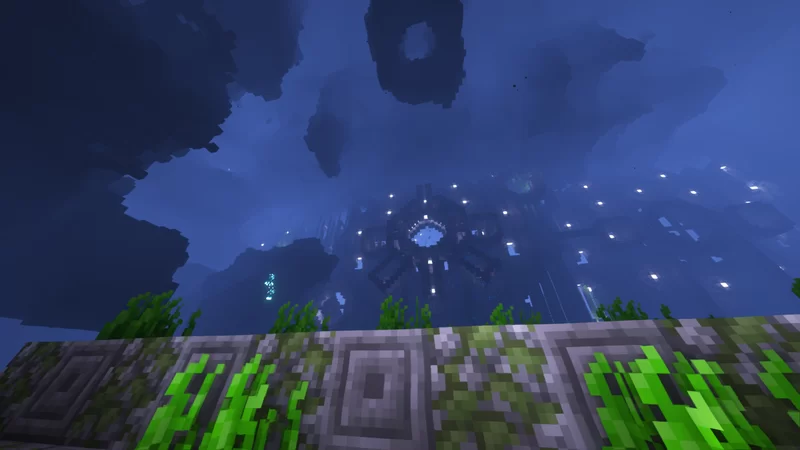
Welcome to Talokan, the hidden underwater kingdom of Namor from Black Panther: Wakanda Forever, recreated block by block in Minecraft.
This build has been a labor of love for a long time. My goal was to capture the movie’s look by blending Mesoamerican-inspired architecture with the ocean around it, so the city feels realistic and alive beneath the waves.
🏛️ What’s inside
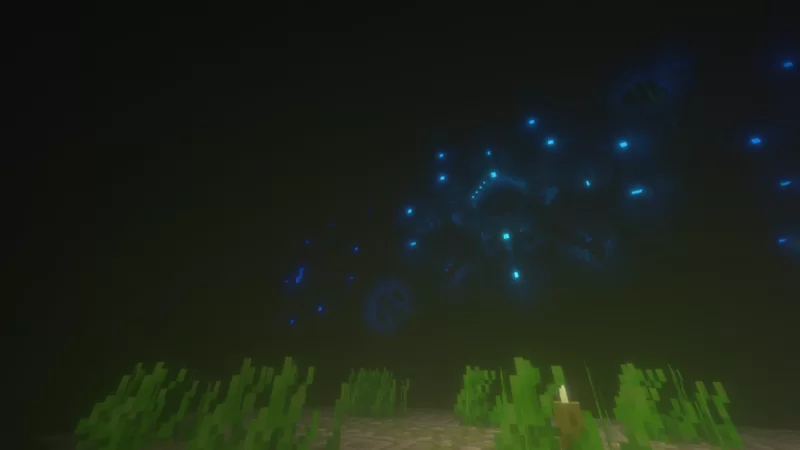
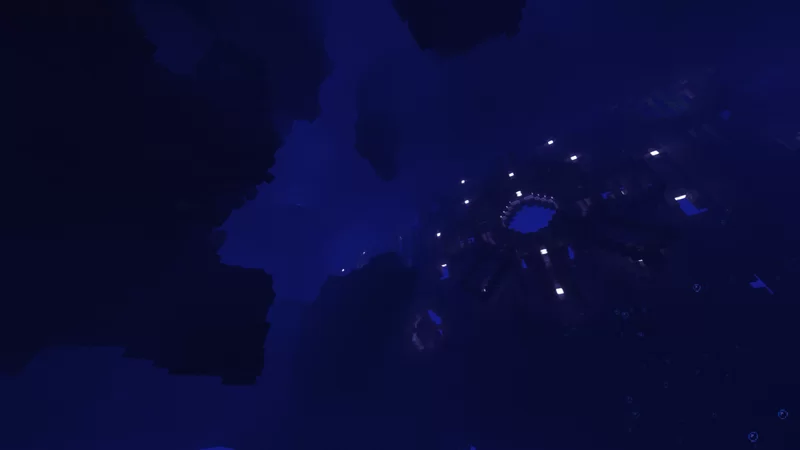
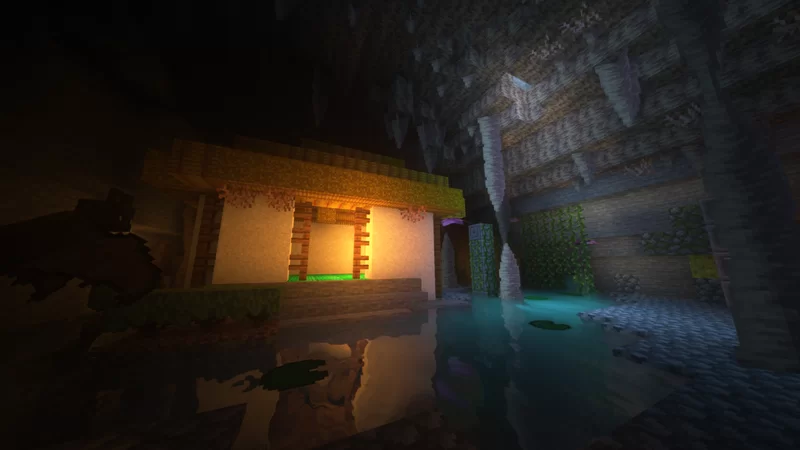
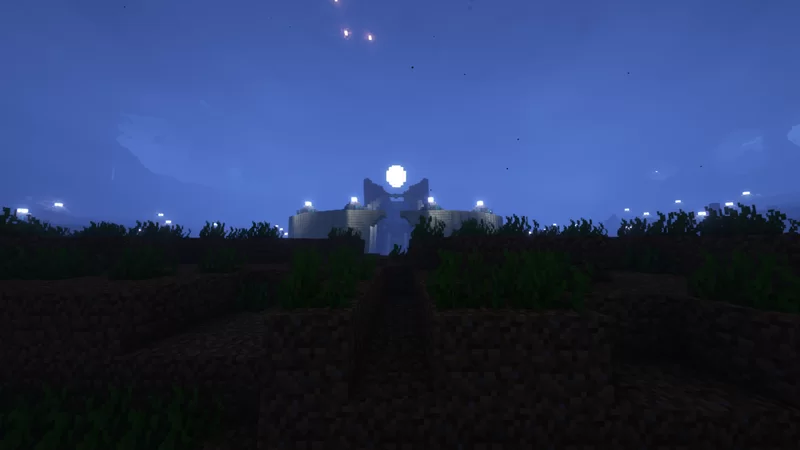
– The main city of Talokan, with the locations shown in the screenshots
– Architecture and natural details designed to match the film’s look
– Areas still under construction, so you can see how the city is growing
🚧 Project status: 60% complete
The project isn’t finished yet. This version includes every area that’s already done, and future updates will add the deep ocean and the remaining parts of the city.
📍 How to get there
Talokan is located at X: -1588, Y: 66, Z: -451.
Use /tp -1588 66 -451 or follow the coordinates in-game.
⚙️ Details
– Edition: Java Edition
– Version: 1.19.2 (it may open in newer versions, but back up the world first)
– Mods: none required. It’s a fully vanilla build.
📦 Installation
1. Download and extract the .zip.
2. Move the world folder into your saves folder (.minecraft/saves).
3. Open Minecraft 1.19.2 and select the world from Singleplayer.
💬 Feedback
If you enjoy the build, leave a comment or share your screenshots! Suggestions for the remaining areas are always welcome.
常见问题
Talokan city 支持哪些 Minecraft 版本?
Talokan city 支持 Minecraft Java 版 1.19.2。下载时注意选择和你游戏版本一致的文件。
Talokan city 怎么安装?
解压下载的文件,把里面的存档文件夹放进游戏目录的 saves 文件夹(开启了版本隔离的在 versions/版本名/saves),重新打开游戏就能在「单人游戏」里看到。请用 1.19.2 版本打开,版本不对可能导致地图损坏。
评论
登录后评论和评分