
RestWorld : A complete texture pack test world for 26.3!
Compact and complete resource pack test world
截图
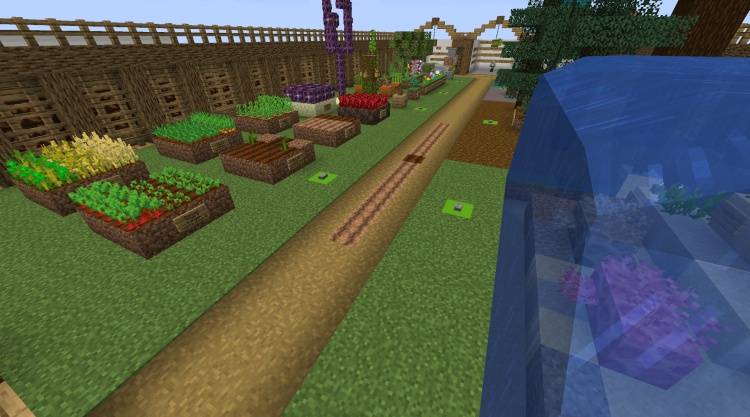
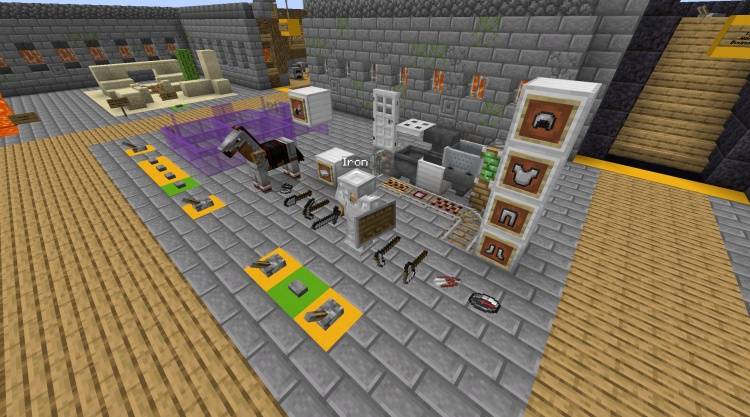
介绍
Latest Updates: Now serving: Version 26.3!
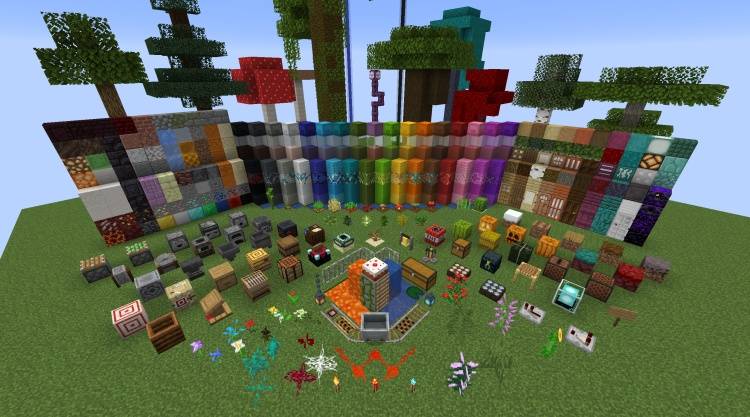
As Minecraft has evolved, the number of blocks has become larger and larger.
There used to be a few downloadable test worlds for looking at a pack, but over time these are much more unwieldy.
Which leaves a test world with a choice between completeness, compactness, and being able to see things with enough room.
(RestWorld)[https://claritypack.com/restworld/index.html] squares this circle by looping.
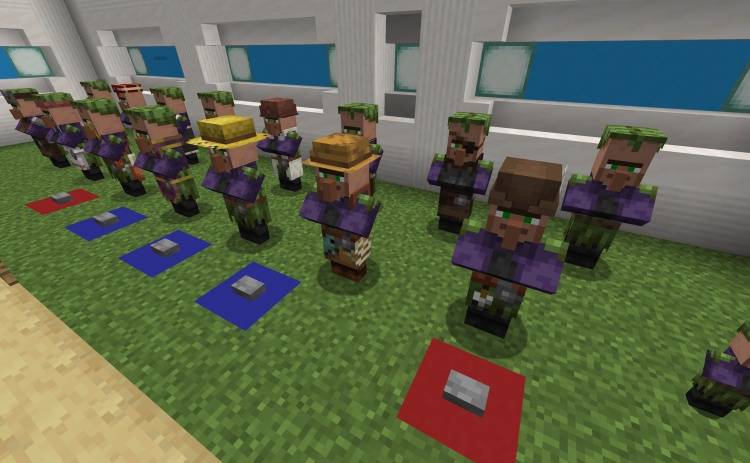
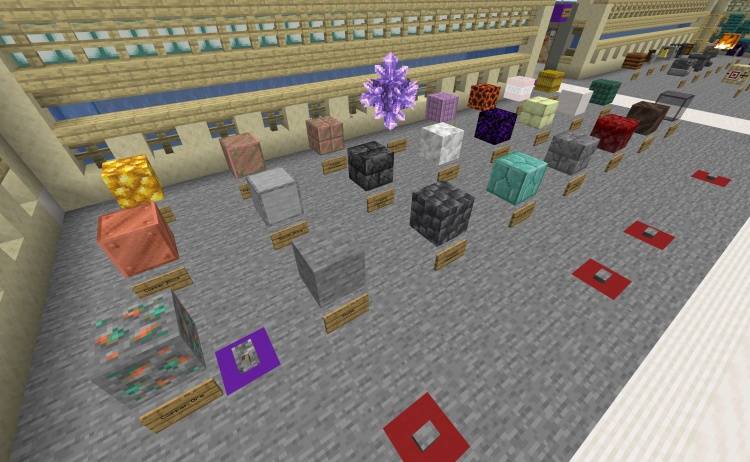
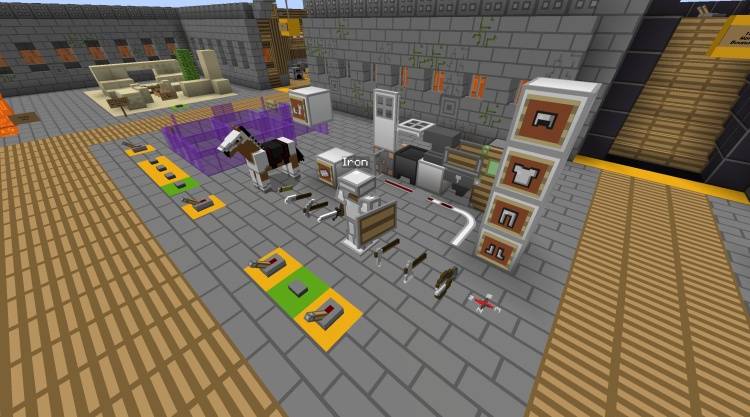
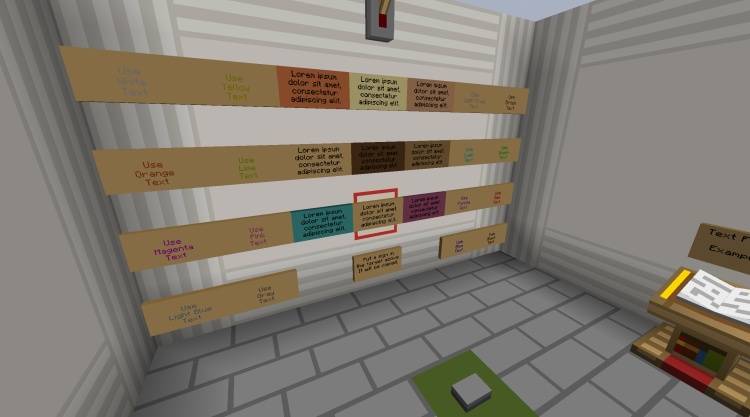
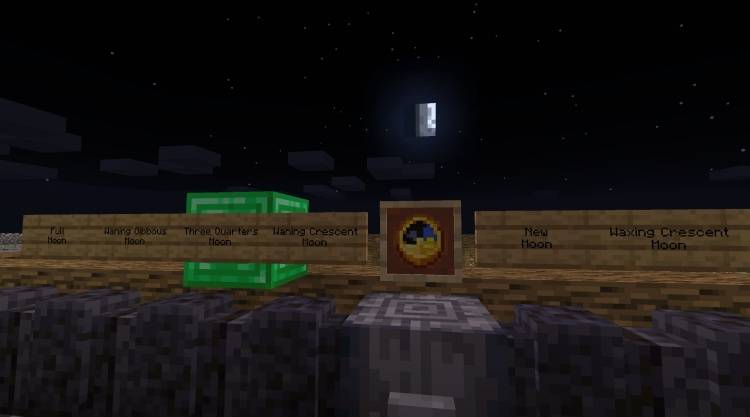
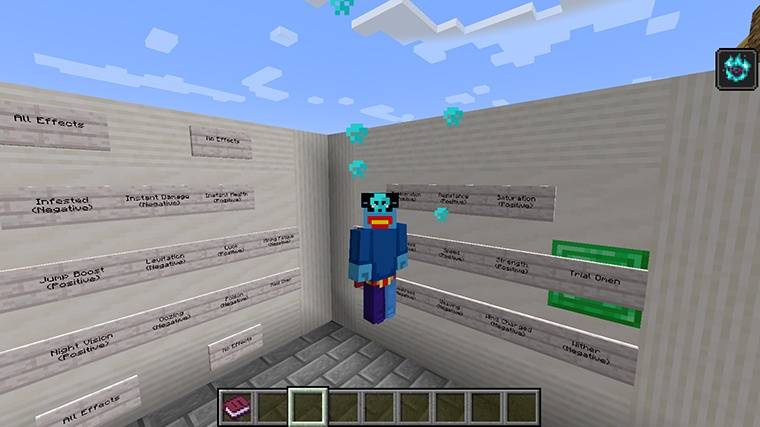
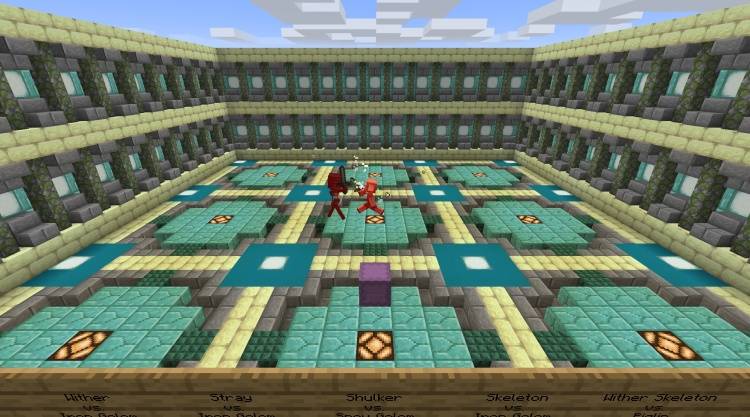
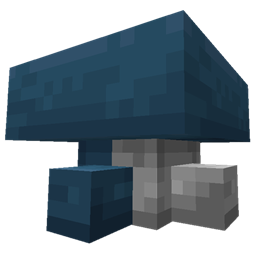
Blocks and mobs that are similar take up a small space, and within that space, the variations are looped.
For example, all the ores take up one block, which changes from coal ore to iron ore to gold ore and so on.
Each is shown for a couple seconds (you can adjust the timing).
And you can stop the looping at any time to focus on a specific ore texture.
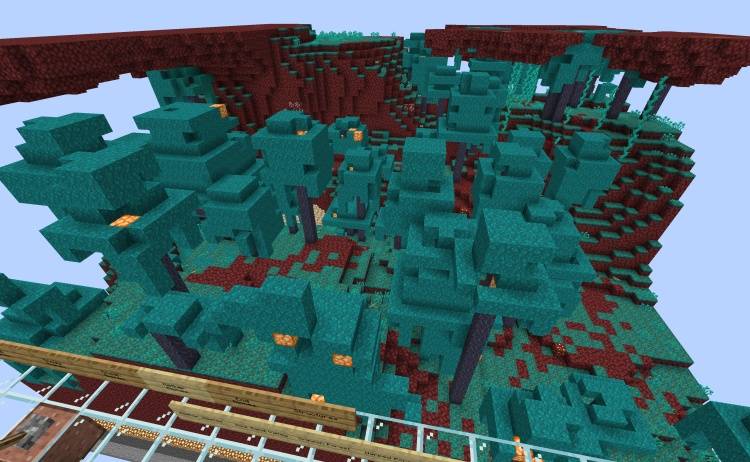
This means you have all blocks and mobs within a space that you can traverse.
You can also compare how related blocks look.
For example, if you want ores to look the same, you will notice errors much more easily when you can see the offending ore switched to from another one.
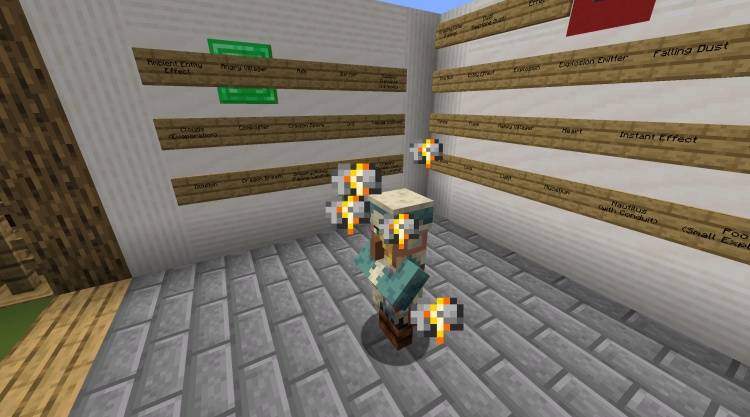
Here’s an example, which shows looping through villagers.
A lot more information is on (the RestWorld website)[https://claritypack.com/restworld/index.html], take a look!
The site also has some downloads for older Minecraft versions.
If you use this to create a pack or evaluate one, I’d love to know about it, please add a comment below!
Obviously this takes a lot of commands and functions, but I won’t bore you with the details (unless you ask).
So download it and tell me what you think!
Older versions available for download on the RestWorld Website.
常见问题
RestWorld : A complete texture pack test world for 26.3! 支持哪些 Minecraft 版本?
RestWorld : A complete texture pack test world for 26.3! 支持 Minecraft Java 版 1.19–26.3,共 8 个版本。下载时注意选择和你游戏版本一致的文件。
RestWorld : A complete texture pack test world for 26.3! 怎么安装?
解压下载的文件,把里面的存档文件夹放进游戏目录的 saves 文件夹(开启了版本隔离的在 versions/版本名/saves),重新打开游戏就能在「单人游戏」里看到。请用 1.19–26.3 版本打开,版本不对可能导致地图损坏。
评论
登录后评论和评分