Moloch’s Gauntlet: Escape to Modernity
An avant-garde co-operative escape room adventure for three players!
截图
介绍
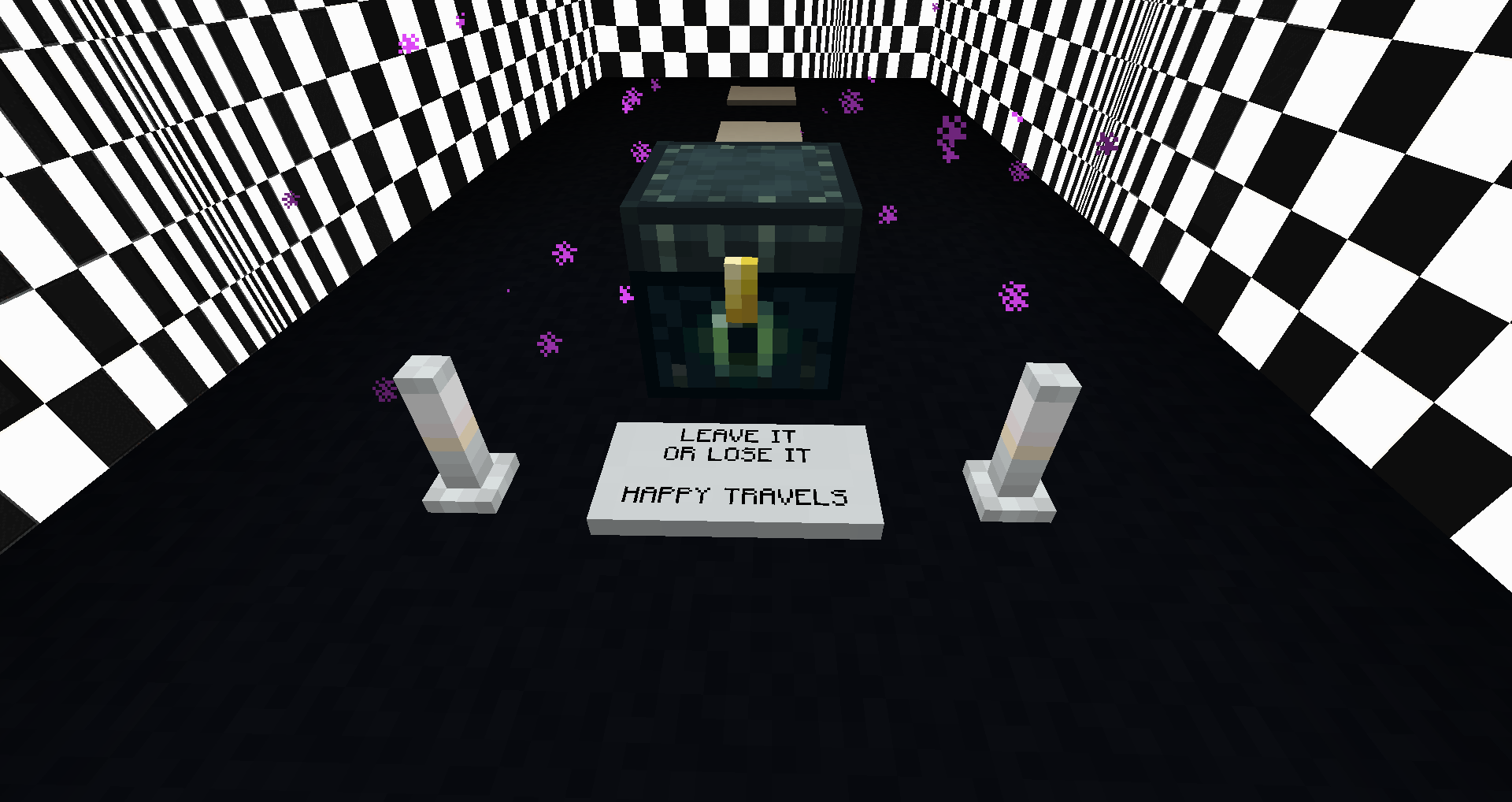
Moloch’s Gauntlet: Escape to Modernity is a three-player cooperative escape room adventure where communication is key. Players must venture through a series of brain-teasing puzzle rooms, confoundingly kaleidoscopic corridors, and assemblages allegorical to the madness of modernity. Originally created by the Student Cabal for ENGL398B Videogames and/as Theory: Minecraft and Modernity at Concordia University and integrated into the class server as a means to encourage cross-team collaboration, the project is now a playable standalone experience.
Blocks, items, and contraptions in this map require the associated Moloch’s Gauntlet modpack in order to work.
Instructions for Players:
- If someone else is hosting the game, and you are connecting to their server, you do not need to download this file.
- You will need the modpack. Head over to its page to find the file and installation instructions.
Instructions for Host:
- Follow the instructions on the modpack page to install the modpack for either local network dedicated server hosting.
- To host the map in a LAN game, download the map file, extract the zipped “mgauntlet” folder, and drop it in your Minecraft instance folder. Then launch Minecraft and select the map from the single-player menu. Once in-game, you can use the ESC menu to “Open to LAN.”
- To host the map on a dedicated server, put the “mgauntlet” folder in your server’s main directory, and edit server.properties “worldname” to point to “mgauntlet”.
Moloch’s Gauntlet: Escape to Modernity is a production of the TAG Minecraft Bloc, with support from Concordia University’s Technoculture, Art, & Games (TAG) Research Centre and the Lab for Innovation in Teaching and Learning (LITL).
This project is (C) 2021-2022 TAG Minecraft Bloc; distributed and licensed for re-use under Creative Commons Attribution-Sharealike 4.0 license.
常见问题
Moloch’s Gauntlet: Escape to Modernity 支持哪些 Minecraft 版本?
Moloch’s Gauntlet: Escape to Modernity 支持 Minecraft Java 版 1.16.5。下载时注意选择和你游戏版本一致的文件。
Moloch’s Gauntlet: Escape to Modernity 怎么安装?
解压下载的文件,把里面的存档文件夹放进游戏目录的 saves 文件夹(开启了版本隔离的在 versions/版本名/saves),重新打开游戏就能在「单人游戏」里看到。请用 1.16.5 版本打开,版本不对可能导致地图损坏。
vapidincarnate 的其他作品
查看全部 →
The Allegorical Build
A pedagogical pack by TAG Minecraft Bloc for students to engage with discourses on modernity.
What is the Fun Palace?
A modpack designed around tech, modern architecture and exploration
Moloch the Consumer
A demonic embodiment of modern industrialism and consumption, in the form of a block that makes demands and offers rewards....

Moloch’s Gauntlet: Essential Mods
Mods required for puzzle map Moloch's Gauntlet: Escape to Modernity
评论
登录后评论和评分