
(New Update!) c̶u̶t̶i̶e̶y̶ツ゚’s PixelArt World
作者:SneakyDev
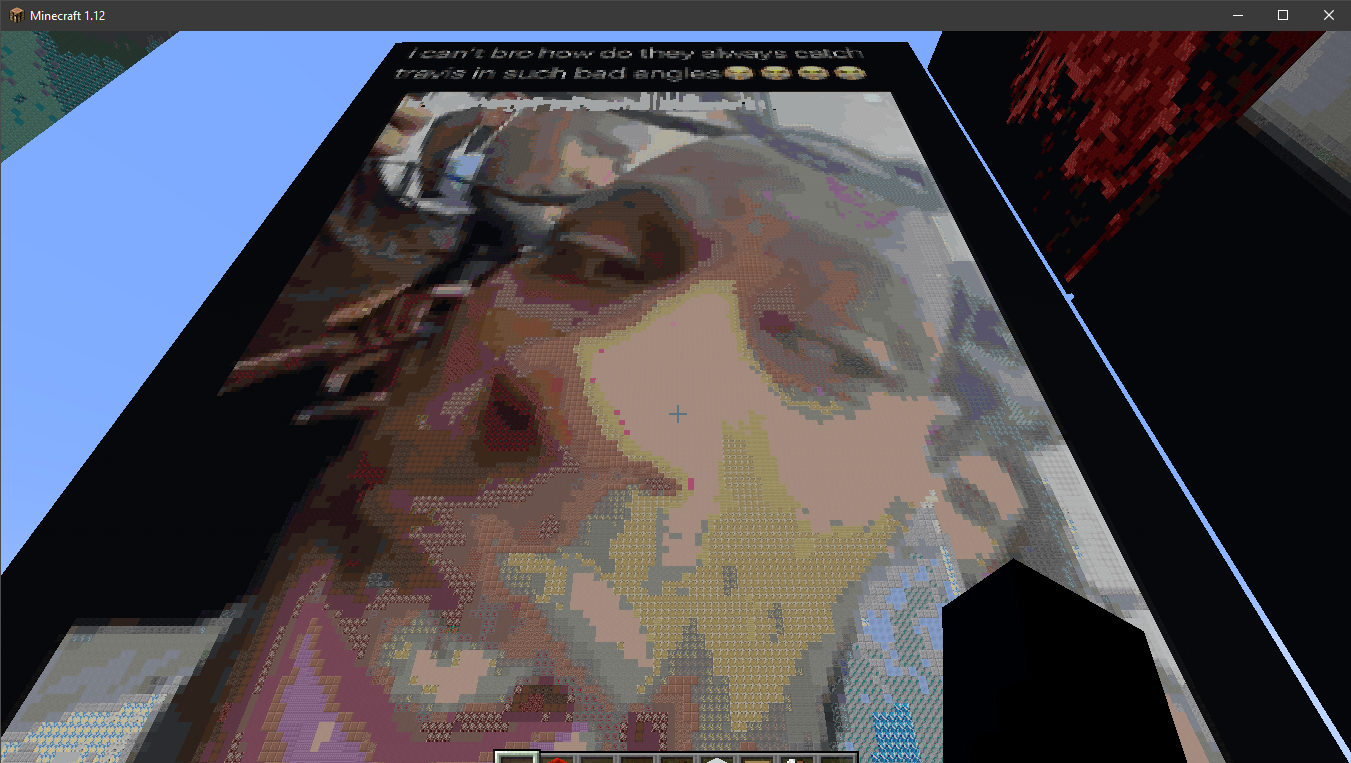
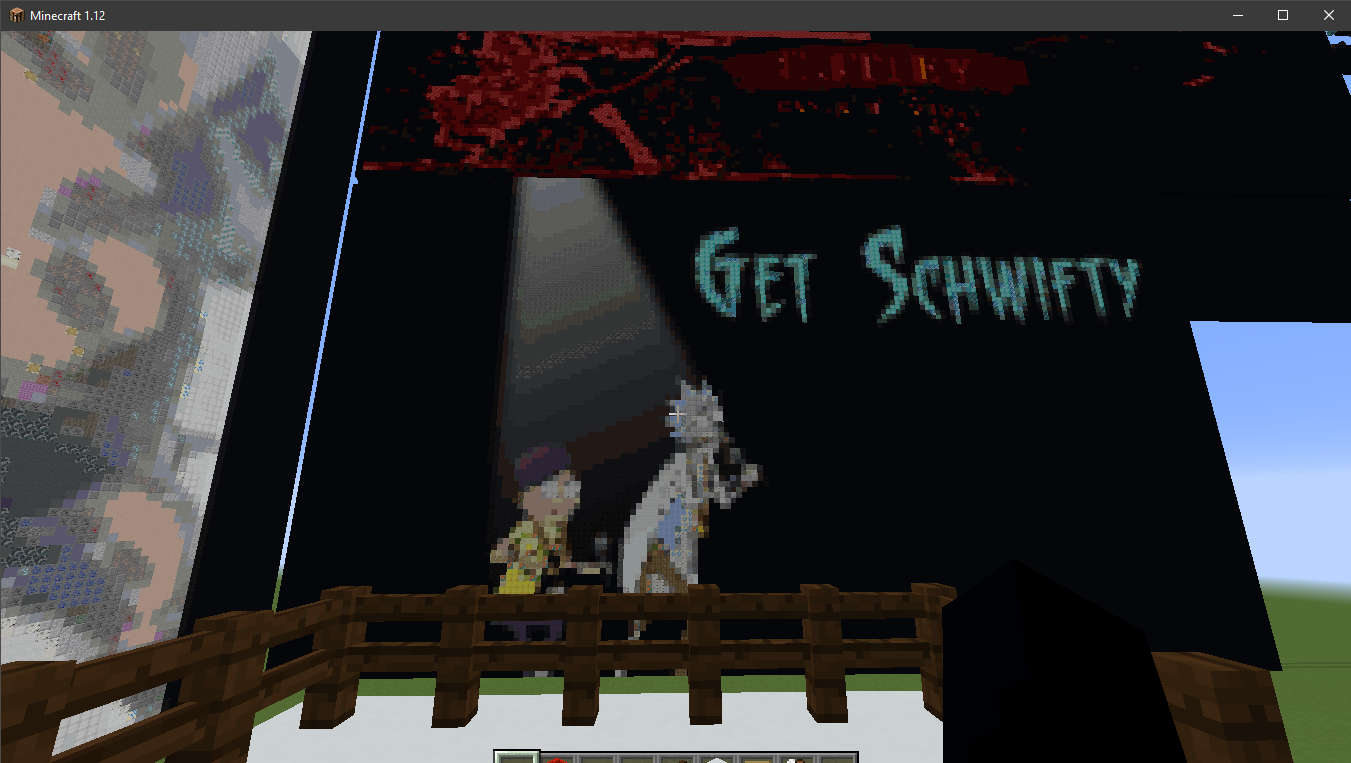
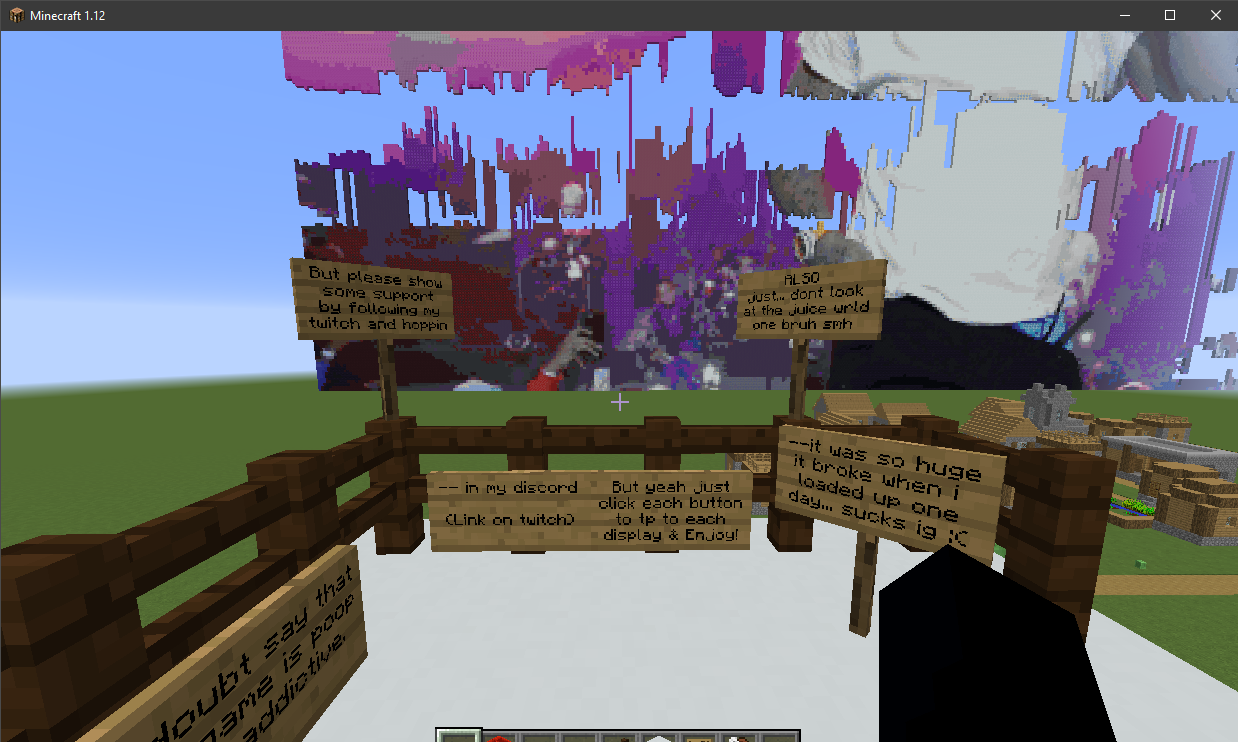
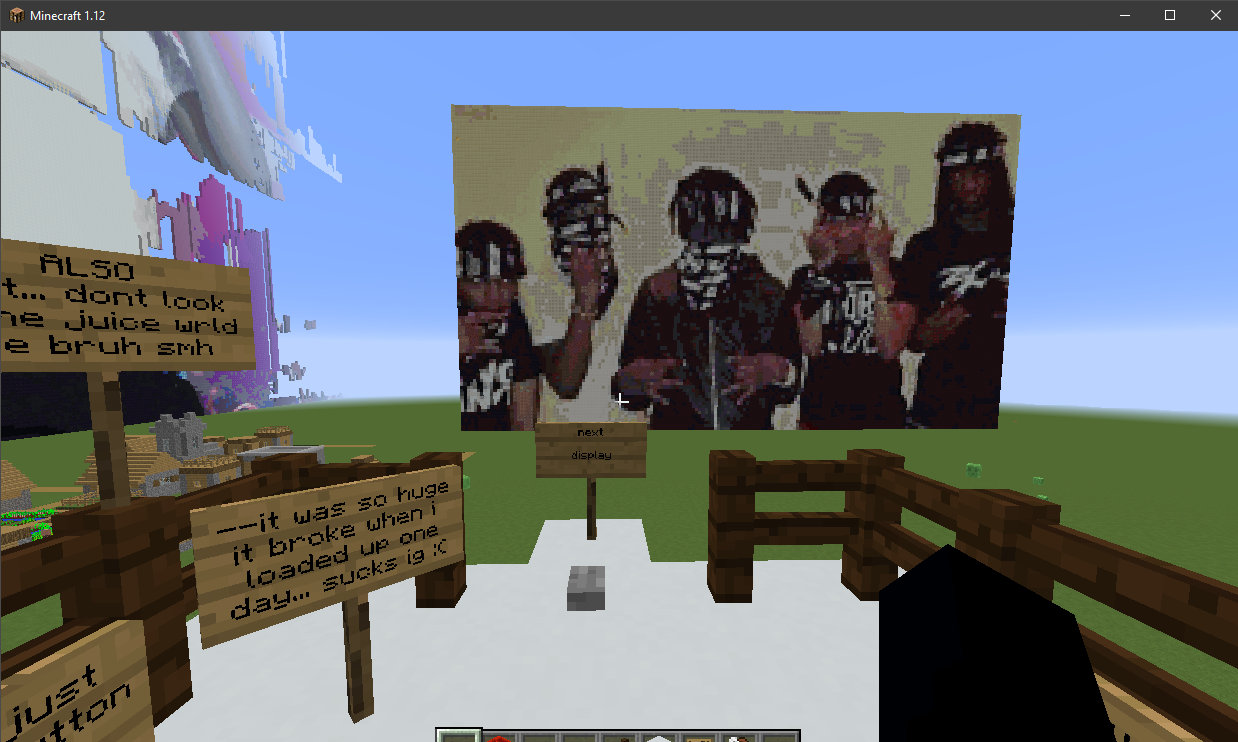
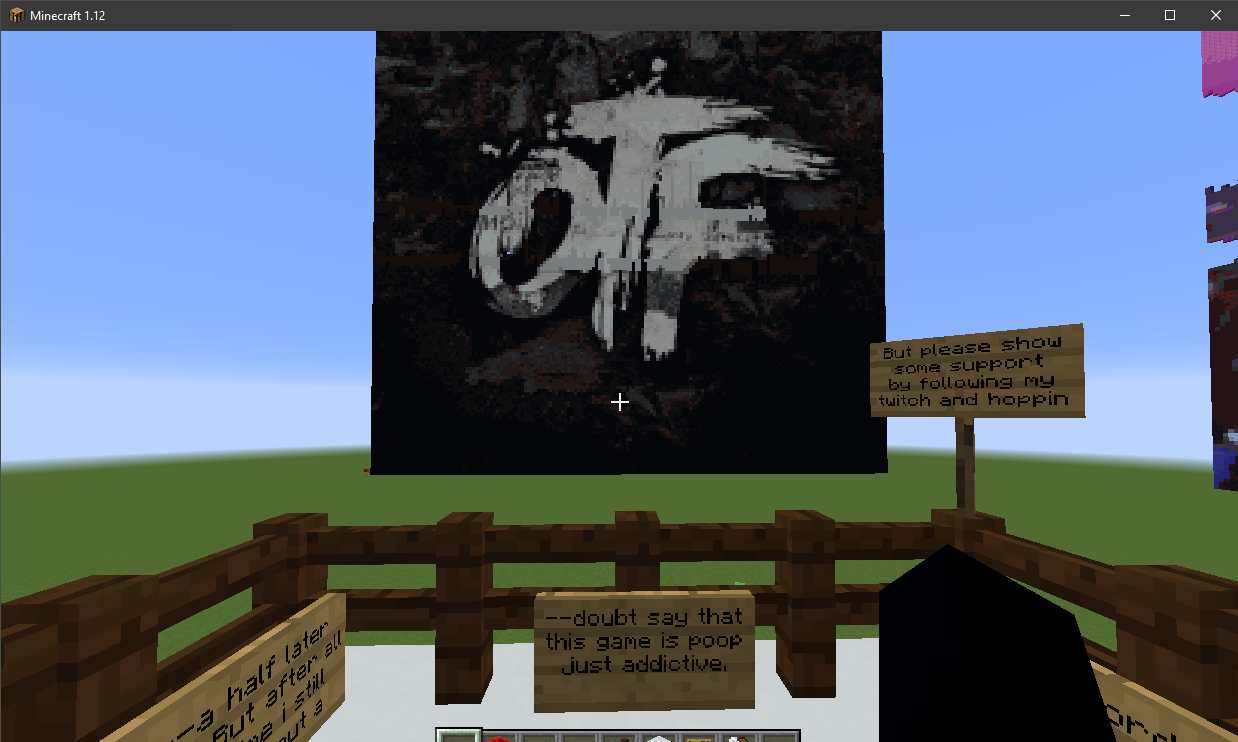
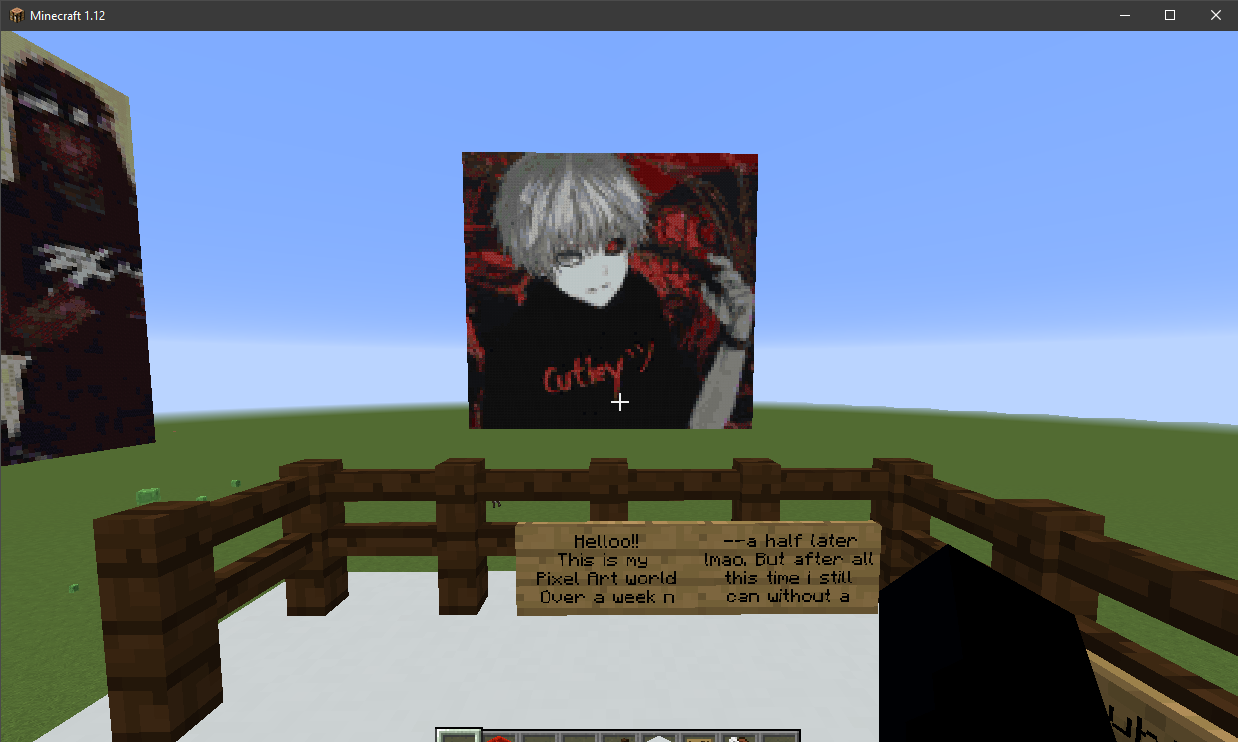
Aesthetic PixelArt world with multiple displays!
截图
介绍
中文介绍正在准备中,下面暂时显示原文。
Hello !
This is my pixel art world !
Minecraft Version 1.18.0 !!
Currently a work in progress as i want to have many many displays, but while i currently only have seven i wanted to share this world w the public
How to download from github:
(For people unfamiliar with github and minecraft java)
First off, click the c̶u̶t̶i̶e̶y̶ツ゚’s PixelArt zip folder, Click “view as raw”, and then once its installed into your downloads right click the file and select “extract files”, select your desktop and click ok. Now, once the files on your desktop you can delete the zip. After that navigate to your “.minecraft” folder, which should typically be located in “C:\Users\your_profile\AppData\Roaming\\.minecraft”. Now click on the saves folder and drag in “c̶u̶t̶i̶e̶y̶ツ゚’s PixelArt” (My world file) From the “My-PixelArt-MC-World-v1” folder. Then when you open Minecraft 1.18.0 and select singleplayer, the world should appear!
Enjoy!!
(Updated) Showcase:
常见问题
(New Update!) c̶u̶t̶i̶e̶y̶ツ゚’s PixelArt World 支持哪些 Minecraft 版本?
(New Update!) c̶u̶t̶i̶e̶y̶ツ゚’s PixelArt World 支持 Minecraft Java 版 1.18。下载时注意选择和你游戏版本一致的文件。
(New Update!) c̶u̶t̶i̶e̶y̶ツ゚’s PixelArt World 怎么安装?
解压下载的文件,把里面的存档文件夹放进游戏目录的 saves 文件夹(开启了版本隔离的在 versions/版本名/saves),重新打开游戏就能在「单人游戏」里看到。请用 1.18 版本打开,版本不对可能导致地图损坏。

评论
登录后评论和评分