Across The Time 2 – Time For Regrets
A huge open world RPG/PVE adventure for Minecraft Vanilla 1.21.11: solo or co-op with unlimited players, 12 languages, fully voiced, 40+ hours of main quest.
截图
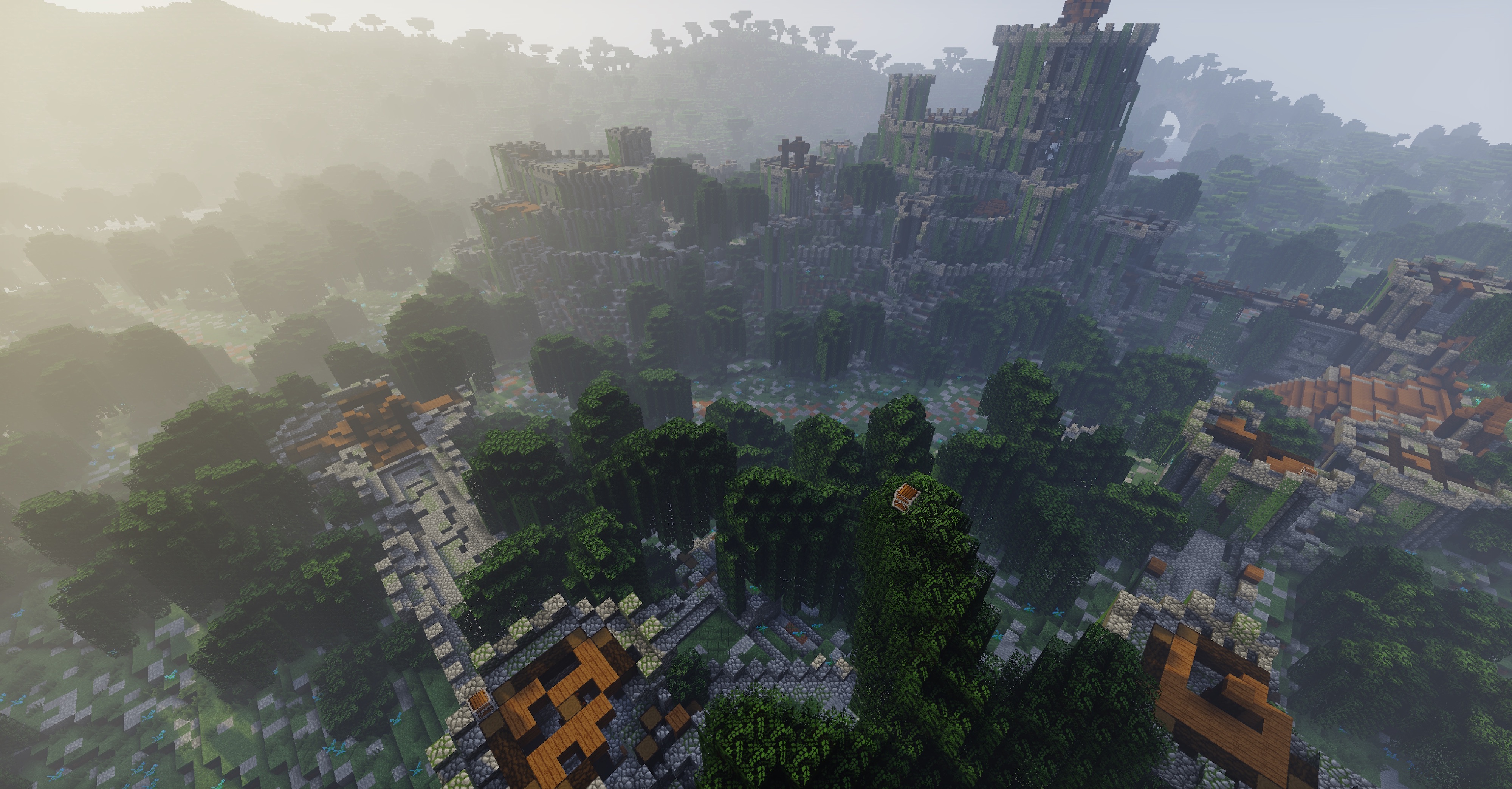
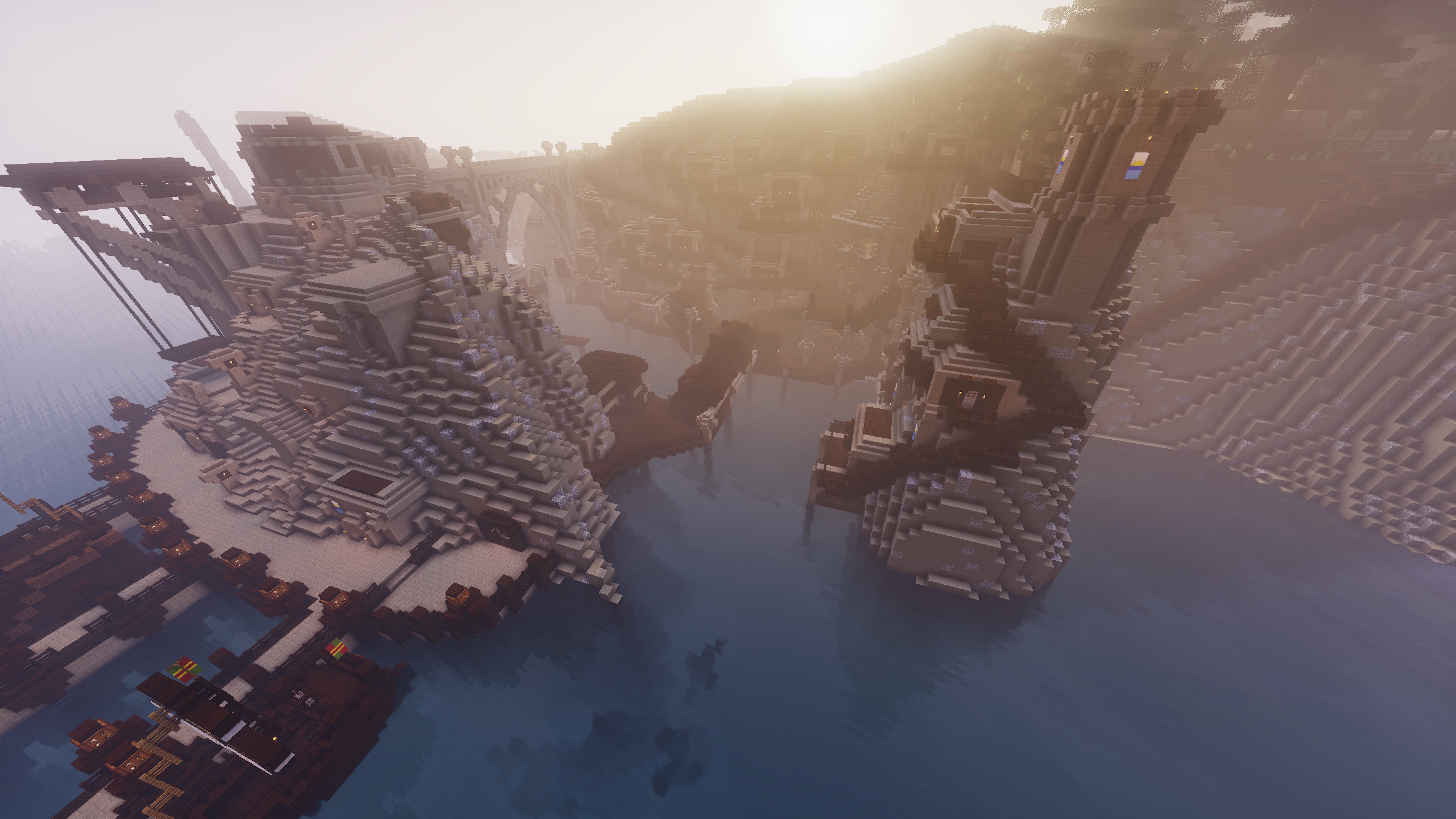
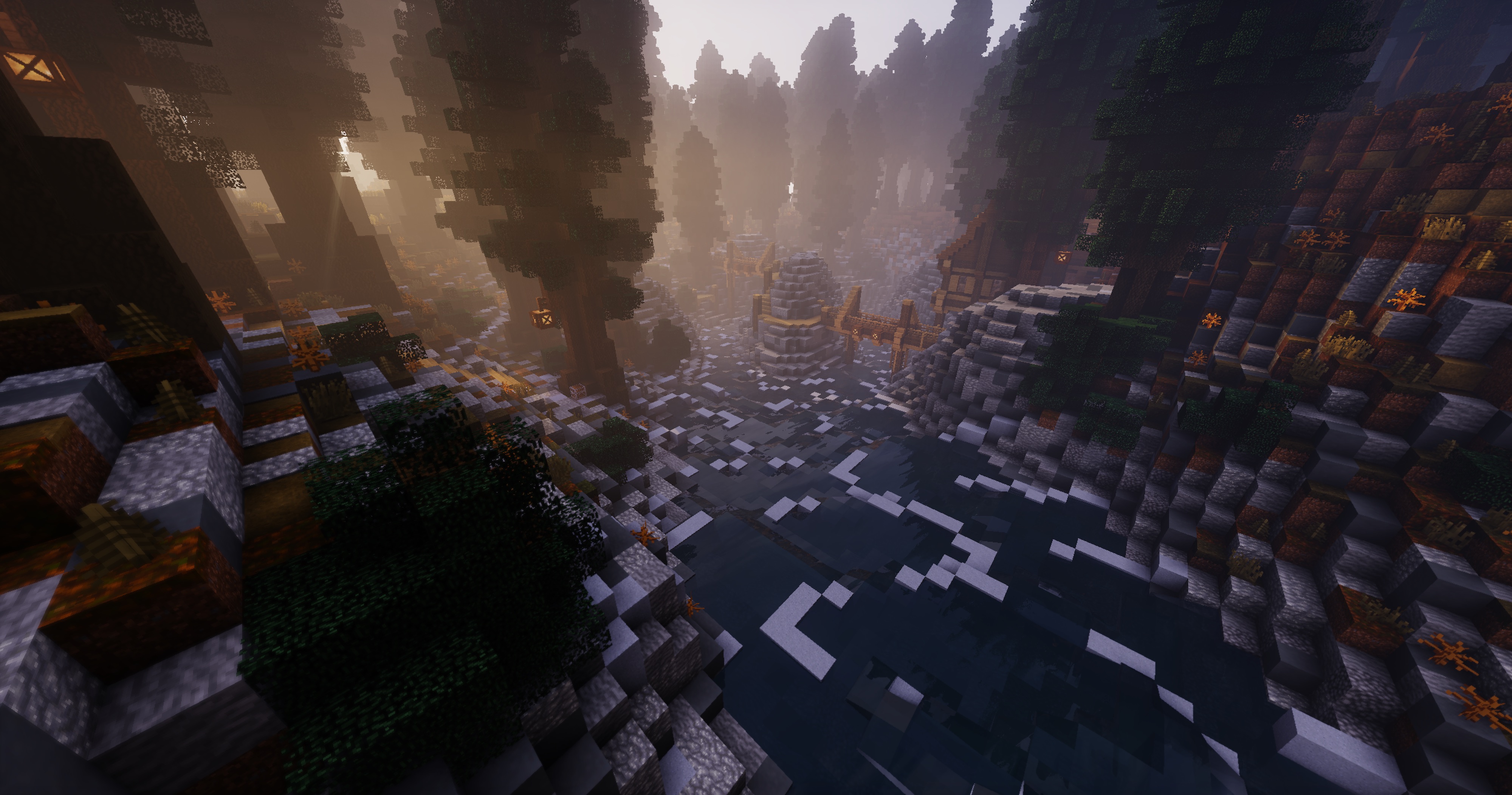
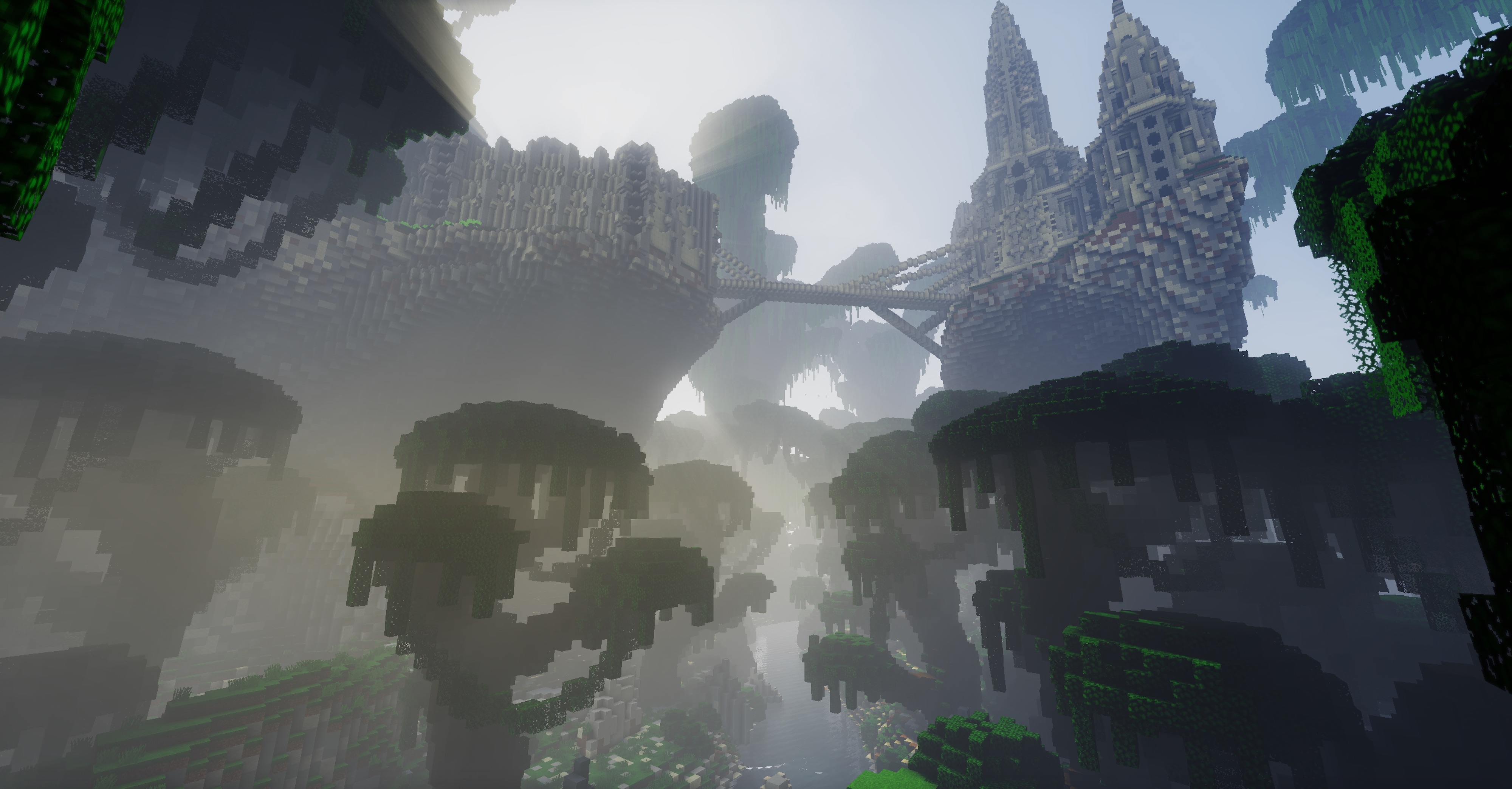
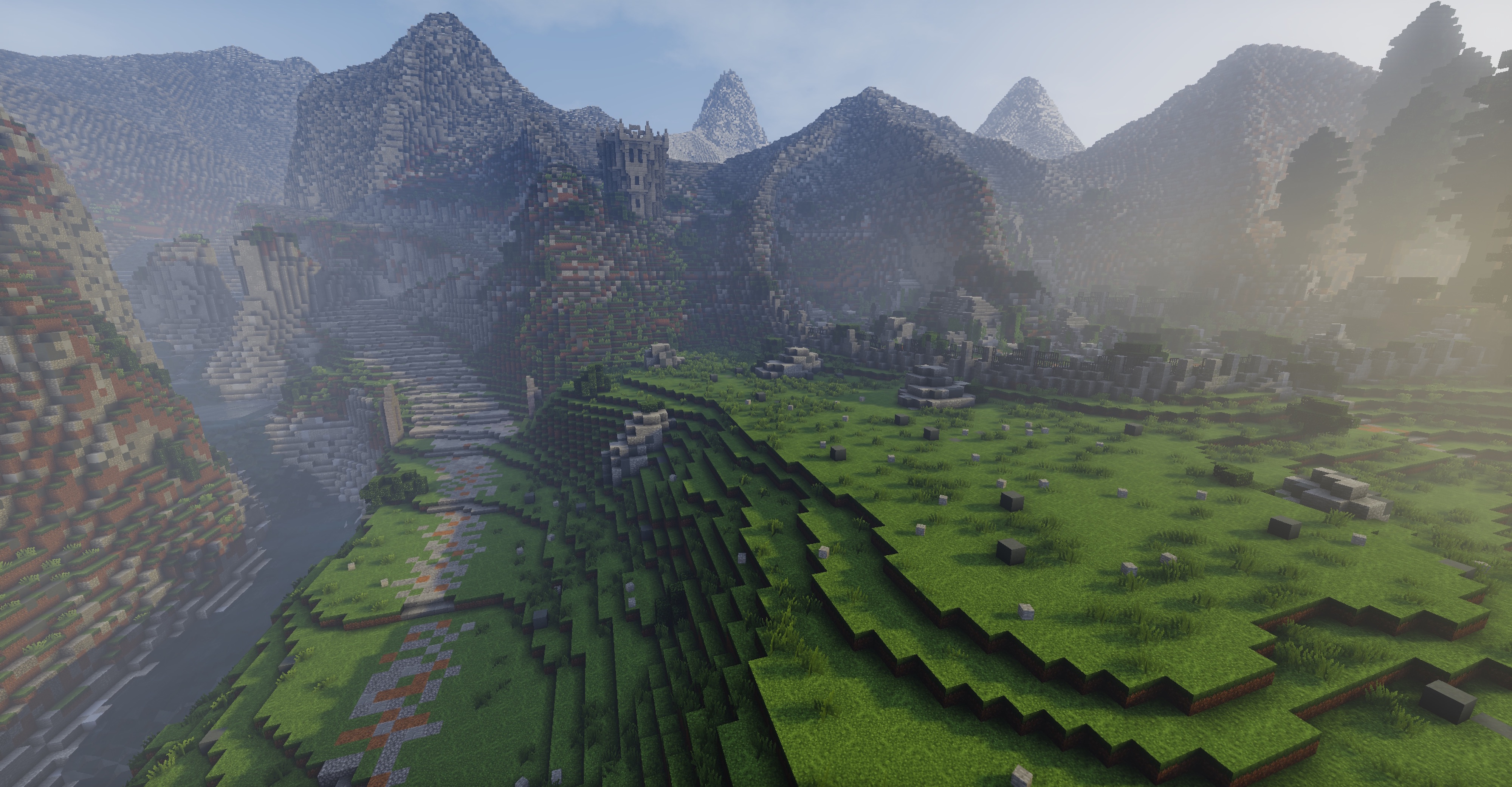
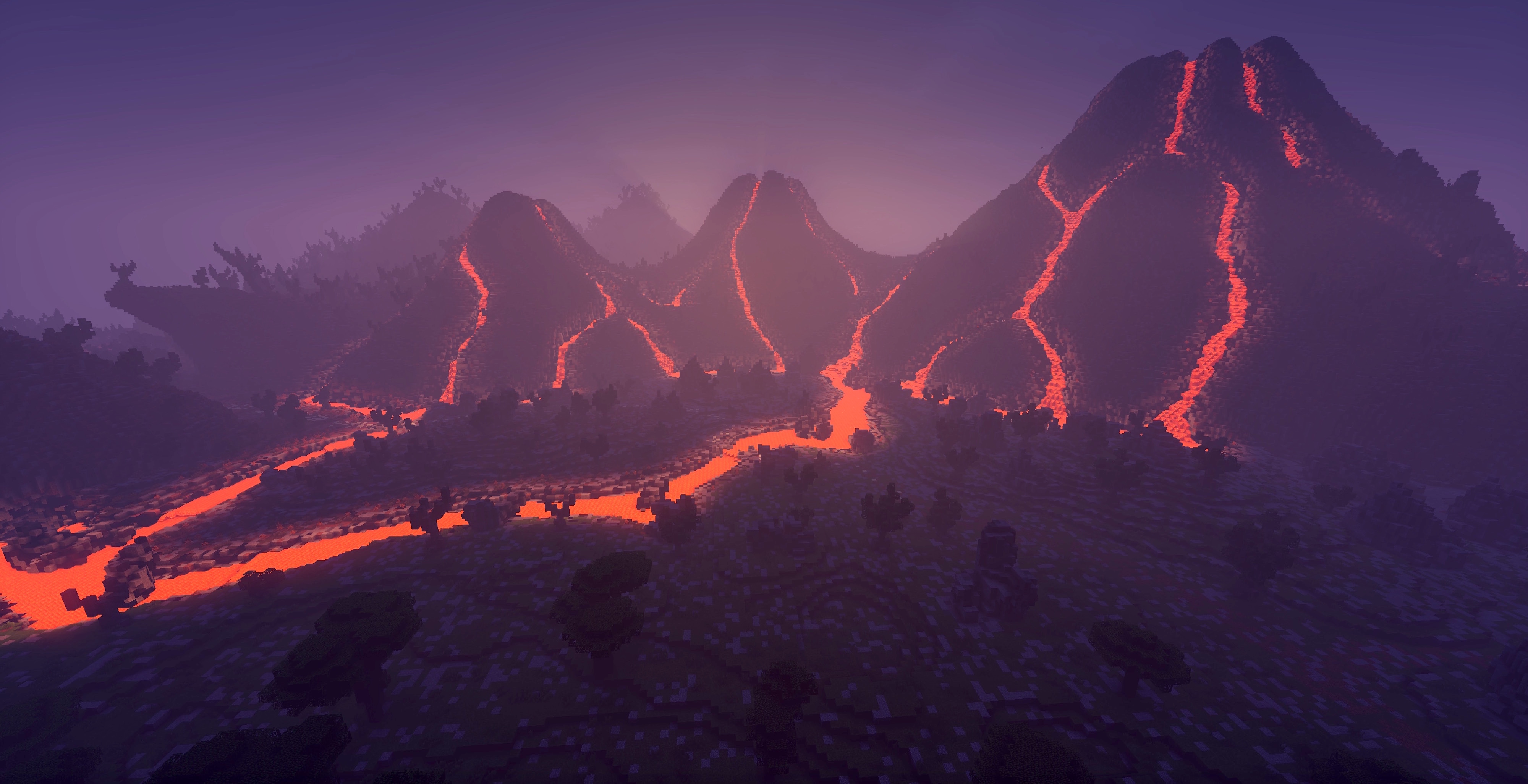
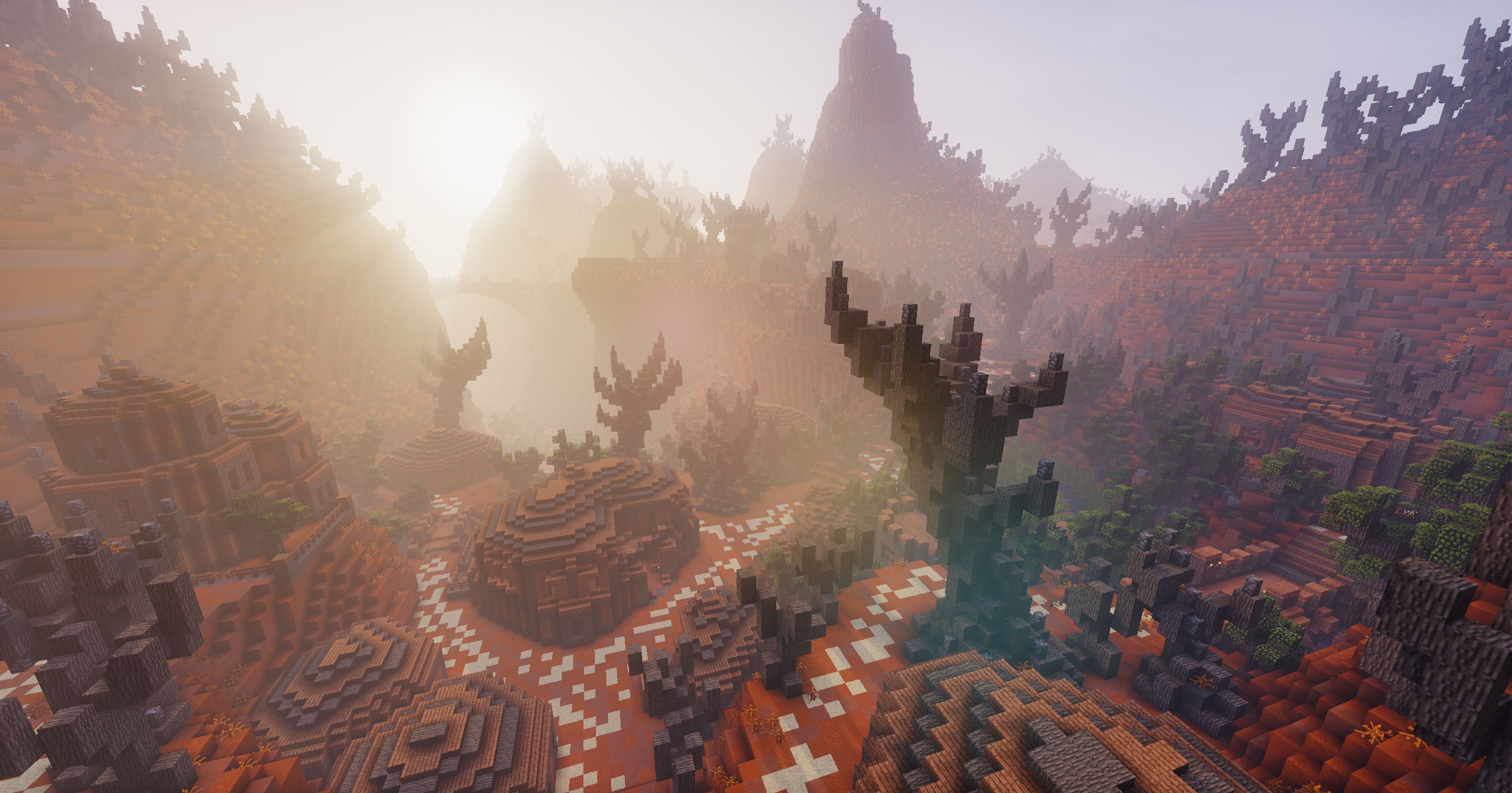
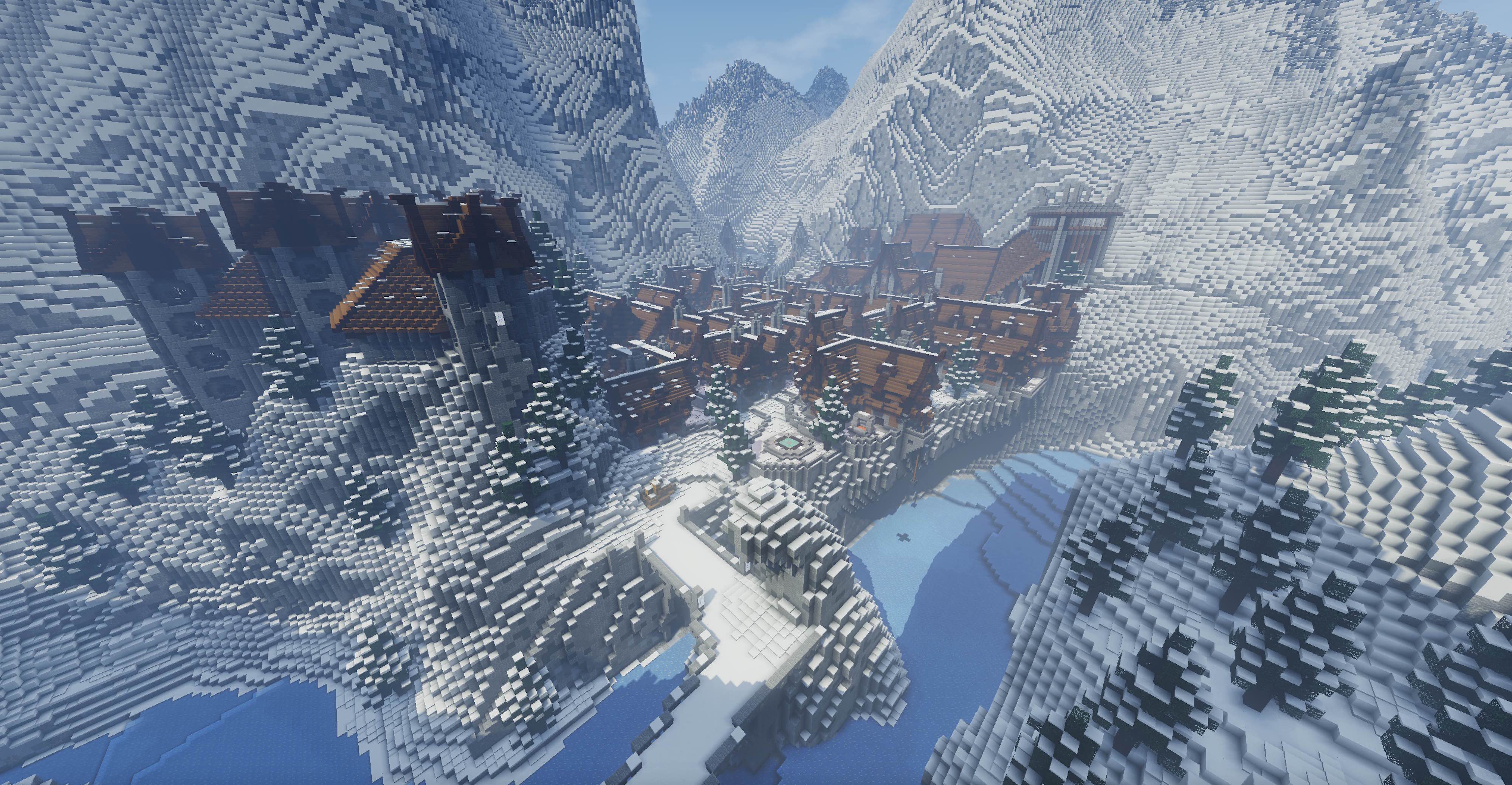
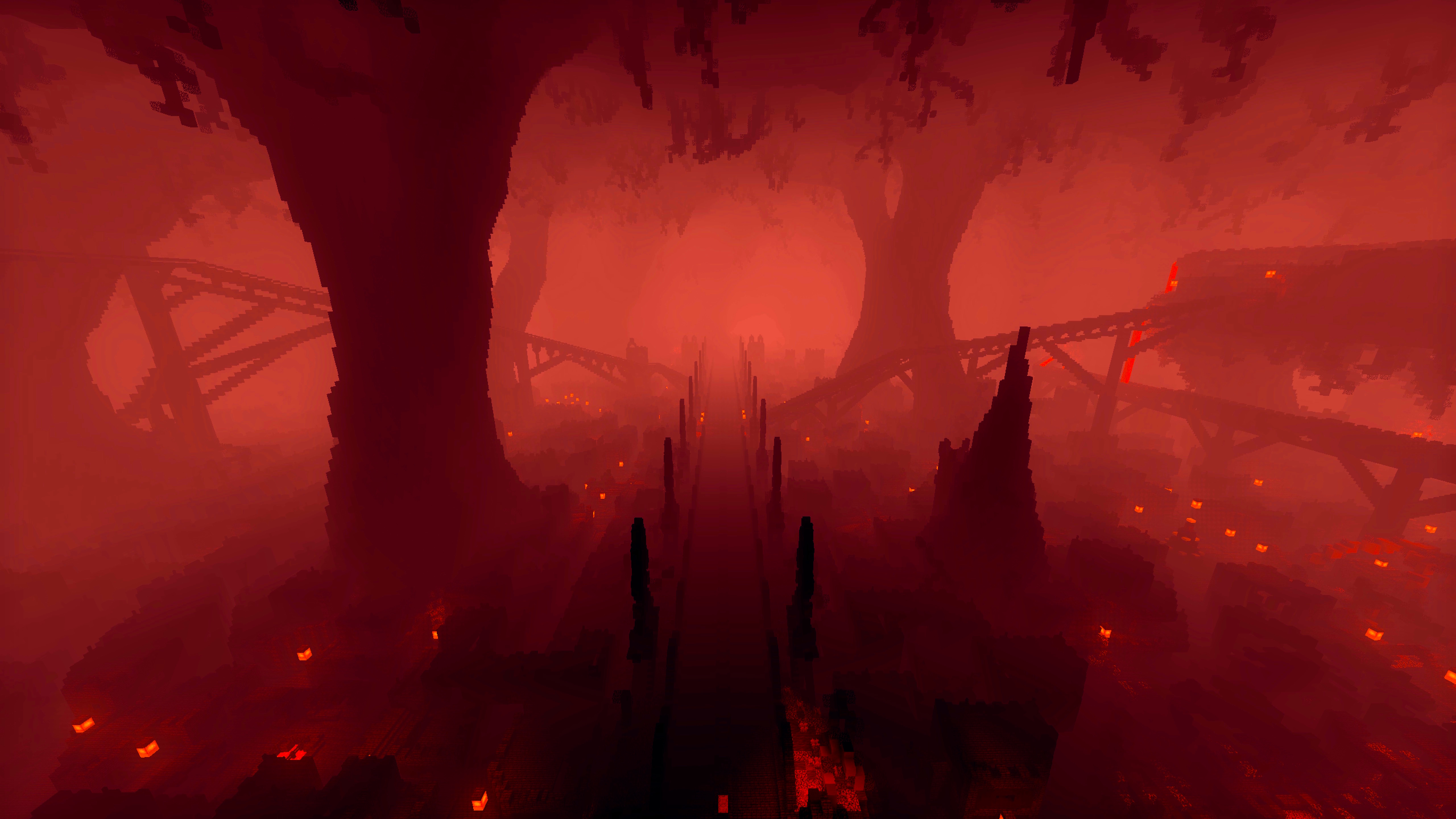
介绍
Across The Time 2 – Time for Regrets: DEFINITIVE EDITION
The largest and most complete version of the map ever made, rebuilt from the ground up for Minecraft 1.21.11 (Java Edition). 100% vanilla, no mods required.
Current version: Definitive Edition v1.2.0
Official trailer
Definitive Edition gameplay
GAME DETAILS
- A large RPG/PVE map, semi-open, playable solo or in multiplayer (unlimited players, 1 to 5 recommended).
- Over 40 hours for the main storyline, and more than 100 hours for full completion.
- A long main quest with an original story, fully voiced dialogue and many cutscenes.
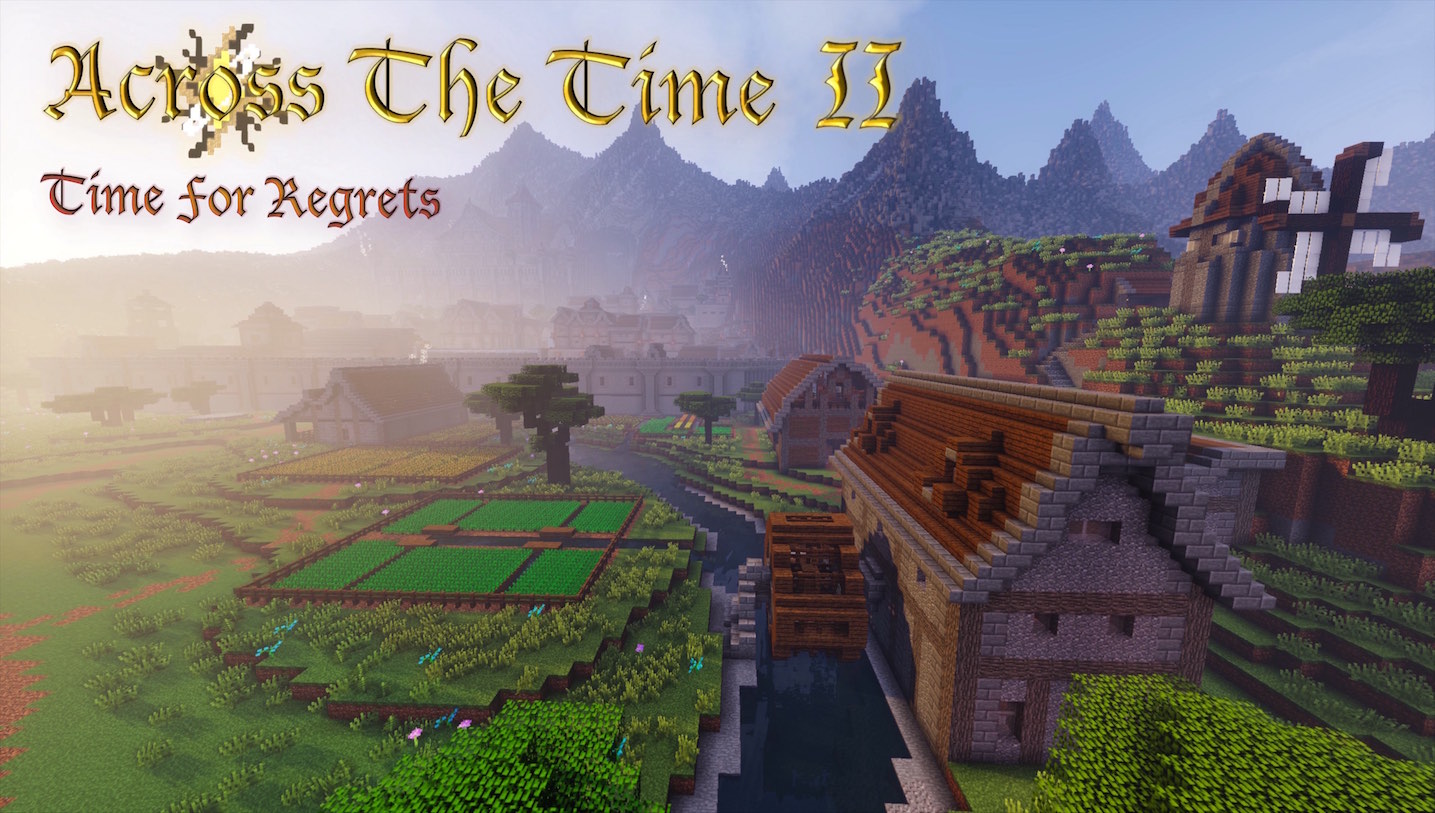
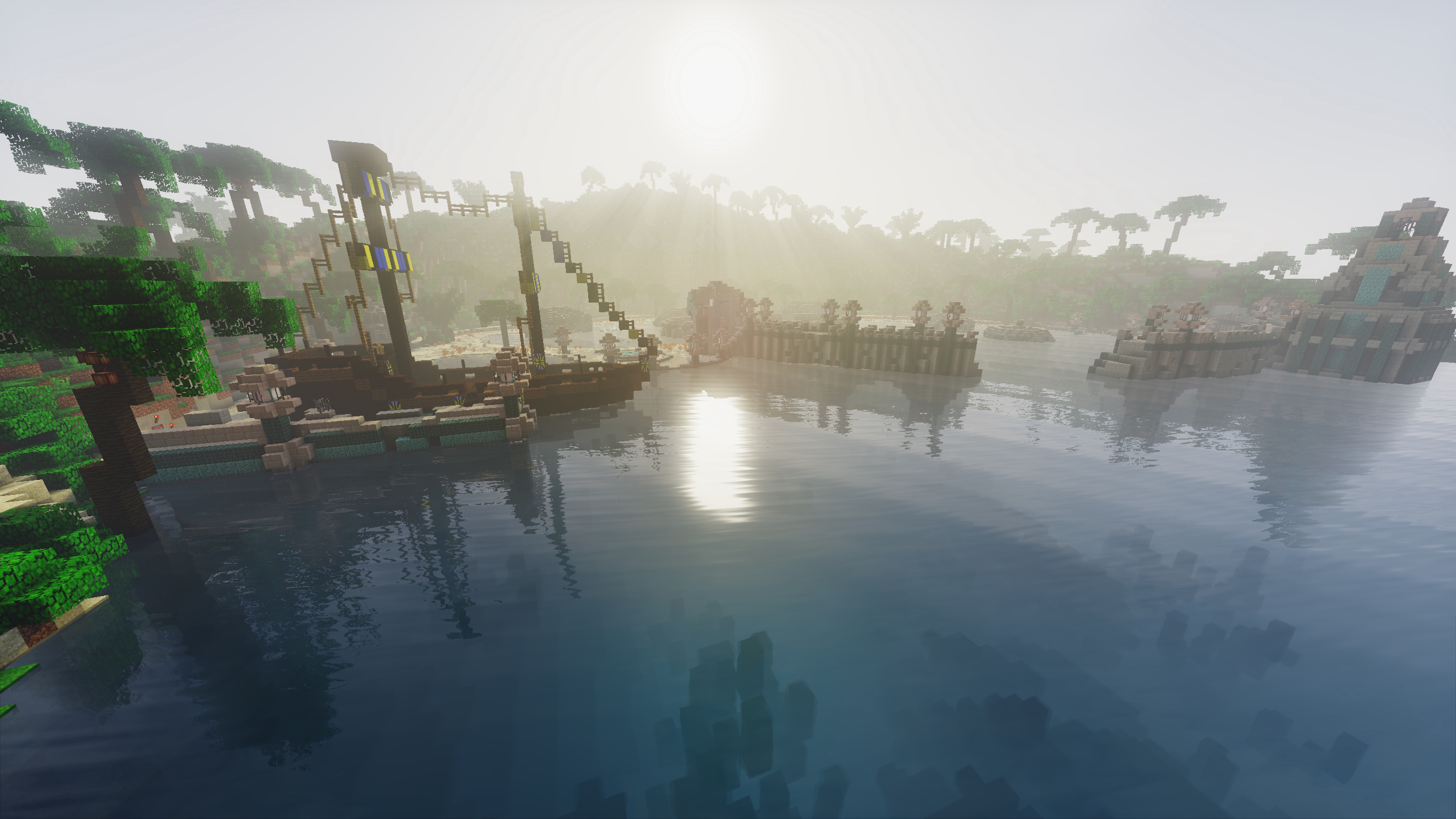
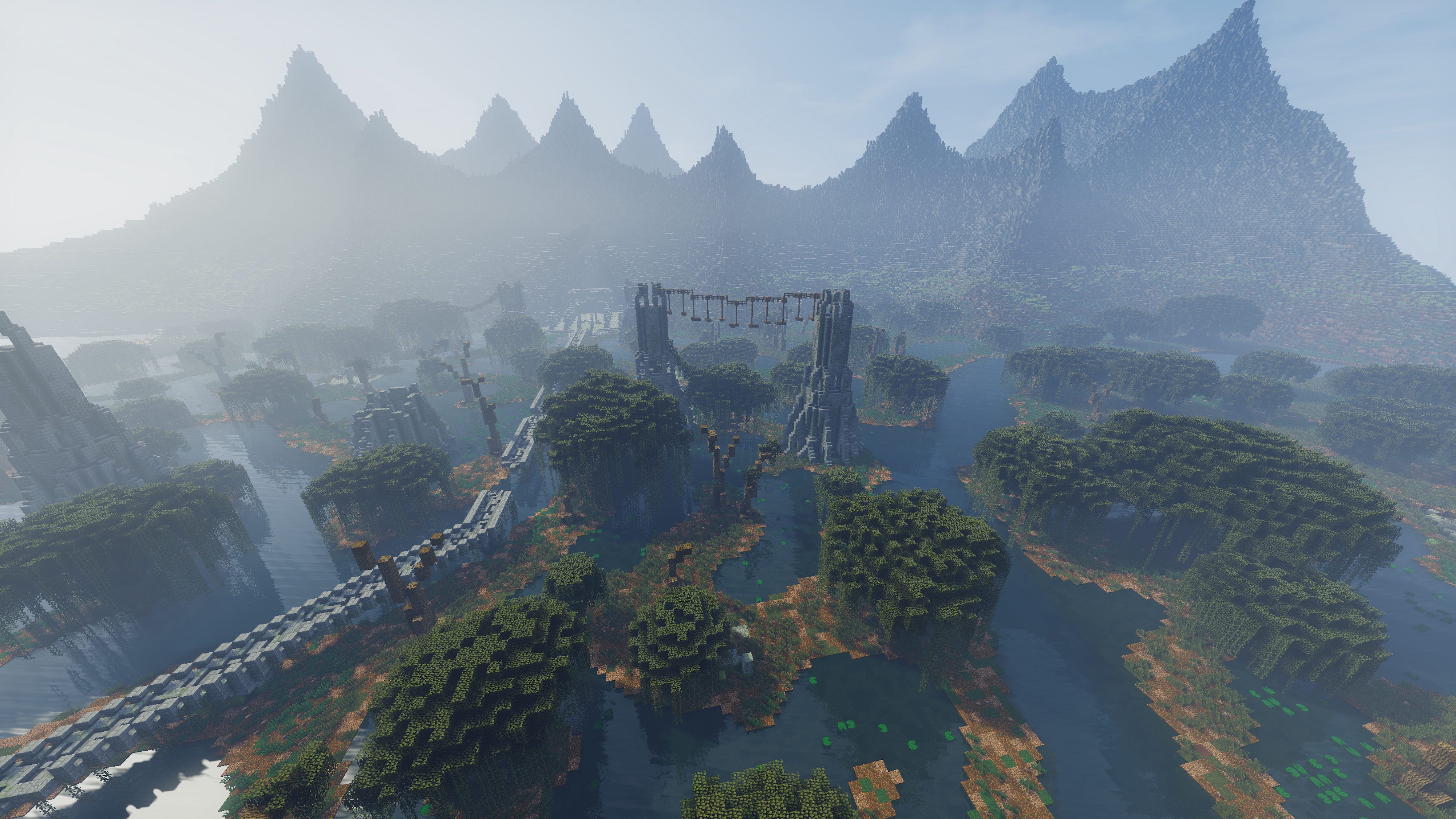
- A wide world, the kingdom of Sylberländ, with varied biomes and unusual realms across several dimensions.
- 6 weapon families (sword, dagger, hammer, axe, spear, scythe), each with its own mechanic, plus shield special attacks and 36 enchantments.
- 12 mythical weapons, each with a signature ability.
- 34 Dahäl spells that scale on 10 levels, based on how often you use them.
- A rune system: 27 runes to combine into 20 runewords that permanently boost your character.
- 60 side quests, 60 daily quests and a GPS that points you toward your chosen quest goal.
- 27 runic trials and the dungeon they unlock, mazes, elytra races, horse races, fishing spots and a body temperature system.
- 6 cities and many villages, home to 154 NPCs you will have to talk with.
- A reputation system shaped by your answers and actions during the adventure.
- 3,102 advancements to complete, panoramas and symbols to discover for the intrepid travelers.
- Many items (Common, Uncommon, Rare, Epic, Legendary, Supreme, Mythical) to collect.
- The Book of Consciousness: character sheet, skill points, quests, statistics, game guide, settings and quick actions, all in one menu.
- A resource pack made for the gameplay, with custom 3D items, textures, fonts, sounds and dynamic lighting.
- An original soundtrack composed entirely for the game.
- 5 difficulty levels (Apprentice, Veteran, Master, Nightmare, Nightmare Hardcore) with a balanced death penalty system.
- Player progression through Rising, Master and Eternän levels (hearts, Dahäl, skill points).
- Nine aptitudes to raise (Strength, Resistance, Speed, Haste, Critical and more).
- Enemies that scale with your level, elite mutations, mimics, invasions and 37 bosses.
- A checkpoint system if you die, and 40 landmarks to travel to automatically on your mount.
- Thousands of chests and secrets to discover, buried caches and decorated pots.
- A highly developed economy with its own currency, the Chronotons, and a rarer one, the Sovereign Chaos Scales.
- Many shops, a black market, a casino, a recycler and a bank shared between players.
- An anti-cheat system to keep every system of the map working properly during this long journey.
ACROSS THE TIME 2 IS NOW
The world
- 12,000,000 m² of hand-built terrain, across every dimension
- 193,983 chunks generated and shaped
- 43 regions to explore
- 6 living cities: Ryliath, Meleim, Eolorion, Kortaek, Phoenix and Zirthion
The content
- 55,000 words of dialogue, fully voiced
- 7,463 chests and containers
- 3,102 advancements, for 23,428 Exploit points
- 2,910 decorated pots
- 1,305 symbols
- 1,130 unique items
- 440 checkpoints
- 342 skill points to earn
- 154 NPCs
- 100 fishing spots
- 44 panoramas
- 37 bosses, secret bosses included
The code
- 777,000 lines of commands
- 39,620 functions
- 12,467 text keys, translated into 12 languages
- 7,433 command blocks
- 1,958 custom 3D item models
- 1,477 custom item textures
- 1,247 loot tables
- 1,151 scoreboards
- 968 custom sounds, including 613 voiced lines and 59 music tracks
- 6 datapacks
⚠️ ALREADY PLAYING IN DEFINITIVE EDITION? DON’T CLICK “UPDATE” IN CURSEFORGE!
The CurseForge app replaces the whole world when it updates, and your progress cannot be restored. To update an existing save without restarting your adventure:
- Quit your world and make a backup of your save.
- In your save folder, replace only the
datapacksfolder with the one from the new version. Never replacelevel.dat,regionorplayerdata, or you would lose your progress. - In
.minecraft/resourcepacks, replace the old resource pack with the new one, then enable it in Options > Resource Packs. - On a server, replace the world’s
datapacksfolder and restart. Each player updates their own resource pack.
If Minecraft offers Safe Mode when loading the world, decline it.
LINKS
Join our community and talk about Adventquest projects with us: Discord
Official website, guides and every patch note: adventquest.com
LEGAL
Regarding streaming or video retransmission, everyone is of course allowed to do so. However, please do not appropriate our work, because of the rights of the project.
RULES
- The map is compatible only with Minecraft 1.21.11 (Java Edition), which requires Java 21 (installed automatically by the official launcher).
- Install and activate the resource pack “Across The Time II – Resource Pack (Definitive Edition v1.2.0).zip” before starting to play.
- Stay in Adventure game mode.
- Minimum render distance: 12 chunks (12 to 16 recommended).
- Solo playable, with cooperative multiplayer: unlimited players are supported and can join at any time, but 1 to 5 players is recommended.
- Always keep the same Minecraft username you started the map with.
- OptiFine is optional and not required: the map has its own dynamic lighting. If you use it, some custom models may render incorrectly or some mobs may turn invisible (quit and rejoin the world if that happens).
MULTIPLAYER
- You need to set up a server. Many tutorials are available online, such as Setting up a Minecraft server.
- Grant yourself server administration with this command in the server console:
/op <playername> - Use a vanilla server. Do not use plugin platforms such as Spigot, Bukkit or Paper: they will break the map.
- Enable command blocks and configure the server properties as shown below.
- The server must run on Java 21 or newer.
IMPORTANT!
When loading the map, a lack of RAM often makes Minecraft offer a choice between launching the world in “safe mode” or “returning to the main menu”. Never launch the map in safe mode: it disables the datapacks, breaks every gameplay element of the map, and you will have to reinstall the whole map.
If crashes, freezes or similar errors occur when launching the map, you most likely haven’t allocated enough RAM to your Minecraft game or server.
RAM to allocate:
- 1 to 2 players: 3 GB minimum, 4 GB recommended
- 3 to 5 players: 5 GB minimum, 6 GB recommended
- More players: allocate more RAM accordingly
To increase RAM:
- Launch the Minecraft launcher and go to the Installations tab.
- Select the profile you want to increase the RAM for.
- Click More options, at the bottom right.
- In JVM arguments, change
-Xmx2Gto-Xmx4Gto go from 2 GB to 4 GB. - Click Save.
If this is your first time playing the map, it is advised not to play on Nightmare. With several players, it is advised not to play on Apprentice.
SETTINGS
Server (server.properties):
enable-command-block=true
gamemode=adventure
level-name=Across The Time II - World Map (Definitive Edition v1.2.0)
motd=Across The Time II - World Map (Definitive Edition v1.2.0)
difficulty=normal
max-tick-time=150000
max-players=5
allow-flight=true
view-distance=12
simulation-distance=12
allow-nether=true
op-permission-level=4
function-permission-level=2
broadcast-console-to-ops=true
broadcast-rcon-to-ops=true
force-gamemode=false
hardcore=false
spawn-monsters=true
spawn-animals=true
spawn-npcs=true
spawn-protection=16
player-idle-timeout=0
online-mode=true
white-list=false
enforce-whitelist=falsefunction-permission-level=2is required so the map’s datapacks can run their commands.allow-flight=trueis required for the elytra races and the flight-based mechanics.- Increase
max-playersif you host more than 5 players.
Video (Options > Video Settings):
- Render Distance: 12 chunks minimum
- Brightness: Maximum
- Clouds: OFF
- Dynamic FOV: ON
- Particles: All
Sound (Options > Music & Sounds):
- Music: 100%
- All other sliders: 50%
Chat (Options > Chat Settings):
- Chat Text Opacity: 100%
- Text Background Opacity: 75%
OptiFine (if you use it):
- Options > Video Settings > Quality > Connected Textures: OFF
评论
登录后评论和评分